
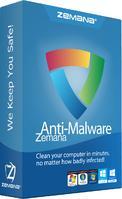
Zemana AntiMalware Free is a cloud-based malware scanner that provides excellent malware detection, quick scans, and easy malware removal.
Zemana AntiMalware Premium protects your computer from online attacks that threaten your identity, your files, your system, and your financial well-being.
STEP 1
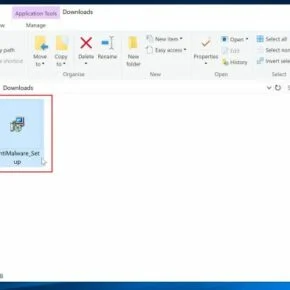
Download the Zemana AntiMalware setup file.
STEP 2
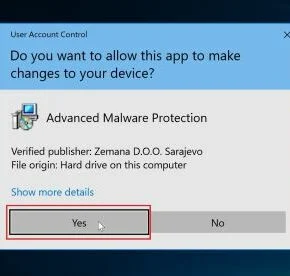
Double-click on the setup file, then follow the on-screen instructions to install Zemana AntiMalware.
STEP 3
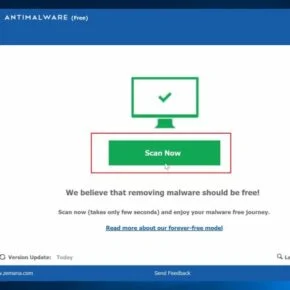
Start a computer scan and remove the malicious files.
ABOUT ZEMANA:
| Author: | Zemana |
| License: | Free to scan and clean malware. Extra features with $24.95 upgrade. |
| Support: | For 32-bit and 64-bit versions Windows 10, Windows 8.1, Windows 8, Windows 7, Windows Vista, Windows XP SP3 |
| File Size: | 12.2 MBs |
| Version: | 3 |
COMPANY’S DESCRIPTION:
Zemana AntiMalware is an advanced malware removal tool that provides protection from threats such as malware, spyware, adware, ransom software.
Zemana Fast Scan – Scan your PC in fast and effective way for malware, spyware, virus detection and removal.
Zemana -Detects and removes annoying browser add-on’s, adware, unwanted apps and toolbar and any type of malware on your PC
SCREENSHOTS FOR ZEMANA
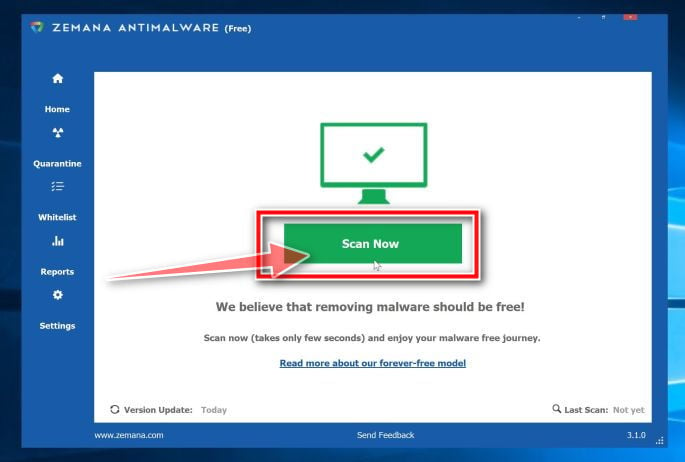 Click on Scan Now to perform a system scan
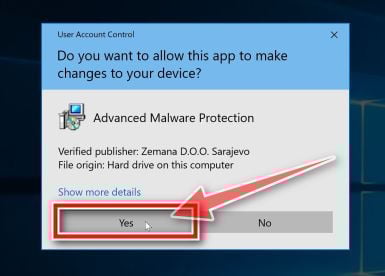 Click Yes to install Zemana AntiMalware
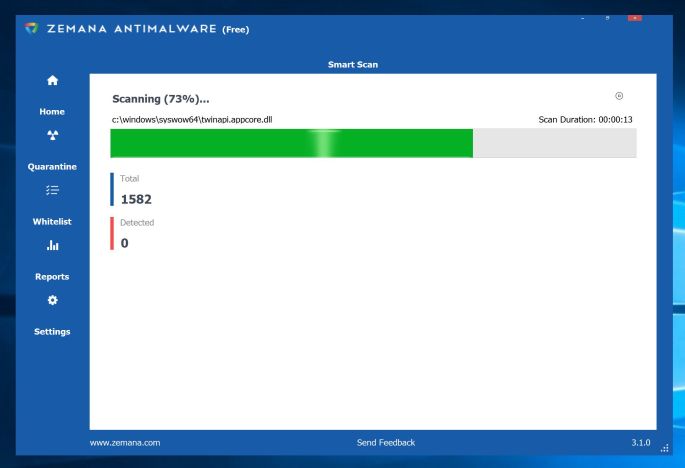 Zemana AntiMalware scanning for malware
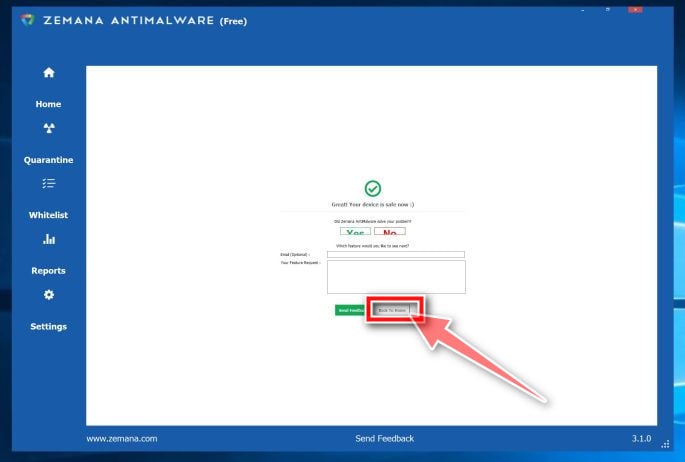 Close Zemana AntiMalware and restart computer
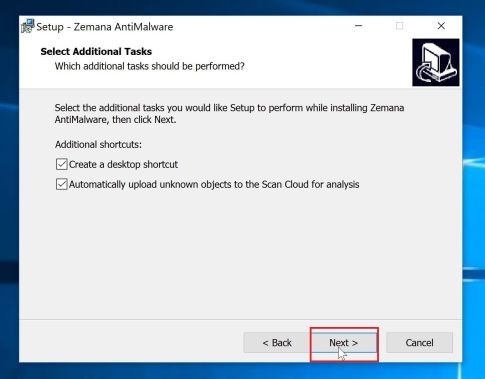 Click Next then follow the on-screen prompts
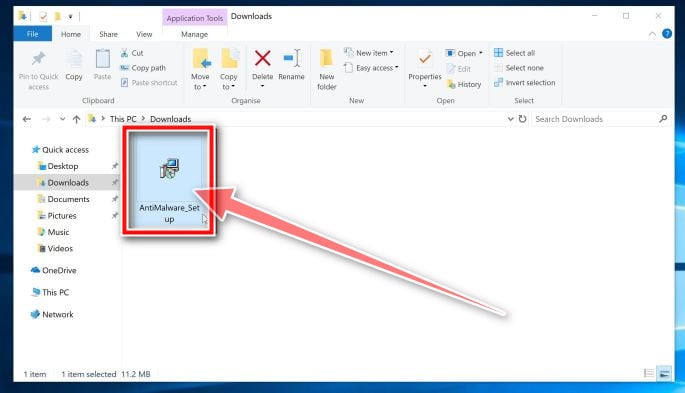 Double-click on the Zemana AntiMalware to instal it
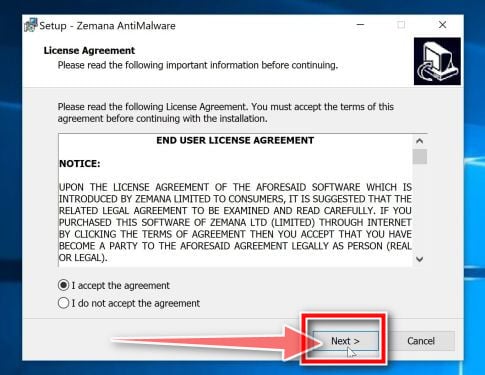 Click Next then follow the on-screen prompts
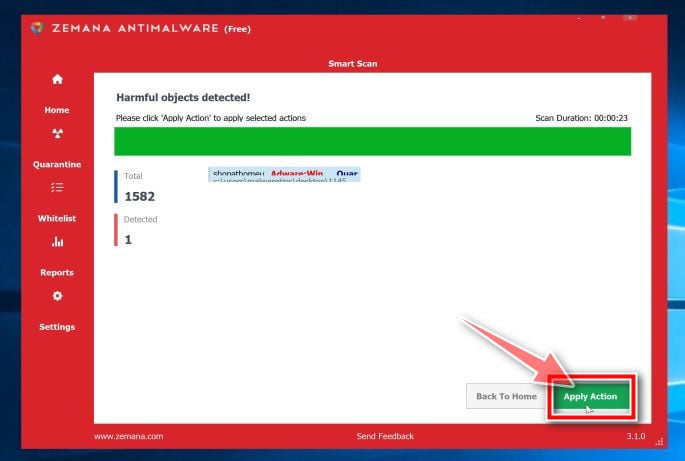 Click Apply actions to remove malware found by Zemana AntiMalware
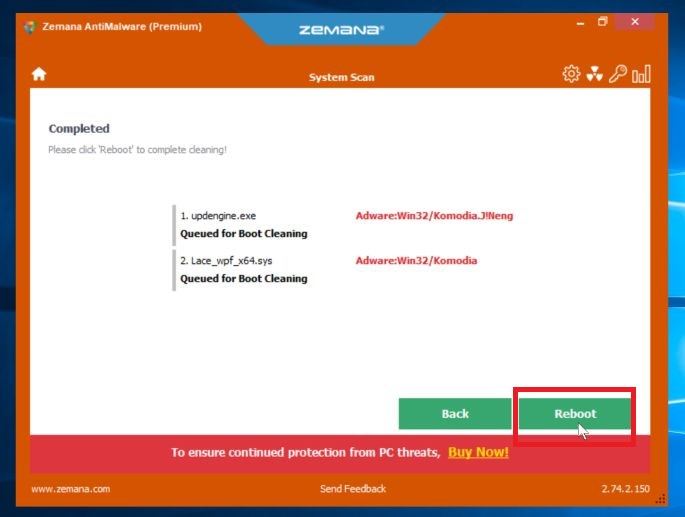 Zemana asking to restart PC
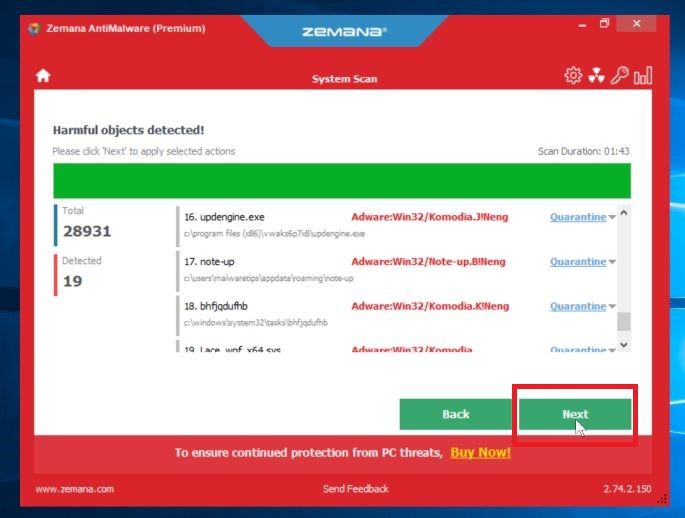 Click Next to remove malware found by Zemana AntiMalware