

When it comes to computer systems and software, there are numerous files and components that work together to ensure smooth operation. One such file is the Kernel32.dll, which plays a crucial role in the functioning of the Windows operating system. In this article, we will explore what Kernel32.dll is, its importance, and whether or not it should be removed.
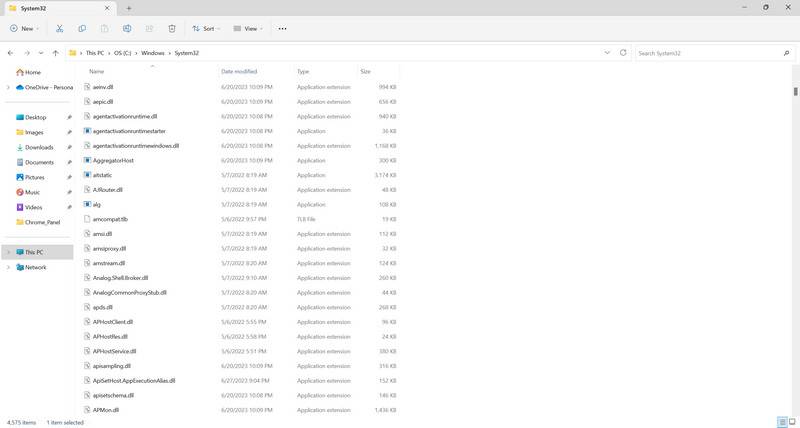
Understanding Kernel32.dll
The Kernel32.dll file is a dynamic link library file that is an integral part of the Windows operating system. It contains essential functions and procedures that are used by various programs and applications to interact with the operating system. These functions include memory management, input/output operations, process management, and error handling.
Kernel32.dll is responsible for providing a stable and secure environment for software to run on Windows. It acts as a bridge between the hardware and software components of a computer system, allowing them to communicate effectively. Without Kernel32.dll, many programs and applications would not be able to function properly.
Should I Remove Kernel32.dll?
Now that we understand the importance of Kernel32.dll, the question arises: should you remove it? The answer is a resounding no. Kernel32.dll is a critical system file, and removing it can have severe consequences for the stability and functionality of your computer.
Attempting to remove or delete Kernel32.dll can lead to system crashes, application errors, and even render your computer inoperable. It is not recommended to tamper with system files unless you have advanced technical knowledge and a specific reason to do so.
If you suspect that Kernel32.dll is causing issues on your system, it is advisable to seek professional help or consult online forums and communities dedicated to computer troubleshooting. They can provide guidance on resolving any problems related to Kernel32.dll without resorting to its removal.
Common Issues with Kernel32.dll
While Kernel32.dll is a critical system file, it is not immune to issues and errors. Some common problems associated with Kernel32.dll include:
- Application crashes: If an application is unable to access or utilize Kernel32.dll properly, it may crash or display error messages.
- Blue screen of death (BSOD): In some cases, a faulty or corrupted Kernel32.dll file can lead to system crashes, resulting in the infamous blue screen of death.
- Performance issues: If Kernel32.dll is not functioning correctly, it can impact the overall performance of your computer, causing slow response times and lag.
If you encounter any of these issues, it is crucial to address them promptly to ensure the stability and functionality of your system.
Resolving Kernel32.dll Issues
If you are experiencing problems related to Kernel32.dll, there are several steps you can take to resolve them:
- Scan for viruses and malware: Malicious software can corrupt system files, including Kernel32.dll. It is recommended to regularly scan your computer using reliable antivirus software, such as Malwarebytes Free, to detect and remove any threats.
- Update Windows: Outdated versions of the Windows operating system can lead to compatibility issues with Kernel32.dll. Make sure to install the latest updates and patches provided by Microsoft to ensure optimal performance.
- Reinstall problematic applications: If a specific application is causing issues with Kernel32.dll, try reinstalling it. This can help resolve any conflicts or errors that may be occurring.
- Perform a system restore: If all else fails, you can use the system restore feature to revert your computer back to a previous state when Kernel32.dll was functioning correctly. This can help undo any changes or updates that may have caused the issues.
It is important to note that these steps should be followed with caution, and it is always advisable to create a backup of your important files and data before making any changes to your system.
Conclusion
Kernel32.dll is a critical system file that plays a vital role in the functioning of the Windows operating system. It should not be removed or tampered with unless you have advanced technical knowledge and a specific reason to do so. Removing Kernel32.dll can lead to severe consequences, including system crashes and application errors.
If you encounter any issues related to Kernel32.dll, it is recommended to seek professional help or consult online communities dedicated to computer troubleshooting. Following best practices, such as regularly scanning for viruses and malware, updating Windows, and reinstalling problematic applications, can help resolve any problems associated with Kernel32.dll and ensure the stability and functionality of your computer system.

Join the discussion
0 commentsShare your experience or ask a question about this article.
Discussion
Start the conversation
Have a question or something useful to share? Add the first comment.