

Your phone rings from a 672 number, or a text arrives with a warning about a parcel, bank account, unpaid toll or government payment. The number looks local enough to deserve attention.
That familiarity is the trap. The 672 area code is real, but scammers can use, spoof or rotate 672 numbers to make an unexpected message feel safer than it is.
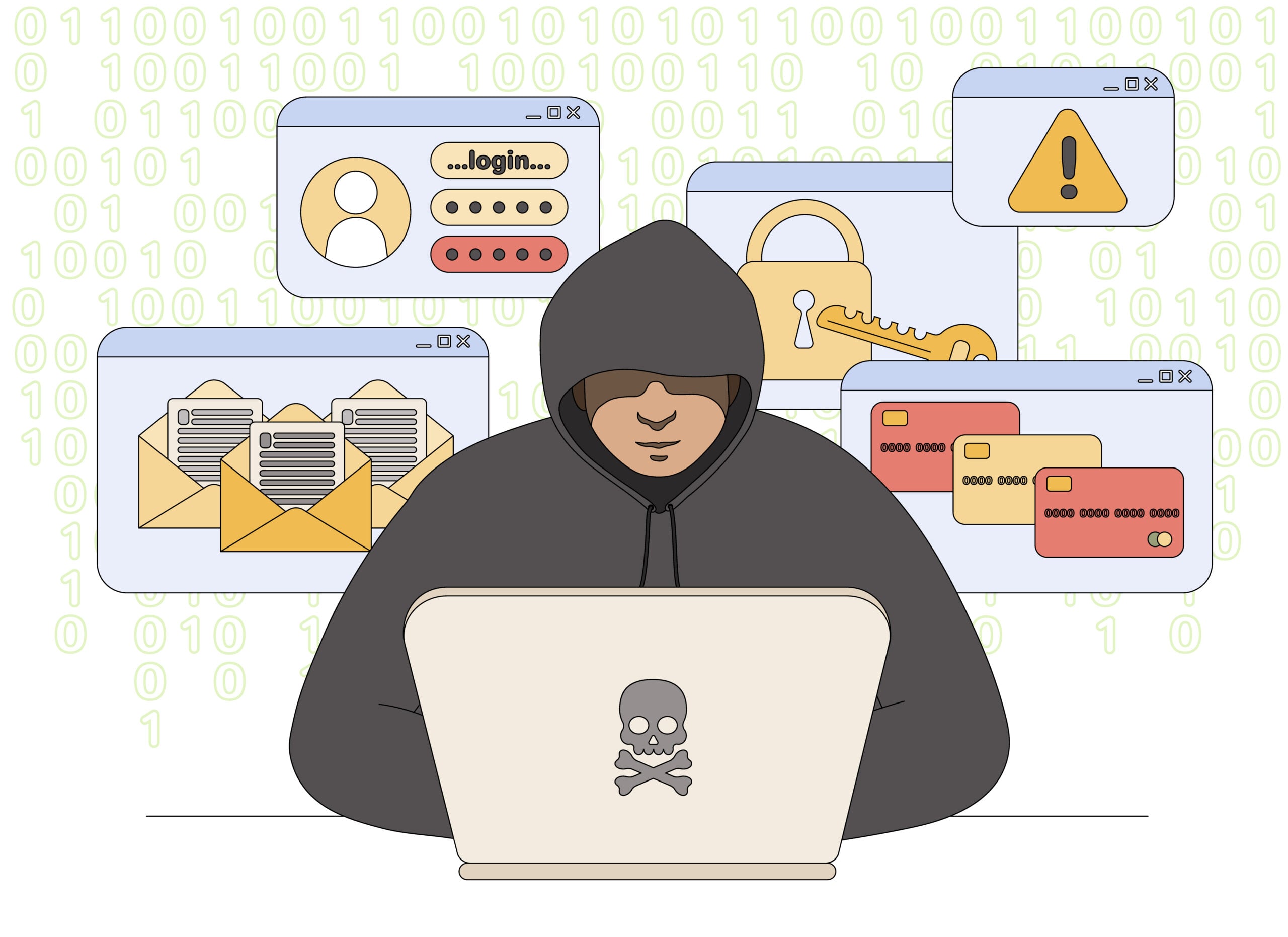
672 Area Code Scam Overview
The 672 area code itself is legitimate and is associated with British Columbia, Canada. The scam involves criminals using 672 numbers or falsified caller ID to reach potential victims.
The contact may begin with a missed call, automated voicemail or short text. Common stories involve a delivery problem, suspicious bank transaction, unpaid road fee, tax issue, prize, job offer or emergency involving a relative.
The first message rarely asks for everything. Its purpose is to start a conversation, create urgency and move the victim toward a link, callback number or private chat.
Once contact is established, the scammer may request a card number, online-banking credentials, one-time security code, Social Insurance Number, identity document or payment through an irreversible method.
Bottom line: a 672 number is not proof of fraud, but it is never proof of legitimacy. Verify the story independently before clicking, calling back or sharing information.
The 672 area code is a genuine British Columbia overlay, so a call or text from it can be completely legitimate. It can also be spoofed or obtained by someone outside the province. Fraudsters prefer local-looking numbers because recipients are more likely to answer, assume a shared connection or believe that the sender represents a nearby business or agency.
The conversation may begin with a delivery problem, unpaid toll, bank warning, job offer or simple “Are you available?” message. The first contact is often intentionally vague because the sender wants you to reveal which explanation will work. Do not use the area code as an identity check. Verify the claimed organization through its official app, statement or published number and avoid links in unexpected texts.
A scammer may also rotate through several 672 numbers after one is blocked. That change does not mean a different organization is calling; it is often the same campaign testing which local-looking number receives a response.
How the 672 Area Code Scam Works
Step 1: A local-looking number lowers suspicion
People are more likely to answer a number that appears to come from their province or region. Scammers exploit that instinct by obtaining internet-based numbers or manipulating caller ID.
The person controlling the call may be anywhere. Caller ID shows what was transmitted to the phone, not a verified physical location.
Step 2: The opening message creates urgency
A text may say that a parcel cannot be delivered, a bank transfer is pending or a toll must be paid today. A call may claim that an account is under investigation or a government deadline has been missed.
The story is designed to trigger fear, curiosity or relief before the recipient has time to verify it.
Step 3: The victim is moved to the scammer’s channel
The message includes a link, asks for a reply or provides a callback number. Once the victim follows that instruction, the scammer controls the conversation and can adjust the story based on the response.
Step 4: A fake page or agent collects information
A phishing page may imitate a bank, courier or government portal. A fake representative may ask the same security questions a real organization would use.
Credentials, card details and one-time codes entered during this stage can be used immediately to access accounts or authorize payments.
Step 5: A small request becomes a larger loss
A delivery scam may begin with a small redelivery fee. A tax or bank call may escalate to gift cards, cryptocurrency, wire transfer or a supposed “safe account.”
After the first payment, another fee or emergency often appears. The pressure continues until the victim refuses or runs out of available funds.
Step 6: The number is abandoned or recycled
When complaints accumulate, scammers stop using one number and move to another. A different 672 number may deliver the same script a day later.
Blocking the caller is useful, but recognizing the method provides longer-lasting protection.
Common 672 Scam Texts and Calls
Package delivery text
The message claims that an address is incomplete or a parcel is being held. The link opens a fake courier page that requests a small fee and card information.
Bank fraud alert
A caller reports a suspicious purchase and offers to secure the account. The victim is asked for login details or a verification code that actually approves the attacker’s access.
Unpaid toll or parking notice
A text threatens a penalty, registration problem or collections action unless a small balance is paid through the supplied link.
Government or tax call
The caller claims to represent a revenue or benefits agency. Threats of arrest, benefit suspension or immediate legal action are used to demand payment.
Job and task scam
An unsolicited message offers easy remote work. The victim may be asked to deposit a fake check, purchase equipment or send money to unlock commissions.
Family emergency scam
The caller pretends to be a relative or authority dealing with an accident. Secrecy and urgent payment are used to prevent independent verification.
Red Flags to Watch For
- The contact is unexpected and demands action within minutes or hours.
- A link uses a shortened address or domain unrelated to the claimed organization.
- The caller asks for a password, PIN or one-time verification code.
- Payment must be made with gift cards, cryptocurrency, cash courier or wire transfer.
- The caller threatens arrest or account closure if you hang up.
- You are instructed to move money to a “safe” account.
- The message contains a generic greeting but claims detailed knowledge of an account.
- The caller discourages contacting family, the bank or the real organization.
How to Verify a 672 Contact Safely
- Do not use the supplied link or callback number. Leave the message and open a separate channel.
- Contact the organization directly. Use the number printed on a bank card, official bill or verified website.
- Check the real account. A genuine transaction or delivery issue should normally appear there.
- Ask a family member independently. Use a known number for emergency claims.
- Search the full number. Complaints can provide context, but an empty search does not prove safety.
- Let unknown calls go to voicemail. A legitimate caller can leave verifiable details without demanding secrets.
What to Do If You Clicked or Paid
- Contact the bank or card issuer immediately. Ask it to block transactions and secure affected accounts.
- Change exposed passwords. Begin with email and financial accounts, using a clean device.
- Do not approve login prompts. Reject unexpected codes and session requests.
- Preserve evidence. Save screenshots, the number, voicemail, website, receipt and transaction details.
- Report the number. Use your carrier’s spam tools and the relevant national fraud-reporting service.
- Monitor identity and credit. Take additional protection if government identifiers were disclosed.
People in Canada can report fraud to the Canadian Anti-Fraud Centre. US consumers can use ReportFraud.ftc.gov.
Frequently Asked Questions
Is every 672 number a scam?
No. 672 is a legitimate area code. Risk depends on the caller’s behavior and request, not the area code alone.
Can scammers spoof a 672 number?
Yes. Caller ID can be manipulated, and internet calling services make it easy to obtain numbers outside the caller’s real location.
Should I call back a missed 672 call?
Not unless you recognize the caller or can verify the reason independently. Letting an unknown caller leave voicemail is safer.
What if the text knows my name?
A correct name does not prove legitimacy. Names and phone numbers can come from public records, marketing lists or data breaches.
Can opening a text infect my phone?
Reading a normal text is usually less risky than clicking its link, installing an app or entering information. Avoid interacting with suspicious content.
Final Verdict
672 area code scam texts and calls rely on familiarity, urgency and caller-ID trust. The number may look local while the person behind it is using a fake identity and scripted story.
Do not judge the contact by the area code. Verify through a number or website you already trust, and never share passwords, security codes or payment details during an unexpected call.








