

A marketplace seller offers a new Samsung Galaxy S26 Ultra for $150, complete with premium photos, a sealed box and specifications that match the real flagship. Another person receives a robocall claiming that a Galaxy S26 Ultra payment is overdue and must be settled immediately.
Both approaches exploit the same expensive product. The real Galaxy S26 Ultra is legitimate and starts at $1,299.99 in the US, but scammers use counterfeit clones, nonexistent inventory and fake financing stories to turn a desirable phone into a payment and identity trap.
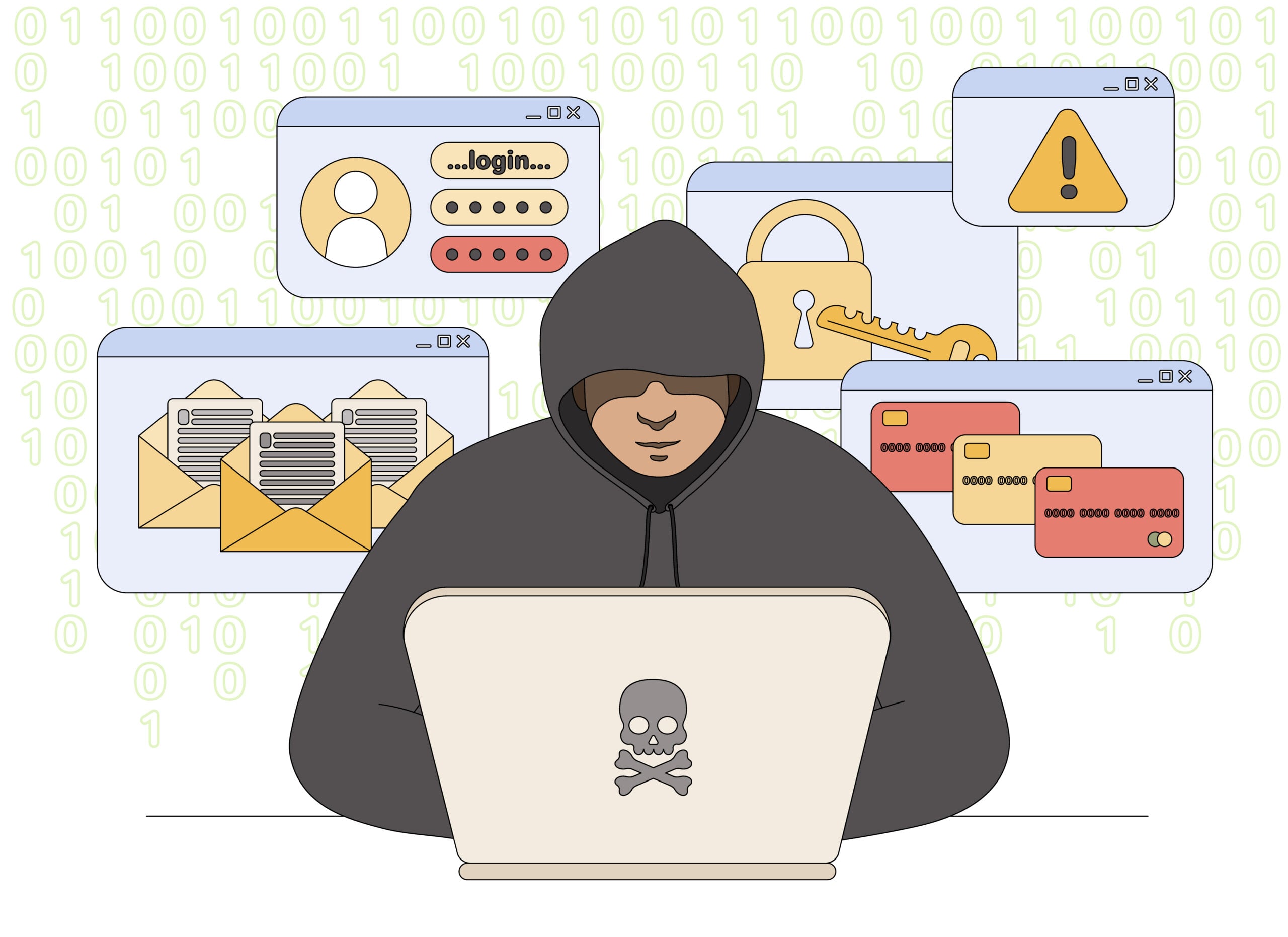
Samsung Galaxy S26 Ultra Scam Overview
The product is real, but the bargain may not be
Samsung officially released the Galaxy S26 Ultra in 2026 as a premium flagship with a 6.9-inch display, Snapdragon 8 Elite Gen 5 for Galaxy, a 200 MP main camera and S Pen support. The genuine 256 GB unlocked model starts at $1,299.99 in the US before promotions or trade-in credits.
That price gap is what makes a new device offered for $100 to $300 so suspicious. A seller cannot repeatedly supply genuine sealed flagship phones at a fraction of retail without a serious explanation. The listing may deliver a low-cost Android clone, a stolen or financed device, an empty parcel or nothing at all.
The scam has more than one form
Fake marketplace listings copy Samsung product photos and specification tables, then move buyers outside the platform for payment. Physical clones may imitate the case, startup animation and One UI screens while using an old processor, weak camera, tiny storage and modified settings that display false hardware information.
A separate robocall version claims that you ordered the phone, missed a contract payment or must confirm a financing charge. Pressing a key connects you to an impersonator who asks for card details, account credentials or a one-time security code.
- Fake listing: a nonexistent or counterfeit phone is advertised at an impossible price.
- Physical clone: inexpensive hardware is dressed to resemble the genuine S26 Ultra.
- Payment call: a fake order or overdue balance creates panic and a reason to collect card data.
- Account attack: a verification code is used to reset a Samsung, carrier or marketplace login.
Samsung is not behind these schemes. The safest purchase comes from Samsung, a major carrier or an established authorized retailer. When buying secondhand, the seller, device identity, financing status and physical phone all require separate checks. A sealed box does not replace them.
Warning Signs of a Fake Galaxy S26 Ultra Deal
A familiar product page can hide an unknown seller
Marketplace branding and buyer-protection logos do not automatically validate a third-party seller. Read the seller profile, fulfillment method, return address and payment route rather than judging the surrounding platform.
Counterfeiters know which specifications buyers expect. A settings screen that says 16 GB RAM or 1 TB storage can be altered by software and is not conclusive proof of the components inside.
Red Flags at a Glance
- The price is detached from reality. A supposedly new S26 Ultra costs only $100 to $300 with no carrier contract or trade-in.
- Payment must leave the marketplace. The seller requests Zelle, cryptocurrency, wire transfer or gift cards.
- The seller is new or evasive. There is little history, no verifiable business address and no useful answer about warranty.
- The box contains unusual extras. Cheap chargers, cases or accessories are used to make a clone feel like a larger bargain.
- Hardware claims conflict. Cameras, storage, processor performance or S Pen behavior do not match Samsung specifications.
- The IMEI story is incomplete. The number may be missing, duplicated or attached to a financed or reported device.
Why IMEI Alone Cannot Prove the Phone Is Genuine
A valid number can be copied onto a counterfeit
The IMEI identifies a mobile device on carrier networks, but counterfeiters can copy a real number onto fake packaging and software. A lookup may show a valid Samsung model even when the hardware in your hand is not that device.
Compare the IMEI shown in Settings, the result of dialing *#06#, the box label and the sales receipt. Any mismatch is a serious warning. Even a complete match should be combined with software, warranty and hardware checks.
- Samsung Members: a genuine supported phone should work with Samsung account services and registration.
- Play Protect certification: check the certification status inside the Google Play Store settings.
- Software updates: verify that Samsung firmware and security updates install normally.
- Authorized inspection: a Samsung service center can examine hardware that software screens may disguise.
Financing and theft status are separate problems
A genuine phone can still become unusable if it was stolen, reported lost or sold before a financing agreement was paid. Ask the carrier to check whether the device can be activated and keep the seller’s identity and receipt.
Do not accept a screenshot of a clean check as final. Run the check yourself as close to payment as possible and use a payment method with buyer protection.
Inspect the actual phone before the return window closes
A convincing box is not enough. Film the unboxing in one continuous recording, then compare the model code, serial number and IMEI across the box, Settings and receipt. Test every rear camera, the S Pen, biometric unlock, speakers, charging, mobile data and the amount of usable storage. Cheap clones often reveal themselves when several advertised cameras are decorative or when the system slows during basic tasks.
Install pending updates only through the phone’s normal settings and open Samsung Members and the Play Store directly. A seller who tells you not to reset, update or register the device may be trying to keep altered software from exposing the hardware. Complete these checks while marketplace protection and card-dispute deadlines are still open.
How the Galaxy S26 Ultra Scam Works
Step 1: A bargain listing captures attention
The seller posts official photos and offers a new or barely used Galaxy S26 Ultra at a price far below retail. A story about an unwanted gift, urgent bill or wholesale stock explains the discount.
The price creates a fear of missing out and attracts buyers willing to move quickly.
Step 2: The seller manufactures credibility
Screenshots of order confirmations, IMEI checks and sealed boxes are provided. Reviews may belong to another product or a compromised seller account.
The buyer is encouraged to treat digital images as proof even though none confirms the device that will be delivered.
Step 3: Payment is moved outside protection
The scammer claims the marketplace checkout is broken or that off-platform payment unlocks a lower price. Bank transfers, payment apps and cryptocurrency are preferred.
Leaving the marketplace removes dispute tools and makes the fraudulent seller harder to trace.
Step 4: A false tracking number buys time
The victim receives a label that never moves, tracks an unrelated parcel or shows delivery to the wrong area. The seller asks for patience while dispute deadlines approach.
A cheap item may be shipped solely to create a delivered scan.
Step 5: A clone or blocked phone arrives
The parcel may contain an Android phone with a copied case and interface. Only one camera works, performance is poor and advertised storage is fake.
Another victim receives a genuine-looking device that later becomes carrier-blocked because of theft or unpaid financing.
Step 6: The seller disputes the buyer’s evidence
Support claims the correct item was delivered and points to tracking or listing photos. Return instructions may require expensive international shipping.
Delays and contradictory instructions are used to exhaust buyer-protection windows.
Step 7: The victim is targeted with a second scam
Fake carrier, Samsung or marketplace agents may offer a refund or activation fix. They ask for another payment, account password or security code.
The second caller knows the order details because the original seller supplied them.
How To Verify a Galaxy S26 Ultra Before Buying
Verify the seller and the device as separate things
A reputable seller can still list a problematic used phone, and a genuine device photo can still be used by a fraudulent account. Complete the checks while the phone is physically present whenever possible.
A Safer Verification Sequence
- Compare the price with Samsung and major carriers. Treat an unexplained fraction of retail as a counterfeit warning.
- Keep payment on the marketplace. Use a credit card or protected checkout rather than a cash-like transfer.
- Check the seller’s history. Review account age, completed electronics sales, location and return terms.
- Match every identifier. Compare IMEI, serial number, model code, box and receipt.
- Test Samsung services. Check Samsung Members, updates, S Pen behavior, cameras and Play Protect certification.
- Confirm activation status. Ask the carrier whether the IMEI is blocked or tied to unpaid financing.
What To Do If You Bought a Fake Galaxy S26 Ultra
Preserve evidence before resetting or returning it
Photograph the parcel, shipping label, box, phone, identifiers and every mismatch with the listing. Record a video showing startup behavior, camera failures, storage discrepancies or error messages.
Do not sign into banking, email or password-manager accounts on a suspected counterfeit. Samsung warns that fake phones may run untrusted software and do not receive the security oversight of genuine devices.
Contact the marketplace and payment provider promptly. Dispute windows matter, and a delivered tracking scan should not end a counterfeit-item claim.
Recovery Checklist
- Open a marketplace case using the counterfeit or item-not-as-described category.
- Ask the card issuer about a chargeback if the seller or platform does not resolve the claim.
- Stop using the device for sensitive accounts and disconnect it from trusted Wi-Fi networks.
- Change passwords from a clean device if you signed into email, banking, Samsung or Google accounts.
- Remove the device from account security pages and revoke unfamiliar sessions or tokens.
- Ask Samsung or an authorized service center to document whether the phone is counterfeit.
- Report the seller to the marketplace and the FTC, and provide the listing and payment records.
- Contact the carrier if the phone is blocked, reported lost or linked to unpaid financing.
Do not ship evidence away without a record
If a return is approved, photograph the phone’s condition and identifiers immediately before packing it. Use tracked shipping and keep the weight receipt and delivery confirmation.
A seller may claim that a different device was returned. Detailed photos and serial records make that defense harder and strengthen a payment dispute.
Frequently Asked Questions
Is the Samsung Galaxy S26 Ultra a real phone?
Yes. Samsung released the genuine Galaxy S26 Ultra in 2026. The scam involves fake listings, counterfeit clones and impersonation calls, not the official product.
Can a fake phone have a valid IMEI?
Yes. Counterfeiters can copy a legitimate IMEI. Combine identifier checks with Samsung services, Play Protect certification, hardware testing and professional inspection.
Is a new S26 Ultra for $200 genuine?
A new unlocked phone at that price is not credible when the official starting price is $1,299.99. Expect a counterfeit, stolen device or nonexistent order.
Does the real phone include a wall charger?
Samsung lists the phone, data cable and ejection pin in the official box. An oversized bundle of cheap accessories can be a warning sign, although packaging varies by market.
The Bottom Line
The Galaxy S26 Ultra scam turns an expensive real phone into several traps: fake listings, counterfeit hardware, blocked devices and bogus payment calls.
An impossible price is not a lucky shortcut. Buy through an accountable seller, keep payment protected and verify both the device identity and the hardware before trusting it with your accounts.








