

Chrome is the tab that stays open: mail, the bank, the shop booking page. Google’s Tuesday stable update closed two Critical holes in the graphics stack. A page you visit can write past a block of memory and slip the fence that is supposed to keep a bad tab away from the rest of the PC. Open About Google Chrome, wait for 151.0.7922.169 or newer, and Relaunch. Thursday’s 173 and 174 builds are the same hole on a later train, so take either.

Overview
What broke
On 18 August 2026 Google released a Chrome Stable desktop build with 15 security fixes. Two of them are rated Critical. The stable channel update for desktop names CVE-2026-76034 as a buffer overflow in WebGL, and CVE-2026-76036 as a buffer overflow in Dawn. Google’s own team reported both. Bug details stay locked until most people have the fix. That is Google’s usual rule, not a hint they are already in use.
A buffer overflow is a write that is longer than the block of memory Chrome asked for. The extra bytes land on whatever sat next door and can become instructions. WebGL draws 2D and 3D inside a tab. Dawn is the WebGPU layer, the bridge a page uses to talk to the graphics chip. In both cases the delivery is a crafted HTML page, and the write-up for this pair is code running outside the sandbox. Sandbox, in English: the fence that is supposed to keep a bad tab away from your files and cookies.
Google has not said either bug is being used in the wild. CISA has not listed 76034 or 76036 on the Known Exploited Vulnerabilities catalog. That is not a reason to wait. The updater is already in the three-dot menu.
The desktop advisory does not single out Android for Dawn. Treat both Critical bugs as Chrome bugs. Tuesday’s Android 151 build carries the same security work as desktop 169 and 170.
Who is in range
Anyone still launching Chrome on Windows, Mac, or Linux below 151.0.7922.169, or on Android below 151.0.7922.169. On Windows and Mac, 170 is the sibling of 169. Either number closed Tuesday’s pair. If About Chrome still reads 150 or last week’s 139-class build, you are in range.
A shop PC with Chrome pinned as the company browser is in range until About shows 169 or newer. The front-desk machine and the kiosk that only opens a booking page still launch Chrome. Updating Edge does not patch Chrome. They share Chromium guts. They do not share the installer.
Firefox and Safari are separate clicks. The Tuesday hole sits on the Chromium desktop and Android trains.
What the vendor shipped
- Desktop Stable, 18 August 2026: 151.0.7922.169/.170 for Windows and Mac, 151.0.7922.169 for Linux. This train closed the two Critical CVEs.
- Android Stable, 18 August 2026: 151.0.7922.169, with the same security fixes as that desktop train.
- Desktop Stable, 20 August 2026: 151.0.7922.173/.174 for Windows and Mac, 151.0.7922.173 for Linux. Take this if About will still move.
- Android Stable, 20 August 2026: 151.0.7922.173, matching Thursday’s desktop security work.
The floor is 151.0.7922.169 or 151.0.7922.170. Newer is 173 or 174. Do not stop at a 151 build from earlier in the month if the last slot is still below 169. The in-app path is three dots, Help, About Google Chrome. Chrome downloads the build itself. You wait, then Relaunch. Phone builds come from Google Play.
What this is not
- Not patched by updating Edge, Brave, or Opera. Same engine family, different installer. Use each browser’s own About screen.
- Not a closed-laptop attack. You have to visit or open the page. That is still a tab you already click.
- Not on CISA KEV. Google has not said 76034 or 76036 is in the wild.
- Not an Android-only Dawn story. The desktop advisory lists Dawn as a Critical in the same 15-fix drop as WebGL.
- Not done if you downloaded the build and never hit Relaunch. The old process is still running until Chrome restarts.
The patch is out. About Google Chrome is already in the menu. That is the cheap window.
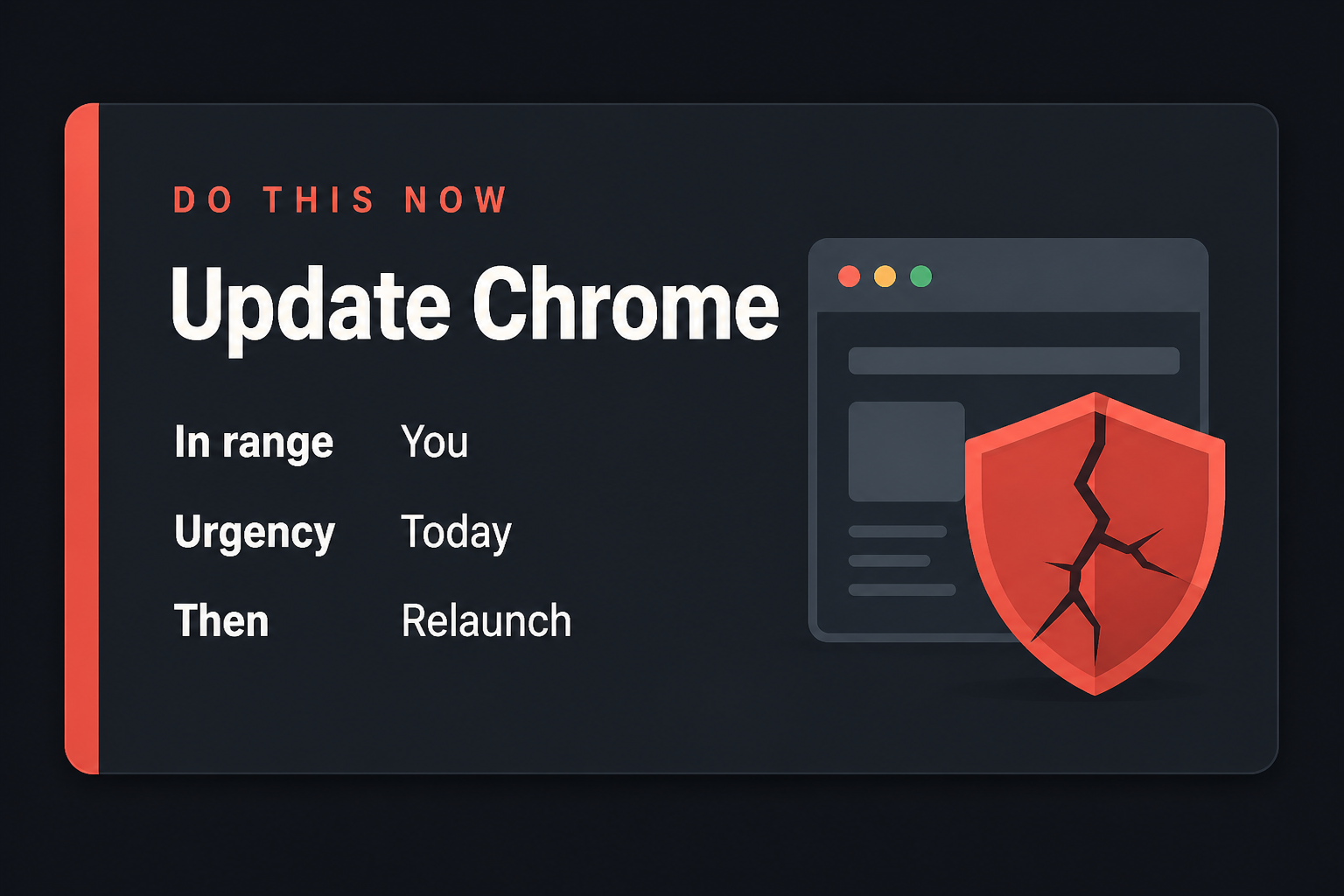
Do This Now
In range: You. Chrome below 151.0.7922.169 on Windows, Mac, Linux, or Android.
Urgency: Today. A visit is the attack. The updater is already in the three-dot menu.
- Open Chrome. Three dots, Help, About Google Chrome.
- Wait until it shows 151.0.7922.169 or 151.0.7922.170, or newer (173 or 174), then Relaunch.
- On the phone: Google Play, update Chrome, then swipe it away and reopen it. Then Edge, Brave, or Opera from their own updaters, not Chrome’s number.
Who can skip
- About Google Chrome already shows 151.0.7922.169, 151.0.7922.170, or a later 151 build such as 173 or 174, and you have relaunched once.
- Android Chrome already shows 151.0.7922.169 or 151.0.7922.173, and no desktop Chrome in the house is still below 169.
- Safari-only on iPhone, and Chrome is not installed on any PC you click.
- Firefox-only, and you have confirmed Chrome is not the handler for Mail or Start links.
- A shop PC whose Chrome is frozen by policy cannot self-update. That is an IT push of 169 or newer, not a skip for the fleet.
Why it matters
Chrome holds the session you already logged into: mail, the bank tab, the password door, the shop’s admin console. A buffer overflow in the graphics stack is how a nasty page stops being a tab and starts being the process. You do not need a second exploit story for that to be worth a restart.
These bugs look like a page. WebGL and Dawn exist so sites can draw and talk to the GPU. The overflow does not have to arrive as a download. It can look like a product page, a scare screen, or a site you already trust that got a bad script.
Google did not put an exploited flag on either CVE. CISA has not added them to KEV. Waiting is still how a Critical pair sits on the default browser for a week while you keep clicking through Mail. Thursday’s 173 and 174 builds also exist. If About will still move, take the newer number. Do not drop Tuesday’s CVEs from your head. 169 and 170 are the first builds that closed them.
A shop that images PCs once a quarter is the other half of in range. The machine that “only opens one site” still launches Chrome. Edge, Brave, and Opera need their own About screens. Chrome’s 169 is not their build number.
The bottom line
On the PC
- Open Google Chrome. Any tab is fine. You do not need a special page.
- Click the three dots in the top right. That menu is Customize and control Google Chrome on some builds.
- Click Help, then About Google Chrome. The About page is a real Chrome tab. It will say Google Chrome and a version number, then start checking.
- Let it download. The line you want is 151.0.7922.169 or 151.0.7922.170, or a later 151 build such as 173 or 174. If the last slot is still 139 or anything below 169, stay on the page.
- Click Relaunch when the button appears. Chrome will close every window and reopen them. That is expected. If there is no Relaunch button and the number is already 169 or newer, you are done on this PC.
- Open About one more time after the restart and read the number. Do not trust the splash. Trust the About line.
If About Chrome never moves
Quit Chrome fully. On Windows, check the system tray and Task Manager for leftover Chrome processes, then reopen Chrome and try About again. A download that sits at 0% is often a store, proxy, or “metered connection” block. Use the network you already trust. Do not download Chrome from a random “browser update” site. Google’s own About page is the installer.
A shop PC with Chrome managed by Group Policy, an MDM tool, or a “do not update” catalog will not self-update no matter how many times you open About. Ask whoever owns the image to push 151.0.7922.169 or newer. That is the same build. It is just delivered by the shop’s tool instead of the three-dot menu.
On the phone and the other PC
- Android: Google Play, Chrome, Update. Swipe the app away and open it once. About should show 151.0.7922.169 or 151.0.7922.173, or newer.
- iPhone: App Store, your picture, Chrome, Update if a button is there. This is hygiene. iPhone Chrome is not the Tuesday Chromium train.
- The laptop in the bag, the shop front-desk PC, the machine that only opens Mail: same three-dot path tonight. One stale Chrome is enough.
- Edge, Brave, Opera, Vivaldi: open each one’s own About or updater. Do not type Chrome’s 169 into those screens and call it done.
What you should see
On the About tab, under the Google Chrome heading, the version is a four-part number. 151 is the major. 0.7922 is the Chromium train Google is on this month. 169 or 170 is Tuesday’s security build. 173 or 174 is Thursday’s later train. If you still see 139 or anything below 169 in that last slot, you are not on the floor. Stay on the page. The progress line is the download. The Relaunch button is the close. After Relaunch, the same About tab should show the new number without asking again.
When you are done
Desktop About reads 151.0.7922.169, 151.0.7922.170, or newer. Android About reads 151.0.7922.169 or 151.0.7922.173, or newer. Both have been relaunched or force-closed once. Edge and the other Chromium browsers are separate clicks. This tab closes Chrome. You do not need to clear history or sign out of anything. You needed a new build. You have it.