

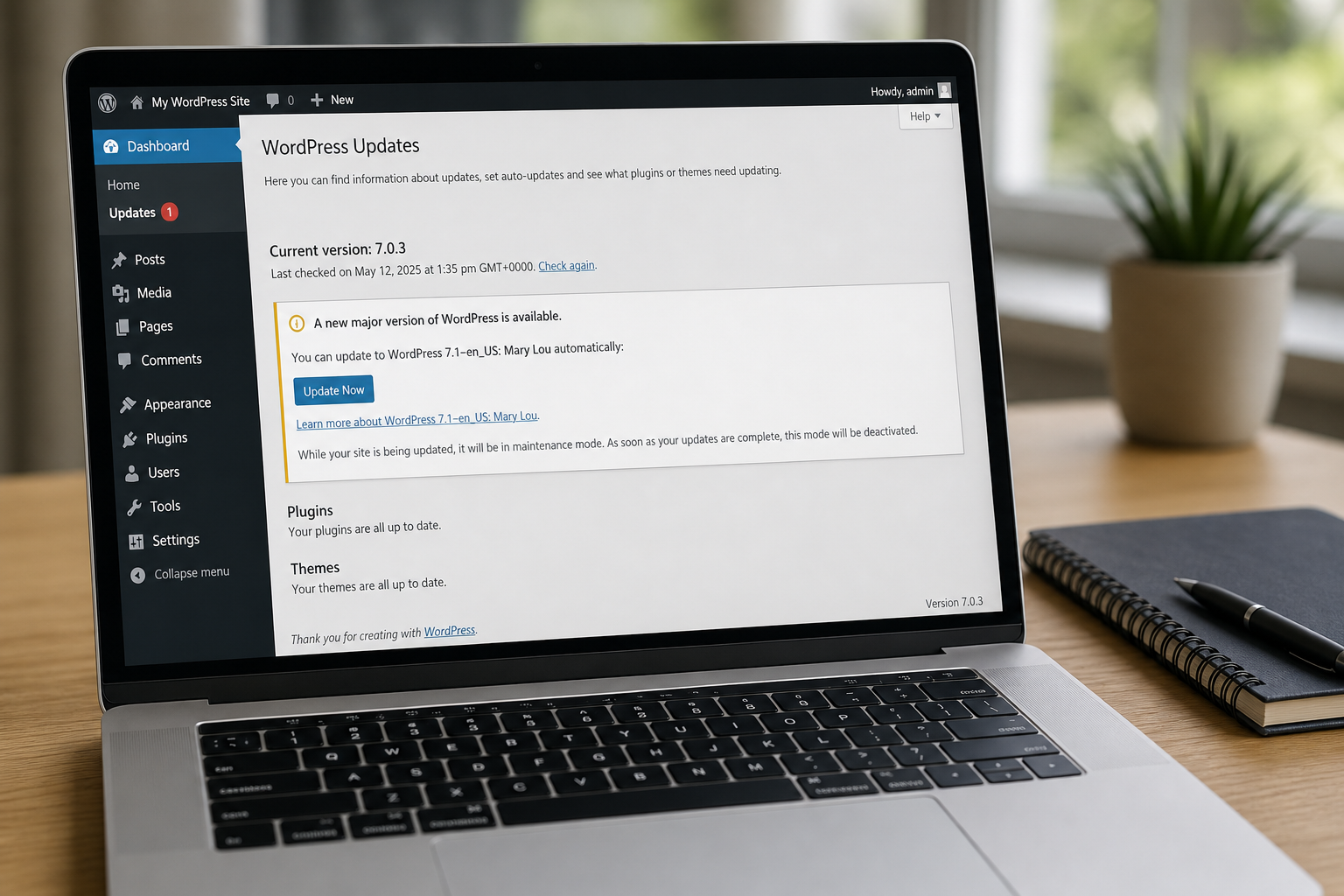
WordPress 7.1 “Mary Lou” landed on 19 August 2026. Take it for more than the new editor toys. The security floor underneath is the Author-level upload fix that shipped in 7.0.4 a week earlier. On sites that run Imagick with Ghostscript, a logged-in Author could turn a crafted file into remote code. Open Dashboard, Updates, install 7.1 (or at least 7.0.4), and confirm the version on the dashboard. That is the home and shop move.
Overview
What broke
Self-hosted WordPress lets Authors upload media for posts. On stacks that process those uploads with Imagick and Ghostscript, a malicious file could escape the “just an image” assumption and run code on the server. That is authenticated remote code execution, not an anonymous drive-by. The attacker needs an Author account or higher. On a magazine, a blog with guest writers, or a shop that hands Author to freelancers, that bar is lower than it sounds.
The issue is tracked as GHSA-8vr3-7mxf-gx8w / CVE-2026-65640. WordPress published the security release WordPress 7.0.4 on 12 August 2026 and backported fixes through older branches. A week later the feature release WordPress 7.1 “Mary Lou” shipped on 19 August 2026 with the hardened media path included.
Imagick is the PHP extension many hosts enable for sharper thumbnails. Ghostscript is the helper that interprets PostScript and PDF-like content when Imagick asks for it. Together they are common on shared hosts and small VPS images. You do not have to prove Ghostscript is present before you update. You take 7.1 (or 7.0.4 minimum) and close the hole either way.
Who is in range
You, plus the shop. Anyone running self-hosted WordPress below 7.0.4, especially sites with Author or Editor accounts beyond a single trusted admin, and hosts that enable Imagick. A one-admin brochure site is still in range if the core version is old. A Multisite network is in range on every site until the network runs a fixed core.
WordPress.com hosted blogs on the simple plan are not this click path. Self-hosted installs on Bluehost, SiteGround, a home NAS, or a cheap VPS are. If Dashboard, Updates shows an offer for 7.1 or a security update to 7.0.4, you are looking at the right screen.
If you share one WordPress install across a family newsletter and a side shop, both inherit the same core version. Updating once covers both. If you run separate installs on the same host account, check each wp-admin. Version numbers do not sync across unrelated directories.
Agencies that leave client sites on “minor updates only” still need 7.0.4 as a security minimum. Mary Lou is the cleaner floor because it is the current release line and already carries the fix. Delaying for a theme screenshot refresh is not a security plan.
What the vendor shipped
- WordPress 7.0.4 (12 August 2026): security release that closes the Author+ upload RCE path and backports to older branches.
- WordPress 7.1 “Mary Lou” (19 August 2026): feature release that includes the hardened media handling plus editor and media improvements.
- Preferred floor for this brief: 7.1. Absolute security minimum: 7.0.4.
The click path is Dashboard, Updates, Update now. You can also download wordpress-7.1.zip from wordpress.org and follow the manual upgrade codex if the host blocks one-click updates. Afterward, At a Glance or Updates should read 7.1 (or at least 7.0.4).
What this is not
- Not a plugin update. Forminator and other plugins have their own Plugins list rows.
- Not fixed by updating PHP alone. Core must move.
- Not an unauthenticated internet worm claim. CVE-2026-65640 needs Author or higher.
- Not optional on Imagick-free hosts forever. Take the security floor anyway; stacks change when hosts reimage.
- Not done if Updates says “updated” but At a Glance still shows 7.0.3 or older.
The release posts are public. Dashboard, Updates is already in the admin menu. That is the cheap window.
Do This Now
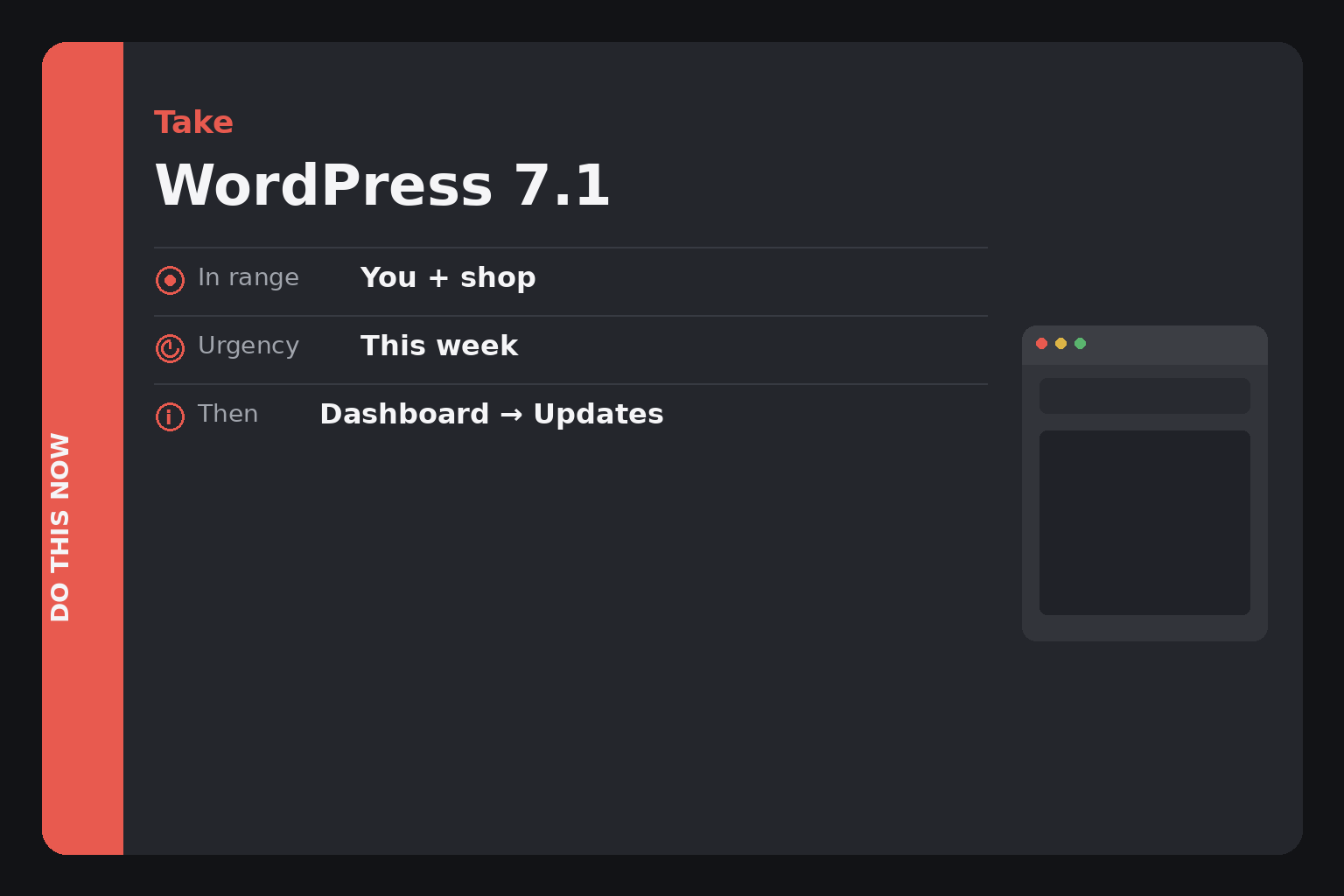
In range: You, plus the shop. Self-hosted WordPress below 7.1 (security minimum 7.0.4).
Urgency: This week. Author+ upload RCE on Imagick+Ghostscript stacks is closed in 7.0.4 and included in 7.1.
- Log into wp-admin. Open Dashboard, Updates. Update to WordPress 7.1 (or at least 7.0.4 if 7.1 is not offered yet).
- When the install finishes, open Dashboard and confirm At a Glance shows 7.1 (or 7.0.4+).
- Repeat on staging and every other self-hosted WordPress you manage, including Multisite.
Who can skip
- At a Glance already shows WordPress 7.1 or newer.
- You are on 7.0.4 or a later 7.0.x security build and cannot take 7.1 this week for plugin compatibility reasons (still plan 7.1).
- WordPress.com simple hosting with no self-hosted core to update.
- You do not run WordPress at all.
Why it matters
Author is a normal role. Agencies hand it to writers. Shops hand it to the person who posts product photos. A bug that starts at Author and ends at server code is how a stolen freelancer password becomes a full site takeover.
Imagick plus Ghostscript is not exotic on shared hosting. Many “optimized WordPress” images enable both by default. Skipping 7.0.4 because you are “waiting for 7.1” only made sense before 19 August. 7.1 is out. Take it.
WordPress has not asked home readers to treat this as a worm on every anonymous visitor. That is not the same as waiting. The patch window is open. Dashboard, Updates is the door.
People skip core updates because a page builder once broke after a major bump. That memory is real. The answer is a backup and a short maintenance window, not staying on a core with a known Author upload RCE forever. 7.0.4 was the narrow security door. 7.1 is the same door with a supported release label.
CISA has not been cited here as listing CVE-2026-65640 on KEV for this brief. Absence from KEV is not permission to wait a quarter. WordPress already shipped the fix. Your Dashboard is already offering it.
The bottom line
In wp-admin
- Go to /wp-admin and sign in as an Administrator.
- Click Dashboard, then Updates.
- If WordPress 7.1 is listed, click Update now. Keep the tab open until the success screen appears.
- If only 7.0.4 (or another security line) is listed, take that security update now, then check again for 7.1.
- Return to Dashboard. At a Glance should show 7.1 (preferred) or at least 7.0.4.
- Open a post, upload a normal JPG once, and confirm the Media Library still works after the upgrade.
If Updates is stuck or missing
Download wordpress-7.1.zip from wordpress.org. Follow your host’s manual upgrade doc, or use the host’s one-click WordPress updater if they expose 7.1 there. Do not install core zips from random “nulled WordPress” sites.
Back up first if your host does not snapshot automatically: Files and database. Major upgrades rarely fail on small sites, but a backup turns a bad plugin conflict into a restore instead of a rebuild. If a plugin blocks 7.1, update that plugin or disable it briefly, finish core, then fix the plugin.
If a plugin screams after 7.1
Note the plugin name from the error, deactivate it from Plugins, and reload wp-admin. Update that plugin from the Plugins list if an update exists. If the vendor has no 7.1-ready build, leave it off until they do, or restore from the backup you took and apply 7.0.4 only as a temporary security floor while you sort the plugin. Do not stay on pre-7.0.4 core to keep a broken plugin alive.
Hosts sometimes delay showing 7.1 in their custom updater even when wordpress.org already has it. Prefer Dashboard, Updates inside WordPress when it offers 7.1. If the host force-manages core, open a ticket naming 7.1 or 7.0.4 and the Mary Lou / 7.0.4 news posts.
Other installs
- Staging first is fine if you can promote the same day. Do not leave production on 7.0.3 while staging sits on 7.1 for a month.
- Multisite: update from the network admin Updates screen so the whole network moves.
- Plugin security updates (including Forminator this week) are separate clicks under Plugins.
What you should see
Dashboard At a Glance lists WordPress 7.1. Updates no longer nags for a core security update below that floor. The site loads. wp-admin loads. Media upload still accepts a normal image. A copyright year in the footer theme is not a version. Trust At a Glance or Updates.
When you are done
Every self-hosted WordPress you control is on 7.1, or on 7.0.4 with a dated plan to take 7.1. Authors can keep writing. You closed the upload RCE floor. You do not need to rebuild themes for this security job. Close the tab.