

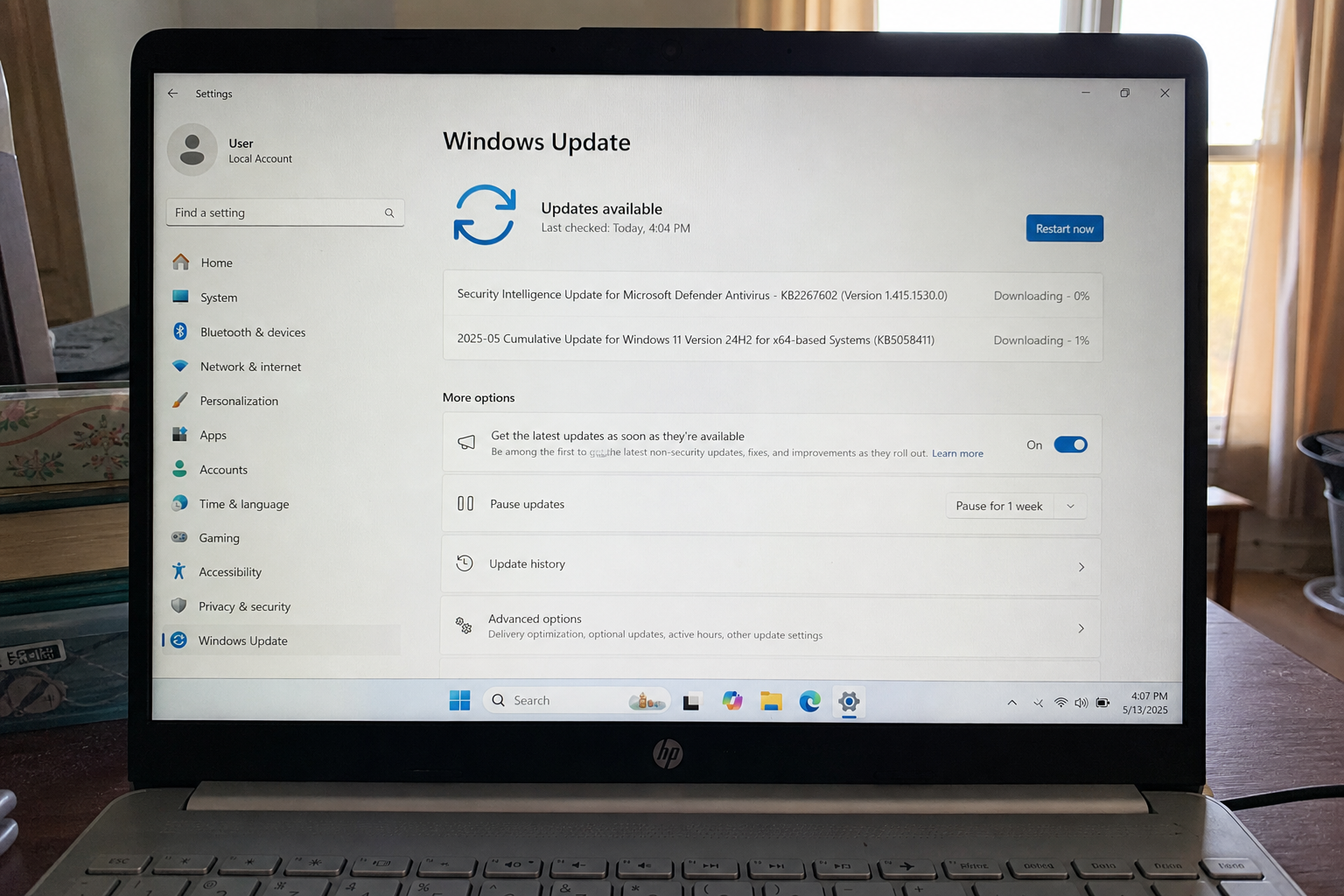
A program that already runs as you can become the PC. That is the Windows socket driver this month. CISA put the bug on the Known Exploited list on 11 August. The update has been sitting in Windows Update since the same day. Your job is Settings, install, restart, then read the build number in winver.
Overview
What broke
On 11 August 2026 Microsoft shipped a fix for CVE-2026-68820 in the Ancillary Function Driver for WinSock. That driver is the kernel piece behind Windows sockets, the plumbing every browser, game, and chat app uses to talk to the network. Microsoft describes a use-after-free: the driver frees a chunk of memory, then a program that already runs as a normal user can still poke that chunk. Ride the race and you land as SYSTEM, the account that owns the machine.
Microsoft rated it Important, 7.0. The score is local. You do not visit a page and lose the PC. An attacker who can already run a program on the box triggers a race in the driver. No extra click is required after that foothold. That is why this is a second-step hole, not a website drive-by. The program can be a cracked installer, a “codec,” a script that already ran as you, or leftover malware from last month. The driver is what turns that foothold into the keys.
CISA added the same CVE to the Known Exploited Vulnerabilities catalog on 11 August, the day the patch shipped, and set a federal due date of 25 August. The catalog row says an authorized attacker can elevate privileges locally. It does not name a ransomware family. The ransomware field is Unknown. The signal is still the catalog: someone is using this. The same-day CISA alert listed it with two other holes, based on evidence of active exploitation.
Who is in range
Any supported Windows 11 PC that has not taken the 11 August security update. On 24H2 you want build 26100.9168. On 25H2 you want 26200.9168. If winver still shows a July number, you are in range. A shop laptop that only opens a booking page still has the socket driver. A “I never browse on that PC” machine still has it. The driver loads whether you think of the box as a browser or not.
Windows 11 23H2 is in range until it takes this month’s security update. Windows 10 that still receives security updates is in range until Windows Update finishes the August package. Updating Chrome, Edge, or Office does not patch this. Those are user-mode programs. This hole sits in the kernel. The only closer is the Windows cumulative, plus a restart so the new driver is the one that loads.
What the vendor shipped
- Windows 11 24H2 and 25H2: KB5121003, 11 August 2026, builds 26100.9168 and 26200.9168
- CISA KEV add on the same day, federal due date 25 August
- Windows Update downloads it. A restart finishes it, because the fix replaces a kernel driver
Microsoft’s KB page is the build list and the known-issue note. The MSRC card is the CVE. The catalog row is the exploited flag. You do not need a second tool. Settings already has Windows Update. On a shop image frozen by policy, the same KB has to be pushed by whoever owns the image.
What this is not
- Not a website that owns you from a click. Microsoft’s score is local. The first program has to be running already.
- Not a ransomware campaign on the KEV row. CISA marked ransomware Unknown.
- Not done if you installed the update and left the restart pending. The old driver stays loaded until reboot.
- Not a reason to skip the patch because RGB lighting software loads a driver named like inpoutx64. Microsoft listed that as a known issue. Keep the update. File Feedback Hub if a game dies.
The patch is out. Windows Update is already in Settings. That is the cheap window.
Do This Now
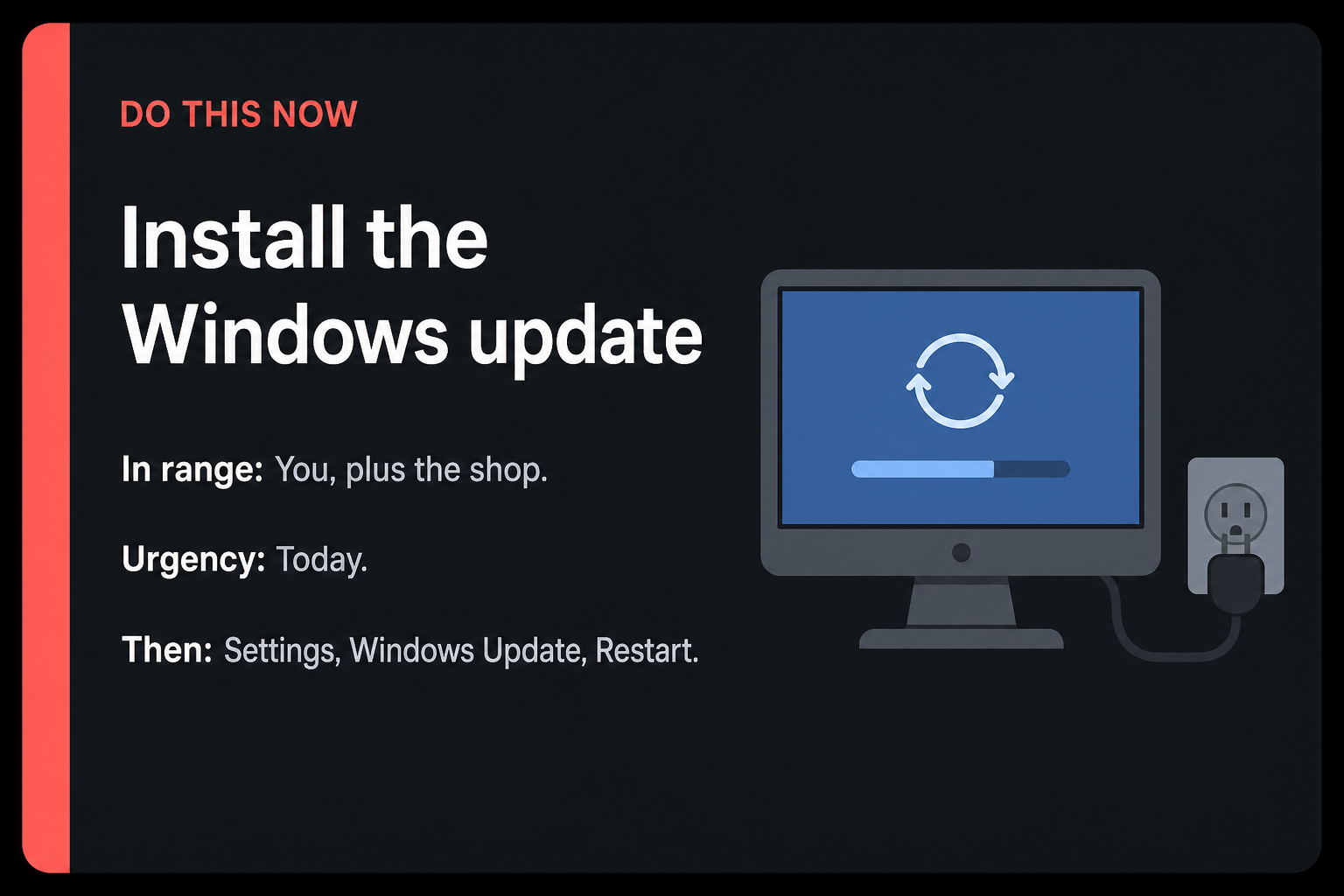
In range: You, plus the shop. Any supported Windows PC that has not taken the 11 August security update.
Urgency: Today. CISA listed CVE-2026-68820 as known exploited. Federal shops were told to fix it by 25 August. Your home PC does not get a memo. It gets Windows Update.
- Settings, Windows Update, Check for updates. Install what it offers, then restart.
- On Windows 11 24H2 or 25H2, confirm KB5121003. Winver should read 26100.9168 or 26200.9168.
- Do the shop laptops tonight. One stale PC is enough.
Who can skip
- Winver already shows 26100.9168, 26200.9168, or a later August build, and you restarted after that install.
- Mac-only, or a Chromebook, and there is no Windows PC in the house.
- Windows Update offers nothing and you are on an unsupported Windows 10 Home box. This patch will not appear. That is a servicing problem, not a skip for a supported PC.
- A shop PC frozen by policy cannot self-update. That is an IT push of the August cumulative, not a skip for the fleet.
Why it matters
Home malware loves this pattern. Something already ran as you. Without the patch, that junk can become admin and stay. Persistence, more malware, the password store, the shop’s shared drive: SYSTEM can touch all of it. You do not need a second exploit story for that to be worth a restart.
CISA does not list a ransomware family on this row. That is not a reason to wait. The catalog is the signal that someone is using the hole. Federal shops have a date. Your home PC has the same driver and the same updater. Waiting is how an Important local bug sits on the machine that already has last month’s leftover installer.
A shop that images PCs once a quarter is the other half of in range. The front-desk machine, the loaner laptop, the kiosk that only opens a booking page: those load WinSock whether anyone says they use a browser or not. Today is the click. Windows Update is already in Settings.
Microsoft added a known issue on 20 August. Some games become unresponsive after this update when RGB lighting software loads a driver named like inpoutx64. Reports include ARC Raiders, THE FINALS, and MARVEL Tokon: Fighting Souls. If a game dies after the restart, say so in Feedback Hub. Do not uninstall the security update to save a lighting overlay. The hole is a kernel privilege jump. Keep the patch.
The bottom line
On this PC
- Open Settings. The keyboard shortcut is Windows logo key plus I. You can also search Settings from the Start menu.
- Click Windows Update in the left column. On a narrow window it may sit under a hamburger menu at the top left.
- Click Check for updates. Wait. If KB5121003 or the August 2026 security update appears, click Download and install, or let it install if the button already says that.
- Restart when Windows asks. The restart is the close. The fix replaces a kernel driver. An install with a pending reboot still has the old driver in memory.
- After the desktop comes back, press Windows logo key plus R, type winver, press Enter. On 24H2 you want 26100.9168 or later. On 25H2 you want 26200.9168 or later.
- Optional check: Settings, Windows Update, Update history. You should see KB5121003 listed as installed on 24H2 or 25H2. Trust winver first.
What you should see
Windows Update should show You are up to date after the restart, or a short list of leftover optional items that are not this KB. Winver opens a small About Windows box. The second line is the version, 24H2 or 25H2. The OS build line is the number you came for. 26100.9168 is 24H2 after KB5121003. 26200.9168 is 25H2 after the same KB. If you still see 26100.8xxx or 26200.8xxx, you are on a July-era build. Stay on Windows Update until the August package finishes and the PC restarts.
If Windows Update never moves
Stay on the network you already trust. Do not download a “Windows update” from a random site. Microsoft’s own Settings page is the installer. If Check for updates sits at 0%, wait a few minutes, then pause and resume updates on the same page. A shop PC with updates frozen by Intune or Group Policy will not self-update. Ask whoever owns the image to push the August cumulative. That is the same KB, delivered by the shop’s tool.
If winver still shows the old build after a restart, open Update history and look for a failed install. Run Check for updates once more. If the PC is on unsupported Windows 10 Home and the page says the device is out of support, this KB will not appear. That box needs a supported Windows 11 install, not a third-party patch pack.
The other PC in the house
- The laptop in the bag, the shop front-desk PC, the machine that only opens Mail: same Settings path tonight.
- A 23H2 PC still takes this month’s security update from Windows Update. Confirm winver moved after the restart. The build line will not be 26100.9168 on 23H2. It will be a later 22631 build.
- A Windows 10 PC that still gets security updates takes whatever August package Windows Update offers, then restarts. If it offers nothing, the box is out of servicing.
When you are done
Winver reads 26100.9168 or 26200.9168, or a later August build, and this PC has restarted once since that install. The other Windows boxes in the house show the same kind of number. If a game dies after the restart, open Feedback Hub with Windows logo key plus F. Do not uninstall KB5121003. You needed a new kernel driver. You have it.