

The GeForce driver that paints Windows can also raise privileges. NVIDIA closed a local race in the Windows display driver: the driver checks a thing, then uses it, and a racing program can swap the thing in between. Someone already on the PC with a low-privilege account is the start. This is not a webpage. Open NVIDIA App, install 596.36 or newer, restart when asked, and read the number. If About NVIDIA App already shows a driver above 596.36, you can skip.
Overview
What broke
NVIDIA’s May 2026 GPU display driver security bulletin is dated 19 May 2026 as revision 1.0, with later revisions in mid-May. It names CVE-2026-24191 in the NVIDIA Display Driver for Windows. NVIDIA is the CNA. The CVE record was updated 27 May 2026. The hole is a time-of-check time-of-use issue, CWE-367: the driver checks a thing, then uses it, and a racing program can swap the thing in between.
NVIDIA scored it 7.8 High. The vector is local (AV:L). Attack complexity is high (AC:H) because the race is a timing fight. Privileges required are low (PR:L). No extra click is required once that account can run a program (UI:N). A successful exploit might lead to denial of service, escalation of privileges, information disclosure, data tampering, and code execution.
Local, in English: a webpage does not reach this. A low-privilege login already on the box does. The racing program is software that already runs as that account. That is a second-step hole. The first program can be a junk installer, a “codec,” leftover malware, or a standard user who is not supposed to be admin.
NVIDIA has not said 24191 is being used in the wild. CISA has not listed it on the Known Exploited Vulnerabilities catalog. The patch is out. That is the window.
Who is in range
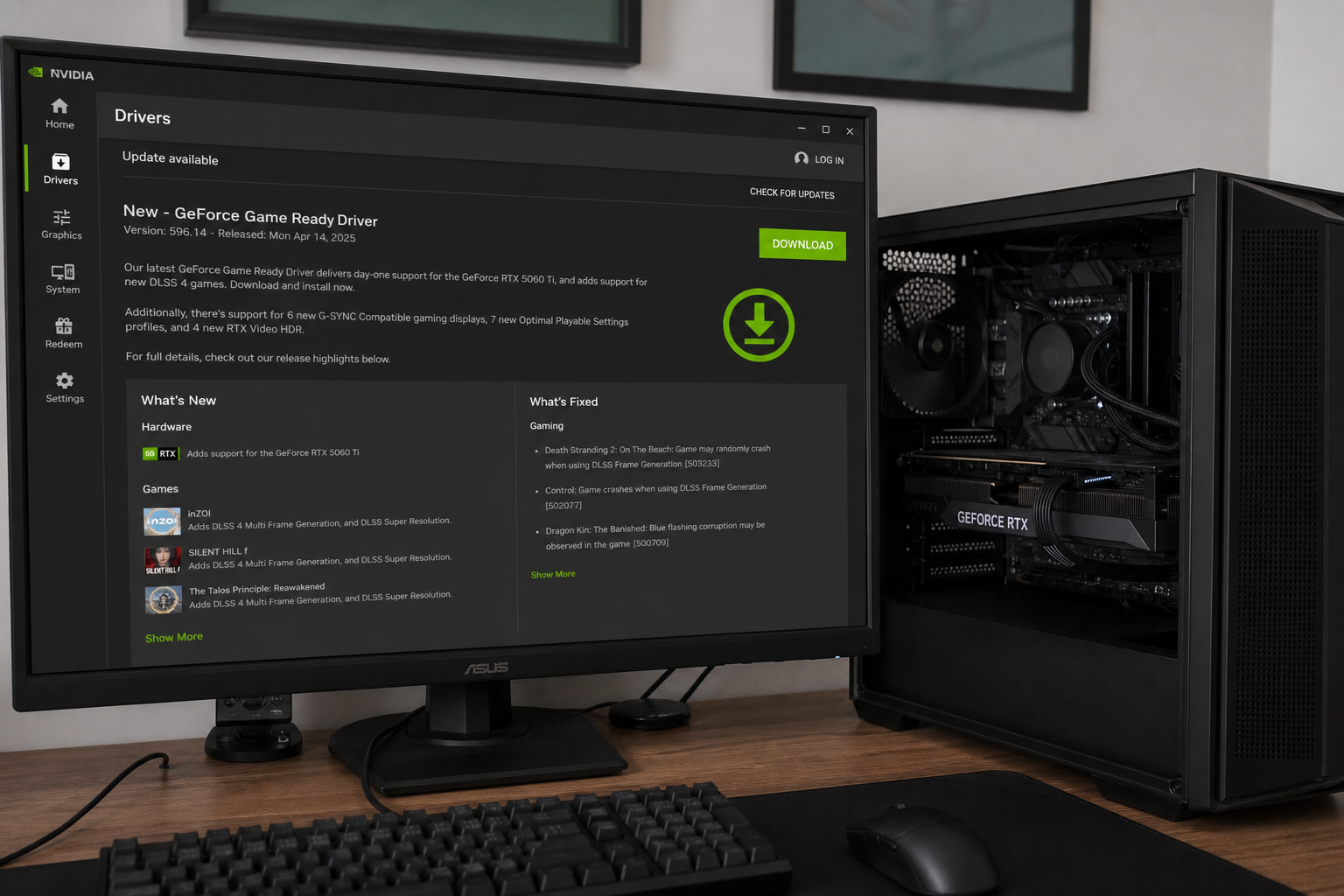
Home readers: GeForce on Windows, R595 branch, every driver version prior to 596.36. If NVIDIA App, GeForce Experience, or NVIDIA Control Panel still shows 596.14, 595.xx, or anything below 596.36, you are in range. The overview photo in this brief may show 596.14. That number is not the floor. Take 596.36 or newer.
Older GeForce on the R580 branch: 582.53, and only Maxwell, Volta, and Pascal GPUs on that branch. RTX, Quadro, NVS, and Tesla Windows drivers are also on the bulletin. This home brief leads with GeForce 596.36. If you are on a locked older Studio or workstation branch, the numbers are 582.53 or 539.72, not 596.36.
A shop PC that shares logins is in range until the driver number moves. The front-desk machine and the “gaming” PC in the back still load the display driver at boot. vGPU is an IT product. Do not treat this tab as a vGPU runbook.
What the vendor shipped
- GeForce Windows, R595 branch: 596.36. This is the home number.
- GeForce Windows, R580 branch: 582.53, and only Maxwell, Volta, and Pascal GPUs on that branch.
- Locked older RTX, Quadro, NVS, or Tesla Windows branches: 582.53 on R580, 539.72 on R535. Take those only if you are actually on that locked branch.
- vGPU: the bulletin has a separate table. This tab does not walk that install.
The in-app path is NVIDIA App, Drivers, then Download and Install 596.36. Older installs still have GeForce Experience. NVIDIA’s driver download page is the fallback. Restart when the installer asks. Windows Update is not a reliable close for this.
What this is not
- Not a webpage. Local account, racing program.
- Not on CISA KEV. NVIDIA has not said 24191 is in the wild.
- Not closed by the 596.14 build that may appear in the overview photo. The floor is 596.36 or newer.
- Not closed by Windows Update on its own. Confirm the driver number after install.
- Not a Linux-only NVIDIA story, and not an AMD or Intel GPU PC.
- Not done if you downloaded the installer and never restarted.
The patch is out. NVIDIA App is already on most GeForce PCs. That is the cheap window.
Do This Now
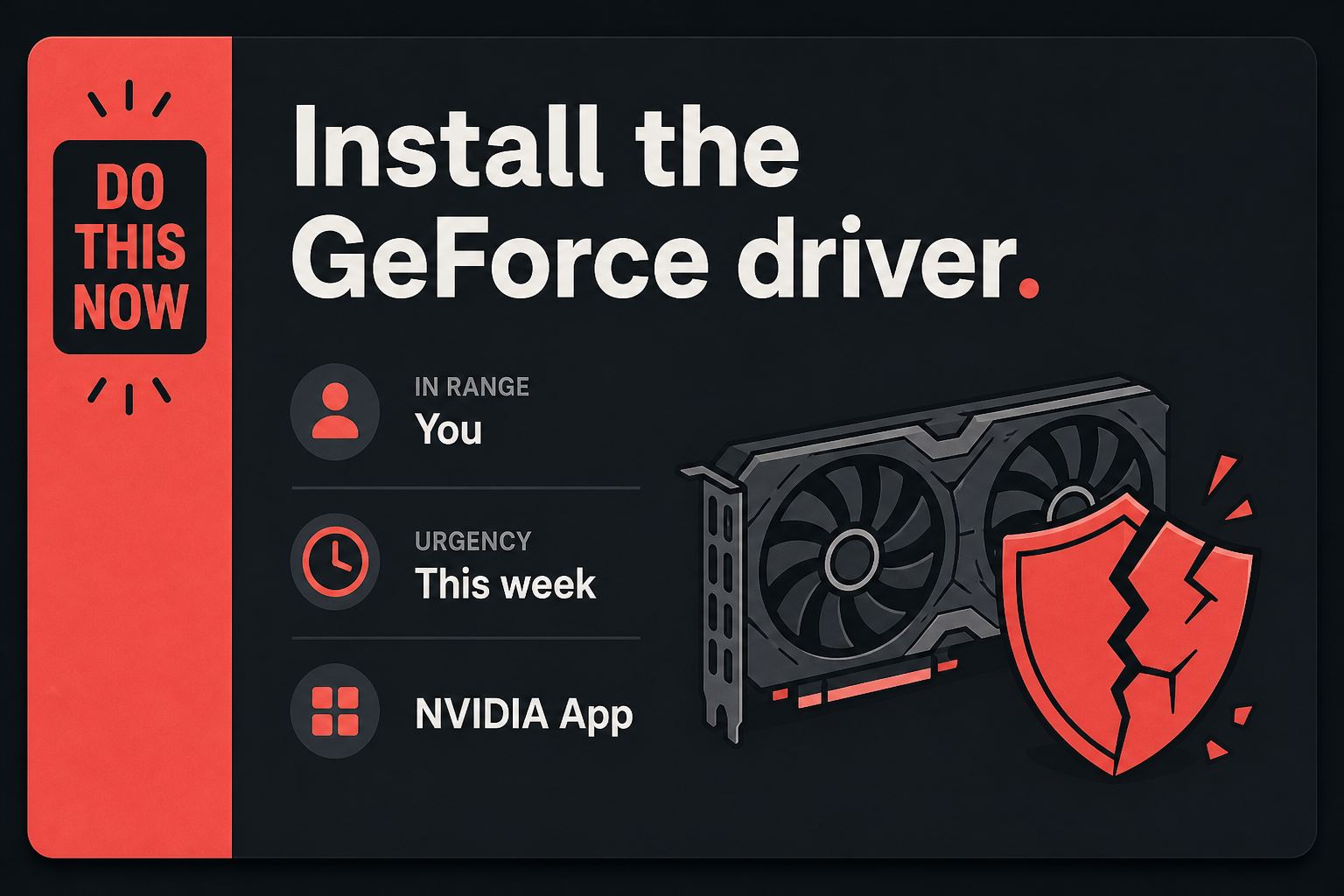
In range: You. Windows GeForce below 596.36.
Urgency: This week. The race is local and high complexity, but the installer is sitting there and shops share PCs.
- Open NVIDIA App. Drivers. Download and install 596.36 or newer.
- Restart when the installer asks.
- Confirm the version in NVIDIA App, in nvidia-smi, or in NVIDIA Control Panel, Help, System Information.
Who can skip
- NVIDIA App, nvidia-smi, or NVIDIA Control Panel already shows 596.36 or newer, and you restarted once after that install.
- Linux-only NVIDIA. This CVE is the Windows display driver.
- The PC uses an AMD or Intel GPU and has no NVIDIA GeForce driver loaded.
- vGPU admins. Use NVIDIA’s May 2026 GPU display driver security bulletin. This tab is not your runbook.
- A locked older Studio or workstation branch that is already on 582.53 or 539.72, matching the branch you actually run.
Why it matters
Privilege escalation is how a standard account becomes the PC. The GeForce driver loads when Windows starts. It is not a tab you can close. A race that NVIDIA says might become code execution, data tampering, information disclosure, a crash, or a raised account is why a High local driver bug is not “wait until the next game fix.”
This bug looks like a login you already have. A kid account, a shop floor account, a stolen session, or a “help me install this” binary can already run as a low-privilege user. The TOCTOU race is the second step: the driver checks a thing, then uses it, and a racing program can swap the thing in between. You do not visit a page to start that. You already sat down at the box.
NVIDIA has not put an exploited flag on 24191. CISA has not added it to KEV. Waiting is still how a High driver sits on a shared PC for a month while you keep installing games. The installer is already in NVIDIA App. That is cheaper than treating a standard account as harmless because “nobody browses on that machine.”
A shop that images PCs once a quarter is the other half of in range. The machine that “only opens a till” still has a display driver. Locked older branches need 582.53 or 539.72, not a random Game Ready drop. vGPU stays with whoever owns the hypervisor. Home readers take 596.36 on current GeForce Windows and stop.
The bottom line
On the PC
- Open NVIDIA App. If you pin it, the icon is NVIDIA. If you do not, search the Start menu for NVIDIA App.
- Click Drivers in the left column. You should see the Game Ready driver card, a version number, and a Download or Install button.
- The floor is 596.36 or newer. If the card still shows 596.14, 595, or any number below 596.36, click Download, then Install.
- Let the NVIDIA installer run. Accept the restart when it asks. The old driver stays loaded until Windows comes back.
- Open NVIDIA App again after the restart. Drivers should now read 596.36 or a later Game Ready number. If About NVIDIA App already showed a number above 596.36 before you started, you were already out of range.
If you still have GeForce Experience
Older GeForce installs never got NVIDIA App. Open GeForce Experience from the Start menu or from the NVIDIA icon in the system tray. Go to the Drivers tab. Download and install 596.36 or newer. Restart when asked. Do not download a “GeForce update” from a random search ad.
If NVIDIA App will not move
- Use NVIDIA’s driver download page. Pick your GPU, Windows, and the Game Ready driver. The package you want is 596.36 or newer on the current GeForce branch.
- If you are on a locked older Studio or workstation branch, do not grab a random Game Ready build. Take 582.53 or 539.72, matching the branch the bulletin lists for that product.
- Run the installer you just downloaded. Restart when it asks. Do not use a “driver booster” site or a bundle that offers extra toolbars.
- A shop PC frozen by policy, an image, or a “do not update drivers” catalog will not self-update no matter how many times you open NVIDIA App. Ask whoever owns the image to push 596.36, or 582.53 / 539.72 on a locked branch. That is the same close. It is just delivered by the shop’s tool.
Confirm the number
Do not trust the splash screen or a Windows Update checkmark. Open NVIDIA App, Drivers, and read the installed version. Or right-click the desktop, NVIDIA Control Panel, Help, System Information, and read the driver version line. If you have a terminal, nvidia-smi prints the driver version on the first screen. You want 596.36 or newer on current GeForce Windows. 582.53 or 539.72 count only if you are actually on that locked older branch.
The other PC
- The laptop in the bag, the shop front-desk PC, the “kids only game on that one” tower: same NVIDIA App path this week. One stale GeForce driver is enough.
- If a machine is Linux-only NVIDIA, AMD GPU, or Intel GPU, skip it. This CVE is the Windows NVIDIA display driver.
- vGPU hosts and guests are not this click path. Hand the admin the NVIDIA bulletin and leave their table alone.
When you are done
NVIDIA App, nvidia-smi, or NVIDIA Control Panel reads 596.36 or newer on current GeForce Windows, and the PC has been restarted once. Locked older branches read 582.53 or 539.72. Windows Update is not the proof. The driver number is the proof. You do not need to reinstall games or wipe the card. You needed a new driver. You have it.