

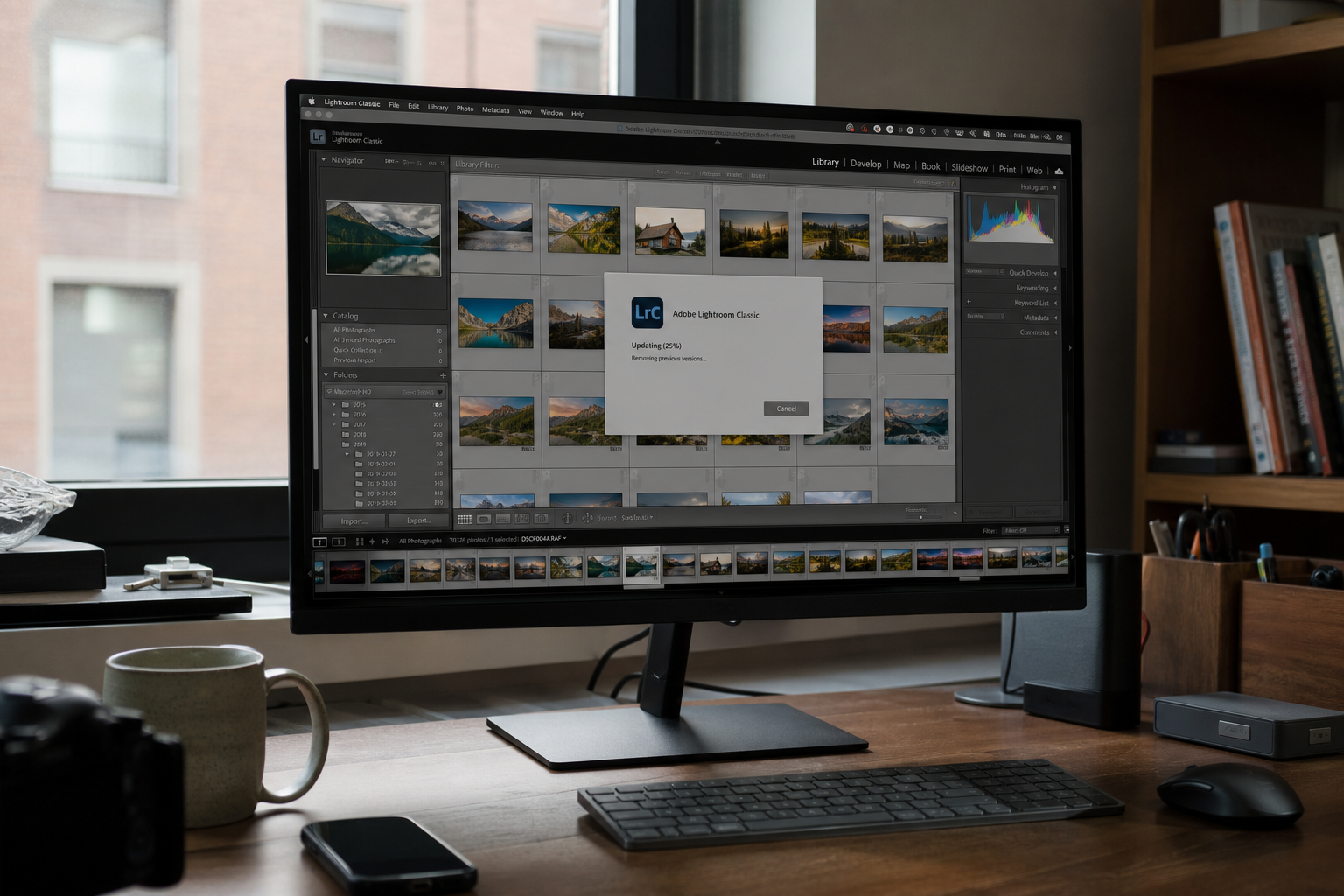
Lightroom Classic is how a shoot becomes a catalog on the PC. Adobe’s 11 August 2026 bulletin APSB26-94 closes a High hole in that desktop app: a crafted file can run code as you. You do not need Photoshop’s updater for this one, and you do not need the cloud Lightroom app. Classic has its own click: Help, Updates, or Creative Cloud desktop, Apps, Lightroom Classic, Update. Confirm 15.5, then restart Classic.
Overview
What broke
On 11 August 2026 Adobe published APSB26-94 for Adobe Lightroom Classic, the desktop catalog app, not the cloud Lightroom app. The hole you can hang the story on is CVE-2026-48397: deserialization of untrusted data (CWE-502), CVSS 8.6. In English, Classic takes a blob of saved objects out of a file and rebuilds them in memory. A crafted file can make that rebuild run the attacker’s code instead of photo data. The victim has to open the file. The code then runs as you, with your catalogs, your exports, and whatever else your Windows or Mac account can touch. Scope is changed: a successful hit can step outside the Lightroom process.
The same bulletin also closes other holes in Classic, including path traversal and out-of-bounds writes. One click to 15.5 covers the set. Do not cherry-pick 48397. The rest ride the same updater.
HKCERT lists Lightroom Classic 15.4 and earlier. CISA has not listed 48397 on the Known Exploited Vulnerabilities catalog. Adobe has not said 48397 is being used in the wild. The patch is out. That is the honest status.
Who is in range
Anyone still launching Lightroom Classic below 15.5. That is the desktop catalog app photographers actually keep forever. Home photographers and small studios both sit in the same product. A PC that only updated Photoshop is not done. They are separate apps. They do not share this installer.
A studio that shares catalogs over email, WeTransfer, or Discord is in range until every machine that opens those catalogs is on 15.5. The laptop in the bag, the retouch station, the machine that only imports cards: those all launch Classic. Updating the cloud Lightroom app does not patch Classic. Updating Camera Raw does not patch Classic. Windows and Mac both count if Classic is installed.
If Help, Updates or the Creative Cloud Apps tile still reads 15.4, 15.3, or any 15.x below 15.5, you are in range. 15.5 is the floor, not a nice-to-have.
What the vendor shipped
- Lightroom Classic 15.5. That is the floor for APSB26-94.
- In-app path: Lightroom Classic, Help, Updates.
- Or Creative Cloud desktop, Apps, Lightroom Classic, Update.
- Restart Classic after the bits land. The old process is still the old parser until it does.
One 15.5 click covers 48397 and the rest of the bulletin. Do not hunt a separate patch for the path-traversal or out-of-bounds-write holes. They ride the same updater. Stay on the Updates screen until the version line changes. If Classic restarts itself, that is the updater finishing, not a crash.
What this is not
- Not Photoshop. Updating Photoshop does not patch Classic.
- Not the cloud Lightroom app. Cloud-only Lightroom is a different product and a different updater.
- Not a drive-by. You have to open the file. That is still a catalog you already click.
- Not on CISA KEV. Adobe has not said 48397 is being used in the wild.
- Not done if you downloaded 15.5 and never restarted Classic.
- Not a reason to dump the whole CVE list. One updater covers the set.
The patch is sitting behind Help, Updates. That is the cheap window.
Do This Now
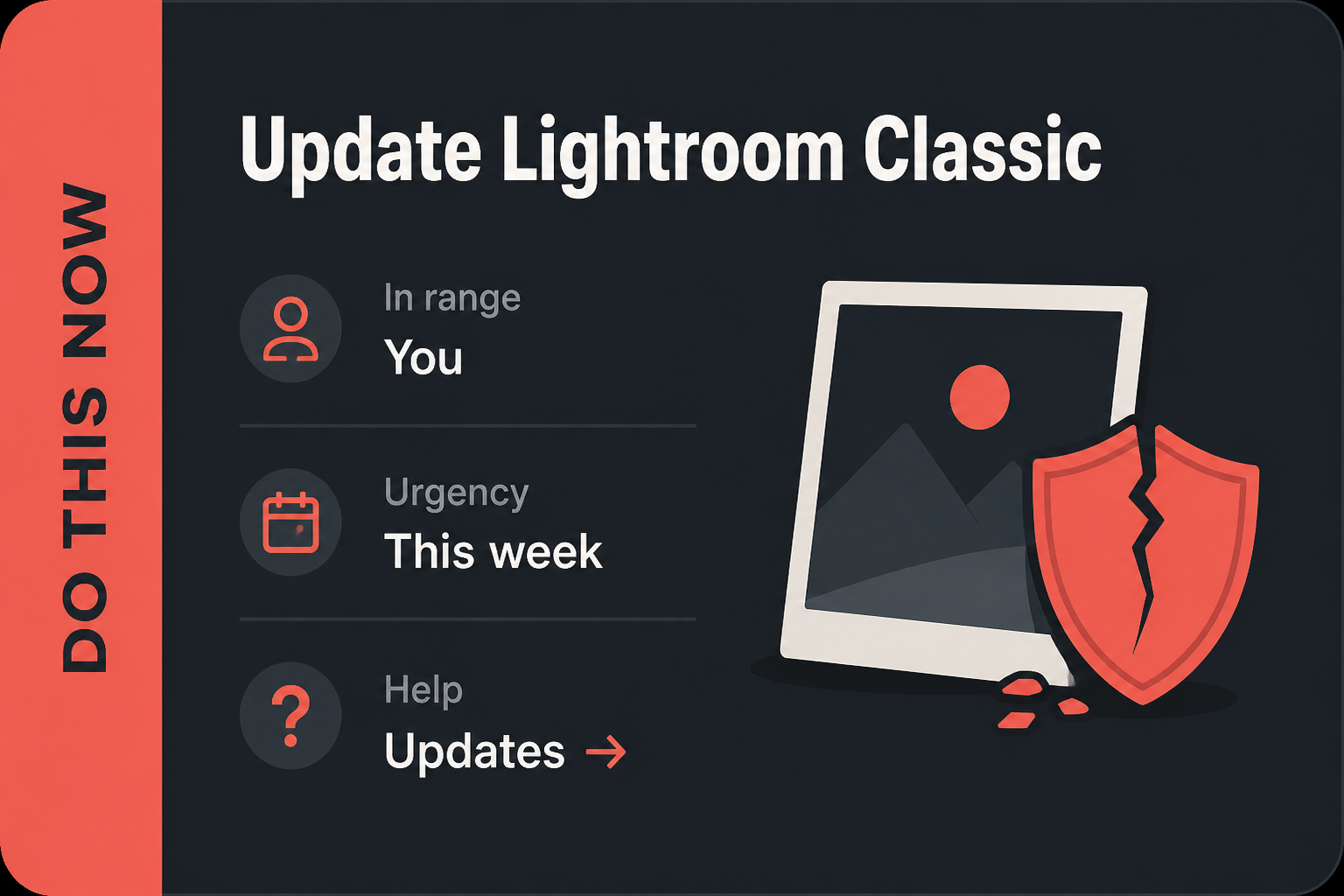
In range: You, plus the shop. Home photographers and small studios still on Lightroom Classic 15.4 or earlier.
Urgency: This week. A file open is the attack, not a drive-by, but studios share catalogs.
- Open Lightroom Classic. Help, Updates. Take 15.5. Or open Creative Cloud desktop, Apps, Lightroom Classic, Update.
- Confirm 15.5, then restart Classic.
- Repeat on the shop PCs that open catalogs. Until then, do not open catalogs or files from strangers (email, WeTransfer, Discord).
Who can skip
- Lightroom Classic is not installed on any PC you click.
- Classic already shows 15.5, and you have restarted once.
- Cloud-only Lightroom, and Classic is not on the disk.
- A shop image that already pushed 15.5 can skip the manual click. Confirm 15.5 anyway.
Why it matters
Catalogs are how photographers live. A client drops a packed catalog, a second shooter sends a folder, a Discord “quick look” arrives with a WeTransfer link. You open it because that is what Classic is for. On 15.4 and earlier, opening it is the hole.
Studios share catalogs on purpose. That is the business. A file-open bug in Classic is therefore a studio bug, not only a home-hobby bug. One stale machine that still opens the shared catalog is enough to keep the old parser alive. Email is a delivery system for those files. WeTransfer and Discord are the other two. None of them patch Classic for you.
Shops have a second habit that makes this worse: they let Creative Cloud sit in the tray and assume Classic came along. It does not, not if someone dismissed the badge, not if the shop locked Apps, and not if the machine that opens catalogs is a second seat that never signed in. Help, Updates is the proof. The Creative Cloud tile is the other proof. Trust those two numbers, not the splash.
The updater is already in Help. Waiting is how a High deserialization bug sits on the catalog app you keep for a decade. Photoshop’s updater will not save you. The cloud Lightroom app will not save you. Classic is the one that holds the catalog. The build on the PC that opens the file is the build that matters.
The bottom line
Update Lightroom Classic
- Open Lightroom Classic. Any catalog you already trust is fine. Do not open the suspicious file first. Close it if you already did, then update before you open it again.
- Click Help in the top menu. Click Updates. Stay on that screen. Classic should start checking, then download 15.5.
- If Classic asks to restart so it can finish, let it. Reopen Classic when it is done.
- Confirm 15.5. Use Help, Updates again, or open Creative Cloud desktop, Apps, Lightroom Classic, and read the version on the tile. 15.5 is the floor. A later 15.x is fine. 15.4 is not.
- Restart Classic one more time if you have not already. The old process is still the old parser until it quits.
If Help, Updates is missing
Open the Creative Cloud desktop app. Click Apps. Find Lightroom Classic. Click Update. Stay there until the tile reads 15.5, then launch Classic once so the new bits actually run. A shop that locks Creative Cloud updates will hide the button on purpose. Ask whoever images the machines to push 15.5. That is the same build. It is just delivered by the shop’s tool instead of Help, Updates.
On a home PC, a missing Updates item often means Classic was installed without Creative Cloud, or the shop locked it. Use Adobe’s own Creative Cloud app, not a random “Adobe crack” installer and not a file named setup.exe from email. If Creative Cloud itself will not open, install it from Adobe, then update Classic from Apps. Do not sideload a Classic zip from a forum.
The shop PC and the other machine
- Every Windows or Mac that launches Classic gets the same Help, Updates click this week. Watch the version line, not a splash that says you are current after a failed download.
- The laptop in the bag, the retouch station, the machine that only imports cards: one stale Classic is enough.
- Until 15.5 is on those machines, do not open catalogs or files from strangers. Email, WeTransfer, and Discord are how those files arrive.
- Photoshop and the cloud Lightroom app are separate clicks. Classic’s 15.5 is not their build number.
What you should see
Creative Cloud Apps lists Lightroom Classic and a version. 15.5 is the floor. If the tile still says 15.4, or 15.3, or any 15.x below 15.5, stay on Update. If Classic restarted and the tile still shows 15.4, run Update once more. Help, Updates should agree with the Creative Cloud tile. That is the same bits, two doors. After the restart, open a catalog you already trust and confirm Classic actually launched. A download that sits at 0% is often a shop proxy, a metered connection, or Creative Cloud signed out. Use the network you already trust. Sign back into Creative Cloud if the Apps list is empty.
When you are done
Lightroom Classic reads 15.5 on the home PC and on the shop PCs that actually open catalogs. You have restarted Classic once. You do not need to rebuild the catalog or export everything to DNG for this close. You needed 15.5 on every machine that still opens a catalog. You have it.