

The cheap AC750 on the desk is the house. TP-Link’s August advisory says Archer C20 hardware V6 will take a command from someone already on your Wi-Fi, already signed in as admin, who can submit a WAN setting the box should have treated as text. Adjacent and authenticated, not a stranger typing your public IP. A reused sticker password or a guest still on the LAN is the path. The firmware that closes it is posted. If you never opened Firmware Upgrade, you are the patch.
Overview
What broke
TP-Link last updated the security advisory for Archer C20 on 19 August 2026. The bug is CVE-2026-75616, an OS command injection hole in the web management interface of Archer C20 hardware V6. An adjacent, authenticated administrator can execute arbitrary commands by submitting certain WAN-related configuration operations. Adjacent means the Wi-Fi or the Ethernet, not a random host on the internet. Authenticated means they already have the admin login.
Command injection, in English, is the router treating a crafted string as something to run. The attacker needs to sit next to you on the LAN, sign in as the person who owns the box, and feed it a WAN setting the firmware should have rejected. Guest Wi-Fi, a neighbor who still has last year’s password, a shop tablet that still has the sticker login: that is the cast. Successful exploit may gain full control of the device and the traffic that passes through it. TP-Link scores it CVSS v4.0 8.5 High: adjacent, admin privileges.
TP-Link has not said 75616 is being used in the wild. CISA has not listed it on the Known Exploited Vulnerabilities catalog. The firmware is posted. That is the cheap window.
Who is in range
Anyone running an Archer C20 hardware V6 below the regional floor. EU units are in range below 0.9.1 Build 260811. US and RU units are in range below 0.9.1 Build 260812. The sticker on the underside names the model and the hardware version. V6 is this brief. V4 and V5 are different boards with different firmware trains. Do not flash a V6 file onto them.
The shop front-desk C20 is the same product. A guest SSID does not put you out of range if it still shares the router’s guts and someone can still reach the admin page. The shop owner is often the admin. A guest on the LAN with those creds, or a reused admin password, is the path TP-Link described.
If Status already shows 0.9.1 Build 260811 on EU, or 0.9.1 Build 260812 on US or RU, confirm the string anyway. “I turned auto-update on last year” is not a version number. Other Archer models are not this advisory.
What the vendor shipped
The fixed firmware is 0.9.1 Build 260811 for Archer C20 (EU) V6, and 0.9.1 Build 260812 for Archer C20 (US) V6 and Archer C20 (RU) V6. TP-Link posted the files on 13 August 2026 on the EN download page for Archer C20 V6 and the US download page for Archer C20 V6. Use the site for the country where you bought the box. A US file on an EU unit is how upgrades fail.
If Check for Updates offers a later V6 build for the same hardware and region, take that. Do not stop at a June 260608 build. Unpack the zip before you upload. TP-Link wants a wired PC for the flash.
Browser admin is the path this brief walks. Tether, if you already use it, is More, System, Firmware Update. Read the firmware string after reboot either way.
What this is not
- Not a WAN unauthenticated remote-code exploit. TP-Link described an adjacent, authenticated administrator who submits WAN-related configuration.
- Not every Archer on the shelf. Hardware V6 of C20 only. Do not flash this file onto V4, V5, or another model.
- Not the OpenVPN client-import hole on Archer AXE75 (CVE-2026-9044). Different board, different file.
- Not on CISA KEV. TP-Link has not claimed in-the-wild use.
- Not patched by updating a PC, a phone, or the Tether app itself. The firmware on the router is the close.
Do This Now
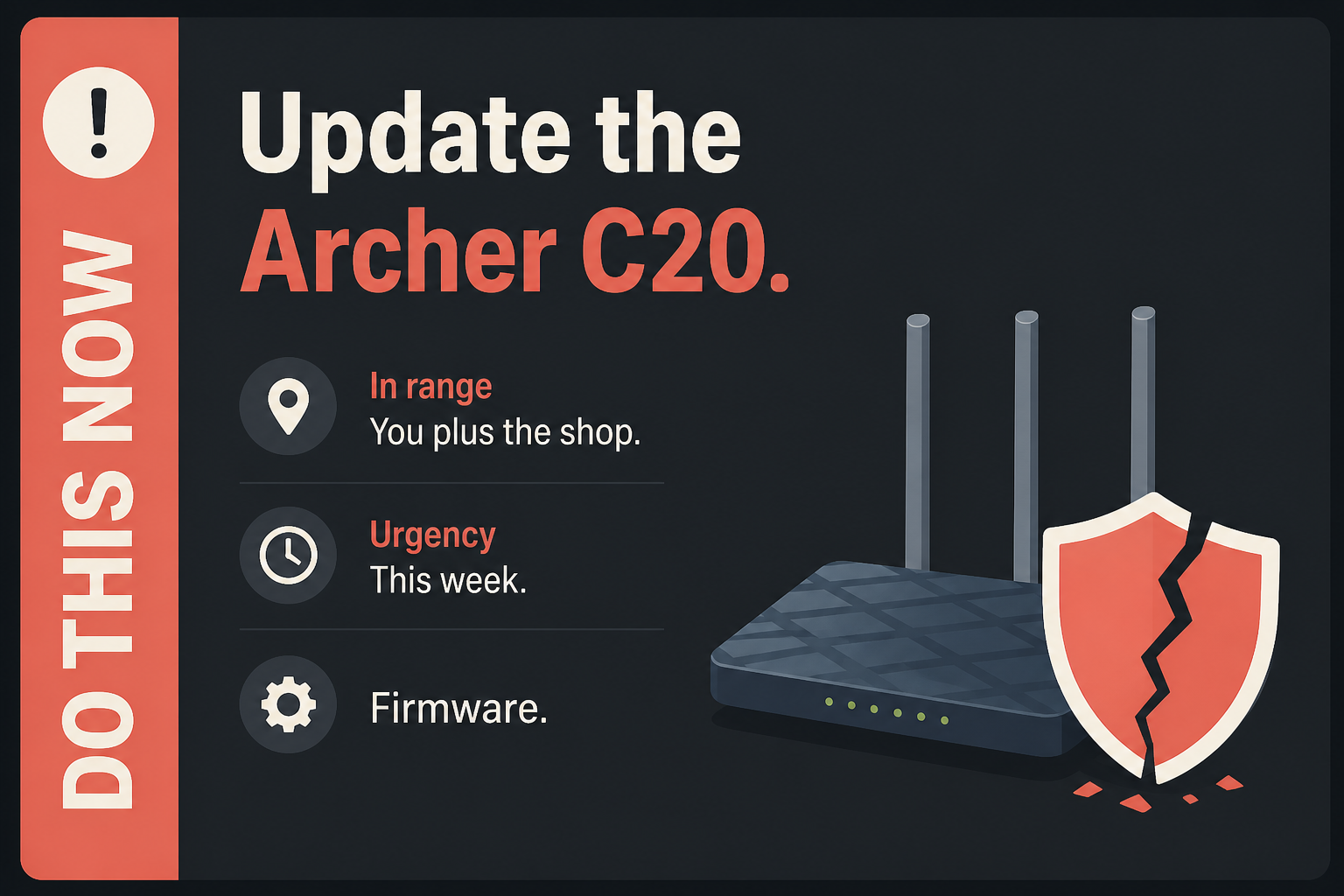
In range: You, plus the shop. TP-Link Archer C20 hardware V6 below 0.9.1 Build 260811 (EU) or 0.9.1 Build 260812 (US and RU).
Urgency: This week. Adjacent and authenticated, not internet-wide. The firmware is sitting there.
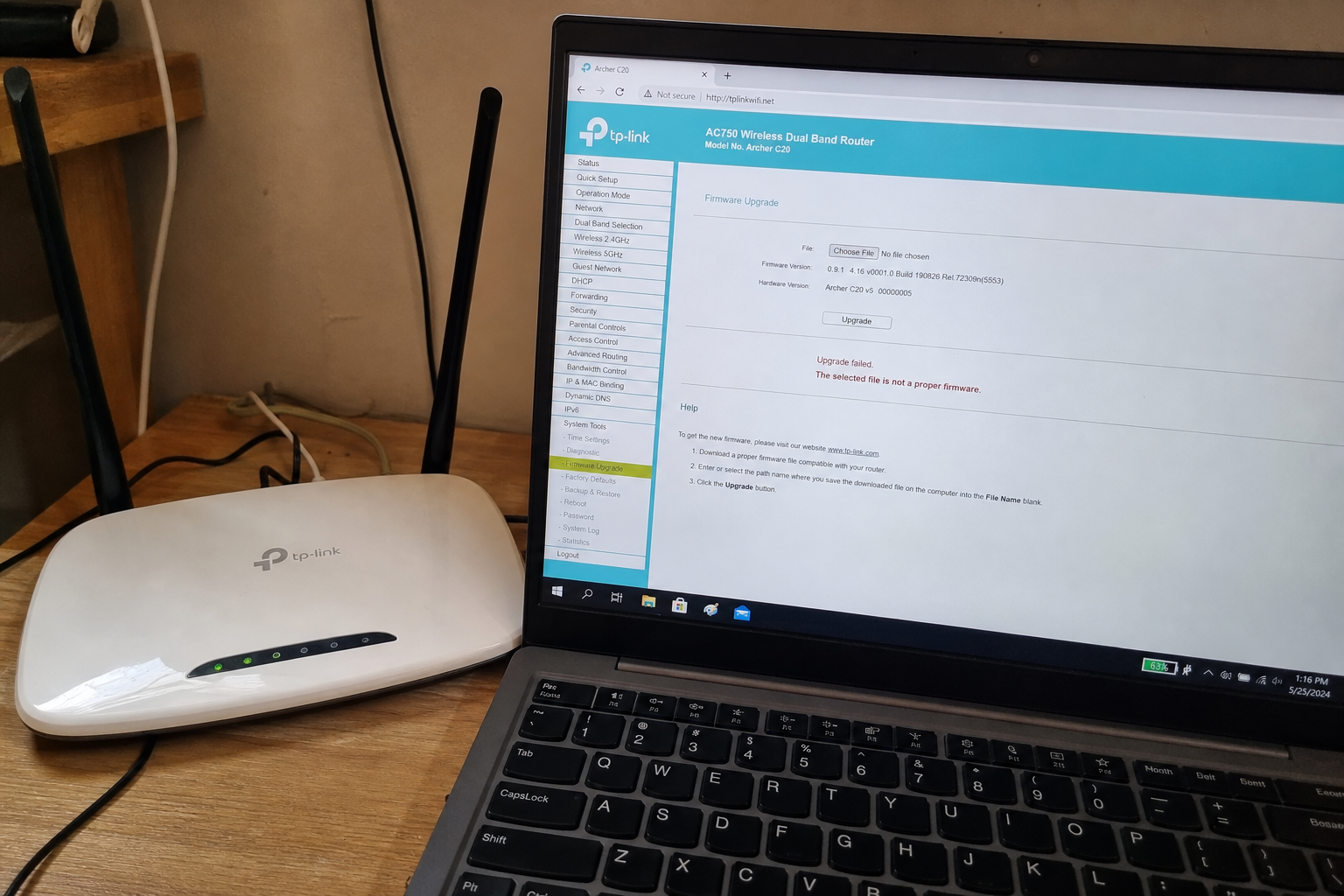
- On a PC already on the Wi-Fi, preferably plugged into a LAN port, open the router admin at tplinkwifi.net. If that does not load, try 192.168.0.1. Sign in. Note the model and hardware version on the status page. Stop if it is not C20 V6.
- Go to Advanced, System Tools, Firmware Upgrade. Upload 0.9.1 Build 260811 (EU) or 0.9.1 Build 260812 (US or RU) from TP-Link’s EN or US download page for Archer C20 V6, matching your purchase region. If Check for Updates is there and offers that build or later, take it. Leave the box powered.
- When the router comes back, sign in and read the firmware page again. You want 0.9.1 Build 260811 or 260812, or a later V6 build TP-Link lists for that region. If the admin password is still the sticker, change it the same night.
Who can skip
- You do not own an Archer C20.
- The sticker or Status is not hardware V6. Do not flash the V6 file onto it.
- Status already shows 0.9.1 Build 260811 on an EU unit, or 0.9.1 Build 260812 on a US or RU unit, or a later V6 build TP-Link lists for this hardware, and you confirmed it after a reboot.
- A different Archer model. This advisory names C20 V6 only.
- You already replaced the box this month and the new one is not this hardware.
Why it matters
Own the router and you own the DNS, the guest list, the cameras that phone home through it, and the shop POS tablet. A command the box will run from a WAN field is how that pile stops being “just Wi-Fi.”
TP-Link’s attacker is already next to you and already in the admin page. A guest who stayed on after the party. A neighbor who still has last year’s password. The hole is not a stranger typing your WAN IP. It is the next room, the guest SSID, the Ethernet jack in the back office, plus a WAN setting the management page should have rejected.
CISA has not added 75616 to KEV. TP-Link did not claim a victim count and did not say the bug is in the wild. Waiting is still how a LAN-adjacent command injection sits on the box every device in the house trusts. The shop owner is often the admin. If the password is still the sticker, treat the firmware flash and a new admin password as the same night’s work.
The bottom line
On a PC already on the Wi-Fi
- Use a laptop on the same Wi-Fi, then plug it into a LAN port if you can. Do not try this from a phone on cellular. The admin page lives on the LAN.
- In the browser address bar type tplinkwifi.net and press Enter. If that hangs, try 192.168.0.1. Turn off the VPN on that laptop first. A tunnel is how the browser never finds the box.
- Sign in. Newer units want the password you set at first boot, or a TP-Link ID. If you never changed it, the sticker is the ugly path. If you changed it and forgot, the reset pinhole is the uglier path.
- Open Status or the dashboard. Write down the model, the hardware version, and the current firmware string. You need hardware V6 for this file. Stop if the sticker says V4 or V5.
- Go to Advanced, then System Tools, then Firmware Upgrade.
- Click Check for Updates, or download 0.9.1 Build 260811 (EU) or 0.9.1 Build 260812 (US or RU) from TP-Link’s EN or US page for Archer C20 V6, unpack the zip, and upload the bin. Leave the box powered. A mid-flash unplug is how you get a brick.
What you should see
The Firmware Upgrade page should name Archer C20, hardware V6, and the current version, then either say you are current or offer a file. After the install, Status should read 0.9.1 Build 260811 on EU, or 0.9.1 Build 260812 on US or RU, or a later V6 build TP-Link lists for your region. Trust the firmware string, not the splash.
If the updater is missing or stuck
Try another browser on the same LAN. Turn off the VPN on that laptop. If tplinkwifi.net hangs, use 192.168.0.1. A shop network that blocks the box from reaching TP-Link will sit at 0 percent on Check for Updates. Manual install is the fallback: the EN or US download page, the V6 file for your region, unpack, upload.
Do not grab a file from a random “router update” site. Do not flash a V5 file onto V6, or a V6 file onto V5. Do not put an EU 260811 bin on a US box, or a US 260812 bin on an EU box. If Check returns nothing and Status is still below the floor, confirm you are on hardware V6 and on the regional site that matches the purchase.
The other box in the house
- Tether, if you already use it on this model: phone on the router’s Wi-Fi, then More, System, Firmware Update. Still read the firmware string on the web page after reboot.
- The travel C20 in the bag, the shop waiting-room box, the spare on the shelf: same tplinkwifi.net path tonight if the sticker is V6.
- If a box is a different Archer, leave it. This advisory is C20 V6. Hunt that model’s own firmware page instead of borrowing this file.
When you are done
Status shows 0.9.1 Build 260811 on EU, or 0.9.1 Build 260812 on US or RU, or a later V6 build TP-Link lists for this hardware. The other C20 V6 in the house got the same pass. The admin password is no longer the sticker. You needed a new firmware string. You have it.