

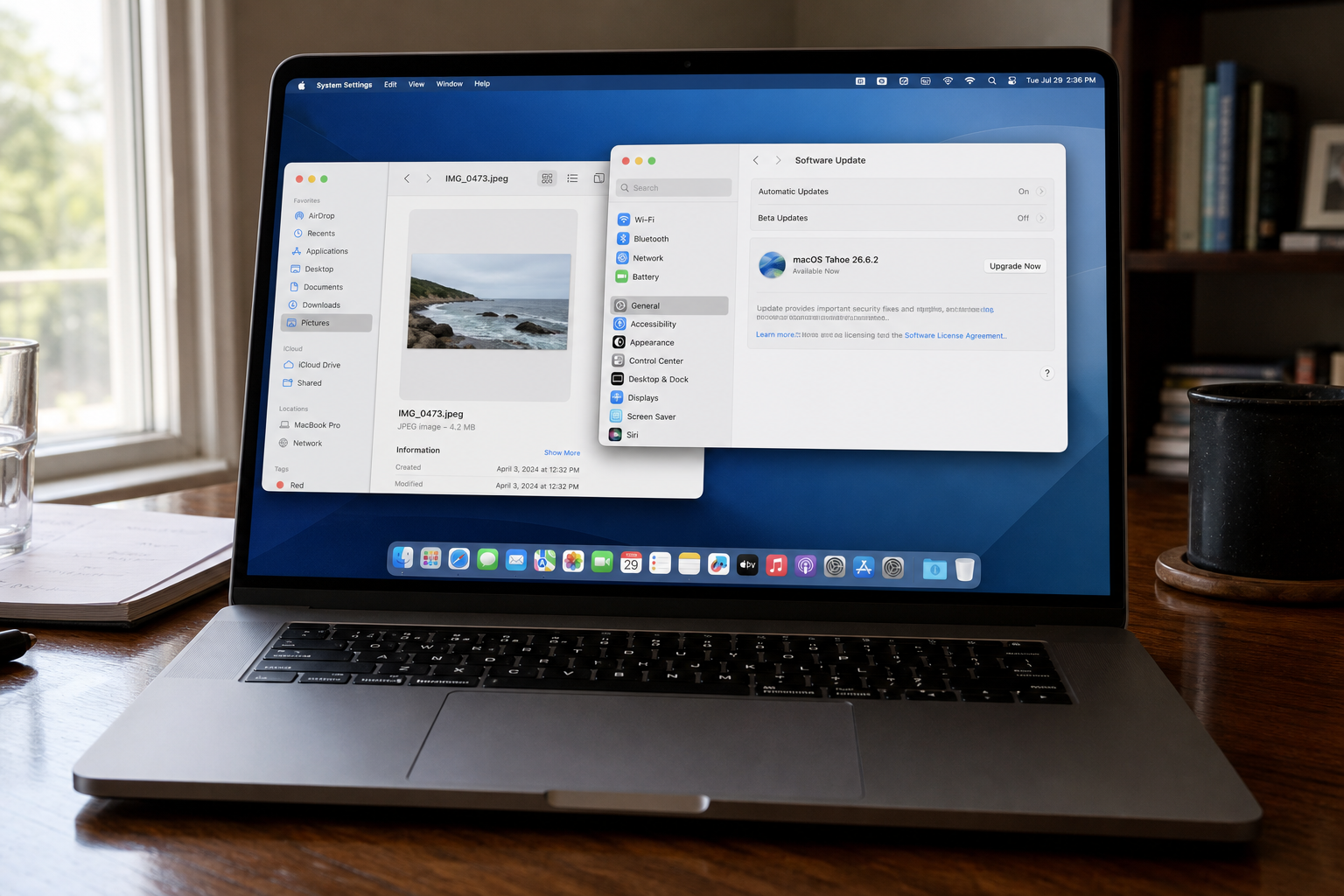
macOS Tahoe 26.6.1 closed Screen Sharing. 26.6.2 is the next train, and it is already sitting in Software Update. Apple shipped it on 17 August 2026 for Tahoe only. The lead bug is in ImageIO: processing an image may lead to arbitrary code execution. That is a photo, a Mail attachment, a preview in Finder, not a special installer you download. Open Apple menu, System Settings, General, Software Update, take macOS Tahoe 26.6.2, restart, and read About This Mac.
Overview
What broke
On 17 August 2026 Apple released macOS Tahoe 26.6.2. The security notes on About the security content of macOS Tahoe 26.6.2 were dated 20 August. This update delivers security fixes that were first made available in the macOS Golden Gate 27 beta. Every row on that page is listed for macOS Tahoe only.
The lead row is ImageIO. CVE-2026-65346. Apple’s impact line: processing an image may lead to arbitrary code execution. An integer overflow was addressed with improved input validation. Meta Red Team X, Nik Tsytsarkin, reported it. ImageIO is the decoder Preview, Photos, Mail, Messages, and Finder use for pictures. Arbitrary code execution means the image stops being a picture and starts being a program.
The same decoder has CVE-2026-65347, a denial-of-service if the Mac processes an image. The kernel row that belongs in a home brief is CVE-2026-65343. A use-after-free, addressed with improved memory management. Impact: a remote attacker may be able to cause unexpected system termination. That is the Mac going down, not a second code-execution story.
WebKit rides this same installer. Processing a crafted page may crash Safari, corrupt memory, or leak history. Two of those rows are the same family as Safari 26.6.1 on Sonoma and Sequoia: CVE-2026-64778, a history leak, and CVE-2026-65341, memory corruption. One click covers the set. This brief will not dump every WebKit row. Apple has not said any of these are being used in the wild. CISA has not listed 65346 on the Known Exploited Vulnerabilities catalog. The updater is already in Software Update.
Who is in range
You, if the Mac is on Tahoe and About This Mac still reads below 26.6.2. The front-desk iMac. The laptop in the bag. The till Mac that only opens a booking page. Taking 26.6.1 does not close this. 26.6.1 closed Screen Sharing, CVE-2026-65400. If About This Mac still says 26.6.1, you are in range.
Sequoia and Sonoma are not on this train. They wanted 15.7.9 and 14.8.9 for Screen Sharing, and Safari 26.6.1 for the WebKit set. Updating Chrome does not patch ImageIO. iPhone ImageIO is a different Settings path. Windows does not run this decoder.
What the vendor shipped
- macOS Tahoe 26.6.2, released 17 August 2026, available for macOS Tahoe.
- The path is Apple menu, System Settings, General, Software Update. About This Mac is how you confirm the number.
Apple did not ship a same-day Sequoia or Sonoma companion. Those lines stay on 15.7.9 and 14.8.9 from 6 August for Screen Sharing, plus the standalone Safari 26.6.1 installer for WebKit. On Tahoe, the WebKit work is inside 26.6.2. Do not hunt that Safari installer on a Tahoe Mac.
What this is not
- Not the Screen Sharing KEV. That bug is CVE-2026-65400 on Tahoe 26.6.1, Sequoia 15.7.9, and Sonoma 14.8.9. 26.6.1 closed that door. 26.6.2 is the next train.
- Not the Safari 26.6.1 standalone installer for Sonoma and Sequoia. Tahoe gets those WebKit fixes in this operating-system updater.
- Not on CISA KEV for 65346. Apple has not said this ImageIO bug is in the wild. The patch is out.
- Not patched by updating Chrome or that standalone Safari package. Not done if About This Mac still reads 26.6.1.
The patch is out. Software Update is already in System Settings. That is the cheap window.
Do This Now
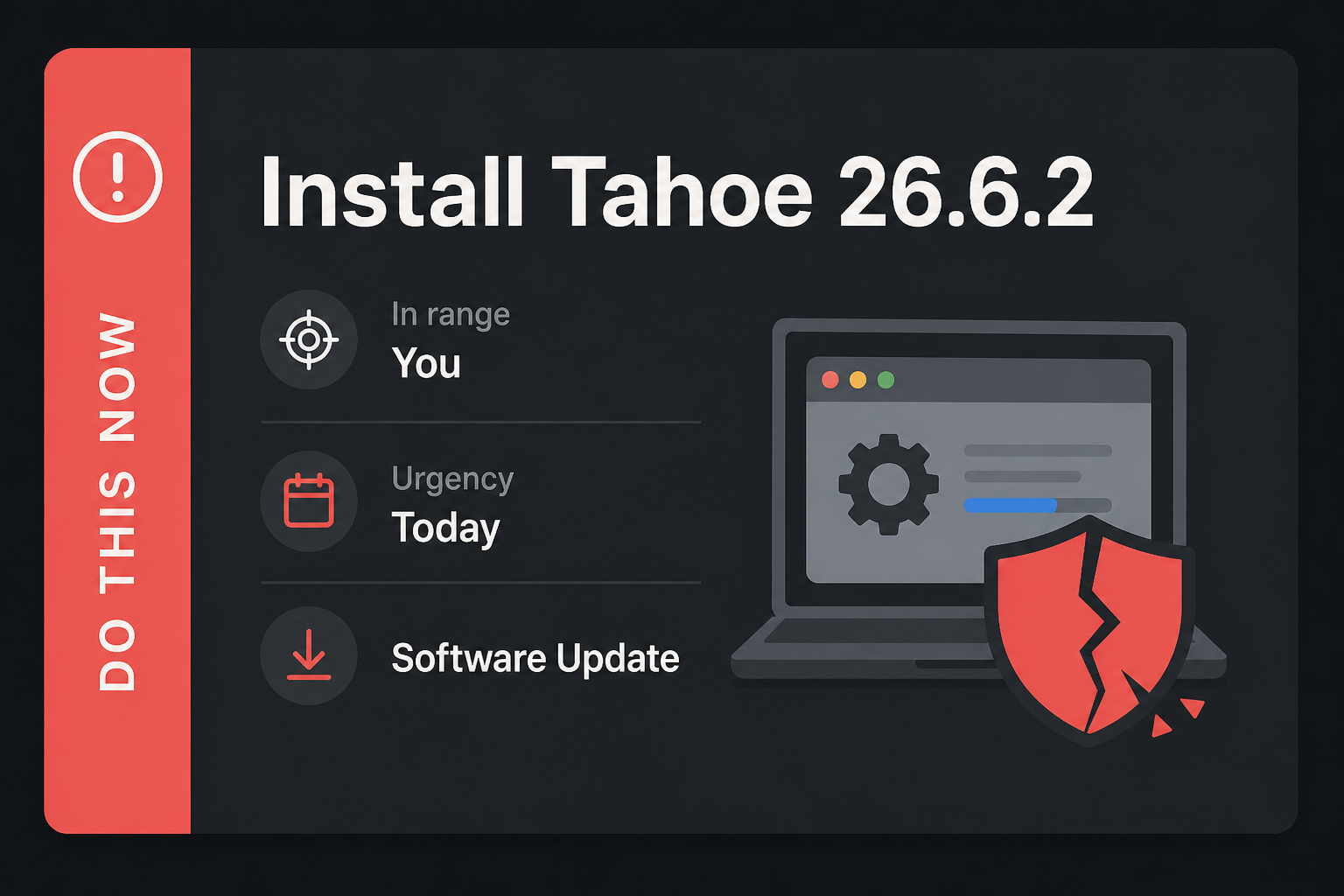
In range: You. Macs on Tahoe below 26.6.2.
Urgency: Today. An image can run code. The updater is already in Software Update.
- Apple menu, System Settings, General, Software Update. Install macOS Tahoe 26.6.2. Restart.
- Apple menu, About This Mac. Confirm the line reads 26.6.2.
- Then the other Tahoe Macs in the house. Sequoia and Sonoma are a different train. The iPhone is a different Settings path.
Who can skip
- About This Mac already shows Tahoe 26.6.2.
- Sequoia or Sonoma. Different train. Those Macs wanted 15.7.9 or 14.8.9 for Screen Sharing, and Safari 26.6.1 for WebKit.
- Windows-only. This decoder is not on that PC.
- iPhone-only, and no Tahoe Mac in the house still below 26.6.2. Phone ImageIO is a different train.
- A Mac too old for Tahoe. Apple did not list this build there.
- A shop Mac frozen by MDM still needs 26.6.2. That is an IT push, not a skip for the fleet.
Why it matters
ImageIO is how the Mac opens a picture. Preview. Photos. Mail with an attachment showing inline. Messages. A Finder preview. You do not need a special “open this exploit” ritual. You open the photo. Arbitrary code execution is Apple’s phrase for the decoder becoming a program. You do not need a second exploit story for that to be worth a restart.
The kernel row is the Mac going down from a remote attacker. Unexpected system termination is a crash of the whole machine, not a tab. The WebKit set is the same family a Sonoma or Sequoia user takes as Safari 26.6.1: a crash, memory corruption, a history leak. On Tahoe those rows ride the operating-system updater. One click covers ImageIO, the kernel row, and WebKit together.
Apple did not put an exploited flag on 65346. CISA has not added it to KEV. Waiting is still how an image decoder patch sits in Software Update for a week while Mail keeps showing photos. This is not the Screen Sharing KEV from 26.6.1. Do not mix the two. If you already took 26.6.1, take 26.6.2 anyway. Leave Sequoia and Sonoma on their own train. Leave the iPhone to its own Settings pane.
A shop that images Macs once a quarter is the other half of in range. The machine that “only opens photos” still loads ImageIO. Chrome’s About number does not move this one. One stale Tahoe is enough.
The bottom line
On this Mac
- Click the Apple menu in the top-left corner. Choose System Settings. On older wording it may still say System Preferences. Same door.
- In the left sidebar, click General. Then click Software Update. Stay on that pane. The Mac will check on its own.
- If it offers macOS Tahoe 26.6.2, click Update Now or Restart Now. Enter your Mac password if it asks. Let it finish. Do not close the lid in the middle. Plug in power if the battery is low.
- Restart when the pane asks. Sign back in. Click the Apple menu, then About This Mac.
- Read the version line under the macOS name. You want Tahoe 26.6.2. If the number is still 26.6.1 or anything below 26.6.2, go back to Software Update and stay there.
What you should see
Software Update names macOS Tahoe 26.6.2. It is a full operating-system bump, not a Safari line. About This Mac should read 26.6.2 under the macOS name after the restart. Trust that line, not the splash after restart, and not Safari’s About window. On Sequoia and Sonoma this pane will not offer 26.6.2. That is expected. Those lines are a different train.
If Software Update will not move
Stay on a network you already trust. A cafe captive portal can stall the download at 0%. Plug in power. A Mac that is about to sleep will pause the installer. If the pane sits on Checking, quit System Settings from the menu bar, reopen it, and go back to General, Software Update. Do not download a “macOS updater” from a random site. Apple’s own Software Update pane is the installer.
A shop Mac managed by MDM or a “do not update” catalog will not self-update. Ask whoever owns the image to push macOS Tahoe 26.6.2. Same build, different delivery. Do not ask for Safari 26.6.1 by mistake. Do not stop at 26.6.1 because that closed Screen Sharing. The line is Tahoe 26.6.2.
The other Mac, the phone, and when you are done
- The laptop in the bag, the iMac at the front desk, the till Mac that only opens photos: same Apple menu path tonight. One stale Tahoe is enough.
- iPhone or iPad: Settings, General, Software Update. That is the iOS train, not this Tahoe 26.6.2 build. Take it for the phone. It does not close the Mac, and this Mac click does not close the phone.
- A Sequoia or Sonoma Mac: Apple menu, System Settings, General, Software Update for 15.7.9 or 14.8.9 if Screen Sharing is still open, and Safari 26.6.1 for WebKit. Do not look for Tahoe 26.6.2 there.
- Windows: skip. Chrome, Firefox, or Edge: each one’s own About or updater. Tahoe 26.6.2 is not their number.
You are done when About This Mac reads 26.6.2 on every Tahoe Mac you click, the Mac has restarted once after the installer, and you have not mixed this click with the Screen Sharing 26.6.1 story. You do not need to sign out of iCloud or wipe anything. You needed a new build. You have it.