

The iPhone XS still lives on the 18 train. It cannot run iOS 26. Monday’s iOS 18.7.10 is the security drop for that phone, the XS Max, the XR, and the 7th-generation iPad. A crafted image can run code through the decoder. An app can try for root through a path lie. Settings already has the installer.
Overview
What broke
On 17 August 2026 Apple released iOS 18.7.10 and iPadOS 18.7.10. Apple’s own line on About the security content of iOS 18.7.10 and iPadOS 18.7.10: this update delivers security fixes that were first made available in the iOS 26.6 and 27 and iPadOS 26.6 and 27 betas.
ImageIO is the decoder that turns a file into pixels. Apple’s wording for CVE-2026-43818 is plain: an integer overflow was addressed with improved input validation, and processing a maliciously crafted image may lead to arbitrary code execution.
Integer overflow is a size lie. The decoder reads a number that is supposed to be how much memory to allocate. The number wraps. The buffer is too small, and the extra bytes can become instructions. That is why a decoder bug is never “just a photo.”
This is not a Photos-only hole. Safari uses ImageIO. So do Messages previews, Mail attachments, and in-app browsers. You do not install a picture attack. You open it, or the phone previews it for you.
The second human hole is MediaRemote. Apple’s wording for CVE-2026-43723: a path handling issue was addressed with improved validation, and an app may be able to gain root privileges. Root is the account that is supposed to own the phone. Path handling is a file-path lie.
Game Center is one more reason the same click matters. CVE-2026-64740 is a parsing issue in the handling of directory paths. Apple says a malicious app may be able to break out of its sandbox. Sandbox is the fence around a store app. One Software Update covers the set.
Apple has not said any of these are being used in the wild. CISA has not listed 43818, 43723, or 64740 on the Known Exploited Vulnerabilities catalog. The build is in Settings. That is the window.
Who is in range
Anyone still below 18.7.10 on an iPhone XS, iPhone XS Max, iPhone XR, or iPad 7th generation. Apple lists those four models only. They cannot install iOS 26 or iPadOS 26. The phone you “do not browse on” still decodes images in Messages and Mail.
iPhone 11 and later take iOS 26.6.1. Updating a newer iPhone to 26.6.1 does not patch the XS in the drawer. The 26.6.1 decoder CVE is CVE-2026-65346. This brief is 43818 on 18.7.10. Different train, different devices.
What the vendor shipped
- iOS 18.7.10 and iPadOS 18.7.10, released 17 August 2026, for iPhone XS, iPhone XS Max, iPhone XR, and iPad 7th generation only
- Security fixes first made available in the iOS 26.6 and 27 and iPadOS 26.6 and 27 betas
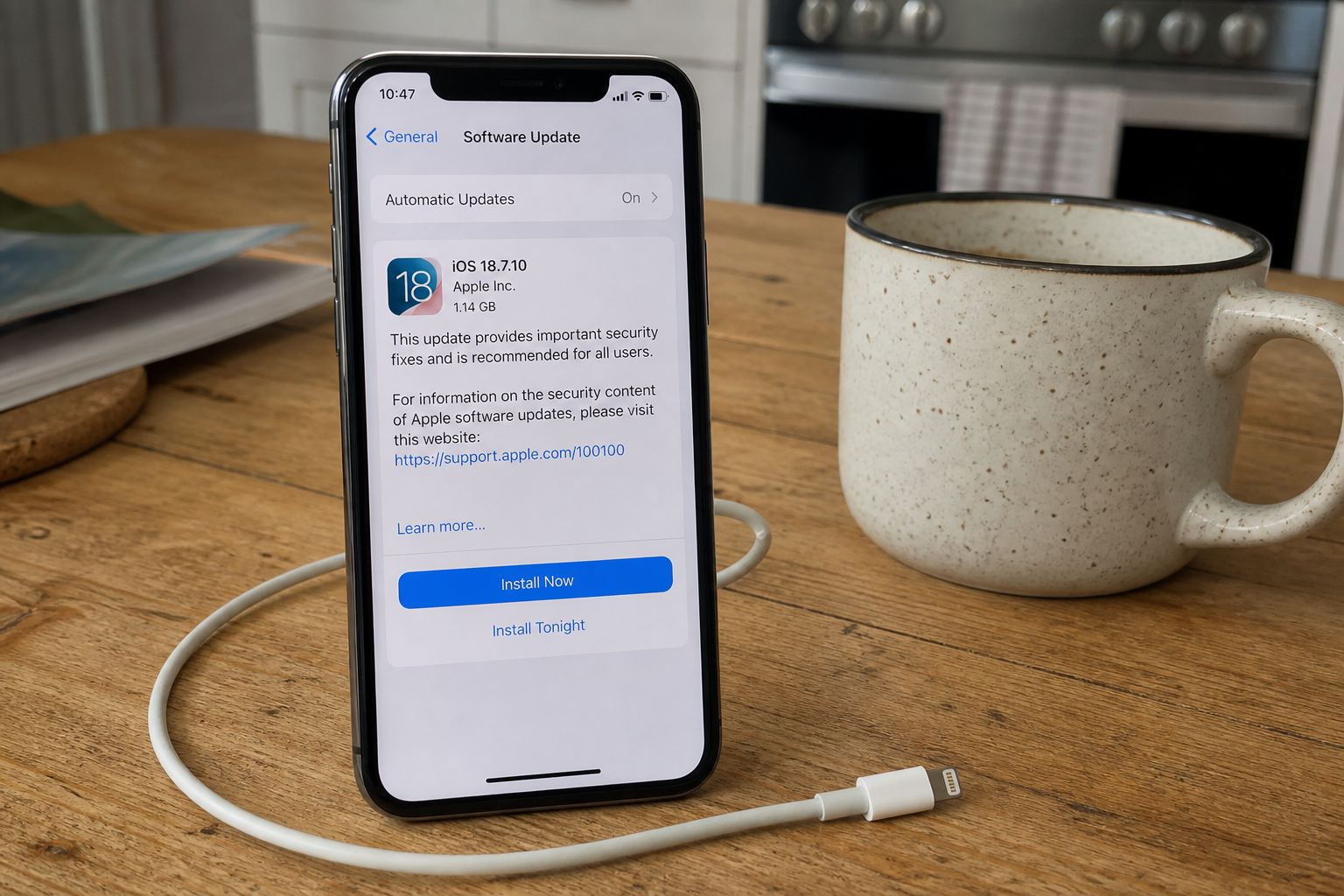
- Settings, General, Software Update. Plug in. Stay on Wi-Fi. Tap Install Now. After the restart, Settings, General, About must read 18.7.10
One Settings screen. There is no separate Safari update on the phone. The system build is the browser build.
What this is not
- Not iOS 26.6.1. That build is for iPhone 11 and later. The decoder CVE on that train is CVE-2026-65346, not 43818.
- Not a dump of every WebKit crash row on the note. Take the update for those too. They are not the ImageIO code-exec bug and not the MediaRemote root hole.
- Not claimed in the wild. Apple’s page does not say these are being used. They are not on CISA KEV.
- Not finished if Settings still reads 18.7.9 or anything older. The line you want is 18.7.10.
- Not patched by updating a newer iPhone in the same house. 26.6.1 does not land on an XS.
The patch is out. Software Update is already in Settings. That is the cheap window.
Do This Now
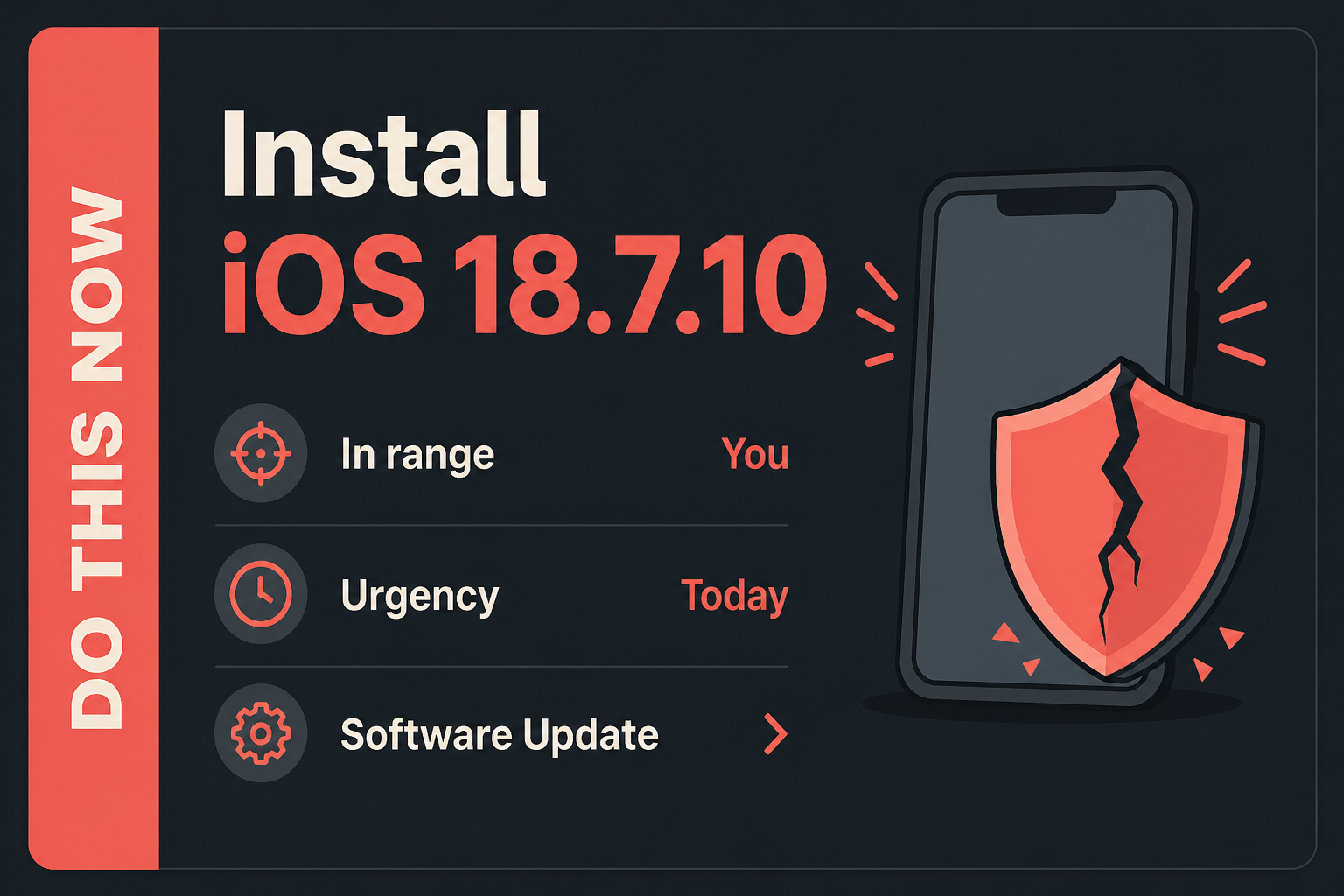
In range: You. iPhone XS, XS Max, XR, and iPad 7th generation still below 18.7.10.
Urgency: Today. Apple has not said these are in the wild. The build is already in Settings.
- Settings, General, Software Update. Install iOS 18.7.10, or iPadOS 18.7.10 on the 7th-generation iPad. Plug the device in. Stay on Wi-Fi. Tap Install Now.
- After the restart, Settings, General, About. The Version line must read 18.7.10.
- The other XS, XR, or 7th-generation iPad in the house: same path tonight. A newer iPhone wants 26.6.1, not this number.
Who can skip
- Settings, General, About already shows iOS 18.7.10 or iPadOS 18.7.10. Read the number. Do not trust the banner alone if the version is still 18.7.9.
- iPhone 11 and later. Those models want iOS 26.6.1, not 18.7.10.
- An iPad that can run iPadOS 26. That tablet wants 26.6.1. Only iPad 7th generation is on this 18.7.10 list.
- Android. This is an Apple system build.
- Windows. This is not a PC patch.
- A device too old for 18.7.10. Apple is not shipping this fix there. That is a replacement, not a skip for a phone that can still move.
- A shop iPhone or iPad frozen by MDM will not self-update. That is an IT push of 18.7.10, not a skip for the fleet.
Why it matters
The old phone still holds the session you already logged into. Mail, the bank app, the authenticator, the photos. A decoder that can run code is how a file stops being a file and starts being the process. An app that can grab root is how a store install stops being an app. You do not need a second exploit story for that to be worth a charge-and-install.
People skip Software Update on the drawer phone because it is “the old one.” Messages still previews pictures on that handset. The 7th-generation iPad in the kitchen still opens Mail. The preview does not ask for a restart. Apple described the bugs and shipped the build for hardware that cannot move to 26. That is the cheap window. There is no honest reason to sit on 18.7.9 while 18.7.10 is on the same screen.
CVE-2026-64740 is the extra reason, not the lead. A sandbox break on Game Center is a fence failure. One click still covers ImageIO, MediaRemote, and that sandbox row. Do not wait for a separate Game Center patch. There is not one.
A house that patches the new iPhone and leaves the XS is the other half of in range. The child’s old XR, the shop loaner on 18.7.9, the kitchen iPad that never left the 18 train. Today is the click. The menu is already there. 26.6.1 on a newer phone does not close this one.
The bottom line
On this iPhone
- Plug the phone in. Stay on a Wi-Fi network you already trust. Cellular downloads stall, and a cafe portal will sit at 0%.
- Open Settings. Tap General. Tap Software Update. You do not need a Mac or iTunes.
- Wait for the screen to finish checking. You want a card that says iOS 18.7.10. On a 7th-generation iPad the same card says iPadOS 18.7.10. Tap Update Now or Install Now. A passcode prompt is expected.
- Leave the device on the charger. The bar will sit, then the Apple logo will loop. That loop is the install. Do not force-restart it because it looks stuck for ten minutes.
- After the phone returns, unlock it. Open Settings, General, About. The Version line should read 18.7.10. Do not trust the splash. Trust About.
If Software Update will not move
If the page says Unable to Check for Update, leave Wi-Fi, wait ten seconds, rejoin, and open Software Update again. A download that dies at a few percent is often a full disk. Settings, General, iPhone Storage: free a couple of gigabytes, then retry. Do not download an “iOS 18.7.10 IPSW” from a random site. Apple’s own Software Update screen is the installer.
If the phone is supervised, or Settings shows an update paused by your organization, you cannot finish this from the Home Screen. Ask whoever owns the MDM profile to push 18.7.10. Same build. Different delivery. If Software Update says you are up to date and About still reads 18.7.9 or older, you are not done. Stay on the page, pull down to refresh, and give it a minute on power.
The iPad, the newer iPhone, and the drawer
- iPad 7th generation: Settings, General, Software Update. The card you want is iPadOS 18.7.10, not 26.6.1. That model does not get the 26 train.
- iPhone XS, XS Max, or XR: same path, iOS 18.7.10. Confirm About, not the banner.
- The second phone in the drawer, the kitchen iPad, the shop loaner: same three taps tonight. One stale device is enough.
- iPhone 11 and later: Settings, General, Software Update for iOS 26.6.1. That is the other train. It does not patch the XS.
What you should see
On Software Update, the heading is the product name and a three-part number. 18 is the major. 7 is the train. 10 is this security point. About, under Version, should match after the restart: 18.7.10. If you still see 18.7.9, 18.7, 18.6, or anything older, you are not on this patch. The progress bar is the download. The Apple logo is the close. After unlock, About is the proof.
When you are done
About reads 18.7.10 on every iPhone XS, XS Max, XR, and 7th-generation iPad in the house. Each of those devices has restarted once. Newer iPhones are a separate click for 26.6.1. You needed a new 18-train build. You have it. The ImageIO hole, the MediaRemote root item, and the Game Center sandbox row close on that same number.