

Office on the Mac is how a file from Mail becomes a document on the laptop. Microsoft’s 11 August security drop for Office for Mac is Version 16.112 (Build 26081010). It closed holes in Excel, Outlook, PowerPoint, Word, and the Office suite.
AutoUpdate may already offer 16.112.1 (Build 26081720), the 18 August quality build on that same train. Open Word, Help, Check for Updates, and stay until About Word or AutoUpdate reads 16.112 or 16.112.1.
Updating Windows Office to Version 2607 does not patch this Mac.
Overview
What broke
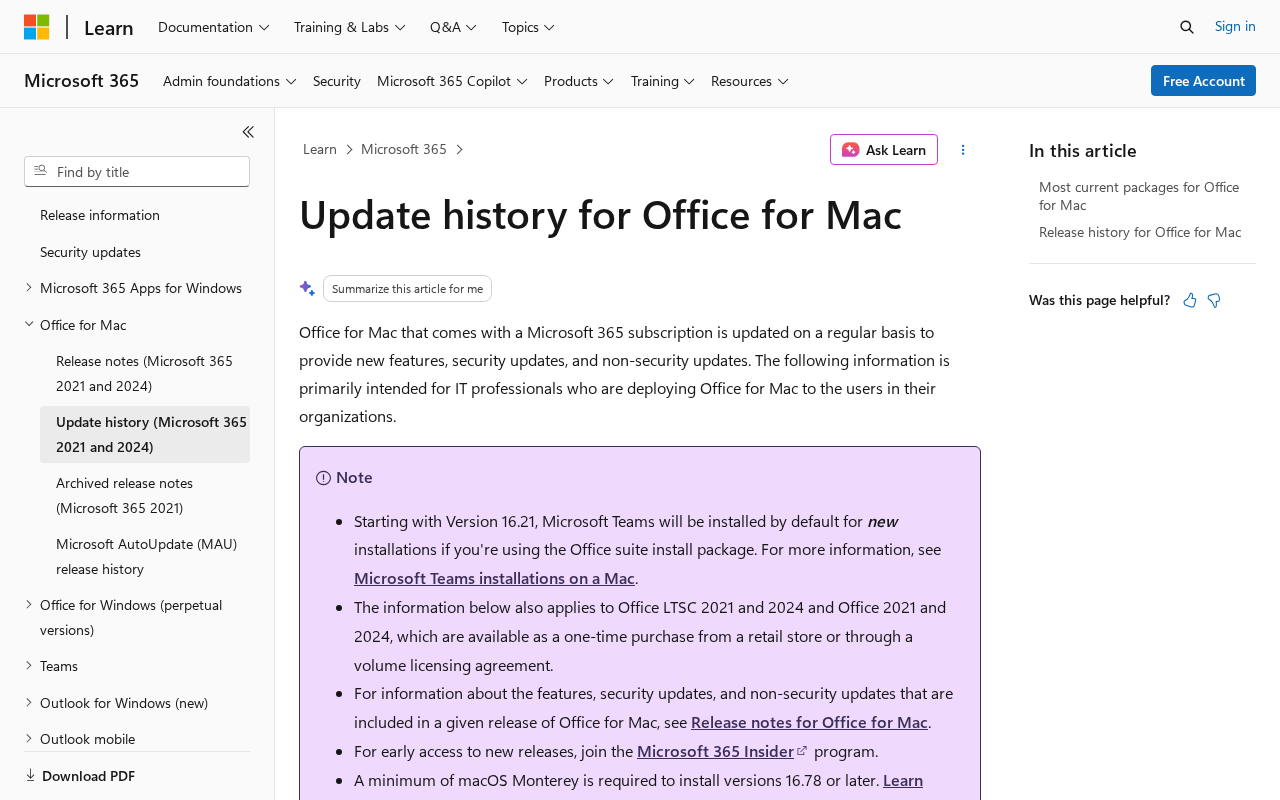
On 11 August 2026 Microsoft published Version 16.112 (Build 26081010) for Office for Mac. The release notes for Office for Mac list security updates under Excel, Outlook, PowerPoint, Word, and the Office suite. That is the security drop.
The 18 August 16.112.1 notes are quality only on top of 16.112.
Microsoft’s release notes list security fixes across the Office suite. Among them are CVE-2026-70311 in Word and additional issues affecting Excel, Outlook, PowerPoint, and shared Office components.
Memory-safety weaknesses such as use-after-free, type-confusion, and overflow bugs can cause crashes and may permit code execution under affected conditions. The safe response is to install the complete Office update instead of trying to judge each CVE in isolation.
The release notes also reference CVE-2026-65807, CVE-2026-63518, and CVE-2026-64907. These entries cover different Office components and weakness classes, so the exact trigger and impact vary by vulnerability.
The important version check is simpler than the CVE list. Office for Mac must reach 16.112 or later. Updating Office on Windows does not change the version installed on a Mac.
Microsoft has not said these August Mac Office CVEs are in the wild. CISA has not listed 70311, 65807, 63518, or 64907 on the Known Exploited Vulnerabilities catalog. That is not a reason to wait. AutoUpdate is already under Help.
Who is in range
You. Any Mac still running Office below 16.112. If About Word, About Excel, or Microsoft AutoUpdate still shows 16.111.x, 16.110, or an older 16.x train, you are in range. 16.112 (Build 26081010) is the security floor.
16.112.1 (Build 26081720) is the current package as of 18 August. Either number closed the set. Do not stop at 16.111.3.
A shop Mac that several people unlock is in range until About shows 16.112 or 16.112.1. Word, Excel, Outlook, and PowerPoint share Microsoft AutoUpdate. One Check for Updates covers the suite. Updating Windows Office to Version 2607, Build 20228.20190, does not patch the Mac.
OneDrive for Mac is a different client. That click does not move Word.
Microsoft’s notes require macOS 14 Sonoma to keep receiving Microsoft 365 and Office updates, including security. Older macOS still launches Office. It just stops getting this train.
What the vendor shipped
- 11 August 2026: Version 16.112 (Build 26081010). Security updates for Excel, Outlook, PowerPoint, Word, and the Office suite. This is the floor.
- 18 August 2026: Version 16.112.1 (Build 26081720). Quality and performance only. Current package on the update history for Office for Mac. Take this if AutoUpdate offers it.
- In-app path: Word (or Excel or Outlook), Help, Check for Updates, Microsoft AutoUpdate. Install. Confirm About Word or AutoUpdate current version reads 16.112 or 16.112.1 (26081720).
- Macs below macOS 14 no longer receive these updates. Office 2019 for Mac reached end of support on 10 October 2023.
What this is not
- Not Windows Office 2607. File, Account, Update Now is a different installer.
- Not OneDrive for Mac. CVE-2026-65680 is a different client.
- Not a reason to stop at 16.111.3 or any 16.111 build. The security set landed in 16.112.
- Not on CISA KEV. Microsoft has not said 70311, 65807, 63518, or 64907 is in the wild.
- Not done if AutoUpdate downloaded 16.112.1 and Word is still the old process. Quit the apps, then confirm About.
The patch is out. Help, Check for Updates is already in the menu. That is the cheap window.
Do This Now
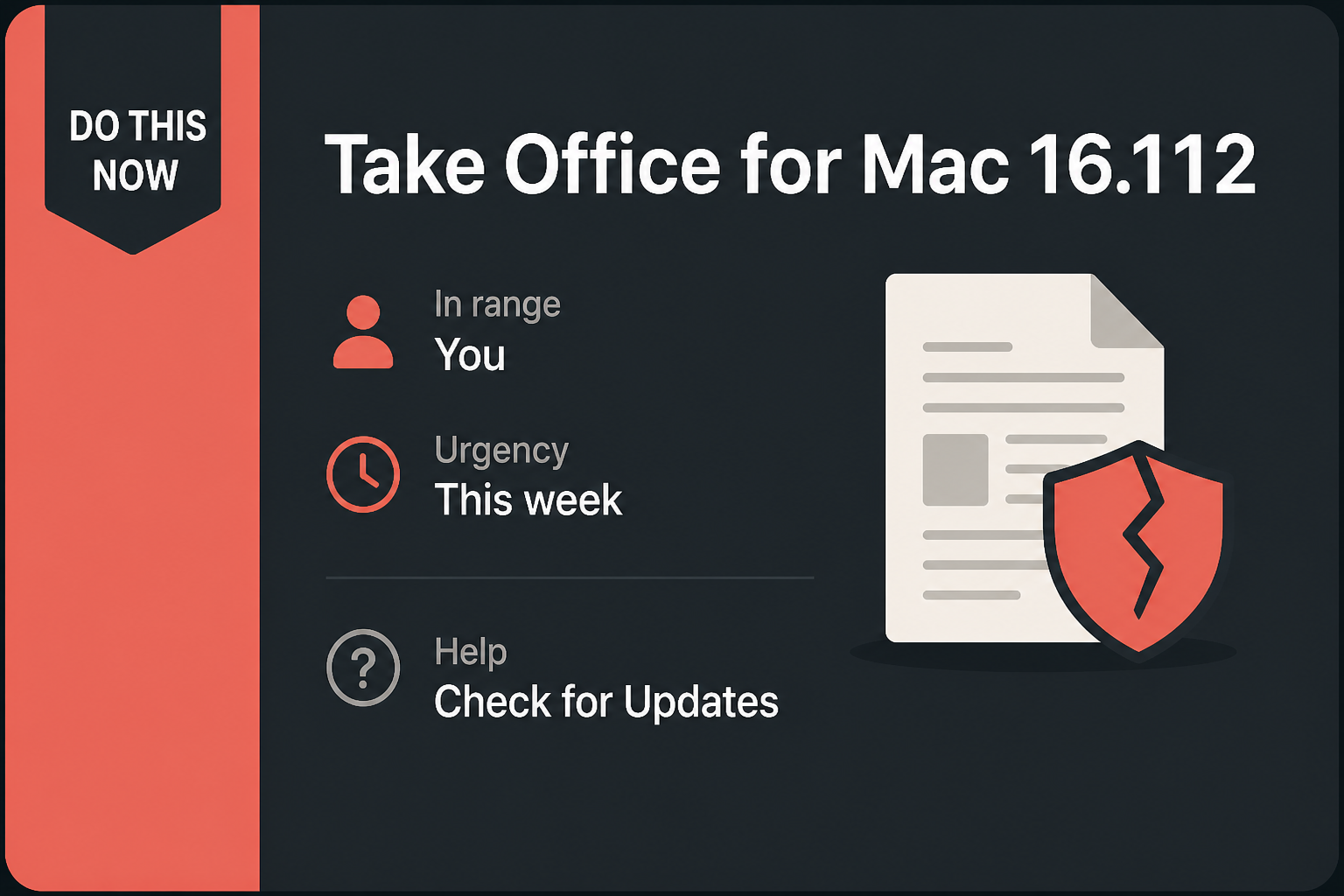
In range: You. Macs with Office below 16.112.
Urgency: This week. The updater is already under Help. A file from Mail is the usual delivery.
- Open Word (Excel or Outlook will do). Help, Check for Updates. Microsoft AutoUpdate opens.
- Install what it offers. Take 16.112 or later. 16.112.1 (Build 26081720) is fine and is what AutoUpdate may offer now.
- Confirm About Word, or AutoUpdate’s current version line, reads 16.112 or 16.112.1 (26081720). Repeat on the other Mac that still opens Office files.
Who can skip
- About Word or AutoUpdate already shows 16.112 or 16.112.1, and you have quit and reopened the apps once.
- Windows-only Office. File, Account, Update Now is a different installer. Do not type 16.112 into that screen.
- No Office on the Mac. Pages, Numbers, and Google Docs are not this installer.
- iPhone Microsoft 365, and no Mac in the house still runs Word, Excel, or Outlook.
- A shop Mac frozen by MDM cannot self-update. That is an IT push of 16.112 or 16.112.1, not a skip for the fleet.
Why it matters
Office on the Mac opens invoices, supplier workbooks, resumes, presentations, and other files people receive every day. Security flaws in document parsers and shared Office components matter because a malicious file may be designed to exploit the application that opens it.
Not every vulnerability has the same trigger or outcome, and Microsoft has not published a single attack path for the entire set. Installing 16.112 or later closes the known issues covered by this release.
A malicious attachment does not have to look like an obvious malware download. It may resemble a quote, spreadsheet, resume, or other document the recipient expected. Treat unexpected files carefully, but do not use caution as a substitute for installing the update.
Microsoft did not put an exploited flag on these CVEs. CISA has not added them to KEV. Waiting is still how an 11 August security set sits on the Mac for a week while you keep opening Mail attachments. 16.112.1 also exists.
If AutoUpdate will still move, take the newer number. Do not drop 16.112 from your head. That is the first build that closed the set.
The other miss is mixing installers. Windows Version 2607 closed CVE-2026-64907 on the PC. That click does not move the Mac. OneDrive for Mac closed a local-root hole in the sync client. That click does not move Word. One stale Mac Office install is enough.
Common Office for Mac Update Mistakes
Updating Windows and assuming the Mac followed
Microsoft publishes separate release trains for Office on Windows and macOS. A Windows PC can be fully patched while a Mac on the same Microsoft 365 account remains below 16.112. The subscription connects licensing, not the installed application files.
Open Microsoft AutoUpdate on each Mac and read its local version. Do not use the version shown on a Windows PC, the Microsoft 365 web portal, or a phone as evidence that Word and Excel on the Mac are current.
Closing AutoUpdate before the Office apps restart
AutoUpdate may download the package while Word, Excel, Outlook, or PowerPoint remains open. Save work and quit the Office applications when prompted. The old process can continue running until the application closes, even though the package is ready.
Reopen one Office app and check About Word or the current-version line in AutoUpdate. The useful proof is 16.112 or later. A completed progress bar without a version check leaves room for an interrupted or policy-blocked installation.
Ignoring an unsupported macOS version
An older Mac may continue opening documents even after it falls outside Microsoft’s supported operating-system window. That can create the impression that everything still works while new Office security fixes no longer arrive.
If AutoUpdate says no updates are available but the installed build remains below 16.112, verify the macOS version and the Office license. The long-term answer may be an operating-system upgrade, a supported Office release, or replacement of the device.
Installing a fake Mac Office update
Fake update pages often use Microsoft branding and claim that Word, Outlook, or a document viewer is out of date. They may deliver a disk image, configuration profile, browser extension, or remote-support tool instead of an Office patch.
Use Help, Check for Updates inside an Office app, or Microsoft’s official update channel. Do not install a package from a search advertisement or a pop-up that appeared while opening an unrelated website.
Forgetting shared and managed Macs
A studio iMac, front-desk Mac, loaner laptop, or conference-room computer may open Office files only occasionally. That makes it easy to miss. Every Mac that runs the desktop suite needs its own version check unless central management provides reliable inventory.
For managed fleets, confirm both deployment status and the version reported by a representative device in each ring. A package marked available is not the same as an installation completed. Follow up on machines that remain below the security floor.
Complete the Office for Mac Update
On the Mac
- Open Word. Excel or Outlook will do the same job. You do not need a special file.
- Click Help in the menu bar, then Check for Updates. Microsoft AutoUpdate opens in its own window.
- Read Current version. If it is below 16.112, click Check for Updates and install what it offers.
- The line you want is 16.112 or 16.112.1 (Build 26081720). If AutoUpdate still shows 16.111.3 or anything below 16.112, stay on the window.
- Let it finish. Quit Word, Excel, Outlook, and PowerPoint, then open one of them again. The old process is still the old client until the apps exit.
- Open About Word (Word menu, About Word) or AutoUpdate one more time and read the number. Do not trust a splash that says you are up to date. Trust 16.112 or 16.112.1 (26081720).
If AutoUpdate never moves
Quit the Office apps fully. Check the Dock for leftover Word or Outlook, then reopen Word and try Help, Check for Updates again. A download that sits at 0% is often a proxy, a metered connection, or a shop policy. Use the network you already trust.
Do not download Office from a random “Mac update” site. AutoUpdate is the installer.
A shop Mac managed by MDM, Jamf, or a “do not update” catalog will not self-update no matter how many times you open AutoUpdate. Ask whoever owns the image to push 16.112 or 16.112.1.
Macs still on macOS 13 or older, and Office 2019 for Mac (end of support 10 October 2023), no longer receive this train. Those machines are a migrate-or-replace problem, not a Check for Updates click.
The other Mac and the shop
- The laptop in the bag: same Help, Check for Updates, tonight. Wait for 16.112 or 16.112.1, then quit and reopen the apps.
- The front-desk iMac, the shared studio Mac, the machine that “only opens invoices”: same clicks. One stale client is enough.
- Windows Office on a PC in the same shop is a skip for this Mac number. Do not type 16.112 into File, Account and call the Mac done. Version 2607, Build 20228.20190, is that other installer.
- OneDrive for Mac is a skip for this Mac number. iPhone Microsoft 365 is a skip for this Mac number. Those are other products. They do not close 16.112.
What you should see
On AutoUpdate, Current version is 16.112 or 16.112.1 plus a build. 16.112 is the 11 August security train. 16.112.1 (26081720) is the 18 August quality package on that train.
If you still see 16.111.3 or anything below 16.112, you are not on the floor. After you quit and reopen, About Word and AutoUpdate should both read 16.112 or 16.112.1.
A “Updates available: 0” line on 16.112.1 is proof you are at or above the floor. Do not stop at a lower number.
When you are done
About Word or AutoUpdate reads 16.112 or 16.112.1 (26081720) on the home Mac and on every shop Mac that still opens Office files. You have quit and reopened once. Windows Office 2607 and OneDrive for Mac are separate clicks.
You do not need to rebuild a profile or reinstall the suite. You needed a new Mac build. You have it.
Frequently Asked Questions
Is Office for Mac 16.112.1 also protected?
Yes. Version 16.112 is the security floor, and 16.112.1 is a later quality update on the same release train. Either is at or above the fixed version.
Does updating Office on Windows patch a Mac?
No. Office for Windows and Office for Mac use different installers and version numbers. Run Microsoft AutoUpdate on every Mac that opens Office files.
Why can an older Mac stop receiving Office updates?
Microsoft supports the three most recent major macOS versions for current Microsoft 365 and Office updates. A Mac below that support window may need an operating-system upgrade or replacement.
Will the update change my documents?
The update changes the Office applications, not the document files. Save open work, let AutoUpdate finish, quit the apps, and verify the new version after reopening.
Where should I obtain the Office for Mac update?
Open an Office app and choose Help, Check for Updates. Microsoft AutoUpdate is the normal installer. Avoid search advertisements and unrelated pages offering Mac Office update packages.
Do I need to reinstall the complete Office suite?
Usually no. Microsoft AutoUpdate should apply the maintenance release in place. Reinstallation is a troubleshooting step only if the supported updater repeatedly fails and Microsoft guidance calls for it.
The Bottom Line
Office for Mac 16.112 is the security floor for this August release, while 16.112.1 is a later build on the same train. The update covers Word, Excel, Outlook, PowerPoint, and shared Office components.
Run Microsoft AutoUpdate on every Mac that opens Office files, quit and reopen the apps, then verify 16.112 or later. A Windows Office update does not patch the Mac.