

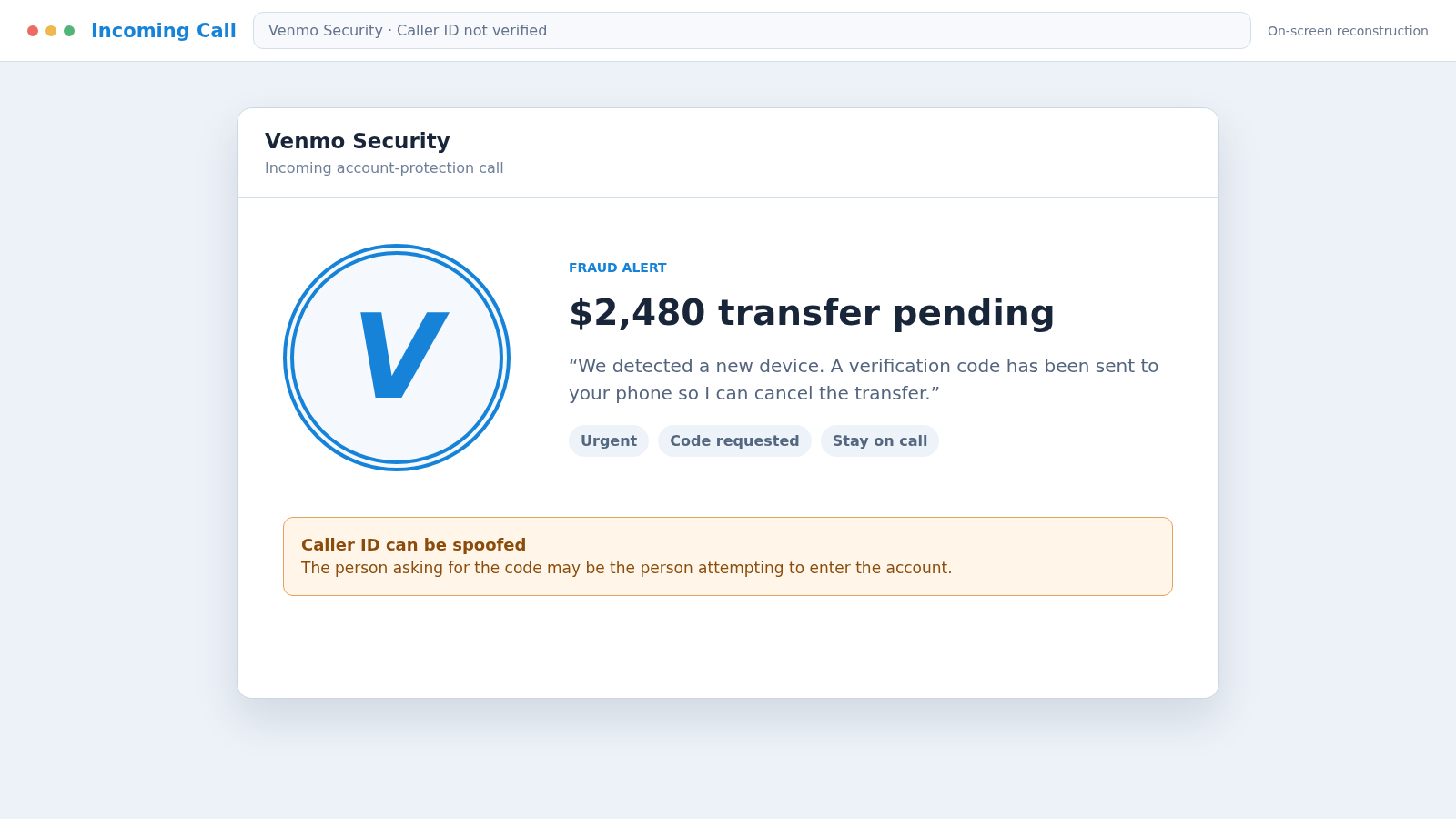
A caller says Venmo has detected a transfer you did not authorize. While you check the app, a real security code arrives on your phone, making the warning sound perfectly timed.
The Venmo Security Call scam uses that code as bait. The person offering to protect the account may be the same person trying to enter it.
Overview
The call may follow a real one-time code
A scammer who knows an email address, telephone number, or reused password can attempt to access a Venmo account. That attempt may trigger a genuine multifactor authentication code sent to the real owner.
The criminal calls moments later, claims to represent Venmo security, and asks the victim to read the code aloud. The timing feels like proof, but the caller knows about the code because they caused it.
Fake support turns account protection into account takeover
The agent may describe an unauthorized payment, new device, password reset, or crypto purchase. They offer to cancel the action after “verifying” the account owner.
Venmo’s official guidance says an agent will never ask for a verification code, remote access, third-party software, or a payment to verify an account. Any surprise caller making those requests should be disconnected immediately.
The scheme can move beyond the Venmo balance
Once the scammer receives a code or password, they may try to change account settings, send payments, access stored information, or target linked funding sources. A remote-access session can expose much more than one payment app.
The operation may seek:
- Venmo username, password, and verification code
- Email credentials used for account recovery
- Linked bank and card information
- Remote control of a computer or mobile device
- Payments to a supposed secure or verification account
- Cryptocurrency sent to an external wallet
- Identity information for future impersonation
A genuine security code is private. It authorizes the action described by the actual code message, not the explanation given by an unexpected caller.
What the Fake Venmo Call Sounds Like
The caller usually sounds calm rather than obviously threatening. They introduce themselves as a security specialist, fraud analyst, or account-protection agent and may provide an employee number.
The story begins with a transaction that the victim will want to stop: a large transfer, purchase, new recipient, password change, or cryptocurrency order. The amount and location are chosen to cause immediate concern.
The agent may already know the victim’s name or last four digits of a telephone number. Data from public sources or an unrelated breach can create the appearance of an authenticated support record.
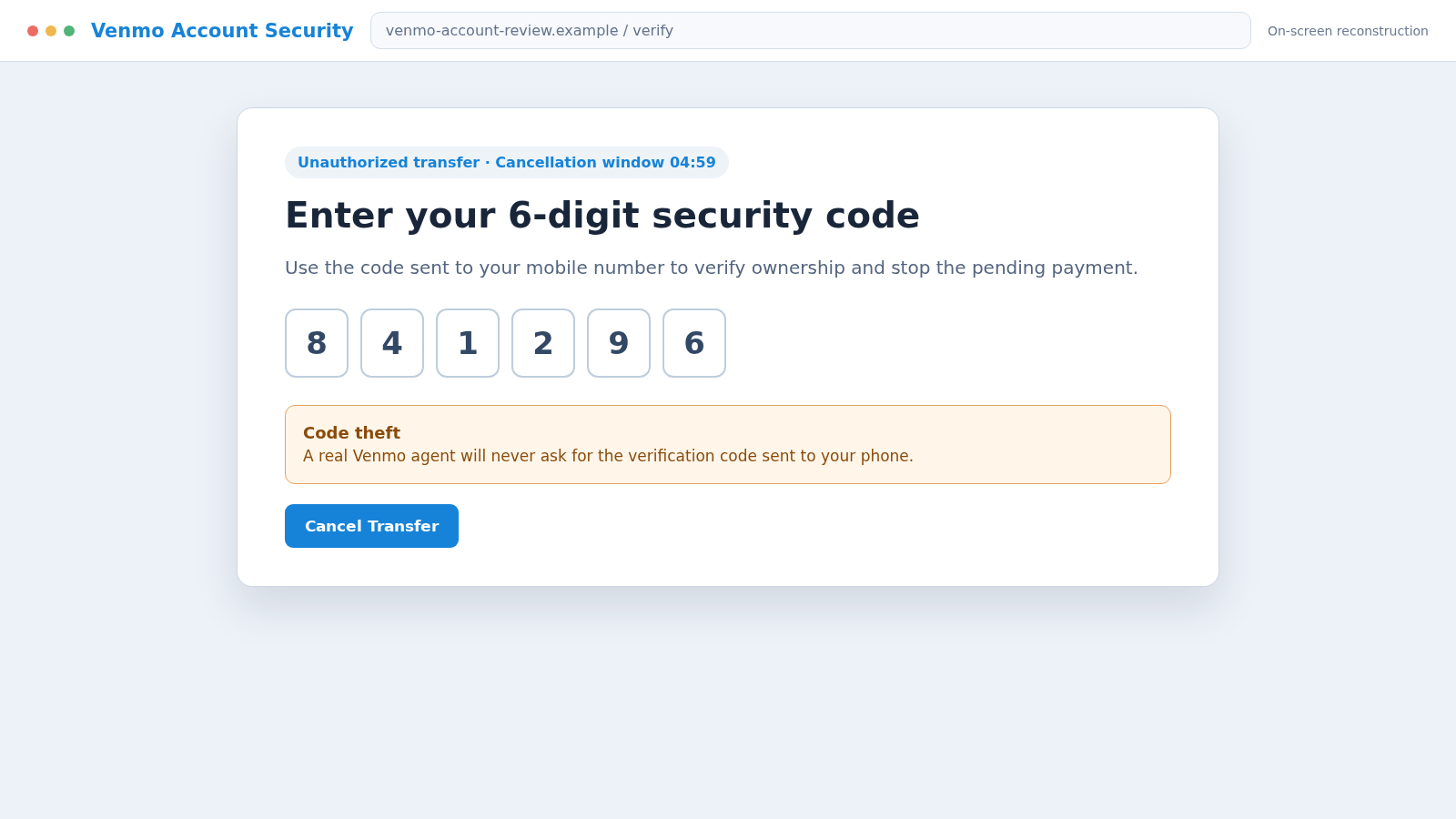
Next comes a code. The caller says it confirms identity, cancels the transfer, closes a duplicate account, or authorizes a fraud report. Sharing it may actually approve a login or account change.
If the victim hesitates, the caller warns that the transaction will complete or the account will be frozen. Real support can survive a callback through the app. A scam depends on keeping the victim inside the original conversation.
How the Venmo Security Call Scam Works
Step 1: The criminal collects a usable account identifier
An email address, mobile number, username, or old password may come from a data breach, social profile, purchased list, previous phishing campaign, or password reuse.
Some campaigns begin without knowing whether the target uses Venmo. Large numbers of calls and texts find enough real users to make the operation profitable.
Step 2: A login or recovery attempt triggers a code
The scammer enters the victim’s information into the real Venmo sign-in or recovery process. Venmo sends a one-time code to the telephone number registered on the account.
The message itself may be genuine. Its arrival means someone attempted an action; it does not authenticate anyone who calls about it.
Step 3: The fake security agent calls at the right moment
The caller says suspicious activity was detected and accurately predicts that a code has just arrived. This engineered timing makes the victim believe the support team is watching the account.
Caller ID may display Venmo, PayPal, a local number, or a toll-free line. Displayed identity can be spoofed and must not replace contact through the official app.
Step 4: A frightening transaction creates urgency
The agent describes a payment the victim does not recognize and says only immediate verification can stop it. They may claim a second Venmo account was opened using the victim’s identity.
If the victim checks the app and sees no transaction, the caller says it is pending, hidden by the fraud department, or attached to the duplicate account. The story is designed to explain away missing evidence.
Step 5: The code is requested as a cancellation tool
The caller asks the victim to read the code or enter it on a website. They may say Venmo policy prevents them from seeing it, so the customer must provide it to prove ownership.
That privacy feature is exactly why the code must not be shared. The caller needs it because they cannot complete the real login or recovery action alone.
Step 6: The intruder changes control of the account
After the code is accepted, the criminal may change the password, telephone number, recovery email, PIN, or device settings. Existing sessions can be disrupted while the victim is still on the call.
The scammer may inspect transaction history and contacts to choose believable recipients, payment notes, and future targets.
Step 7: Money is moved or the victim is told to move it
The intruder can attempt payments using available balance or linked funding sources. Another version tells the victim to send money to a “secure Venmo account” so it will not be taken by hackers.
Venmo does not require a customer to pay another user to verify or protect an account. A transfer authorized under pressure can still be difficult to recover.
Step 8: The call expands or the attacker disappears
If the victim cooperates, fake support may request remote access, a bank login, cryptocurrency, or another payment. If challenged, the caller hangs up and tries to use whatever access has already been obtained.
Stolen contact information can fuel new messages to friends or relatives. A second caller may later offer to recover the money for an upfront fee.
Why a Real Code Does Not Make the Caller Real
One-time codes are generated automatically when an account action reaches a security checkpoint. The system sends the code to the registered owner because the person starting the action has not yet proved control.
A criminal can therefore know that a code is arriving without being inside Venmo’s support operation. They started the request and are waiting for the missing factor.
Read the code message carefully. It may explicitly say not to share the number. No explanation from a caller can override that instruction.
A code should be entered only into the official app or website during an action you personally initiated. It should never be spoken, pasted into a chat, or entered on a page reached through an unsolicited message.
If an unexpected code arrives, change the account password through the real app, review activity, and secure the email account. Do not call a number supplied in a follow-up text.
Warning Signs of a Fake Venmo Security Agent
- The caller contacts you unexpectedly about an urgent transaction.
- A verification code arrives during the conversation.
- The caller asks you to read or forward the code.
- You are told to install a remote-access application.
- The agent asks for a password, PIN, or full card number.
- You must send money to verify or secure the account.
- The transaction is absent from the real Venmo activity screen.
- The caller refuses to let you contact support through the app.
- Hanging up is said to complete the fraudulent payment.
- Crypto must move to an external wallet for safekeeping.
Professional language, background call-center noise, and a spoofed caller name do not cancel these warnings. A genuine agent does not need secret credentials that bypass the account’s security.
How to Check the Account Without Trusting the Caller
End the call before opening financial apps. Using the Venmo app you already installed, review recent activity, pending payments, connected devices, personal information, and linked funding sources.
Open the Get Help area inside the app and start a new support conversation. Do not accept a transfer from the person who called or use a link they send.
Check the email account associated with Venmo for security alerts, password changes, forwarding rules, and unfamiliar sessions. Email often controls the recovery path and must be protected first.
Review the linked bank and card accounts directly. A payment absent from Venmo may still appear at a funding provider, while an entirely fabricated warning will have no supporting transaction anywhere.
If a supposed agent claims that a second account exists in your name, ask official support to investigate through the authenticated help route. Do not sign into an account the caller says they created for you.
Company, Address, and Fulfillment Checks
Start support from inside the official Venmo app
Use Me, Settings, and Get Help to reach support. Beginning inside the authenticated app avoids relying on a caller ID, search advertisement, or number sent by a stranger.
Check the exact transaction in real account activity
A genuine payment or request should have a sender, recipient, amount, time, and status. A verbal claim with no matching record is not a transaction that needs cancellation.
Verify emails and websites by their complete domain
Venmo says its emails end in venmo.com. Lookalike spelling, extra words, shortened links, and unrelated sign-in pages indicate impersonation.
Confirm where any payment would actually go
There is no secure stranger account used to protect funds. Review the recipient profile and never send money merely because a caller labels the destination as verification, escrow, or fraud prevention.
What Venmo Says Its Agents Will Never Do
Official Venmo guidance gives several direct boundaries. An agent will not ask for the verification code sent to your phone and will not request remote access to your device.
Venmo will not tell you to install a third-party application, create an account on your behalf, or send money to another user to verify the account.
The company also warns against messages that link to a fake multifactor authentication flow. A normal Venmo code message does not need a link that asks for the password again.
These rules are easier to use than trying to judge tone. The caller can sound kind, impatient, technical, or familiar. The forbidden request identifies the scam regardless of personality.
If a call is genuine, ending it and reopening support through the app will not harm the account. That independent restart is the simplest way to take control of the conversation.
What to Do if You Have Fallen Victim to This Scam
- End the call and stop payments. Hang up, block the caller, and do not send another transfer to unlock or recover the account.
- Contact Venmo through the app. Report the impersonation and every unauthorized or scam-induced payment. Ask support to secure access and explain available dispute options.
- Change the Venmo password. Use a trusted device, choose a unique password, review personal information, and remove unfamiliar devices or sessions.
- Secure the associated email account. Change its password, enable multifactor authentication, and inspect recovery methods, forwarding rules, filters, and recent logins.
- Notify linked financial institutions. Contact the bank and card issuers through official numbers. Review charges, replace exposed cards, and ask whether transfers can be stopped or disputed.
- Remove remote access. Disconnect a controlled device, uninstall software added during the call, and scan it with Malwarebytes before using it for sensitive accounts.
- Block malicious destinations. AdGuard can help reduce visits to known phishing and redirect domains, but account recovery still requires action through Venmo and the bank.
- Protect identity information. If an SSN or identity document was exposed, follow a tailored plan at IdentityTheft.gov and consider credit freezes.
- Save and report evidence. Preserve the call log, code message, usernames, transactions, domains, emails, and receipts. File at ReportFraud.ftc.gov and notify local police for serious losses.
- Warn contacts and reject recovery fees. Tell friends if the account was accessed, because they may receive fake requests. Do not pay an unknown recovery agent.
Frequently Asked Questions
Does Venmo call customers about suspicious activity?
Do not authenticate any surprise call by caller ID alone. End the conversation and contact Venmo through the Get Help area in the official app.
Will a Venmo agent ask for my verification code?
No. Venmo states that its agents will never ask for the code sent to your phone. Sharing it can allow a criminal to complete an account action.
Why did a real code arrive during the fake call?
The scammer may have triggered a real login or recovery request using information they already knew. They called because the code was the factor they could not obtain alone.
Can Venmo reverse money sent to a scammer?
Recovery depends on the transaction, funding method, and timing. Report it immediately through Venmo and the linked bank or card issuer, and ask for all available dispute options.
What if I gave the code but no password?
Treat the account as at risk. Change the password, secure email, end unfamiliar sessions, review activity, and contact official support without waiting for a transaction.
What if the caller wants me to install an app?
Refuse and hang up. Venmo says it will not ask for remote access or third-party software. If an app was installed, disconnect the device and begin security checks immediately.
The Bottom Line
The Venmo Security Call scam turns a real or fake account alert into a convincing conversation. A code arriving at the right moment does not prove the caller is support; it may prove the caller started the login attempt.
Never share a security code, install remote software, or send money to verify an account. End the call and restart the entire process from the official Venmo app, where the criminal no longer controls the path.








