


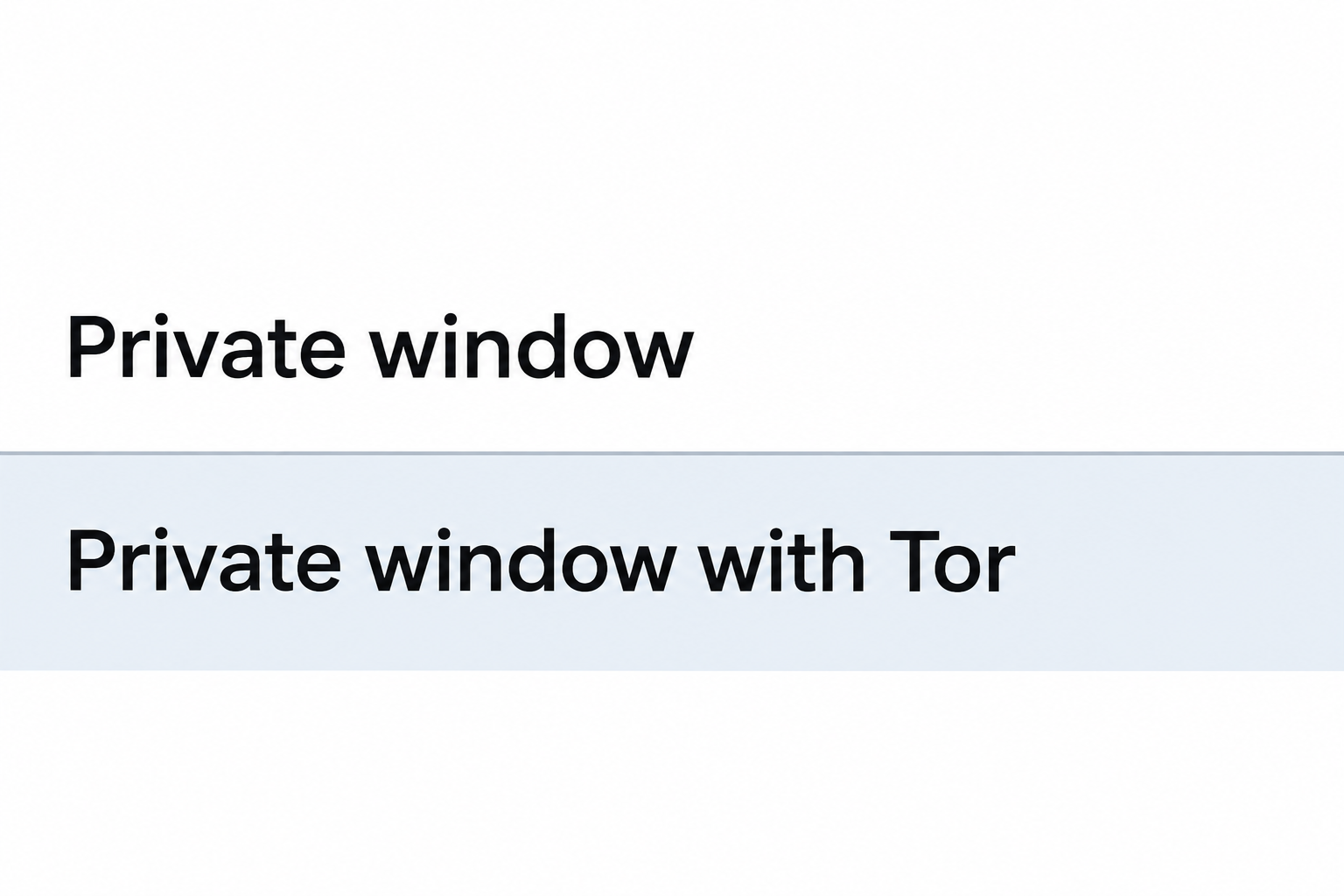
Brave gives you a regular private window and, on desktop, a private window that sends its web traffic through Tor. The names sound similar, but they address different privacy problems.
Start with what you want to keep private and from whom. A clean local history, a different network route, and anonymity from the website are not the same thing.
Overview
An ordinary private window limits local traces
After the session ends, Brave does not retain the private window’s browsing history or temporary site data.
Files you download and bookmarks you create can remain.
The Tor option changes the connection
Brave describes its Tor window as a private window that uses Tor as a proxy. It is not the same browser as Tor Browser.
Check the boundary before relying on either
- A website still receives what you type, send, or upload to it.
- Neither window protects everything else running on the computer or wipes evidence that exists outside the browser.
- If a work, school, or shared device is managed, assume its rules and monitoring still apply.
What the ordinary private window changes
It makes a temporary space for websites
Brave explains what private windows store. Cookies and site data can exist while you browse and are meant to go away when the private session ends.
A familiar site may ask you to sign in again because the regular session is separate. You can still authenticate normally if that is what you want to do.
A private window is useful when you want to see a page as a visitor without signing out of your main profile. It is not a separate operating system account.
Closing one tab is not the same as ending the private session. Before handing over a computer, close the private windows and check separately for downloads you intentionally kept.
If you filled a search box, the destination can still see the search you sent.
The fact that Brave will not save that local form entry does not undo the request.
Brave’s built-in controls may affect what a website can do. Their presence does not change the basic distinction between closing a private session and preventing a site from collecting data.
It does not erase files or bookmarks
If you download a brochure or other file in a private window, the file can remain in your downloads folder. It is separate from the visit that produced it.
A bookmark is also a deliberate record.
Brave says that bookmarks created in a private window are available in regular windows, so do not create one if you expect it to disappear.
An operating system may show files in recent-items lists. A cloud service may copy files from a synchronized folder, even when you downloaded them in a private window.
Printing a page, taking a screenshot, or copying a link into a note makes a separate record.
Close the private window if you want, but do not mistake closure for deletion.
If you share a device daily, separate user accounts can give each person their own files and browser profile. A private window only gives you a temporary browsing session.
It does not change an ordinary internet connection
In its private browsing anonymity guidance, Brave explains that an ordinary private window does not hide your IP address or stop fingerprinting by itself.
An internet provider or network operator can still observe information about the connection. What it can read depends on the network, encryption, and monitoring, not simply the window name.
An encrypted website can help protect the content of a connection in transit. It does not make sending your name to the website an anonymous action.
You can look for separation between regular and private sessions without installing anything. Open a non-sensitive website you already use and compare whether its familiar account session carries over.
That comparison shows a difference in local session state. It cannot measure your anonymity online, inspect what an employer collects, or guarantee how every site identifies visitors.
What the Tor window changes
Think of the route and the browser separately
The Tor window is intended to route that window’s browsing through Tor. That can change the network address a destination sees, compared with connecting normally from a private window.
It does not apply to your chat client, calendar application, or a different Brave window. If you click a link that opens elsewhere, you are outside the session you intended.
The Tor path can add delay and some sites challenge or reject it. Being asked to sign in or complete a challenge does not establish that Tor has failed.
Brave explains that its implementation is built into a standard Brave private window, not a full copy of Tor Browser. Use the product name carefully when comparing privacy claims.
You can read public help without testing risky destinations or looking for sites that claim to measure stealth. A single test website cannot certify a browser as anonymous.
Know what can still identify you
If you enter your regular login, the site knows which account you authenticated. Using a different route does not make a favorite account or saved correspondence anonymous.
If you submit a document, its words and properties can identify you. Private browsing and network routing do not remove information already present in that file.
Identifying details can also come from a profile field, a shipping form, or conversation history. Those are decisions about what you reveal, not shortcomings of the window’s name.
Browser fingerprinting can combine observations about configuration and behavior. Brave specifically warns that its Tor window does not offer all the fingerprinting protections people associate with Tor Browser.
Changing a large set of settings at random does not necessarily improve protection. If your situation has serious consequences, start from authoritative guidance before depending on an unfamiliar setup.
The same device is still involved
Opening the Tor window does not replace your device account, suspend management software, or guarantee separation from other installed software. You are still using the same computer.
If the device itself is compromised or records the desktop, a different network path cannot solve that issue. Address the device risk instead of experimenting with additional windows.
On a work or school computer, respect the administrator’s rules. If you need an appropriate approved setup for confidential work, ask the responsible person rather than attempting to evade monitoring.
A borrowed computer can contain an unfamiliar account or software. Where possible, do sensitive work later on a trusted device, rather than relying on the browser’s private label.
Match the browser choice to a real task
Looking at a page without your usual login
For a low-risk preview of a public site, an ordinary private window can separate your temporary visit from your regular cookies. You do not need Tor for that local distinction.
Check whether you are signed in before taking a screenshot or sharing the result. Signing in later changes what the site can associate with that particular visit.
The same approach helps distinguish a cached session problem from a page everyone sees. If it looks different, that does not establish that the site tracks you maliciously.
Keeping a shared computer tidy
When you look up a surprise gift, your objective might be fewer local suggestions from your browser. An ordinary private window can help without changing the network path.
However, a receipt in a shared inbox, a shared shopping account, or a saved download can still disclose the purchase. Browsing mode is only one part of keeping it private.
On a computer you share with another adult, obtain a separate profile or operating system user if that suits the arrangement. Private mode is not an access control system.
Handling serious confidentiality needs
For work that has consequences if you are identified, do not infer protection from a window icon. Brave itself points users who depend on anonymity toward Tor Browser.
A specialized browser does not protect what you tell an account or reveal in an attachment. It cannot remove monitoring already present on the device.
A routine private window can still make sense for simple visits while you assess the risk. Do not test with personal accounts or disclose information to an unfamiliar service.
Common results and what they actually tell you
The browser does not remember your last visit
A site asking you to accept its cookie settings again suggests it did not receive the same stored preference. That does not show that the site discarded its own records.
If you signed in on both visits, the site may use that account to connect them. Compare whether the site’s behavior depends on a cookie or on your server-side account.
If another person finds a downloaded ticket, this does not mean the browser saved your browsing history. It means the ticket remained as a file after the session.
The same search results appear in both windows
Sites can show similar results for many reasons. A shared item on two screens does not show that browser history crossed from one session to the other.
Likewise, a different result does not establish anonymity. Temporary cookies, location estimates, ordinary page changes, and account state can produce differences without proving what an observer knows.
If you want to compare a website as a guest, sign in to neither of the test windows or use a public page that does not require an account.
A page opens in another application
An email address can open your regular mail client. A calendar invite can open a calendar app, and a downloaded document can open in your usual viewer.
Before sharing anything sensitive, check which application is receiving it and which account is active. The browser window’s privacy setting does not change the workflow of an app it opens.
If your concern is the local paper trail, it helps to notice where the browser hands off a task. A private visit can still lead to a durable record elsewhere.
A public computer offers a private window
A public computer may let you choose private browsing while keeping the same system settings for every visitor. You do not know which other tools the owner installed.
Avoid treating that window as a safe place for highly sensitive work. If you can wait, a trusted device under your control is a more meaningful first decision.
What to Do Before Relying on a Private Window
- Write down the actual concern: another user seeing local history, a site seeing your usual connection, or a person tying the activity to your identity.
- Check that the computer, account, and network are appropriate for the task before choosing a browser mode.
- Pick an ordinary private window for temporary local separation, or consult Brave’s Tor documentation if the connection itself is the concern.
- Review any sign-in, upload, or download you plan to make, since it can create records unrelated to browser history.
- Close the entire private session when finished, and check separately for any files, screenshots, or bookmarks it produced.
These steps work best with a simple question, such as whether the site knows the account you use. They give you a meaningful distinction without a risky test.
If a legitimate site will not function in the chosen window, pause. Consider whether an alternative approved channel, such as the organization’s app or support, is more appropriate.
Frequently Asked Questions
Does a Brave private window hide my IP address?
An ordinary private window does not hide it just because the browser keeps less local history. The desktop Tor window changes the route for traffic inside that window.
A different network address is not automatic anonymity. The destination can still see what you send and relate activity to an account you use.
Is Brave’s Tor window the same as Tor Browser?
The two options are not the same. Brave describes its option as a Tor proxy for its private window and documents limitations, including differences in protection against browser fingerprinting.
If a privacy-sensitive task depends on protections specific to Tor Browser, do not substitute Brave’s similarly named option and assume you received all the same safeguards.
Can a site keep records after I close the window?
A site can retain its own records. Closing a window ends a browser session, not the site’s records of an order, search, account change, or message you sent.
That is also why signing out may matter on a shared system even if you used a private window. The platform can retain its own history separately.
Does private browsing delete files I downloaded?
Closing a private window does not remove downloaded files.
A file downloaded in a private window can remain wherever the browser saved it.
A bookmark you deliberately save can also appear outside that window.
Check downloads and any sync folder separately if a computer is shared. Do not assume closing Brave removed those files from the operating system.
Can I apply desktop Tor guidance to Brave on my phone?
Brave describes this Tor window as a desktop feature. Do not assume that a private tab on another platform has the same network behavior.
Check documentation for the exact Brave product and operating system you use. A similar icon or a menu item with the word private is not sufficient evidence.
Does a private window stop workplace or school monitoring?
It does not replace the device’s operating system or its administration. Ordinary private browsing also does not hide your actions from all network observers.
Use the appropriate managed workflow and authorized tools for your environment. If you need more confidentiality for approved work, contact the organization’s technical support.
The Bottom Line
A Brave private window mostly changes what its browser session leaves behind. Its desktop Tor window changes the connection for that window, with important limits.
Decide which of those problems you have before you browse. Nothing about a private window changes who receives the details you send or controls the computer you use.

Join the discussion
0 commentsShare your experience or ask a question about this article.
Community experiences
Did this happen to you?
Your experience could help someone recognize the same scam. Submit a private report for our team to review.
I experienced this tooReports are reviewed before publication. Sharing publicly is always your choice.
Discussion
Start the conversation
Have a question or something useful to share? Add the first comment.