


You requested deletion through California DROP and expected one answer. Instead, the checker shows different outcomes, sometimes including an opt-out you never selected as a separate request.
Those labels are useful when you read them one broker at a time. They tell you whether to wait, adjust the matching information, or use a different privacy tool.
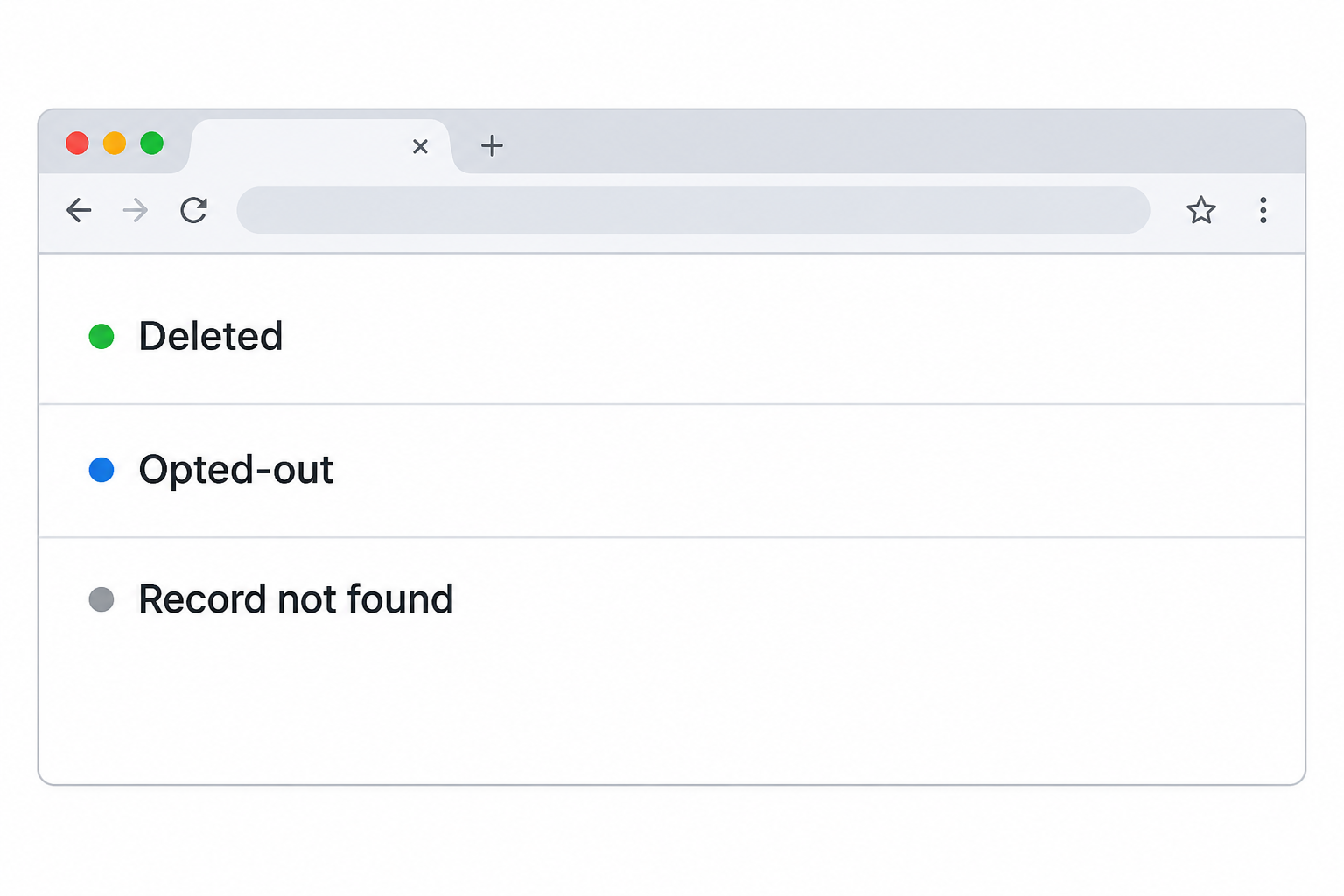
Overview
DROP sends one request to registered data brokers
California’s Delete Request and Opt-out Platform gives eligible residents one place to request deletion from covered data brokers. It is a free state service, not a subscription.
An opt-out does not mean the record was deleted
CalPrivacy distinguishes an exact match and deletion from limits on sale and sharing. Check the individual broker status rather than assuming that your receipt tells you what happened.
Read the status alongside three details
- Record when you submitted or updated the request, so you can distinguish a reporting delay from a result that needs attention.
- Check whether a broker matched the details you supplied, instead of treating a missing match as proof it never held information.
- Decide whether the thing you want removed is covered broker data, an original public record, or information you gave a business directly.
Start with what DROP can reach
DROP is designed for California residents. Start at the state’s official page, which explains eligibility, rather than at a message or advertisement offering to submit a request for you.
The scope is registered data brokers, not every site, business, or government office that has ever held your information. The platform cannot operate all of their separate privacy settings.
You may have a direct relationship with a business in one situation and appear in unrelated broker data in another. Where the information came from affects which request is useful.
For example, deleting a broker’s profile is separate from asking an online shop to remove information you gave it at checkout. The shop has its own verified privacy route.
Likewise, a broker’s record may have originated in a government file. A privacy request against the broker does not change who can obtain the government’s copy.
When you are trying to remove a specific web page, keep the exact URL. It helps you decide whether to pursue the operator, a search engine, or a broker request.
What the five outcomes mean
Deleted
CalPrivacy’s status guide says this means the broker matched you and deleted the non-exempt personal information it held about you. It does not describe other companies.
The identifiers supplied to make the match are not necessarily the only information the broker must delete. A successful match can reach related non-exempt data in that broker’s record.
If the broker still appears in the status checker, that is not proof the deletion failed. The checker retains an outcome so you can see what the broker reported.
If you still find a public listing on a broker site, compare the exact operator, listing, and date before drawing a conclusion. You might be seeing a different company’s copy.
Record the link and the broker’s reported result if you need to ask about a specific page. Don’t put your DROP ID or personal details in a public comment.
Opted-out
This label can appear even though you asked for deletion.
CalPrivacy says it applies when a broker could not make an exact match but must restrict selling or sharing related information.
That is useful protection, but it is a different outcome. Do not record the row as deleted or assume the broker no longer holds anything that might relate to you.
Check whether you supplied the legitimate details the broker is likely to have. An earlier address or an alternative spelling can matter more than adding another sensitive identifier.
If you choose to update the profile, make the change in DROP. Do not send additional identifying information to a company that approached you through an unsolicited message.
Record not found
CalPrivacy says a broker may not hold data about you, or it may not have found a match. The label alone does not tell you which explanation applies.
If you have no reason to believe the broker has a record, you do not need to chase it just because it reported no match.
If you recognize that broker from an actual listing, compare the details on the listing with what you entered in DROP. Avoid using someone else’s data to strengthen a match.
A change in surname, an old ZIP code, or multiple email addresses can explain a discrepancy. Review optional matching information and provide only what you are comfortable giving.
Exempted
CalPrivacy says the broker has information but is allowed to keep all of it under one or more statutory exemptions. That is a different reason from failing to find you.
If the information is public or came directly from a business relationship, start with the agency’s explanation of what DROP excludes. Not all visible material is subject to this request.
If a status seems inconsistent with the facts, consult CalPrivacy’s official DROP help about the relevant issue. Keep the name of the broker and date available.
Do not infer a particular exemption from the label alone. The important result is that this row does not report a completed deletion of the data you had in mind.
Pending
Pending means the broker has not processed the request yet. It is not a finding about whether a match exists, or a rejection of your California eligibility.
The official guidance distinguishes the broker’s 45-day access cycle from how soon updates appear in the consumer checker. CalPrivacy says a status can take up to 90 days to appear.
Keep the submission date and note later changes to your profile. Do not start the clock from the day you happened to look at the checker.
If you still see pending after the published reporting interval, use the agency’s help page before submitting another request. Note the status and issue without sharing the ID publicly.
Change your matching information thoughtfully
The sign-up process verifies eligibility before you submit a request. If California residency cannot be verified, the official help page provides a way to request a review.
Eligibility verification and broker matching are different. An approved eligibility check does not mean every data broker now has enough information to recognize your record.
The state says the basic request needs your name, date of birth, and ZIP code. It also describes optional details that can improve matching and let you add variants.
Treat each optional field as a decision. A verified past address may be useful for a record that persists under that address; unrelated contact information only confuses the case.
When you move or change names, check the agency’s instructions before starting over. You can update your existing profile rather than assuming a new submission is the only route.
If privacy is the reason you are using DROP, keep the confirmation ID private. Store it somewhere you can reach later without keeping an exposed copy in a shared folder.
If you lost your DROP ID
Open the recovery option from the state instructions. Do not use a third-party checker that asks you to send the identifier or your verification details by message.
If you did not receive the confirmation email, follow the help page’s current recovery steps. Do not assume that a missing email proves that the application was rejected.
Someone offering to run a live status check can ask for more than they need. You can check the request yourself through the official site.
Three examples of what to check next
One broker reports deletion while others are pending
A single request can produce different results because brokers process it on different schedules. A completed row is not a signal to restart all the pending ones.
Compare the date of the original request with any later date you added information. Then check which row you are worried about, without changing a confirmed outcome.
If you detect a specific live listing that creates immediate exposure, you can pursue its published removal route while DROP is pending. Keep the two case records separate.
The status page is a better record than counting marketing messages. Mail and ads can reflect older lists, first-party data, or sellers outside the particular broker row.
You find a record under information you no longer use
Suppose a broker site shows an address from years ago under a former name. Look at which of those details your verified DROP profile already contains.
There is no need to add everything you have ever used. Decide whether a known alternate detail is relevant to the record and worth including in the official platform.
A profile update can help the broker match rather than merely restrict sale and sharing. It is not a promise that outdated records will all resolve to one identity.
A current listing held by another operator needs its own analysis. Check the domain and the company responsible rather than attaching the same evidence to several different organizations.
A status tool asks for more information than you expected
Return to the state’s privacy page and open the checker from there. Use only the identity recovery process the agency provides if you cannot find the original ID.
If an email promises a complete deletion certificate or needs a fee to look up a result, confirm independently before taking action. Do not forward a private confirmation code.
If you submitted identifying information somewhere you now distrust, save what you sent and where. Respond to the specific information disclosed instead of assuming your DROP request caused the issue.
When another action makes more sense
An original government record still appears
A directory may copy a government record that remains available at its source. A successful broker request need not mean the original can be taken offline.
If the record is inaccurate or you have a protected-address concern, consult the office that maintains it about its process. Avoid putting the underlying record in an open support thread.
You gave the information directly to a site
A retailer, employer, or account provider may have information because you did business with it. DROP is not the same as a deletion request sent directly to that company.
Separate your concern into an account privacy request, public listing request, or correction of a record. That makes it easier to identify who has authority to change it.
A real person is threatening you with your address
Keep the original messages and destination links privately. If you face immediate danger, seek local emergency help rather than waiting for a routine broker status to update.
Do not send money to someone promising to make the records disappear. The state service is free and does not need an intermediary to collect your status ID.
What to Do After You Submit a DROP Request
- Save the private confirmation ID and submission date, then open the official status checker through the California privacy website.
- Read the status for each broker individually. Distinguish a deleted record from limits on selling or sharing, an exemption, and a record that was not found.
- Allow for the stated reporting interval on pending rows, then use CalPrivacy’s help route if a result remains unexplained beyond that window.
- Update matching details through your existing profile if you have a specific reason and can provide them without sharing another person’s information.
- Use a direct request for a company you dealt with, a separate source for public records, and a search-removal process for results outside DROP’s scope.
If the same broker adds matching records later, the program is meant to continue checking and removing eligible data.
You do not have to file a new request for every cycle.
Frequently Asked Questions
Does the confirmation ID mean my information was deleted?
It means you have a request to track. The individual broker outcomes are where you can see reported matches, deletions, exceptions, and requests still waiting for a response.
Can I use DROP if I do not live in California?
The state’s program requires California residency verification. Use the official eligibility help if your verification fails, rather than providing a false address or paying someone for access.
Is Record not found the same as Deleted?
One reports no located record based on the match; the other reports an identified record and deletion of the non-exempt information.
Why did I get Opted-out when I requested deletion?
An exact match may not have been possible. CalPrivacy describes a fallback restricting sale or sharing without reporting that the record was deleted.
Can DROP remove details from Google search results?
It is not a search result removal service. First see where the actual information is hosted, then use a suitable request against the source or the search engine.
Do I resend if my existing status says Pending?
Check the submission date and status reporting guidance first. Use the state help route for an unexplained delay rather than opening repeated requests with the same matching details.
The Bottom Line
Use the official DROP checker to read each broker’s outcome rather than counting a submitted request as a completed deletion. Protect the ID you use to check it.
If the issue is an exemption, a direct account relationship, or a primary public record, use the corresponding process. If it is a genuine matching problem, update the existing request.

Join the discussion
0 commentsShare your experience or ask a question about this article.
Community experiences
Did this happen to you?
Your experience could help someone recognize the same scam. Submit a private report for our team to review.
I experienced this tooReports are reviewed before publication. Sharing publicly is always your choice.
Discussion
Start the conversation
Have a question or something useful to share? Add the first comment.