


A credit app offers to lock your file with one tap. Another page says you can freeze your credit for free, and a third offers to monitor it.
A freeze and a lock may look similar in an app. Before you pay, decide whether you need to restrict access or find out when a credit file changes.
Overview
A credit freeze is a free right in the United States
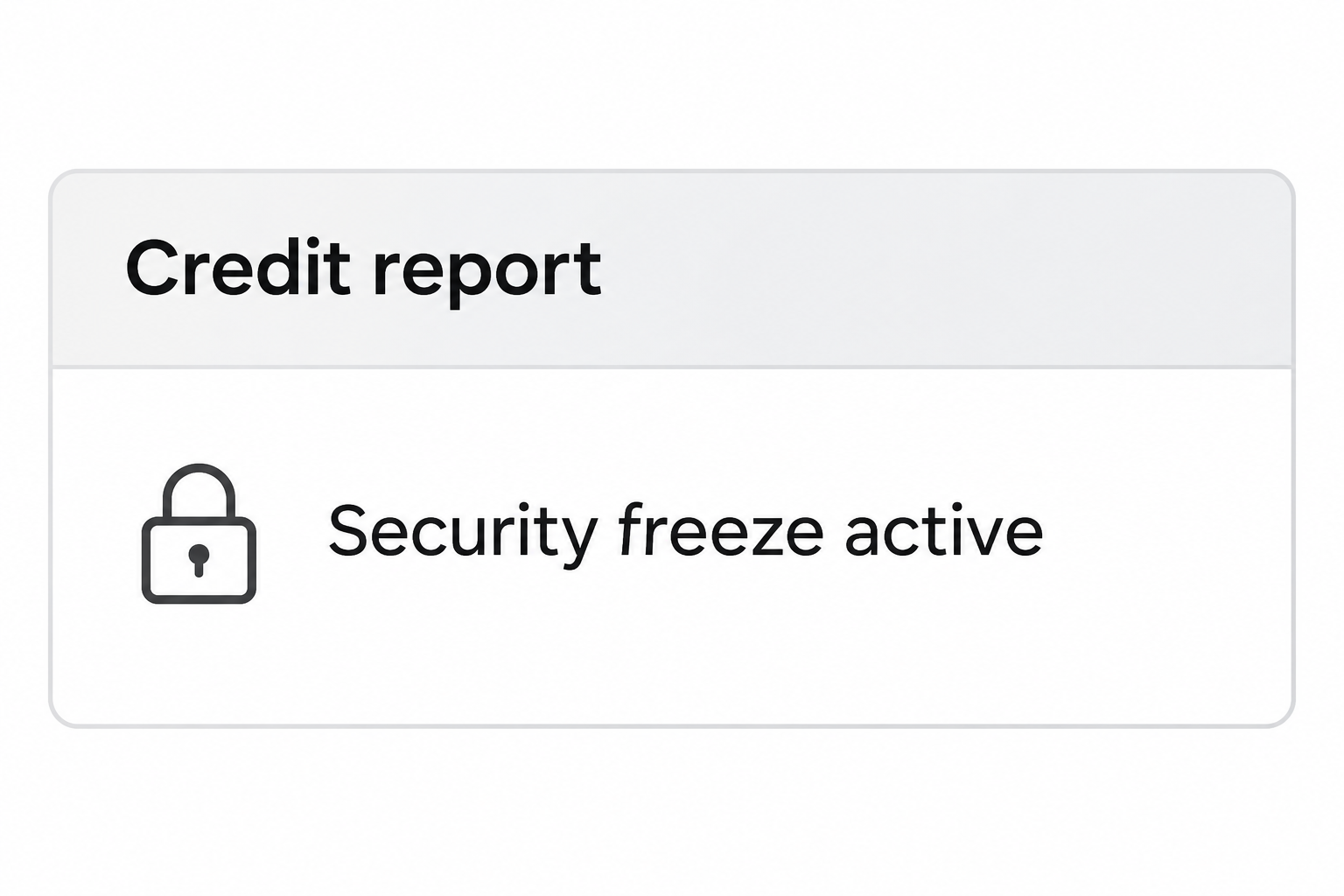
A credit freeze, also called a security freeze, restricts access to your credit report for many new credit decisions.
It can make it harder to open an account in your name.
The Consumer Financial Protection Bureau’s freeze guide explains that you can place and lift freezes for free at the three nationwide credit bureaus.
You do not have to prove that your identity was stolen before requesting one. Preventive use and recovering from confirmed theft are two different reasons to take action.
A credit lock is a product, not a new legal right
A lock may be offered in an app, separately or alongside other services. Read the product’s terms rather than assuming every lock works the same way.
The CFPB says credit locks are no more effective than free security freezes. Paying for a bundle is not a requirement for using the federal freeze right.
If an app mentions only one bureau, do not count it as protection at the other two. Check the name of the bureau and what the displayed status actually covers.
Think about three possible objectives
- Restrict access before many new credit decisions with a freeze at each bureau you intend to cover.
- Ask businesses to verify your identity through a fraud alert without blocking them from seeing your file.
- Look for changes through credit monitoring or by checking your reports, rather than expecting an alert to stop an application.
Each of these actions addresses a different part of credit reporting.
They do not replace a call to your issuer about an unauthorized charge or an account you already know was compromised.
What a Freeze Does and What It Cannot Do
The restriction affects access to the file
The CFPB describes a freeze as restricting prospective creditors’ access. A creditor that cannot get the report it needs may not open the account while the file is frozen.
That consequence also applies to your own legitimate applications. If you plan to apply soon, ask which bureau the lender uses and arrange a suitable temporary lift.
The freeze does not close the credit accounts you already have. The existence of an active credit card or loan is not a reason to buy a different restriction.
It also does not prevent every organization from accessing a file. Existing creditors and some other authorized entities may have access under the conditions the CFPB describes.
A freeze does not fix account takeover
Suppose you spot purchases on a card you already use. Contact the issuer about the specific activity even if all three credit files are frozen.
The issuer can investigate transactions and help secure the associated account. The credit bureaus cannot reverse a purchase simply because you restricted access to a report.
If the problem is an unauthorized new account listed on the report, handle that record directly. Freezing the file may help with future attempts but does not remove the entry.
Use the CFPB’s identity theft guidance to understand the separate process to block fraudulent information. Keep the company and bureau case records.
Other kinds of screening may need different handling
The federal rule the CFPB describes does not apply the same way to access for employment, tenant screening, or insurance. Ask the organization which report it needs.
Do not assume every deposit, account, or background check uses the same kind of credit report. A specialized screening company can hold records outside the three nationwide credit files.
If somebody tells you to unlock all bureaus for an unfamiliar application, verify the request first. Do not remove a restriction based on an unsolicited call or link.
Compare a Freeze, a Lock, an Alert, and Monitoring
A freeze is the practical starting point when you only want a restriction
Access each bureau through its official site using the links from the CFPB or FTC. Request the security freeze rather than accepting an unrelated subscription offer.
Keep the verification and recovery details private.
If you need a temporary lift later, go through each applicable bureau rather than a third party that offers to do it for money.
Check the confirmation from each bureau. Completing one request does not place the others, and an old confirmation does not show whether you later lifted it.
A lock might be part of a service you already use
Check whether you are looking at a product lock or an actual security freeze. Ask which report is affected, what happens after cancellation, and whether you must keep the subscription.
If you want to move away from a paid service, obtain written confirmation of any restriction the service applied. Set up the free alternative directly if you still need it.
Do not buy a new plan merely because a dialog says your report is unprotected. First check the actual security freeze status with each bureau you intend to cover.
A fraud alert and monitoring are not the same thing
The FTC’s guidance explains that a fraud alert asks a creditor to verify your identity, but does not prevent access to the file.
For an initial fraud alert, one nationwide bureau can notify the other two. This is different from freezing, which you request separately for each file.
The FTC says the initial fraud alert lasts one year and can be renewed. An eligible victim of identity theft can request an extended alert that lasts seven years.
An alert is not a way to undo a freeze before a legitimate application. If both are in place, handle any needed freeze lift through the relevant bureau.
You can use the FTC’s instructions for getting your credit reports to check what each bureau shows. A paid alert is not the only way to obtain those reports.
Monitoring looks for changes or flags. It can be useful for noticing a new entry, but a service reporting a change is not the same as preventing it.
If you do not recognize an alert, check the underlying report before reacting.
Do not enter credentials on a link from a message merely because it names a credit product you use.
Plan for a Legitimate Credit Application
Ask the lender which bureau it expects to check and approximately when. It may use more than one, and you do not need to guess before applying.
Use the official bureau site from a trusted device to lift the applicable freeze temporarily. Choose a window that covers the expected review without leaving it open indefinitely.
If the creditor says it could not retrieve the report, verify which bureau it actually queried. Do not assume the lift went wrong if you lifted a different file.
If you changed your mind about the application, check when the freeze returns. Use the confirmed status rather than assuming the original protection resumed on an exact date.
If the lender sends an unexpected message asking for your bureau password or code, do not share it. Manage the lift yourself with the bureau.
Keep a private record of which bureau you lifted, the start and end, and what you did. A clear record makes the next loan or identity report easier to handle.
Allow time for the request to take effect
The CFPB lists different deadlines for requests sent by phone or secure electronic means and ones sent by mail. Use the one that applies to your request.
For placement, the U.S. guide says a bureau generally has one business day after receiving a phone or secure electronic request. Mail can take three business days after receipt.
The rule for lifting the freeze is different. The guide lists one hour for qualifying telephone or secure electronic requests and three business days for requests sent by mail.
Allow for the time it takes to verify your identity and make the request, too.
A deadline for the bureau is not a promise that a lender will decide at that time.
If the freeze was placed through an account you no longer use, start recovery with the bureau ahead of time. Do not buy a subscription merely to recover access.
Verify the lender’s access only for the intended application
If you are comparing several lenders, ask each which report it needs and when. You may not need to leave every file open across the entire shopping period.
When you finish, check that all the files you intended to protect show the expected status. Keep the date and confirmation privately so you can refer back to it.
If you are not applying for anything, an unexpected request to lift a freeze is worth verifying.
Contact the named organization separately, and check for an inquiry you do not recognize.
Match the Tool to the Situation You Actually Found
A data breach notice does not list a transaction
Read what information the organization says was involved and independently verify the notice. Do not treat an offer of credit monitoring as proof a new account already exists.
If you want to restrict prospective credit access, request the freeze independently. You can still choose to check your reports without signing up for a monitoring subscription.
If the notice concerns a password or an existing account, secure that account directly. The freeze does not change a password, a recovery email, or an already authorized session.
A report shows something you do not recognize
Save the entry and identify which bureau shows it. An unfamiliar inquiry and a posted loan balance are different findings, and the company may need to review them differently.
Contact the business listed in the record through a verified route.
If the entry is an error, use the appropriate dispute procedure; if it resulted from identity theft, report that explicitly.
Do not wait for a monitoring notification before reporting an entry you have already found.
Give the reviewing bureau and company the specific record instead of saying you want to lock everything.
A paid dashboard says one bureau is protected
Check whether its label describes monitoring, a product lock, or a security freeze. A green connection indicator does not establish that an access restriction exists.
Look at the bureau’s own status and keep each file distinct. If protection is optional at the other bureaus, decide what you need rather than trusting the summary screen.
If you cancel a subscription, check whether its product lock or alerts end with it. Confirm any free freezes directly rather than relying on the old dashboard.
What to Do If You Want to Freeze Your Credit
- Verify the bureau’s official route. Use the FTC or CFPB directory, not an urgent warning or promoted sign-up link.
- Request the right action. Select a security freeze if you want the statutory restriction, or choose a fraud alert when that is what you need.
- Complete each applicable freeze request. Save each confirmation and do not assume the other bureaus copied it.
- Keep recovery details private. Use the bureau’s official account process and never give an unexpected caller a code to fix your credit.
- Review any actual unauthorized record separately. Contact the company and bureau about disputed entries, and make a report at IdentityTheft.gov when appropriate.
- Check your status before applying. Verify which report the lender needs and use an official, temporary lift if necessary.
Having a freeze does not stop you from checking your own credit. Keep reviewing independently if you have reason to suspect an account or application was already made.
Frequently Asked Questions
Do I have to pay to freeze my credit?
No, a U.S. security freeze is free at each nationwide bureau. Check the wording so you do not enroll in a separate paid service by mistake.
Does my freeze at one bureau cover the other two?
No, place the freeze separately with each one you want to cover. The one-bureau notification rule applies to a fraud alert, not to freezes.
Will a credit freeze prevent theft from a card I already have?
No, it is not a card lock or issuer fraud control. Contact the card issuer about any transaction you did not authorize.
Can I review my own credit report while a file is frozen?
Yes, the CFPB explains you can still see your own file. A freeze restricts access for many prospective creditors, not your right to check it.
What if a lender cannot pull the report I unlocked?
Ask which bureau it queried and when. Check the bureau’s active status, then arrange the right lift through its official service if appropriate.
Do monitoring and a lock come with the same protection?
No, notifications and access restrictions serve different purposes. Verify each service’s terms, the reports covered, and what happens if you cancel.
The Bottom Line
To restrict access for new credit decisions, start with the free security freeze. Confirm the status separately at each of the three national bureaus.
If you already found an unauthorized account or transaction, report it where it happened.
A freeze can reduce future risk, but it will not correct a bad record or return money.

Join the discussion
0 commentsShare your experience or ask a question about this article.
Community experiences
Did this happen to you?
Your experience could help someone recognize the same scam. Submit a private report for our team to review.
I experienced this tooReports are reviewed before publication. Sharing publicly is always your choice.
Discussion
Start the conversation
Have a question or something useful to share? Add the first comment.