


You find a link announcing a Gensyn public sale, and the token name looks right. It’s easy to remember the launch without remembering exactly where it happened.
Before you connect a wallet, check which part of the sale the page claims to handle. An old sale announcement can outlive the auction itself.
Overview
Gensyn really had a public sale in December 2025
The fake Gensyn $AI public sale borrows a genuine event. The Gensyn token documentation identifies the December 2025 sale as an English auction.
The issuer’s published white paper lists December 15, 2025 as the starting date of the public offer. That date describes the historical event, not a new opening.
The project concerns coordination of machine learning work, which explains the token’s name. Those real details give a counterfeit sale page something convincing to borrow.
An older announcement can still appear in search results or be shared in a chat. Confirm its date and purpose before deciding a new page belongs to it.
The counterfeit campaign used sale and allocation language
One reported page used gensyn-token[.]network and asked people to connect a wallet to register for the supposed sale. The destination was not the issuer’s documented sale route.
A second reported imitation used allocations-gensyn[.]network. It borrows a different word from the same event, making the page sound relevant to someone who believes they already participated.
These are examples of reported impostors, not pages to test. No live wallet connection, specific permission, or confirmed transfer was independently verified for either one.
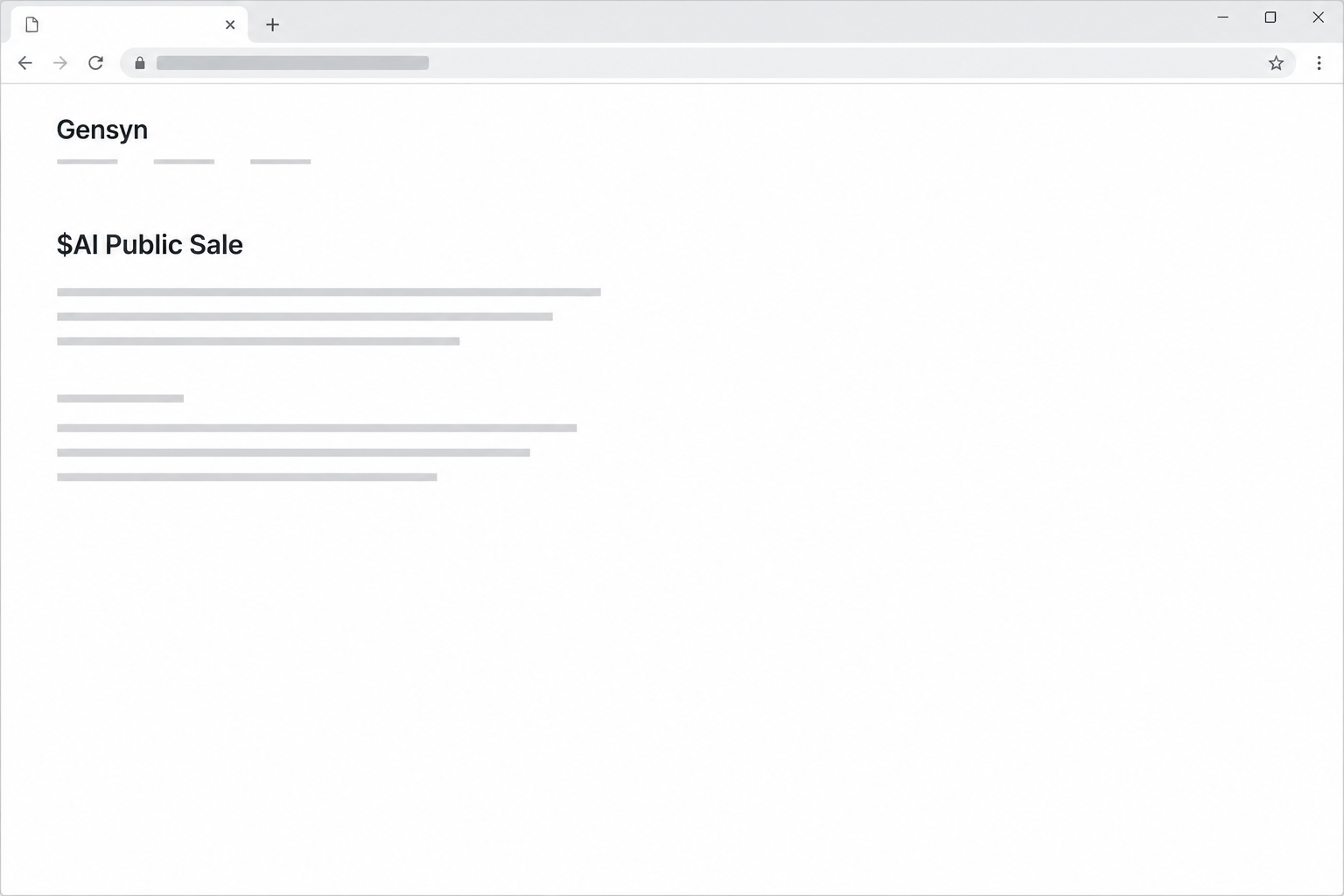
The picture reconstructs the sale wording rather than a real order or registration screen. It doesn’t show evidence of a payment or a response from a wallet.
A sale record, an allocation, and a wallet signature answer different questions
A sale announcement tells you the event existed. Your own records help establish whether you participated, while a wallet prompt describes something you are being asked to do now.
Keeping those separate makes it harder for a page to treat a past purchase as permission for a new transaction. Here are the checks that answer each question:
- Find the original dates and route through Gensyn’s own documentation before trusting an offer claiming a sale has reopened.
- If you participated, locate the account or confirmation you already used rather than identifying yourself to a replacement page.
- Look for independent evidence of an allocation; a number drawn on the page is not proof that assets were assigned to you.
- Read the wallet request as a separate event, even if the page accurately describes the original sale.
- Don’t send new funds to locate a bid, release a refund, or confirm the account without a verified process.
How the Fake Gensyn Public Sale Scam Works
Step 1: A real release provides the cover story
The fake page doesn’t need investors to believe in a completely invented project. They may already have seen discussion of the token or the auction.
That makes the timing more persuasive. A headline that says a sale is open can look like a current update to a story somebody remembers from last year.
An old official notice can confirm a date without confirming another sale now. When you find a match, see whether it is a record, announcement, or active instruction.
If the dates differ, don’t assume you missed an extension. A legitimate change should be traceable through the publisher and the route it tells participants to use.
Step 2: Different words capture different kinds of readers
“Public sale” speaks to people who want to register for the first time. “Allocations” speaks to people who believe some decision about them has already been made.
Someone in the first group may worry about missing an opportunity. Someone in the second may worry about leaving previously purchased tokens unclaimed.
That difference is meaningful even though both stories borrow Gensyn’s name. One poses as the beginning of a purchase, while the other suggests the purchase is already behind you.
If you never entered the sale, question any page that displays an allocation. Don’t make a new wallet request just to test the number.
Step 3: The page uses a familiar registration step
The reported fake sale asked people to connect a wallet. A connection can sound like the normal first step in identifying an account or joining an event.
The familiarity isn’t evidence of who is making the request. A real wallet can open when an unrelated site asks for access.
Look at how you arrived as well as how the screen looks. Similar names and old sale references do not make a link part of the project’s published process.
You can check the original sale terms and announcement without connecting to the imitation. If the site makes information conditional on signing, don’t use it to verify itself.
Step 4: The wallet can be asked to do more than identify you
You can stop after opening a page or connecting an address. The stakes change if the wallet approves a transfer or allows later access to your tokens.
The button’s name doesn’t set the limits of the request. A prompt can ask for something unrelated to sale registration or receiving an allocation.
Decline a transfer or permission you don’t recognize, even if the browser tells you it is required to proceed. You can review a genuine offer without accepting an unexplained transaction.
A message signature can also be consequential without moving money immediately. If you signed one, check what authority it conveyed rather than concluding from an unchanged balance.
Step 5: A confirmation on the page may not match any real record
A page can tell you a bid has been accepted, payment failed, or tokens are waiting. None of those statements gives you an independent record of the payment or award.
For a genuine past purchase, compare against your own original record first. For a possible unauthorized transfer, use an appropriate explorer or the wallet’s recorded activity.
If you see only a pending event, don’t guess whether it completed. Ask wallet support what status means for that specific network and request.
No message from an imitation site can undo a confirmed transfer. Do not pay a person who claims to have a special recovery tool just for this sale.
What to Do if You Have Fallen Victim to This Scam
-
Close the site and separate the two possible incidents. Your old sale participation is one question. What you did on the imitation site is another.
Keep the date and what you saw. Do not return to the page to see which of its claims still appear.
-
If you only connected, end the suspicious session. Use the wallet’s built-in site or connected-app controls and identify the account involved.
Look at recent activity after disconnecting. If you didn’t sign or approve anything, don’t describe the basic connection itself as a completed payment.
-
If you approved a request, work out what it did. Use your own wallet records and ask its official help channel to interpret the specific event.
Find the relevant network and address before comparing token balances. An old sale may involve a different account from the one that opened the fake page.
MetaMask’s approval guide explains how spending permission can outlast a connection. Apply directions for the wallet, network, and exact permission you used.
-
If you can see a payment or transfer, document it immediately. Record the network, transaction reference, currency, amount, destination, and time from a trusted source.
Contact any verified custodial service involved. If you used a bank or card through an intermediary, ask that provider what it can do about the relevant payment.
Use your national fraud reporting channel. For US reports, the FBI’s cryptocurrency guidance explains useful transaction details to collect.
-
If you shared a recovery phrase or private key, protect anything remaining. Follow the legitimate wallet provider’s process for a compromised account and a replacement with new recovery material.
Removing a connected website won’t make an exposed key private again. Don’t publish the key while asking someone to check your account.
-
If the original allocation itself is the problem, verify it independently. Use a route linked from the issuer’s established information, not a private chat or a search result offering support.
Keep original confirmations and any relevant transaction records. Do not put a new deposit into an address claiming that it can locate your old purchase.
-
Expect fake support messages after asking for help publicly. Keep the conversation on a known channel you opened yourself. Don’t accept a private refund invitation from a stranger.
If you passed along the fake sale link, tell those recipients to ignore it. Share the project’s official information instead of sending a different purported allocation page.
Check What You’re Actually Being Asked to Verify
Separate an auction timetable from your account history
The published date tells you when the real event opened. It cannot tell you whether your individual order was accepted, refunded, or assigned an allocation.
Locate the record that belonged to your original participation. If you’ve lost access to it, ask through a route the issuer can independently identify.
Don’t trust a person who sends an allocation screenshot as if it came from your account. A view of a number can be copied or generated without any corresponding transaction.
An apparent extension, delayed claim, or replacement portal needs its own confirmation. Avoid treating an old legitimate auction as standing approval for all future approaches.
Keep eligibility checks away from unsolicited payments
Asking whether you were eligible should not require somebody in a chat to receive your seed phrase. Nor does a request for a new transaction prove an existing financial claim.
If a real service presents a wallet action, understand its effect independently before you accept. You can refuse it without losing the ability to consult the published terms.
For a site you already interacted with, transaction records matter more than what the site calls the action. Capture the exact prompt or recorded payment if you still have it.
For a supposed refund, start from the service you dealt with originally. A message using the auction’s vocabulary doesn’t tell you who sent it.
Compare the original terms before acting on a claimed refund
The issuer’s historical white paper discusses refund conditions for the original event. That is different from an unsolicited promise to return funds if you make a new deposit.
The original terms refer to returning certain refunds to originating wallets in the original payment asset. They don’t authenticate a stranger’s instructions to pay again to release an allocation.
Compare the wallet shown with the one you used for the sale. A request for a different wallet may have nothing to do with your purchase.
If a genuine refund process is relevant to you, confirm it with the issuer using its official route. Archived conditions are not personalized advice about present eligibility.
An active allocation page and an open sale are not interchangeable
The real issuer has used separate documentation for the auction and for allocations. Finding a genuine page with the word allocations does not prove the bidding phase is still open.
Look for whether the provider is explaining a completed event or inviting a new action. The label in an old bookmark may be clearer than the date on a repost.
A page may claim to allocate an old bid while asking you to register again. It isn’t honoring your purchase merely because it uses the right vocabulary.
Save the original confirmation before sharing anything with support. If support can’t identify your purchase independently, don’t treat the first response as a reason to send another payment.
If you find multiple routes, follow the one verifiably linked by the issuer for your actual question. A second page written by the same unknown source is not corroboration.
Frequently Asked Questions
Was the original Gensyn $AI public sale real?
The issuer documents a genuine auction in December 2025. This guide concerns counterfeit pages that borrowed the event’s name and asked people to connect wallets.
Are the reported sale and allocation pages the same URL?
The two examples used different lookalike domains and different stages of the same launch story. Neither address is needed to look up the real sale.
Can a fake page show a believable allocation?
Yes, a page can display a number without getting it from any real account or sale record. Check the original records and independently verified service instead.
Does a connection mean I already paid?
A basic connection does not by itself show a transfer. Review the actions you signed or approved and check the network’s transaction record.
What if a message says I must pay to claim a refund?
Don’t act on that request through the sender. Verify any genuine refund process from the service you used for the original purchase.
Can I reverse a confirmed transfer by closing the wallet?
Closing the wallet won’t reverse a confirmed transaction. Report it promptly, document the public record, and check the account for permissions that could enable later spending.
The Bottom Line
Don’t register for the Gensyn sale or claim an allocation through a lookalike page. The genuine December 2025 auction can be verified without giving that site access.
If you signed a request or paid, examine the actual network and wallet records. Resolve an original sale question separately through Gensyn’s verified information.

Join the discussion
0 commentsShare your experience or ask a question about this article.
Community experiences
Did this happen to you?
Your experience could help someone recognize the same scam. Submit a private report for our team to review.
I experienced this tooReports are reviewed before publication. Sharing publicly is always your choice.
Discussion
Start the conversation
Have a question or something useful to share? Add the first comment.