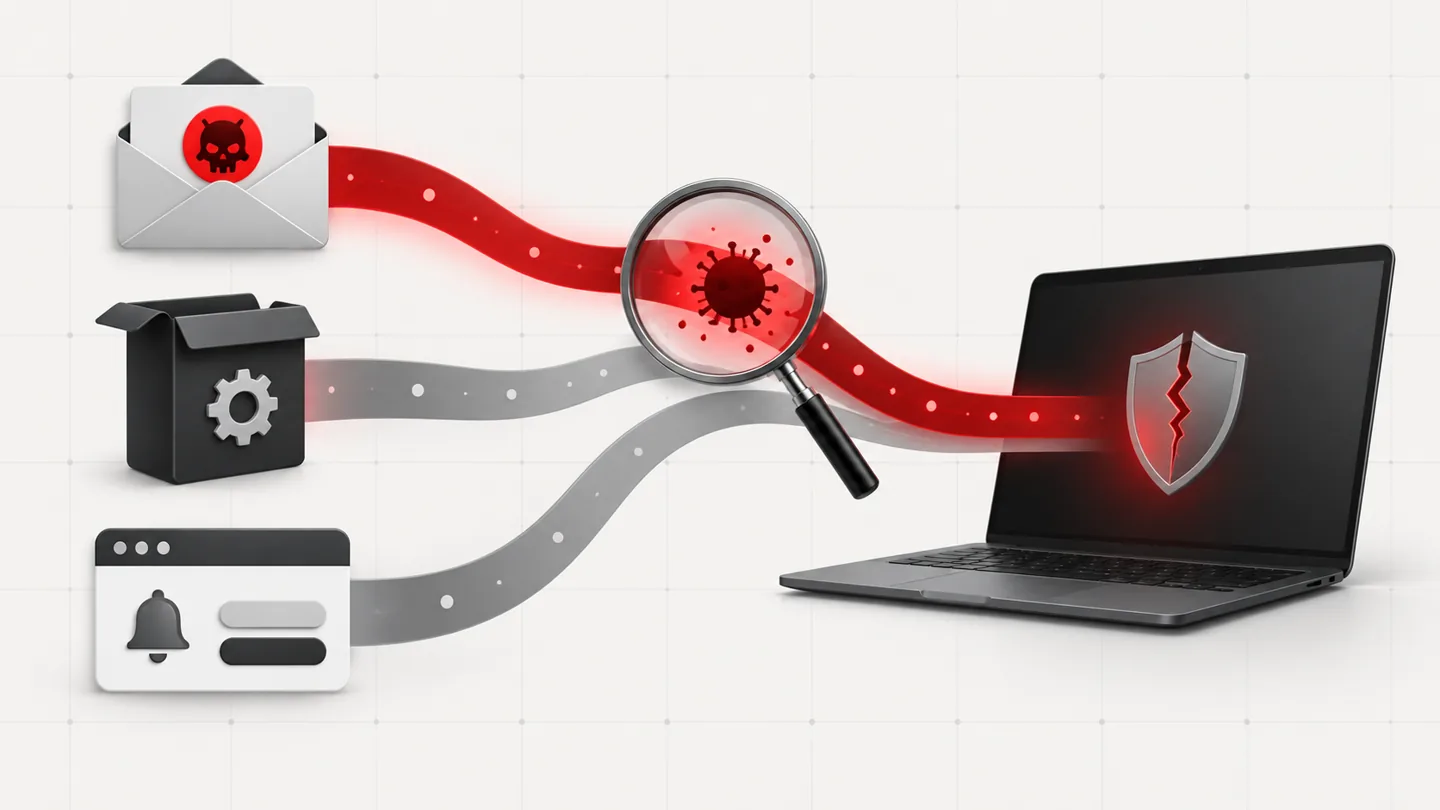
Here are the main sources of PC infections, and some tips on how to avoid malware on them:
From a website: The internet is a dangerous place so try to stay away from sites offering commercial software serial numbers, keygens or other hacked material.
Download programs only from reputable websites that have confirmed the software is malware free.If you are unsure, leave the site and research the software you are being asked to install. If it is OK, you can always come back to site and install it. If it is not OK, you will avoid a malware headache.
From e-mail: If you’re not familiar with the sender, do not open, download, or execute any files or email attachments. Some viruses replicate themselves and spread via email. Stay on the safe side and confirm that the attachment was sent from a trusted source before you open it.
From physical media: Your friends, family, and associates may unknowingly give you a disc or flash drive with an infected file on it. Don’t blindly accept these files; scan them with security software. If you are still unsure, do not accept the files.
From a pop-up window: Some pop-up windows or boxes will attempt to corner you into downloading software or accepting a free “system scan” of some type. Often these pop-ups will employ scare tactics to make you believe you need what they are offering in order to be safe. Close the pop-up without clicking anything inside it (including the X in the corner). Close the window via Windows Task Manager (press Ctrl+Shift+Esc).
From another piece of software: Often, a software installer includes optional installs, such as a toolbar or other programs. Be very careful what you agree to install. Always opt for the custom installation and deselect anything that is not familiar, especially optional software that you never wanted to download and install in the first place. It goes without saying that you should not install software that you don’t trust.
From illegal file-sharing services: You’re on your own if you enter this realm. There is little quality control in the world of illegal software, and it is easy for an attacker to name a piece of malware after a popular movie, album, or program to tempt you into downloading it.
Advertisements
Join the discussion
0 comments
Share your experience or ask a question about this article.
Stelian leverages over a decade of cybersecurity expertise to lead malware analysis and removal, uncover scams, and educate people. His experience provides insightful analysis and valuable perspective.



Join the discussion
0 commentsShare your experience or ask a question about this article.
Discussion
Start the conversation
Have a question or something useful to share? Add the first comment.