

A stranger adds you on Discord and asks whether you received a message inside a dinosaur game. When you say no, the person apologizes for contacting the wrong user, starts a friendly conversation and soon asks whether you play “Jurassic Front: Survival.”
The exchange can feel like a harmless mistake, but the conversation keeps returning to the game. The stranger may push you to install it, join a server, use a referral, share your in-game name or download a separate playtest file.
The unsolicited Jurassic Front Survival Discord approach described here is a deceptive recruitment and social-engineering scam. Do not follow external download links, run files or share account credentials. The game title may exist in official app stores; the danger is the suspicious DM campaign and any unverified link, file, login or financial request sent by the stranger.
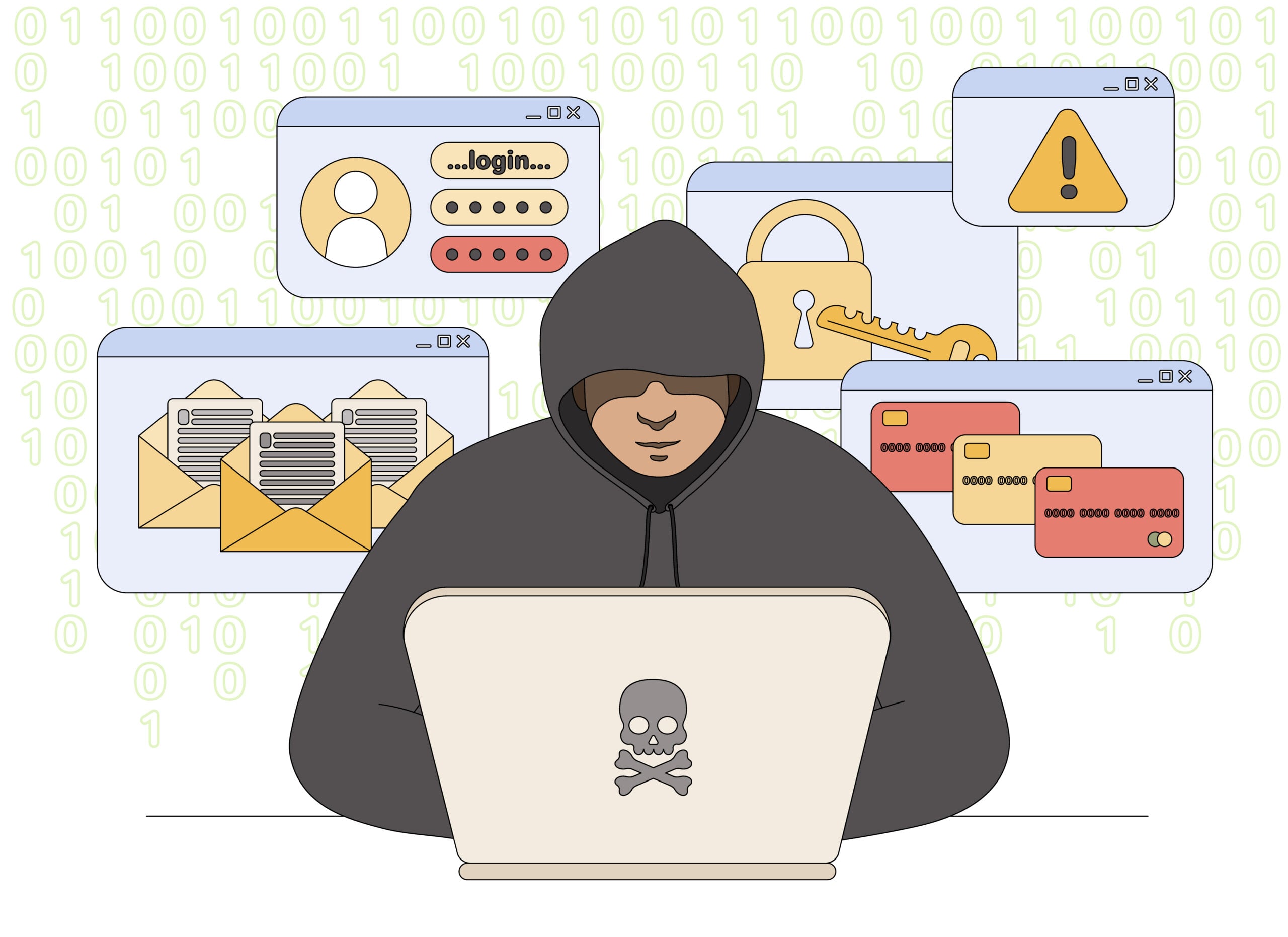
Jurassic Front Survival Discord Scam Overview
Reports describe Discord accounts contacting people from shared servers and pretending to have added the wrong person. After brief small talk, the account introduces Jurassic Front: Survival or a similarly named dinosaur game and repeatedly encourages the target to play.
The objective can vary. Some accounts may be running deceptive user-acquisition or referral campaigns. More dangerous versions can send fake game installers, phishing logins or Discord server invites that lead to credential theft, malware, aggressive monetization or longer relationship scams.
Because a real game listing may exist, simply finding the title in an app store does not prove that the stranger is trustworthy. A legitimate listing also does not make an external file, unofficial website, unknown Discord server or private financial proposal safe.
The opening message is usually casual: the sender pretends to have contacted the wrong player, asks whether you received something in a game or claims to recognize your username. Instead of ending the conversation when corrected, the account becomes friendly and introduces Jurassic Front: Survival. This gradual approach lowers suspicion and identifies people willing to continue chatting with a stranger.
The final objective can vary. Some accounts push referral installs or aggressive in-app spending, while more dangerous versions direct users to unofficial downloads, counterfeit login pages or private Discord servers where investment and relationship scams continue. The existence of a similarly named game does not make an external file, unknown server or financial request safe. Install only from the verified store listing and never reuse a Discord password on a page sent by a stranger.
A sender who becomes unusually persistent after you decline the game is revealing the campaign’s objective. Real players do not need a stranger to install a specific version, join an unknown server or prove completion with screenshots.
How the Jurassic Front Survival Discord Scam Works
Step 1: A stranger sends an “accidental” DM
The account may ask, “Did you see my message in the game?” or act as though you are someone they already know. When corrected, the sender apologizes and suggests continuing the conversation anyway.
This opening avoids a direct sales pitch. It creates a natural reason to speak and lets the sender test whether you respond to unknown users.
Step 2: The profile tries to feel relatable
The account may use an attractive profile image, claim to be close to your age or mention a country, hobby or game community. Scripted questions ask where you live, how old you are and what you do for fun.
Some accounts may be automated or operated by teams handling many conversations. Quick agreement with everything you say, repetitive phrasing and ignoring direct questions are warning signs.
Step 3: The game is introduced casually
After establishing basic rapport, the sender asks whether you play Jurassic Front: Survival. They may say they need a teammate, want to give you in-game rewards or are recruiting members for a league.
The pitch is framed as a shared activity rather than an advertisement. That personal invitation can feel more persuasive than a normal game ad.
Step 4: Friendly conversation becomes persistent pressure
If you show little interest, the sender keeps returning to the game. They may ask whether you installed it, request your player name or call repeatedly through Discord.
Refusing does not end the conversation because the relationship was created to drive a specific action. A genuine new friend normally respects a clear no; a scripted recruiter treats objections as steps to overcome.
Step 5: You receive a link, server invite or file
The account may send an app-store link, a referral page, a Discord invite or an external download described as a beta, update or playtest. The external file is the highest-risk version.
Malicious installers can steal browser passwords, Discord tokens, cryptocurrency wallets and personal files. A fake login page can capture your Discord credentials and one-time codes.
Step 6: The attacker requests account or personal details
You may be asked for an in-game name, email, Discord login, age, location, telephone number or screenshots. A fake support or reward page might ask you to “verify” by signing in.
Discord states that it will never ask for your password or account token. Any user, bot or website requesting those secrets should be treated as hostile.
Step 7: The scheme pushes spending or a second scam
Some targets are encouraged to buy in-game currency, unlock features or use a referral code. Others may be moved into cryptocurrency, investment or romance-style conversations after trust has been established.
This resembles the opening of a relationship-investment scam: an accidental contact becomes friendly, then gradually introduces financial requests. The game can function as the initial reason to keep talking.
Step 8: A compromised account spreads the approach
If a Discord account is stolen, it can message people in trusted servers or send links to friends. Recipients may click because they recognize the account, even though the real owner no longer controls it.
The attacker can also use access to join servers, impersonate the victim and steal additional accounts. One successful login can therefore expand the campaign.
Common Messages and Conversation Patterns
- “Did you receive my message in the game?”
- “Sorry, I thought you were someone I played with.”
- “We can still be friends. What games do you play?”
- “Have you tried Jurassic Front: Survival?”
- “Join my league and I’ll give you rewards or gems.”
- “Download this version so we can play together.”
- Repeated questions about whether you installed the game.
The account may change its name, profile photograph, age or country. Focus on the repeated accidental-contact script and pressure rather than one identity.
Red Flags That Expose the Discord Campaign
- A stranger from a mutual server contacts you without a clear reason.
- The sender claims a mistaken identity but immediately wants a friendship.
- Personal questions appear before any genuine shared context.
- The conversation repeatedly returns to one game.
- The user ignores your refusal and continues pushing the installation.
- You are sent a shortened link, unofficial store or executable file.
- A page asks for your Discord password, token or verification code.
- The sender requests money, cryptocurrency or paid in-game items.
- The account asks you to keep the conversation private or move platforms.
Is Jurassic Front: Survival Itself Malware?
A game using this name has appeared in official mobile app stores. That fact should be separated from the Discord campaign. Reports of deceptive outreach do not automatically prove that every official-store version contains malware.
The safest conclusion is narrower: unsolicited Discord recruitment, unknown referral links and off-platform files are untrusted. Never install an executable, ZIP or “test build” supplied privately by a stranger.
If you choose to investigate a game, find it independently through a trusted app store, review the developer, permissions, privacy policy and recent user feedback, and do not use the link provided in the DM.
How to Respond to the Message Safely
- Do not click or download. Avoid links, files, QR codes and server invites from the sender.
- Stop the conversation. You do not need to prove that the account is malicious.
- Block the user. This prevents additional calls and pressure from that account.
- Report the DM. Use Discord’s in-app reporting options and include the suspicious message or file.
- Review privacy settings. Limit direct messages from members of large or unfamiliar servers.
- Warn server moderators. The same account may be targeting other members.
What to Do If You Clicked the Link
If you opened a page but entered nothing and downloaded nothing, close it. Do not approve browser notifications or sign in. Review your download history to make sure no file was saved automatically.
If you entered Discord credentials, change the password immediately through the official Discord app or website. Sign out other sessions, enable multifactor authentication and check Authorized Apps for anything unfamiliar.
Change your email password too if it was reused or if the attacker may have accessed the email account. Email control can allow repeated password resets.
Secure any account details you entered
If the page asked you to sign in with Discord, email, Apple, Google or another account, change that password through the real service immediately. Sign out other sessions, enable two-factor authentication and review authorized applications. Remove any app, bot or connection you do not recognize.
Check what the browser was allowed to do
Opening a page alone does not automatically mean the device is infected. The risk increases if you downloaded a file, installed an extension, approved notifications or granted wallet access. Remove new permissions and downloads, run a trusted security scan and monitor Discord and email for password-reset or login alerts.
What to Do If You Installed a File
Disconnect the device from the internet and do not continue opening accounts from it. Use a separate clean device to change important passwords, starting with email, Discord, password managers and financial accounts.
Run a full scan with trusted security software. Remove suspicious startup entries, applications and browser extensions. Because credential-stealing malware can copy active sessions, changing passwords without signing out sessions may not be enough.
If you ran an unknown executable with administrator rights, consider professional help or a clean operating-system reinstall. Monitor financial and cryptocurrency accounts for unauthorized activity.
What to Do If Your Discord Account Was Taken Over
- Use Discord’s official recovery and support process.
- Change the password and enable multifactor authentication.
- Remove unknown authorized applications and connected accounts.
- Review billing activity and saved payment methods.
- Tell friends and server moderators that recent messages may be fraudulent.
- Delete malicious messages after moderators preserve the evidence.
How to Make Discord DMs Safer
Open User Settings, then Privacy & Safety, and review whether members of shared servers can send you direct messages. Restricting unsolicited DMs can reduce exposure to mass recruitment campaigns.
Do not reuse your Discord password and never share an account token. Be cautious even when a message comes from a friend, because their account may be compromised.
Discord recommends avoiding unfamiliar links and downloads. Official Discord messages have identifying features, and Discord will not ask for your password or token in a DM.
Frequently Asked Questions
Is every Jurassic Front: Survival link malicious?
No conclusion should be based only on the game name. However, links or files sent through an unsolicited Discord DM are untrusted. Find any official listing independently instead of using the sender’s link.
Why does the stranger pretend to contact the wrong person?
The mistake creates a low-pressure opening and makes continued conversation feel spontaneous. It is a common social-engineering technique for relationship, investment and promotional scams.
What does the scammer gain if I install a real app?
The operator may receive referral benefits, increase user numbers or move you into a heavily monetized game. In other cases, the app discussion is preparation for phishing, malware or financial manipulation.
Should I confront the account?
No. Confrontation confirms that your account is active and prolongs the interaction. Preserve evidence, report, block and warn the relevant server moderators.
Final Verdict
Treat unsolicited Jurassic Front Survival Discord DMs as a scam campaign. The accidental-message script, rapid friendship and persistent game pressure are designed to move you toward an action chosen by the sender.
Do not run files, sign in through external pages or send money. Block and report the account. If you already entered credentials or installed a file, secure your accounts from a clean device and scan the affected system immediately.

Join the discussion
0 commentsShare your experience or ask a question about this article.
Discussion
Start the conversation
Have a question or something useful to share? Add the first comment.