

When it comes to using software on your Windows computer, encountering errors can be frustrating and disruptive. One common error that users may come across is related to the Msvcr120d.dll file. In this article, we will explore what the Msvcr120d.dll file is, why errors occur, and how to fix them.
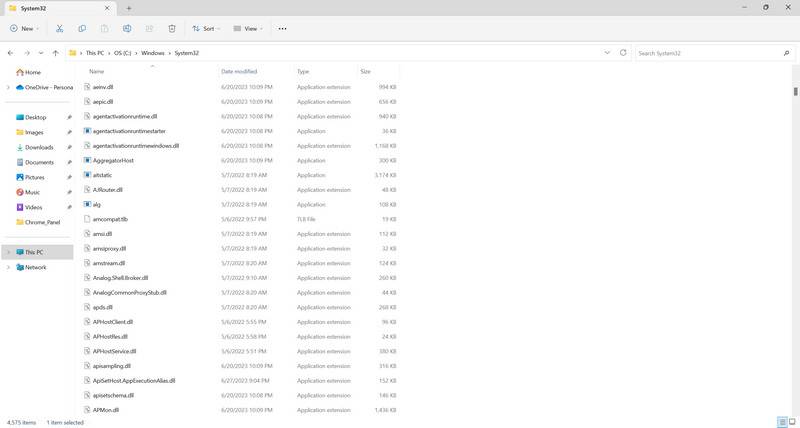
Understanding Msvcr120d.dll
The Msvcr120d.dll file is a dynamic link library file that is part of the Microsoft Visual C++ Redistributable package. This package contains essential files and components that many software applications rely on to run correctly on Windows operating systems.
The “Msvcr120d” in the file name stands for “Microsoft Visual C++ Redistributable 2013 Debug.” The “d” at the end indicates that it is a debug version of the file, which is used during software development and testing to identify and fix issues.
It is important to note that the Msvcr120d.dll file is not a system file and is not required for the normal functioning of your Windows operating system. However, it is crucial for certain software applications that depend on the Microsoft Visual C++ Redistributable package.
Common Msvcr120d.dll Errors
When there is an issue with the Msvcr120d.dll file or its associated dependencies, you may encounter various error messages. Some of the common error messages related to Msvcr120d.dll include:
- “Msvcr120d.dll is missing”
- “Msvcr120d.dll not found”
- “Cannot start [application]. A required component is missing: Msvcr120d.dll”
- “This application failed to start because Msvcr120d.dll was not found. Re-installing the application may fix this problem.”
These error messages indicate that the software application you are trying to run is unable to locate or access the Msvcr120d.dll file. This can happen due to various reasons, such as:
- The Msvcr120d.dll file is missing or corrupted
- The software application is incompatible with the version of the Msvcr120d.dll file
- The Msvcr120d.dll file is blocked by antivirus software or security settings
How To Fix Msvcr120d.dll Errors
Now that we understand what the Msvcr120d.dll file is and why errors occur, let’s explore some methods to fix these errors:
Method 1: Reinstall the Microsoft Visual C++ Redistributable Package
One of the most effective ways to fix Msvcr120d.dll errors is to reinstall the Microsoft Visual C++ Redistributable package. Follow these steps:
- Visit the official Microsoft website and download the latest version of the Microsoft Visual C++ Redistributable package.
- Run the downloaded installer and follow the on-screen instructions to complete the installation.
- Restart your computer to apply the changes.
This should replace any missing or corrupted files related to the Msvcr120d.dll file and resolve the errors.
Method 2: Scan for Viruses and Malware
Viruses and malware can sometimes interfere with the proper functioning of system files, including the Msvcr120d.dll file. It is recommended to scan your computer for viruses and malware using a reliable antivirus software.
Malwarebytes Free is a popular and trusted antivirus software that can help detect and remove any malicious programs from your computer.
Method 3: Update or Reinstall the Problematic Software
If you are encountering Msvcr120d.dll errors while running a specific software application, it is possible that the application itself is causing the issue. Try updating the software to the latest version or reinstalling it to ensure that all necessary files, including the Msvcr120d.dll file, are properly installed.
Method 4: Restore the Msvcr120d.dll File from Backup
If you have a backup of the Msvcr120d.dll file, you can restore it to its original location to fix any errors. Make sure to create a backup of the current file before replacing it.
Conclusion
The Msvcr120d.dll file is an essential component of the Microsoft Visual C++ Redistributable package, which many software applications rely on. When errors occur with this file, it can cause disruptions and prevent applications from running correctly.
In this article, we discussed what the Msvcr120d.dll file is, common errors associated with it, and methods to fix these errors. Reinstalling the Microsoft Visual C++ Redistributable package, scanning for viruses and malware, updating or reinstalling problematic software, and restoring the Msvcr120d.dll file from backup are some of the effective solutions.
By following these methods, you can resolve Msvcr120d.dll errors and ensure smooth operation of your software applications on your Windows computer.

Join the discussion
0 commentsShare your experience or ask a question about this article.
Your progress
Did these steps help?
Let us know how the guide worked for you.
Describe what you see and the step you reached. Keep passwords and other private information out.
Discussion
Start the conversation
Have a question or something useful to share? Add the first comment.