

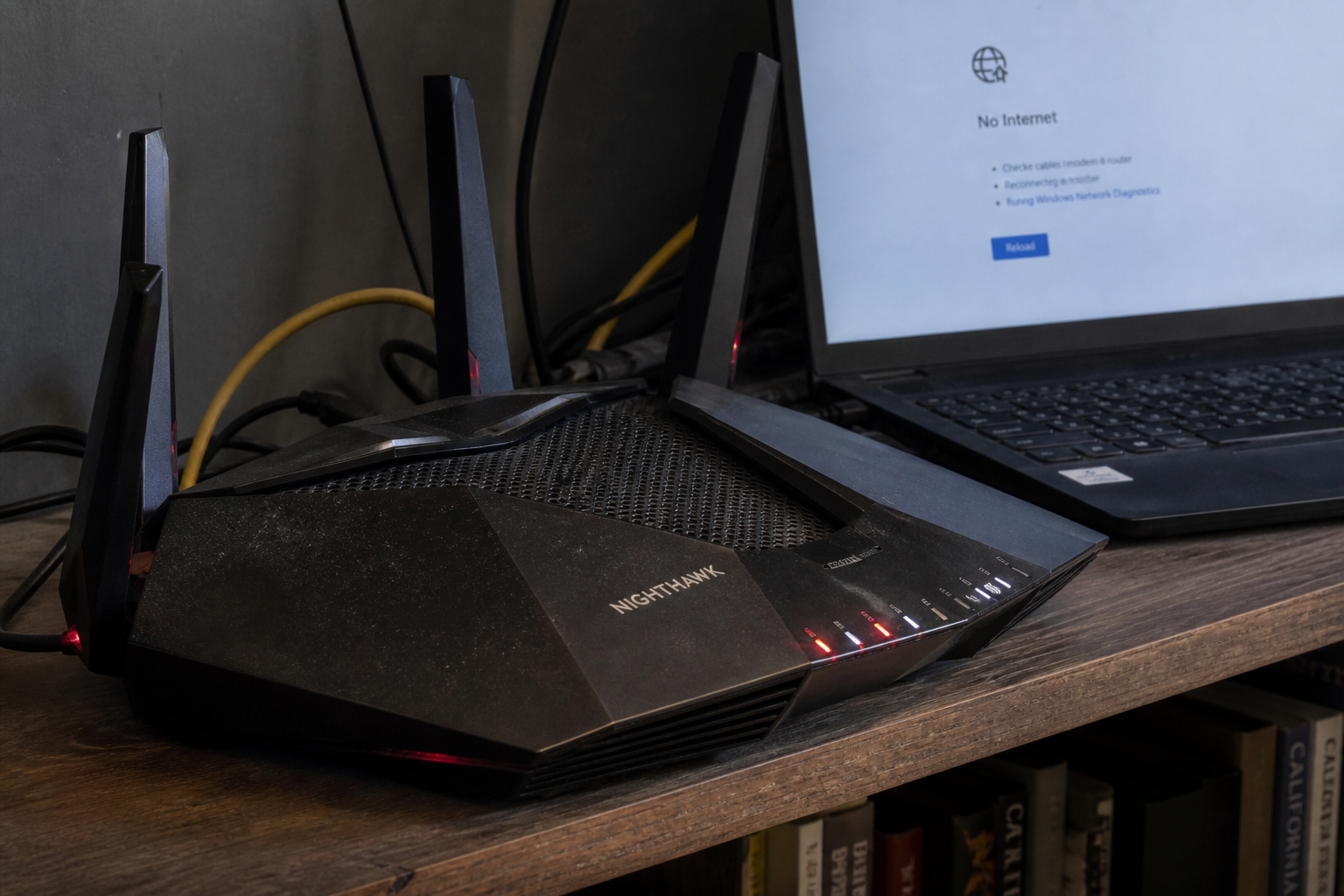
The Nighthawk on the shelf is the house. NETGEAR’s August advisory says some of those boxes, and some Orbi mesh kits, will take a command from someone who is already on your Wi-Fi or Ethernet and can tamper with the traffic between you and the router. That is a next-room problem, not a stranger on the public internet typing your WAN address. Automatic firmware would have caught a lot of this. If you never turned that on, you are the patch.
Overview
What broke
NETGEAR last updated the August 2026 NETGEAR Security Advisory on 18 August. The lead bug is CVE-2026-11814, a command injection hole in some Nighthawk and Orbi routers. NETGEAR’s wording is specific. A network-adjacent attacker who can intercept and modify local network traffic (attacker-in-the-middle) can compromise the confidentiality and integrity of the device. Adjacent means the Wi-Fi or the Ethernet, not a random host on the internet. The issue is limited to certain region-specific SKUs. Two boxes with the same model name are not automatically the same risk.
Command injection, in English, is the router treating a crafted string as something to run. The attacker needs to sit next to you on the LAN and get in the middle of traffic the box already trusts. Guest Wi-Fi, a neighbor who still has last year’s password, a compromised printer: that is the cast.
NETGEAR has not said 11814 is being used in the wild. CISA has not listed it on the Known Exploited Vulnerabilities catalog. The firmware is posted. That is the cheap window.
The same advisory stacks more August holes on overlapping models, including another command injection, CVE-2026-11739, plus input-validation and buffer-overflow bugs an authenticated admin on the LAN can use. One firmware pass is the answer. Take the newest version NETGEAR lists for your exact model.
Who is in range
Anyone running a listed Nighthawk or Orbi below the 11814 row. Common home boxes on that table include the RAX50 AX5400, the RAX70 tri-band AX6600, the RS300 Wi-Fi 7 unit, and the Orbi RBR760 with its RBS760 satellite. The shop front-desk Nighthawk is the same product. A guest SSID does not put you out of range if it still shares the router’s guts.
If automatic updates already applied the listed build, confirm the version on the status page anyway. “I turned auto-update on in 2022” is not a version number. TP-Link, ASUS, Eero, Google Nest, and the ISP’s plastic box are not this brief. Do not flash NETGEAR firmware onto them.
What the vendor shipped
Devices with automatic updates enabled may already have the patch. If not, check the firmware and update to the latest. For the 11814 hole, common fixed versions are:
- RAX50: V1.0.17.142
- RAX70: V1.0.19.172
- RBR760 and RBS760: V6.3.8.11
- RS300: V1.0.1.90
- Also on the 11814 table: BE9300 at V1.0.1.84, RAX10 and RAX36S at V1.0.5.50, RAX43 and RAX45 at V1.0.17.142, RS200 / RS280 / RS500 / RS600 at V1.0.1.90, and RS70 / RS90 / RS100 at V1.0.1.80
Read the RAX50 rows carefully. V1.0.17.142 is the 11814 number. V1.1.6.36 is the RAX50 line for CVE-2026-11739, and it also appears on 11737, 11733, and 11734. You can take the newest version NETGEAR lists for your exact model so one flash covers the pile. Do not treat V1.1.6.36 as the 11814 fix.
Models marked EoS have reached end of support. NETGEAR says no further security updates are planned and tells you to retire the device.
What this is not
- Not a WAN remote-code exploit. NETGEAR described a LAN-adjacent attacker-in-the-middle.
- Not every Nighthawk on earth. Region-specific SKUs only, and only the models on the table.
- Not on CISA KEV. NETGEAR has not claimed in-the-wild use.
- Not patched by updating a PC, a phone, or the Nighthawk app. The firmware on the router is the close.
Do This Now
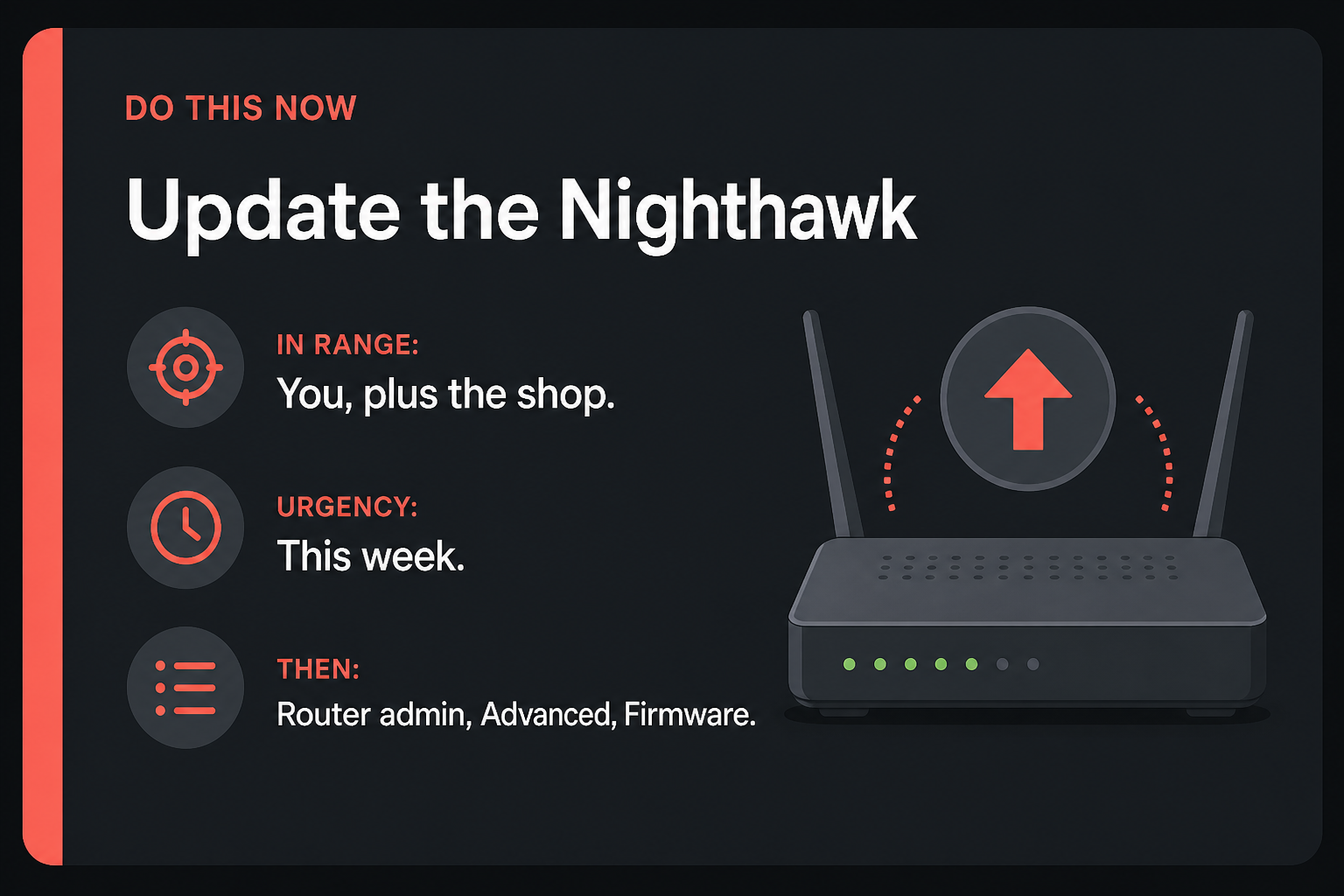
In range: You, plus the shop. NETGEAR Nighthawk and Orbi models on the August 2026 11814 table, including common RAX50, RAX70, RS300, and Orbi RBR760 boxes.
Urgency: This week. NETGEAR has not said these are in the wild. The firmware is posted. Guest Wi-Fi and a nosy neighbor are the realistic path.
- On a PC already on the Wi-Fi, open the router admin at routerlogin.net (Orbi: orbilogin.net). Note the model on the status page.
- Turn on automatic firmware updates if the box offers it. Then Advanced, Administration, Firmware Update, Check. Install the vendor version. For the 11814 hole: RAX50 V1.0.17.142, RAX70 V1.0.19.172, RBR760 V6.3.8.11, RS300 V1.0.1.90. If a newer listed build is offered for the same model, take that. Use the August 2026 NETGEAR Security Advisory as the sheet.
- If your model is marked EoS, replace the router. Do not leave an end-of-support Nighthawk on the window sill.
Who can skip
- You do not own a NETGEAR router.
- Status already shows a firmware at or above the newest version NETGEAR lists for your exact model, and automatic updates are on.
- Your model is not on the August advisory tables.
- TP-Link, ASUS, Eero, Nest, or the ISP gateway: different product, different brief.
- You already replaced the box this month and the new one is supported.
Why it matters
Own the router and you own the DNS, the guest list, the cameras that phone home through it, and the shop POS tablet. A command the box will run is how that pile stops being “just Wi-Fi.”
NETGEAR’s attacker is already next to you. A guest who stayed on after the party. A neighbor who still has last year’s password. A cheap IoT thing that got a foothold. The hole is not a stranger typing your WAN IP. It is the next room, the guest SSID, the Ethernet jack in the conference room.
CISA has not added 11814 to KEV. NETGEAR did not claim a victim count and did not say the bug is in the wild. Waiting is still how a LAN-adjacent command injection sits on the box every device in the house trusts.
EoS is the other half. Several 11814 rows are already marked end of support, including the RAX20, RAX28, RAX30, RAX45, RAX120, R6700AX, and MR60. A firmware number on an EoS line is a last gift, not a support contract. The waiting-room Nighthawk and the “we bought it in 2021” front desk are in range until Status shows the listed build.
The bottom line
On a PC already on the Wi-Fi
- Use a laptop on the same Wi-Fi, or plug it into a LAN port. Do not try this from a phone on cellular. The admin page lives on the LAN.
- In the browser address bar type routerlogin.net and press Enter. For an Orbi kit, try orbilogin.net. If neither loads, use the LAN IP on the sticker. 192.168.1.1 is a common NETGEAR default.
- Sign in. If you never changed it, the user is often admin and the password is on the sticker. If you changed it and forgot, the reset pinhole is the ugly path.
- Open Status or the dashboard. Write down the model and the current firmware string.
- Turn on automatic firmware updates. Then go to Advanced, Administration, Firmware Update, and click Check. If a build is waiting, install it. Leave the box powered. A mid-flash unplug is how you get a brick.
- When the router comes back, sign in and read Status again. For the 11814 hole you want at least RAX50 V1.0.17.142, RAX70 V1.0.19.172, RBR760 V6.3.8.11, or RS300 V1.0.1.90. If the updater offered a newer listed build for the same model, that newer number is what Status should show.
What you should see
The Firmware Update page should name your model and the current version, then either say you are current or offer a file. After the install, Status should match the advisory row or a later listed build. Clients may drop for a minute while the radio restarts. That is expected. Trust the firmware string, not the splash.
If the updater is missing or stuck
Try another browser on the same LAN. Turn off the VPN on that laptop. If routerlogin.net hangs, use the sticker IP. A shop network that blocks the box from reaching NETGEAR will sit at 0 percent.
Manual install is the fallback. Open your model’s page on NETGEAR support, download the firmware file NETGEAR signed for that exact model, and use the Upload control on the Firmware Update page. Do not grab a file from a random “router update” site. Do not flash an RAX70 file onto an RAX50.
If Check returns nothing and Status is still below the 11814 row, confirm you are on the right SKU. Region-specific rows are why two RAX50 boxes can disagree. If the advisory marks the model EoS, stop hunting a file. Replace the router.
The other box in the house
- Orbi satellites (RBS760) need the matching V6.3.8.11 train. Update the router first, then the satellite, or use the Orbi admin path that pushes both.
- The travel Nighthawk in the bag, the shop waiting-room box, the spare on the shelf: same routerlogin.net path tonight.
- If a box is marked EoS (RAX20, RAX28, RAX30, RAX45, RAX120, R6700AX, MR60, and the others on those rows), put it on the replace list.
When you are done
Status shows the version NETGEAR lists for your model, or a newer listed build. For an RAX50, the 11814 close is V1.0.17.142. Automatic updates are on. EoS boxes have a replacement plan. The other Nighthawk in the house got the same pass. You needed a new firmware string. You have it.