


A school payment reminder is the sort of thing you might handle in the grocery line. It looks like one more small job you can get out of the way.
But what should you do when the notice doesn’t quite fit what you remember? Start with the balance, not the message.
Overview
Real school bills, fake payment reminders
Schools really do send reminders about meal balances and other charges. Some use a cafeteria payment company or a separate family portal. A request that mentions one isn’t automatically legitimate.
In September 2026, Arizona’s Family reported a warning from Paradise Valley Unified School District. Parents received a text claiming that a student’s school meal balance was overdue.
A district spokesperson told the station that the message did not come from PVSchools and had not targeted the district’s internet or services.
A fake reminder isn’t evidence of a district breach.
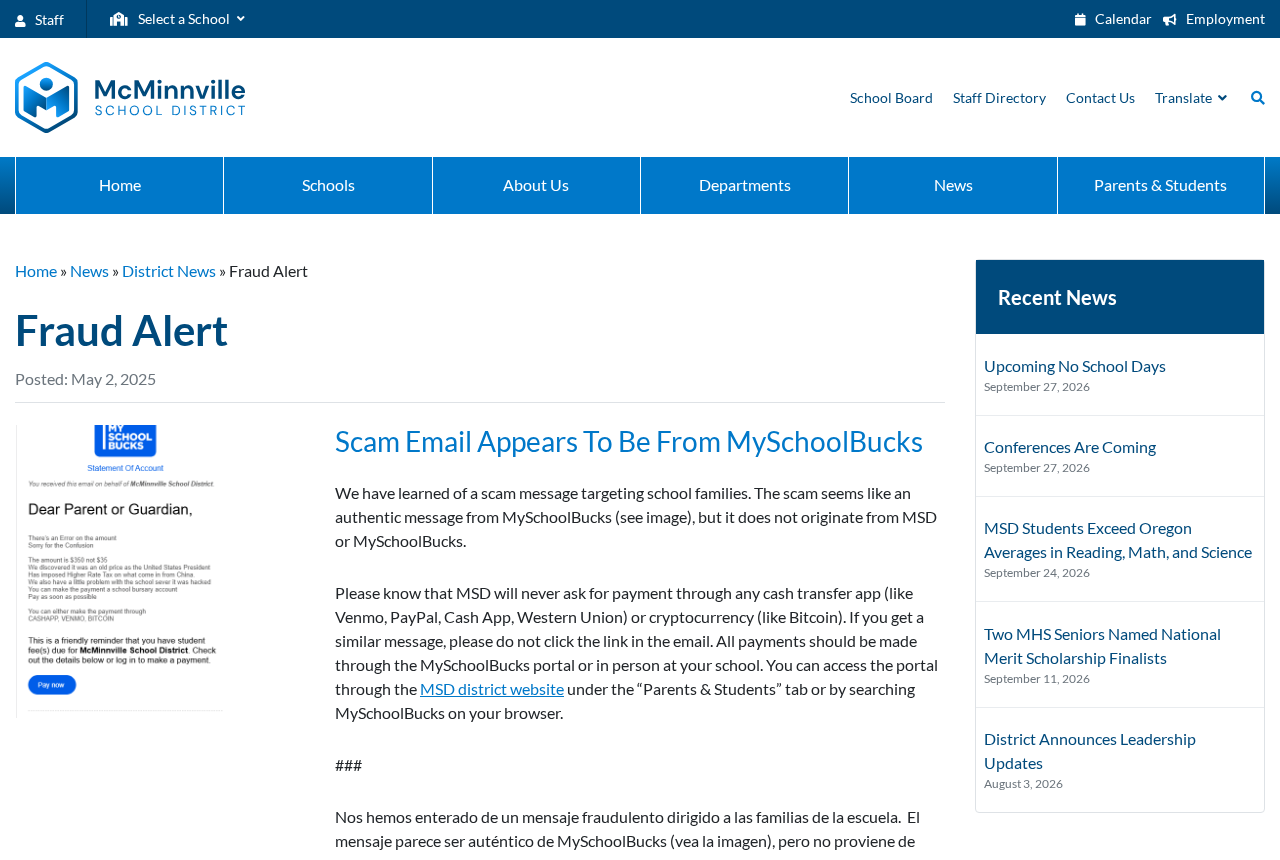
The earlier McMinnville School District alert shows a different example. An email looked as though it came from MySchoolBucks, but the district said neither it nor MySchoolBucks had sent it.
The two messages aren’t proof of a single campaign.
They’re examples of the same easy mistake: taking a claim made in an email or text as proof of an actual balance.
Why a school lunch payment feels like a safe thing to settle
Most people don’t stop to investigate every lunch payment. The amounts may be modest, the messages familiar, and the time between seeing a notice and paying it very short.
A reminder involving a child also feels different from a random invoice. A parent may worry about a missed meal, a field trip, or an awkward conversation at school.
That concern is a good reason to check promptly. It isn’t a reason to click promptly. The school office or the payment account you normally use can answer the question.
Bitdefender’s survey of back-to-school message scams describes how fake fees and sign-in notices borrow from the normal rhythm of returning to school.
Timing alone doesn’t establish that a message is fake. A district may genuinely send many notices in the same week. What matters is whether the charge exists outside the notice.
The details a reminder can’t prove
- The balance: Even if the text names your child’s school correctly, use your usual payment account to check which student and charge it’s referring to.
- The payment provider: A MySchoolBucks logo doesn’t prove the company sent it. Start on the district website if you’re not sure which provider your school uses.
- The recipient: A message can call a personal transfer handle the school bursar’s account. Confirm any change in who receives the money with an office you already know.
- The deadline: If a notice threatens a consequence you haven’t heard about before, ask the school what its policy actually is before making a rushed payment.
How the School Meal Payment Scam Works
Step 1: A message arrives about a cafeteria or school balance
The Paradise Valley example started with a text about an overdue meal account. McMinnville’s warning dealt with an email that looked like a statement from a payment provider.
A parent who has used an online lunch account before doesn’t have to learn a new system to believe the story.
They only have to assume that an existing balance changed.
Sometimes the amount is plausible on its own. Perhaps two children eat lunch at school, or the family recently added money and isn’t sure when it was credited.
The amount isn’t the main clue. The message has made an unverified claim about a bill.
Checking the real balance is quicker than debating whether the wording sounds like the school.
Step 2: The notice makes an ordinary charge feel urgent
An overdue label puts the reader in catch-up mode. You stop asking when you agreed to this charge and start thinking about what happens if you overlook it.
The McMinnville example claimed the amount had been misstated and offered a story about a problem with the school’s payment system.
That explanation wasn’t a rule change issued by the district.
Treat any switch to a new recipient or payment method as something to verify. An email can explain the switch in great detail without supplying any legitimate authority for it.
Even if the notice lists more than one way to pay, don’t take that as reassurance.
The district has its own instructions, and those instructions don’t change just because an email says so.
Step 3: The link takes control of where you pay
The next move is usually a button or link in the message. This can put a lookalike sign-in screen or a different payment method between you and the school.
The documented McMinnville email mentioned cash transfer apps and cryptocurrency. The district said that families should use its MySchoolBucks portal or pay in person at school instead.
Different schools can have different arrangements. The useful warning isn’t that every parent everywhere uses MySchoolBucks. It’s that the instructions must come from your school, not a surprise text.
If a page asks for an account login before you can see the bill, close it and open your payment account through the route you normally use.
A request for extra information deserves a separate check too.
You shouldn’t provide a child’s birth date or student ID to an unfamiliar page simply to learn whether a fee exists.
Step 4: The school balance doesn’t get paid
A card receipt or transfer confirmation only shows that money went somewhere. It doesn’t show that the money went into your child’s school account.
A parent may not realize there’s a problem until a genuine reminder comes through. Open the ordinary portal and check if the payment settled against the correct student and charge.
A fake page can also collect a password or card details without showing a successful payment. If you gave that information away, don’t wait for a charge before taking action.
Not everyone who received one of these messages took the same action.
Your response should depend on what you entered, where the money went, and whether you can still access the account.
How to Check a School Payment Without Using the Message
Start where your district sends families
Use the district website or the app you already use.
If you’re setting up a school account for the first time, ask the office for the provider name and enrollment instructions.
McMinnville points parents to the payment portal through its district website. Other districts may point to a different provider or ask families to deal directly with their school.
Don’t let a search result take the place of that short check.
When you already have the district’s address, start there rather than searching for the words printed in the notice.
Compare the charge with the right student and the right account
Check whether the meal balance already includes any recent top-up. Some households have separate school accounts for siblings, so be sure you’re looking at the right one.
If the notice came from one district but your child’s account is managed by another, call the school before paying. Don’t forward card details or reply with the child’s records.
If the account does show an overdue balance, pay from there.
A real debt can exist at the same time as a fake request, and your independent check protects against both confusion and fraud.
Ask about the charge in a way the office can answer
Tell the office the date, claimed amount and reason for the fee. Ask whether it sent a reminder and which payment routes it approves.
If the office says the system is changing, ask where the district announced the change or whether it can share instructions through a channel the school already uses.
You don’t need to send a screenshot with a child’s full name, account number or address simply to ask if a text was real. Share only what the office needs.
When Two Adults Manage the Same Lunch Account
A first-time notice can look even more believable if another parent does most of the payments. Before you assume they missed one, ask when they last topped up the account.
Households sometimes share a login, divide expenses, or use separate cards. A scam can exploit that uncertainty without knowing anything about your arrangement.
Pick a reliable place to check together. That might be the district’s parent portal, one saved bookmark to the payment provider, or a regular contact at the cafeteria.
When someone forwards a reminder in the family chat, leave out the payment link. Share the claimed amount or the concern so the person who handles it can check independently.
For a caregiver who doesn’t use the portal, write down who to call and how you cover lunch. Don’t leave them guessing which texts to trust.
If you receive a notice for a student who changed schools, call the old school to check whether a balance remains. Don’t use the reminder’s link.
Two separate payments are possible when more than one adult sees the same alert. Before anyone sends money, decide who will check the ledger and keep the legitimate receipt.
If a new message claims the last payment failed, find that receipt first. It gives the school something concrete to look up without requiring you to reenter card details.
One simple family rule covers nearly all of these cases: check the balance where the school keeps it and only one person makes the payment.
What to Do if You Have Fallen Victim to This Scam
-
Stop using the payment link. Close the page and contact your school through its published website or a saved office number. Ask it to check for the balance.
If you only opened the page and didn’t enter anything, say so. Opening it and providing credentials or a payment are different events. Check which applies before choosing next steps.
-
Report any payment to the service that handled it. For card payments, use the number on the card or your banking app. Give the date, amount and merchant shown.
If you transferred money, use the bank or payment app’s official support to report the transfer. Ask whether it can be stopped or recovered. Don’t count on an automatic refund.
Let the school know whether you need to arrange the real payment separately. A dispute over the fake transaction won’t automatically credit the student’s account.
-
Protect any account whose password you entered. Visit the real payment provider from the district website. Change the exposed password through the genuine portal or ask the provider for help.
Pay special attention if you used the same password for your email or other school accounts. Replace reused passwords and review recent activity where those services allow it.
-
Tell the school what information you gave away. Be specific if you entered a student’s name, ID or other records.
The district can tell you who handles account or privacy concerns.
If you disclosed only basic contact details, be alert for follow-up calls that mention them. Familiar details in a second message don’t confirm that the caller works at school.
-
Keep copies without spreading the link. Save the message, timestamp and receipt information privately. If you send it to the district, follow its reporting instructions and protect your child’s information.
After saving what you need, report the message through your device or mail service. Let other household members know to check through the established school portal instead of replying.
Frequently Asked Questions
Is MySchoolBucks itself a scam?
No. McMinnville School District identified MySchoolBucks as its legitimate portal. The email in the district’s warning borrowed its name without coming from the company or the district.
How can I check whether my child’s lunch balance is overdue?
Open the school payment portal independently and look for the balance under the right child. If you can’t access it, call the school office or cafeteria using a known number.
Does a fake payment text mean the school was hacked?
No. A message can use a school’s name without the sender gaining access to its systems. In the Paradise Valley report, the district said its services were not targeted.
What if the message lists the same amount as the real balance?
Pay through the portal or another route the school independently confirms. The amount matching doesn’t establish that the link or the recipient in the message belongs to the school.
What if I already paid but the cafeteria account still shows a balance?
Contact your payment provider promptly and show the school the type of transaction you made. Ask the district how to settle any genuine charge without paying the suspicious recipient again.
Can a genuine school use a different system from the ones in these reports?
Yes. Use your own district’s instructions. A real change should be confirmable through a school office, the district website, or a channel you already know belongs to them.
The Bottom Line
Don’t pay a school lunch balance from an unexpected link. Open the usual parent portal or call the school. If a real balance is due, settle it there.
If you already paid the sender or entered a password, contact the payment service or account provider now. Don’t wait for the next school reminder to find out what happened.

Join the discussion
0 commentsShare your experience or ask a question about this article.
Community experiences
Did this happen to you?
Your experience could help someone recognize the same scam. Submit a private report for our team to review.
I experienced this tooReports are reviewed before publication. Sharing publicly is always your choice.
Discussion
Start the conversation
Have a question or something useful to share? Add the first comment.