


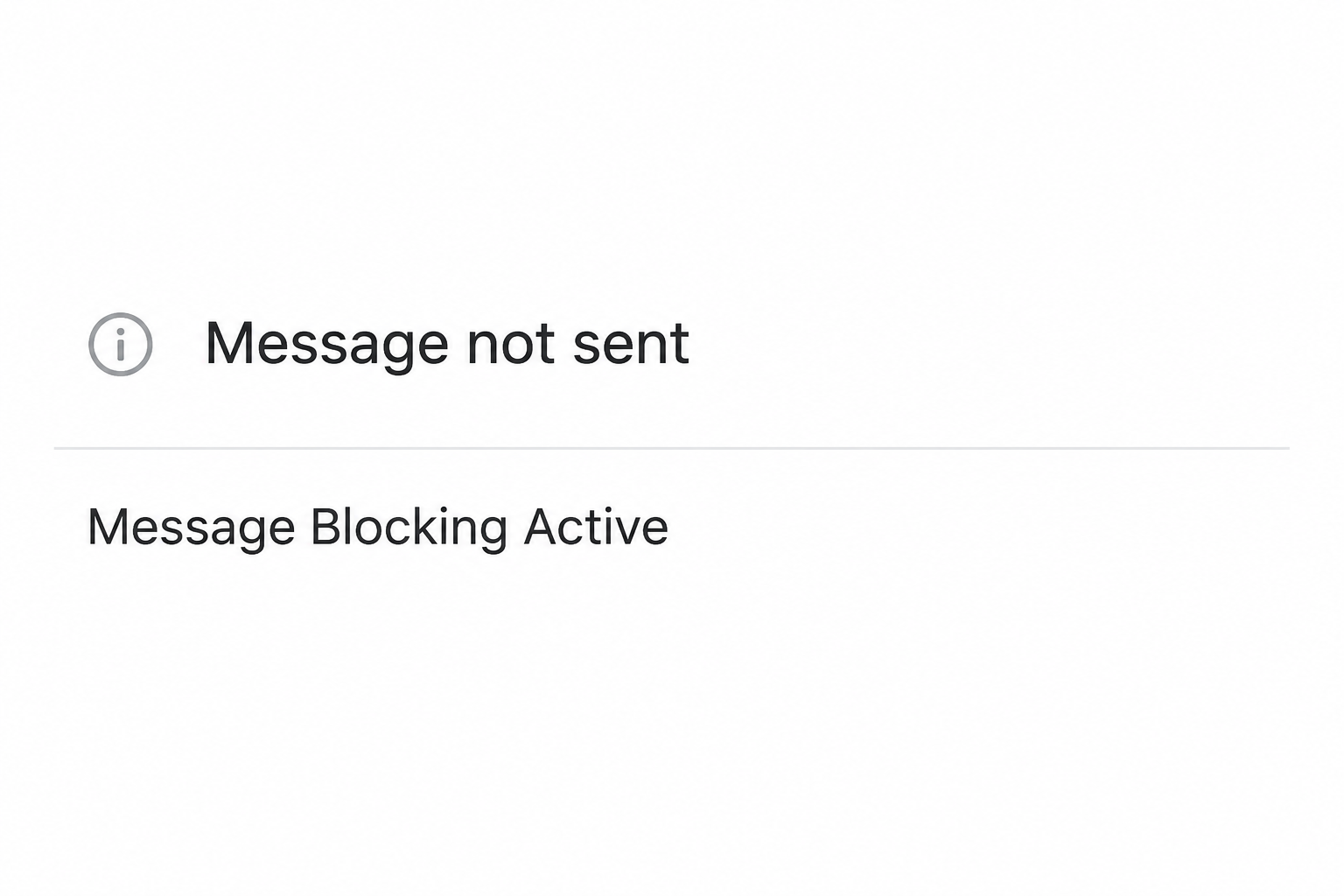
A text fails with a Message Blocking Active notice. Normal calls might still work, leaving you to wonder whether the problem belongs to your phone or the recipient.
Before changing anything, check which messages fail. One person, every ordinary text and a missing verification code point to different parts of the problem.
Overview
One failed recipient is not the same as a failed line
T-Mobile’s messaging troubleshooting says to check messaging restrictions on both sides. Its specific-recipient guidance points to the recipient’s Message Blocking when the named error appears for one person.
That is distinct from a general phone setting that filters incoming messages. If only one person cannot receive your texts, do not start by removing every protection from your account.
Carrier Message Blocking is an account feature
T-Mobile’s Message Blocking guide describes restrictions that can affect sending and receiving messages. It also distinguishes controls for commercial texts, family allowances and blocks on individual recipients.
A line can fail to receive a real security code without having lost all text service. The correct check is which sender and account setting affected that message.
A short sender number does not settle the diagnosis
The error and the circumstances are more useful than an unfamiliar number displayed next to a message. Do not use that number alone to authenticate any follow-up instructions.
If a message says to pay, enter a code or install something to restore texting, verify it in the real account first. That request is separate from the delivery error.
- Only one contact fails: Compare an ordinary text to another known contact, then ask the intended recipient to check through their own provider.
- Several ordinary texts fail: Confirm the active line and account restrictions before changing a phone setting.
- Only a verification code is missing: Check the sender’s registered number, spam controls and applicable commercial blocks.
- The notice includes an unsolicited link: Open T-Mobile independently and verify before sharing any information.
First Find Out Which Type of Message Is Failing
Check ordinary texting separately from app messages
A chat app or Wi-Fi message can work while ordinary carrier texting does not. Confirm what type of message failed instead of assuming every message uses the same route.
T-Mobile’s troubleshooting distinguishes SMS, MMS and other kinds of messages. If only a photo or group message fails, note that before treating it as a failure of plain SMS.
If your app shows a label for RCS or iMessage, write down what the failed conversation was using. Do not assume the label means your account has no texting restriction.
An ordinary short text to a willing contact can help isolate the problem. Do not use a verification code, a payment request or a private attachment as your test.
Verify whether it is happening to one person
Check that you used the intended number and that you are looking at the correct conversation. A saved contact can have more than one number or an outdated one.
Try a normal text to a known person who expects it. If that works, record the result before changing settings for the one number that still fails.
If T-Mobile’s specific-recipient error appears for the same person, ask them to check through their own provider. Do not ask them to remove all protections or hand you account access.
A failed text is not proof that the recipient deliberately blocked you. The carrier support guidance describes service settings, and the error alone does not establish anyone’s intentions.
If it affects multiple recipients, check the actual line
A phone with more than one SIM can use different lines for calls and messages. Confirm which line was selected for the failed SMS.
Start with whether that line is active and whether it can receive an ordinary message. Ask the account owner about any restriction before assuming the handset needs repair.
If an account feature such as Family Allowances may be involved, contact the person who manages the plan. Do not try to bypass controls you do not administer.
If the issue followed a number move or device replacement, tell support when it started. That is more useful than applying unrelated settings from a phone you previously used.
What to Do When T-Mobile Shows Message Blocking Active
- Record the exact error without forwarding customer information. Note the time, affected line and whether you were sending a normal text, media message or app chat.
- Check the scope with a legitimate contact. Confirm whether one recipient or multiple recipients are affected, and whether incoming texts are still working.
- Open T-Mobile independently to check line settings. Use the known account app or official support route, and ask the authorized owner whether a message restriction applies.
- Check the phone and the intended recipient separately. Review your phone’s relevant block or spam list, and ask the recipient to use their own support when necessary.
- Retest only the affected route. Try the same kind of ordinary message after the verified change, and give official support the results if it still fails.
Check carrier settings without removing useful restrictions
A block may serve a deliberate purpose on a shared plan. Verify the exact control and why it is active before changing it.
T-Mobile says commercial messages can include one-time codes, reminders, alerts and promotions. Turning on a broad restriction can affect legitimate messages as well as ads.
Review the setting for the affected number instead of applying a change to every line. That keeps the test useful and avoids weakening someone else’s settings.
If you cannot see the relevant control, ask carrier support or the plan manager. A missing option does not authorize you to make changes from another person’s account.
If only bank or service codes fail
Start at the service that issues the code and confirm the last digits it displays. A stale number in that account cannot be fixed by your carrier’s device settings.
Check your phone’s spam and blocked folders without opening a suspect link. Some code messages and ordinary personal messages can be handled differently.
T-Mobile says a block can affect numbers a particular business uses to send important texts. Ask official support about the affected sender rather than disabling everything at once.
If you still have an authorized session at the service, use its documented recovery options. Do not guess at codes or repeatedly request them in a way that locks access.
If an unexpected notice claims to be the fix
A message that asks you to pay for reactivation or send a one-time code is not part of checking whether your text reached the recipient.
Log into the actual T-Mobile account independently and check for a notice relevant to the line. If you cannot verify it, ask official support without using the message link.
If you shared payment or account information, contact the affected provider separately. Fixing your SMS delivery does not reverse a payment or regain a lost account session.
Check the Result Without Recreating the Problem
Retest the same scenario on the same line
Use the same type of ordinary text that originally failed, without including anything sensitive. A new group chat is not a reliable test of a plain message to one person.
If only one recipient had the problem, note whether they now received the text. A message appearing in your sent history does not always establish the other person saw it.
If a different device is involved, check which line it is using. Testing another number can be useful, but do not confuse that result with confirmation about the affected line.
Give support enough information to narrow it down
Tell support which tests worked and when. Include the exact error words rather than assuming the representative can identify what you saw from a vague description.
Explain whether you recently changed a plan, SIM or device if relevant. Bring the facts rather than supplying a theory based only on a sender number.
If a business code is the only issue, report that distinction. Your provider can look at the line, while the business can verify where and when its code was sent.
Troubleshooting Examples That Narrow the Cause
Ordinary SMS works, but a photo or group conversation does not
Check which protocol the app shows for the failed message. Compare a plain text sent to the same expected recipient before changing media or group settings.
If a large attachment fails but another type works, preserve that distinction. T-Mobile’s device troubleshooting treats ordinary messages and media or group issues separately.
Use a harmless test image if you need to compare results. Do not resend private photos or work files over an unverified group just because a previous text failed.
If one person cannot receive a group message, verify who received the others. The app’s status does not necessarily describe every participant’s result.
The problem started after changing an eSIM or moving a number
Note the new device and the date the service moved. Confirm whether the number can send and receive a normal text outside the failed app.
If the device has two lines, verify both the outgoing choice and the number the sender tried to reach. An old conversation can still point to the previous number.
If your regular contacts work but a business code stopped after the move, verify the number saved with that business. The carrier error alone cannot fix a stale login record.
Do not erase your device or delete an active SIM simply to see if texting returns.
Ask the carrier to verify line status and give it the results of smaller tests.
A commercial sender says the message was delivered
Check whether the provider means accepted for sending or received on your device. Ask what number and time the record actually shows rather than asking for the code itself.
If your phone never received the message, check the exact line with T-Mobile. Have the organization verify its own sending record through its legitimate support channel.
A sales subscription and a verification code can use different senders. Blocking one option in your account does not reliably tell you what happens to the other.
If an expected code is time-sensitive, use the service’s approved fallback if available. Do not give a stranger your login credentials to get around a delivery issue.
The account is shared with parents, family or work
Ask whether the owner set limits on certain messages before treating the restriction as a fault. T-Mobile’s support describes family features that can change which numbers are allowed.
If the block is deliberate, ask the owner for a suitable alternative if you need to contact someone urgently. Do not try to circumvent it with another person’s credentials.
If several lines are affected, document them separately. An adjustment applied to one line does not prove everyone else has the same restriction.
If an administrator agrees to change an option, have them note the previous setting. That makes it easier to restore an intentional protection after a safe test.
The phone shows a notice you did not trigger
A received notice and a failed text you just tried to send are different events. Read enough to identify which one you observed without following a link.
An ordinary error notice is not a contract requiring payment. If someone says it proves a bill is due, check the balance using the official account instead.
If the notice arrives when you were not sending anything, check whether a background conversation or another line was involved. Do not assume a stranger’s explanation matches your account.
If someone claims they can remove a block by taking control of the phone, stop the conversation. Use your carrier’s normal device support route rather than giving remote access.
Frequently Asked Questions
Does this error prove the other person blocked my number?
The error does not prove intent. For a specific failed recipient, T-Mobile points to Message Blocking on their side, so ask them to verify their line settings independently.
Should I unblock all texts to restore my security codes?
Leave settings unrelated to that sender in place.
Check the exact service and sender number, then ask the carrier or account owner to review the restriction relevant to the missing text.
Why can I still make calls if texts fail?
Voice calls and messaging are separate services. A working call is useful evidence about the line but does not determine whether all text types can be sent or received.
What if only pictures or group texts fail?
Identify whether the app is using MMS or another protocol, then follow the relevant device and carrier guidance. That result may differ from testing a short ordinary SMS.
Does a short code prove the error notice came from T-Mobile?
A sender label does not authenticate follow-up instructions. Verify any request about your account directly through T-Mobile instead of relying on a displayed number.
Who should check a family or business line?
Ask the authorized account owner or manager to review the relevant restriction. If it is intentional, use an approved alternative for urgent messages instead of bypassing it.
The Bottom Line
Identify whether the error affects one person, all ordinary texts or a service’s verification messages. Work from that result before changing any account or phone setting.
Use official T-Mobile support for account-side checks and verify an unsolicited fix independently. If you already shared a code or payment details, contact the provider responsible for those details.

Join the discussion
0 commentsShare your experience or ask a question about this article.
Community experiences
Did this happen to you?
Your experience could help someone recognize the same scam. Submit a private report for our team to review.
I experienced this tooReports are reviewed before publication. Sharing publicly is always your choice.
Discussion
Start the conversation
Have a question or something useful to share? Add the first comment.