


The Instagram ad offers remote work you can do from your phone. The person on WhatsApp sends you to a site and explains how to start earning commission.
The job looks simple until you find out what you have to do to get paid.
Overview
The job moved from Instagram to WhatsApp to a website called Ting
An Australian applicant reported following an Instagram job ad and receiving instructions through WhatsApp. The contact directed the applicant to a site presented as Ting.
The job was described as promoting products by completing simple actions on the site. The recruiter said the applicant would earn commissions from those tasks.
Before the first payment, the contact asked the applicant to advance their own money. The applicant walked away and blocked the people involved. They reported no payment or financial loss.
The name on the page identifies what the applicant saw.
It does not establish a connection to other businesses with similar names. The request to pay is the decisive evidence here.
Scamwatch describes the same shift from commission to deposit
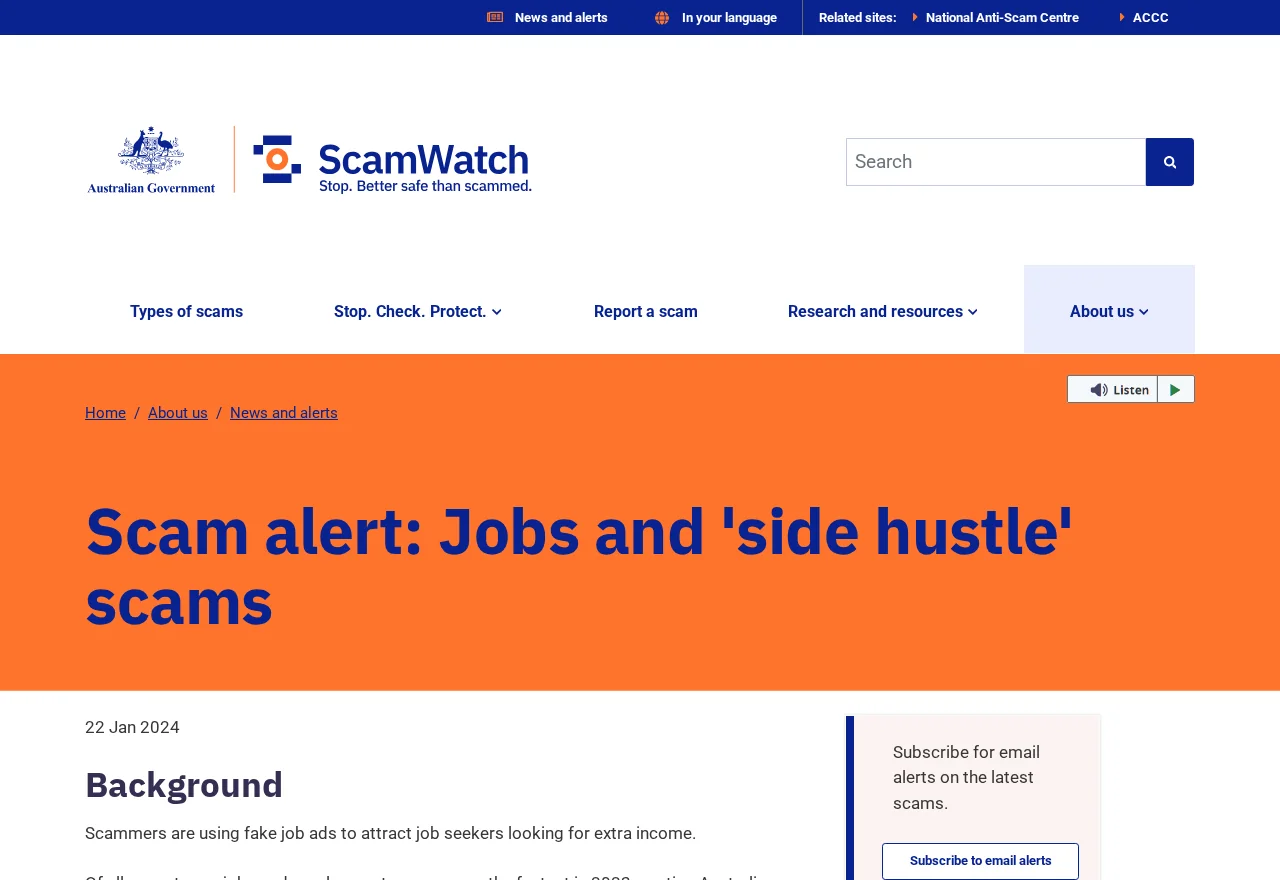
Australia’s Scamwatch side-hustle alert documents supposed online work that asks people to contribute money before earning commissions. The examples include work promoted through social media or offered by chat.
In the Ting report, the payment came before the first commission. You don’t have to wait for a failed withdrawal to see the problem.
Look at the sequence:
- An ad promises remote work with simple product tasks.
- The recruiter gives instructions privately on WhatsApp.
- An unfamiliar website presents itself as the place to work.
- The recruiter describes earnings from actions on the site.
- The applicant is asked to pay before receiving those earnings.
Any one of the platforms can be used by a legitimate employer.
The practical question is whether a verified employer is paying you for work or asking you to fund it.
An earnings figure is only as useful as the records behind it
A number on the website does not show who owes you money or whether you can collect it.
If the only person who can explain it also asks for payment, stop.
Verify a real job through the employer’s published channels. Ask what work you perform, who employs you, how pay is calculated, and where those terms are written down.
In the reported case, the applicant did not need to do anything else to test the claim. Walking away before paying protected the money they had in their own account.
How the Scam Works
Step 1: The ad reaches somebody already looking for work
A job ad may show up in the same place as ads for shops or local businesses. Seeing it in an ordinary feed can make it feel vetted.
Find the job through the employer’s own careers page or a direct contact you can verify. Save the ad if the employer has no record of it.
If the advertisement gives only a brand name, ask which legal business operates the role. Verify that outside the ad before sending identification or payment information.
A vague description can also complicate reporting later. Save the platform, visible account name, and date while they are still on your screen.
Step 2: The recruiter moves the conversation to WhatsApp
The contact can discuss work and answer questions quickly. That convenience does not tell you whether the recruiter is connected to an actual employer.
Use any named employer’s public number or verified website to confirm the person and the role. Avoid letting the WhatsApp contact introduce the person who will supposedly verify it.
Ask what the terms say about how and when you get paid. An answer you can verify matters more than a confident explanation about how easy the job is.
If you never applied for the role through any channel you recognize, ask how they obtained your details and stop sharing anything further while you check.
Step 3: The website makes the tasks look like work
A screen can show products and track progress. That makes the job feel active even when the applicant has no independent record of being employed.
Save the name and address of the site privately without opening it again.
Give those details to the ad platform or Scamwatch, along with what the recruiter asked you to do.
If you entered an email and password to create an account, check whether you used the password anywhere else. Change any reused password through the genuine services.
If you saw an earnings balance, record its wording. When you report it, distinguish the figure on the task site from deposits you can verify in a bank or exchange.
Step 4: You have to advance your own money
The initial question “how much does this job pay?” becomes “how much do I have to send?” That is the point where the applicant in this case stopped.
Ask what the payment is for before accepting anyone’s language about commissions. If the answer is that you must pay to be paid, leave the process.
If you left before paying, you can still report the advertisement and the accounts. Give them the facts rather than trying another task to see what happens.
If you already paid, contact the service you used while any transfer may still be pending. Save the payment request next to the receipt.
If You Signed Up but Never Sent Money
Start with your own account activity. Look at the bank, card, or wallet you were considering using. Check for activity you actually authorized or a new charge you don’t recognize.
Review which details went into the form. Sharing an email address creates a different problem from sharing a password, uploading ID, or giving away a card number.
If you entered a password you use for your email, replace it there first through the email provider. Review recovery settings and sign-in activity while you still have access.
If you gave the recruiter your phone number, expect that later messages may know how the first conversation started. Keep the original chat so you can recognize the connection.
Save the report number from the platform where the ad appeared. If you find another ad using the same site or pitch, submit that record through the official reporting route.
If the recruiter brings up a job balance later
A caller can say money is waiting even after you leave. Check your actual bank or exchange account without following the link the recruiter uses.
If the recruiter sends a screenshot saying your earnings are locked, save the message for the report. Do not send funds to remove a lock you cannot independently verify.
If the person changes the subject to taxes or a refund, check the request through the genuine financial provider. A new explanation does not establish that any balance is yours.
If you made a payment and received a refund promise, ask the original provider whether a refund is visible. A message from the recruiter cannot confirm what that provider received.
How to Check a Commission Job Before You Give It Any Information
Ask where you can find the vacancy outside social media. A genuine recruiter should be able to identify the employer, even when the job is advertised through an agency.
Search for the role from the company’s own careers page.
If you reach HR, give the title and the date you saw the ad. Ask whether WhatsApp is an authorized recruiting channel.
Look for the terms that explain who pays you and when.
Contractors can have expenses, but an employer or client should be able to explain real work and compensation in writing.
Check whether an address or business name in the chat leads to the same entity on the contract.
A legitimate business with a similar name may know nothing about the offer.
If the contact says it cannot name an employer until you have signed up, pause. You need to know who receives the information before you give it to them.
If the offer includes a training session, check whether you can attend through a verified route.
There is no need to create an account on a third-party site while you verify it.
The records you need if the ad disappears
Capture the visible profile name and time, along with the wording about the work. If the ad is unavailable, keep the original message that referred to it.
Save the first message that mentions paying. It shows when the offer changed. Any genuine ad or support record can be attached to the same complaint.
Write down whether the first contact was an ad, a message, or an application. The platform can review an ad differently from a message it did not distribute.
If more than one number contacted you, record what each one asked for. Keep the history private and do not contact those numbers again to fill in missing details.
An ad platform can review its own listing while a bank investigates payment. Give one the profile and timestamp, and the other the amount and reference.
Check whether a report asks for screenshots or a precise address.
Enter a suspicious site address as evidence in the form if requested. Do not republish it as a clickable link.
If your card was saved on the site even though you never paid, ask your issuer whether to replace it. Watching for an individual charge may leave the card exposed.
If all you shared was an email address, focus on unexpected contact and account alerts. Check new instructions against the places where you actually applied for work.
What to Do if You Have Fallen Victim to This Scam
End the payment conversation and check your real account. If you already transferred money, call your bank or exchange promptly through the channel you normally use.
-
Stop work on the site. Do not deposit more or pay to release commissions. Save the exact request before leaving the chat.
-
Contact the payment provider. Give it the date, amount, and transfer reference. Ask about the current status and what can still be done.
-
Save the original advertisement and messages. Include the Instagram profile, WhatsApp contact, site name, and the request to advance your own funds.
-
Report the scam in Australia. Use Scamwatch’s report form and report the profiles through the platforms where they appeared.
-
Secure exposed information. Change any reused password and tell your bank if you shared card or account details. Follow identity recovery guidance if you supplied identification.
-
Keep watch for another request. If someone claims to have a refund, use your existing case with the provider. Do not pay for help from unsolicited contacts.
Record which service was used at each stage. One transaction may move money to an exchange before a second moves it out. Give the provider the part it can verify.
If you uploaded documents, keep a private note of what they contained. In Australia, IDCARE offers guidance for people whose identity information may have been exposed.
Ask the provider what it wants next instead of guessing based on an online balance. Keep its confirmation and any dates when it wants you to check back.
Frequently Asked Questions
What was the first sign that the Ting job was a scam?
The clearest sign was the demand to use personal money before the first commission. The applicant reported this after following the Instagram ad and WhatsApp instructions.
You can stop at that request. Independently verify any real employer before you provide details or take action on an earnings claim.
Does a genuine Instagram ad mean the company is verified?
An ad in your feed is a place you saw an offer. Check the employer, job, and payment terms through channels you find independently.
If the only route to the employer is the ad and the WhatsApp contact, keep your money and identification private while you check.
What if the job tells me I can withdraw immediately after paying?
Do not pay to test a promise. Ask your own financial provider whether there is a real transaction to check. Save the withdrawal demand for your report.
If you already received a payment from the group, keep that incoming record separately. An early payout would not verify a later deposit request.
What if I clicked the link without submitting anything?
Close it and check what you actually did. If you entered no password or payment details, focus on reporting the ad and watching for unexpected follow-up.
If you saved a file or changed an account setting, tell the appropriate service or support team. Handle that action separately from reading the job page.
Can a company with a similar name be responsible?
Verify the exact website, contact, and company identifiers before making that assumption. In this case the documented conduct is the website and chat request the applicant described.
If you recognize a legitimate company being named, use its public contact path to ask about the offer. Keep the ad and site details for that conversation.
What if my transfer is already completed?
Report it to your provider immediately and ask what options remain. Keep the receipt and any outgoing transfer reference. Recovery depends on the transaction and the provider.
Avoid people who offer to get the funds back for an advance fee. Continue through the original payment case and official reporting routes.
The Bottom Line
If an Instagram job leads to a WhatsApp request to advance money before your first commission, stop. Verify any real employer outside the ad and the chat.
If you paid or shared sensitive details, contact the relevant provider and save the records. Do not send another payment to unlock the supposed earnings.

Join the discussion
0 commentsShare your experience or ask a question about this article.
Discussion
Start the conversation
Have a question or something useful to share? Add the first comment.