

You join a Zoom call. Someone else is already in it. Zoom’s annotator, the drawing tools that appear when you share a screen, had a hole that let that person send a crafted message and run their own code on your PC. Zoom published the first fix note on 11 August 2026 and corrected the version list on 14 August. If the app has not updated since then, you are still on a build that listens the old way.
Overview
What broke
Zoom’s own bulletin ZSB-26015 describes CVE-2026-53413: a missing bounds check in the annotator. In English, the drawing channel did not check how much data it was writing into memory. A meeting participant can send too much, overwrite that memory, and run their own code on another participant’s machine.
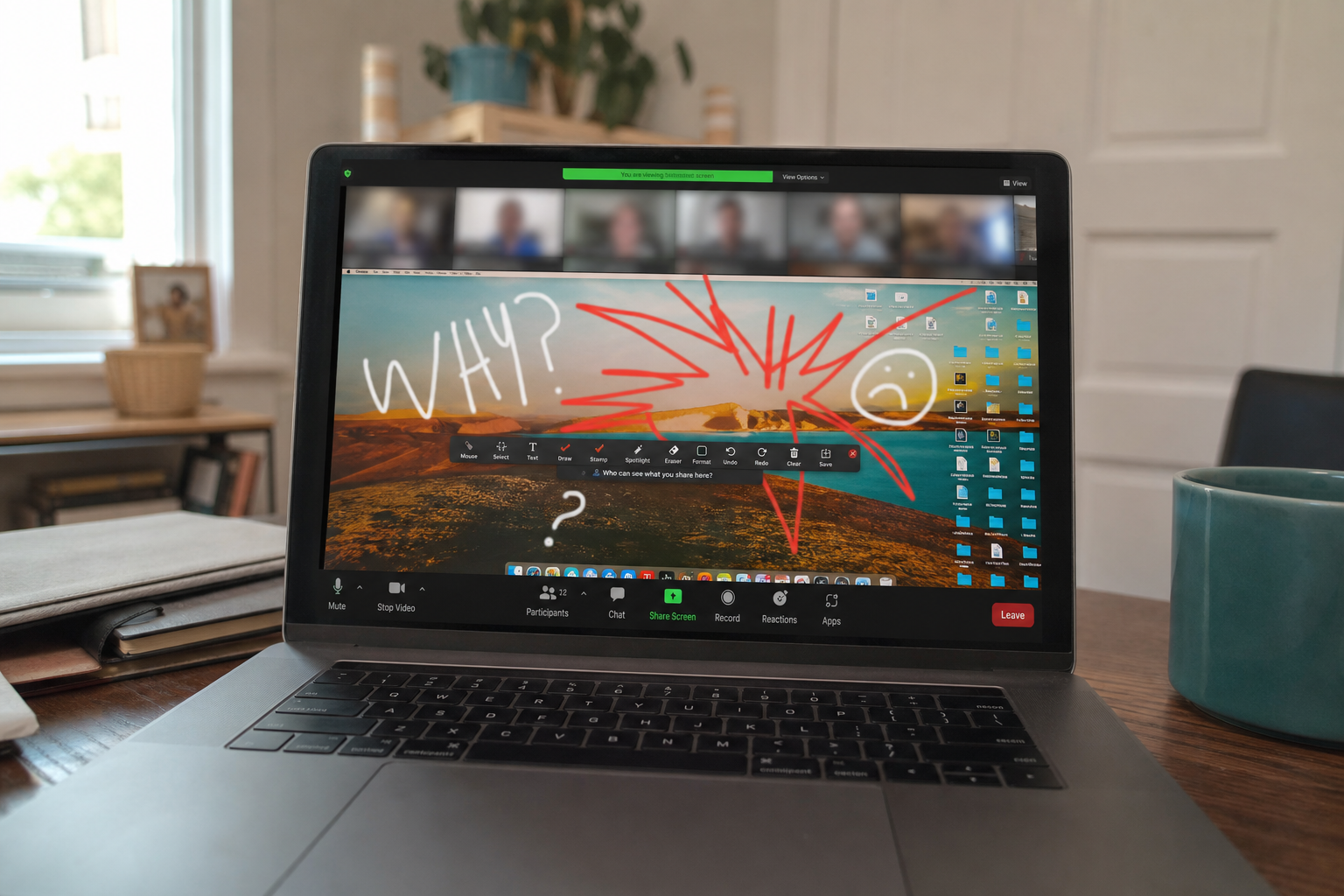
The annotator is the set of arrows, shapes, and scribbles you use while someone is sharing a slide. It is not a separate app. It lives inside the Zoom client you already trust with your camera, your microphone, and the desktop behind the share. A bounds check is a simple fence: this buffer is this big, do not write past it. The fence was missing. That is the whole hole.
Zoom scored it 8.3, High. The CVSS vector is AV:N/AC:H/PR:N/UI:R/S:C/C:H/I:H/A:H. In the same sentence: the attacker can come over the network, the attack is not trivial to land, they do not need a Zoom admin account, you have to be in a context that uses the feature (user interaction required), a successful hit can step outside the Zoom process, and confidentiality, integrity, and availability all go to High. That last trio is the run-code-on-the-PC part. The UI:R flag is the one that matters for how you talk about it. This is not a hole that fires while Zoom sits idle on the tray. You are in the call.
Zoom credits a researcher for the report. The first bulletin went out on 11 August 2026 as revision 1.0. Revision 1.1 on 14 August corrected the Zoom Workplace version and added the Video SDK to the affected list. If you read an older copy of the note, use the 14 August list.
Who is in range
Home users, tutors, and small shops all sit in the same product. Desktop Zoom Workplace on Windows, Mac, and Linux is in range if you are below 7.1.0 on the current train, or below 7.0.6 if you are still on that older branch. Zoom Rooms in the meeting closet are in range below 7.1.0. The Meeting SDK that some custom apps embed is in range below 7.1.0. The Video SDK is in range below 2.6.0. VDI clients on Windows, the thin-client Zoom that shops run inside a virtual desktop, are in range below 7.0.11 or 6.6.16 on their respective branches.
The phone apps should be updated from the store in the same pass. A shop PC that only lives in a bag is still a Zoom Workplace install. Browser-only meetings in Chrome or Edge are a different product. They are not this client, and they are not closed by this updater.
What the vendor shipped
- Zoom Workplace 7.1.0 on the current train, or 7.0.6 if you are still on that branch
- Zoom Rooms 7.1.0
- Meeting SDK 7.1.0
- Video SDK 2.6.0
- VDI Windows: 7.0.11 or 6.6.16, only if you actually use VDI
Zoom points people at Zoom’s download page for the current installer. The in-app path is your profile picture, then Check for Updates. Phone stores carry the mobile builds. A Zoom Room does not update from the phone store. It has its own Rooms updater.
What this is not
- Not a zero-click bug. Zoom’s own score includes UI:R. You have to be in a meeting context that uses the feature.
- Not a random website. The attacker is already a meeting participant.
- Not on CISA’s Known Exploited Vulnerabilities catalog.
- Zoom has not said the hole is being used in the wild.
The patch is out. That is the cheap window. Waiting is how a High bulletin sits on the default meeting app.
Do This Now
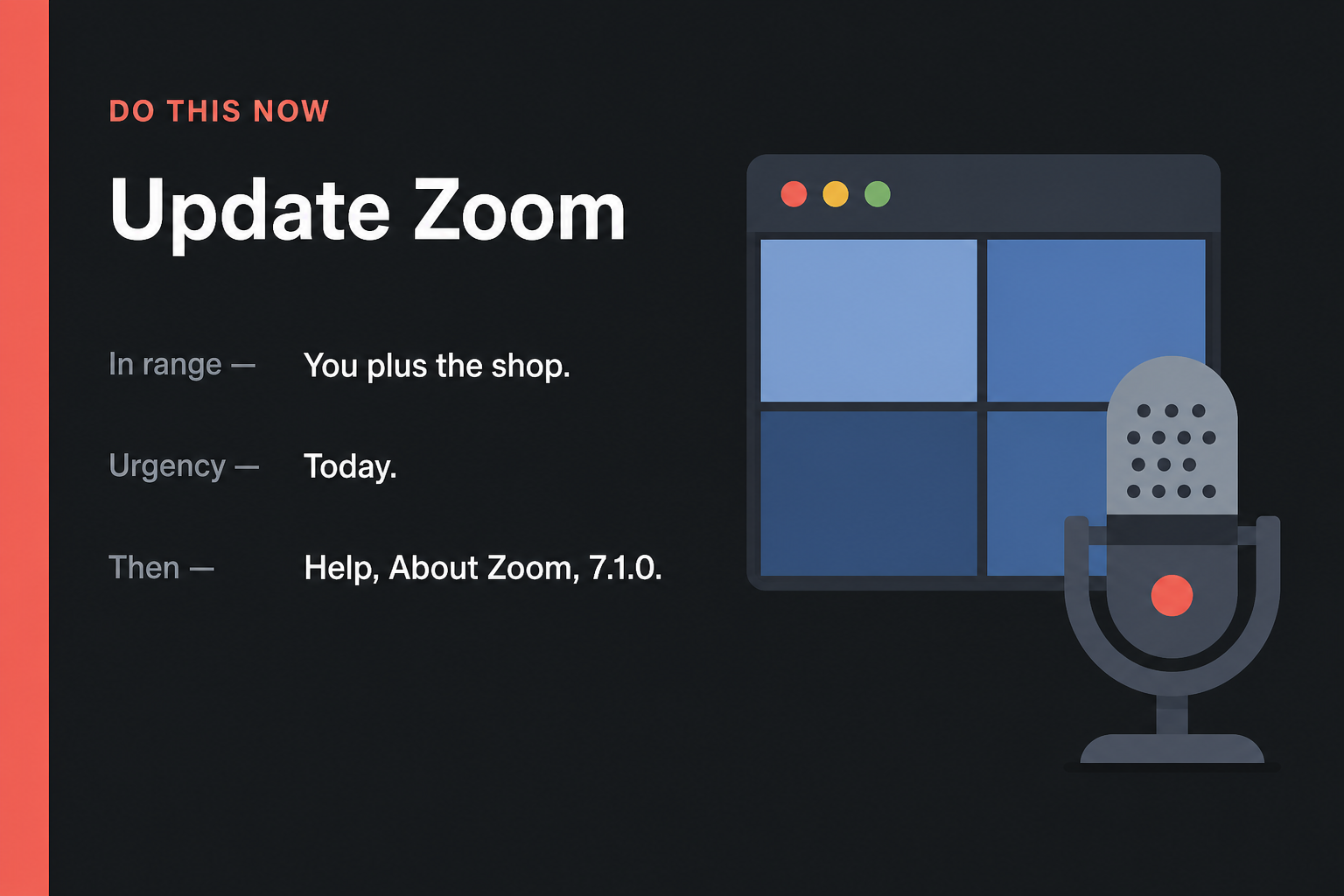
In range: You, plus the shop. Anyone on Zoom Workplace below 7.1.0, or below 7.0.6 on that older branch.
Urgency: Today. A person already on the call is the attacker. The update is a click.
- Open the Zoom desktop app. Click your picture in the top right, then Check for Updates. Install 7.1.0 or 7.0.6, then restart Zoom.
- If Check for Updates does nothing, close Zoom and install the current build from Zoom’s download page.
- On the phone: App Store or Google Play, update Zoom. Do the shop PCs the same night. Zoom Rooms need 7.1.0 from the Rooms updater.
Who can skip
- Help, About Zoom already shows 7.1.0 or newer, or 7.0.6 or newer on that branch.
- You never install Zoom. Browser-only meetings in Chrome or Edge are a different product. Still take the browser update from the other briefs.
- Google Meet or Teams only, skip this tab.
- A VDI shop already on 7.0.11 or 6.6.16 can skip the desktop Workplace click and stay on the VDI train.
Why it matters
A meeting is a trusted room. Camera, mic, the files on the desktop behind the share, the chat that just got a link. If someone on the call can run code, they are not limited to the annotator doodle. They are on the PC as you. That is why a High score with C:H/I:H/A:H is not a paper cut.
The attacker is not a stranger on a website. They are already in the invite. Tutors, family calls, the Monday stand-up, the shop’s client review: those rooms assume the other tile is just a face. Zoom did not claim victims. CISA has not listed this CVE on KEV. The honest status is simpler than a panic headline. The fence was missing, the new build puts it back, and the updater is already under your picture.
Shops have a second problem. The laptop in the bag, the Zoom Room that never gets a human login, the VDI image nobody rebuilds until quarter-end. One stale client in a recurring meeting is enough to keep the old drawing channel alive. Do the house and the shop in the same evening.
The bottom line
On the PC
- Open the Zoom desktop app the way you always do. A blank home screen is fine. You do not need to join a meeting first.
- Click your profile picture in the top right. On some builds the circle shows your initials if you never set a photo.
- Choose Check for Updates. Watch the small updater window. It should either say you are current or start a download.
- Install what it offers. You want Workplace 7.1.0, or 7.0.6 if that is the branch Zoom gives you. Do not stop at a 7.0.5 leftover.
- Quit Zoom fully. On Windows, right-click the camera icon in the system tray and Exit. On a Mac, use the Zoom menu on the menu bar and Quit. Opening a new window on top of a tray copy is not a restart.
- Open Zoom again. Click your picture, then Help or About Zoom. Read the version line. You want 7.1.0 or newer, or 7.0.6 or newer on that branch.
If the updater is stuck
Close Zoom the same full-quit way. Open a browser you already trust and go to Zoom’s download page. Download Zoom Workplace for your system. Run the installer. If Windows asks whether you want to allow the app to make changes, that is the usual installer prompt. When it finishes, open Zoom and read About again. The number should have moved. Do not download Zoom from a search ad or a “latest Zoom crack” page. Those are a different problem.
The phone and the rest of the house
- On iPhone: open the App Store, tap your picture, scroll to Zoom, tap Update. Swipe the app away from the app switcher and open it once.
- On Android: open Google Play, search Zoom, tap Update. Force-stop the app in Settings if it was sitting in the background, then open it.
- Shop laptop that only lives in a bag: same desktop steps tonight. Do not wait for the next client call to “just work.”
- A Zoom Room in the meeting closet: sign in on the Room controller or the admin page the shop already uses, and take Rooms 7.1.0. The phone store will not patch a Room.
- VDI shops: push Workplace VDI 7.0.11 or 6.6.16 on the branch you actually deploy. The regular 7.1.0 desktop build is the wrong package for those thin clients.
When you are done
About Zoom shows 7.1.0 or 7.0.6 (or newer) on the home PC and on every shop machine that joins calls. The phone Zoom has been store-updated and reopened. The Room, if you have one, reads 7.1.0. That is the whole job. You do not need to change meeting passwords or rebuild the calendar. You needed a new client. You have it.