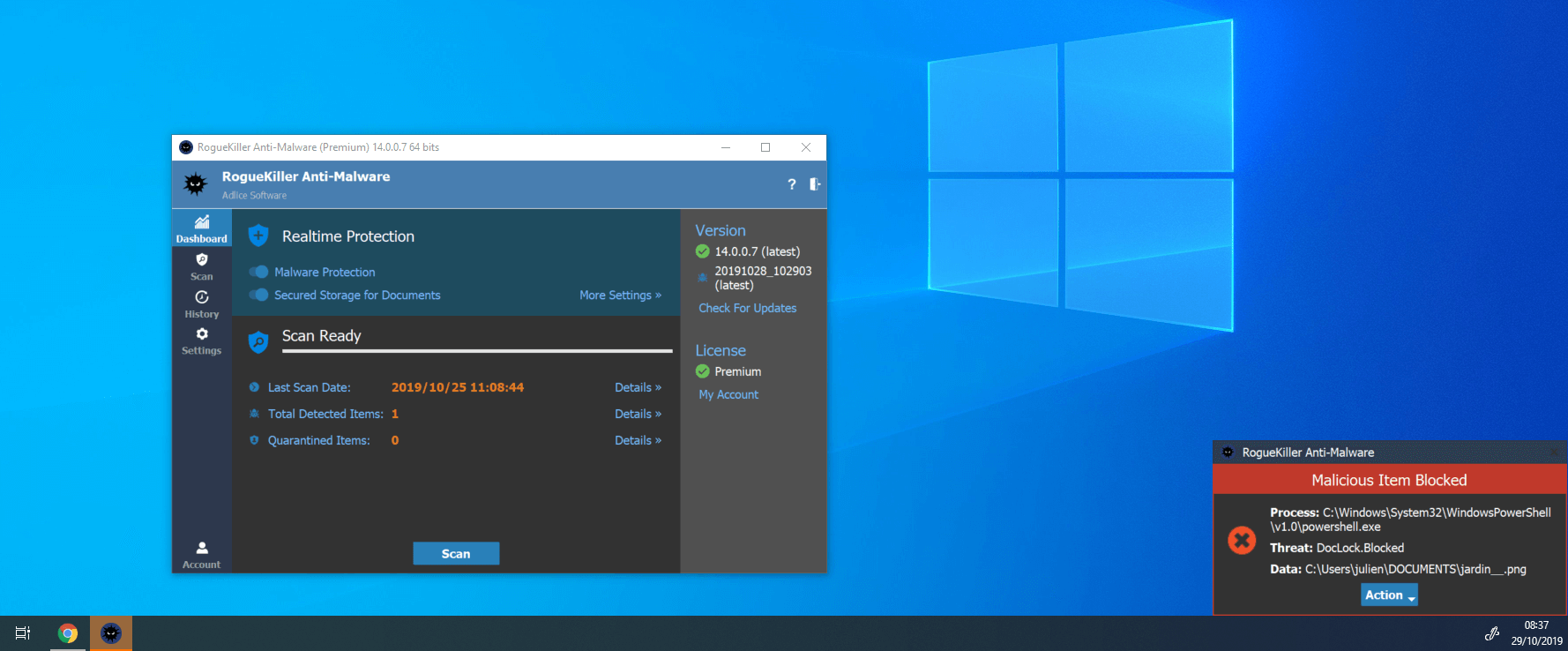
Adlice Protect formerly RogueKiller

1. So just to confirm does Realtime protection use Machine Learning and AI?
2. If it does detect something with machine learning or AI does it show AI detection in notification?
3. It seems Real-time protection is using quite a lot of CPU even if I am doing nothing. Many other products use nearly 0% CPU if just on Desktop. For me it can use 1-5% or when opening stuff like 20%.
 
  • Like
Reactions: roger_m
1. So just to confirm does Realtime protection use Machine Learning and AI?
2. If it does detect something with machine learning or AI does it show AI detection in notification?
3. It seems Real-time protection is using quite a lot of CPU even if I am doing nothing. Many other products use nearly 0% CPU if just on Desktop. For me it can use 1-5% or when opening stuff like 20%.

1. Yes, it's a module used for both scanning and protecting.
2. Yes, it will show something like "MalPE.XX" where XX is the AI score.
3. That is strange, is it the service using CPU or you see System process CPU spike ? The service does pretty much nothing when you don't open anything.
 
That is strange, is it the service using CPU or you see System process CPU spike ? The service does pretty much nothing when you don't open anything.
Here is a video showing what the CPU is doing. It is not doing any scan or anything. The computer is idle with web browser open though.
 
Here is a video showing what the CPU is doing. It is not doing any scan or anything. The computer is idle with web browser open though.
There's maybe things you don't see. Can you send me the file located in C:/ProgramData/RogueKiller/Debug/RogueKillerSVC.log ?
 
Thanks @Andrew999. I think the last lines are for the newer version, I see most of the activity is related to vivaldi, probably new tabs opening (if it works like Chrome). Do you think it's possible for you to redo the same and let the machine run idle for like 10-15 mns and give me the time period you let it run (+ file, please in PM) ?
 

You may also like...