

A 647 number often looks local to people in and around Toronto, which is exactly why scammers use it. The caller or texter may be anywhere, and caller ID can be spoofed in seconds. Treat an unfamiliar 647 contact as unverified until the person or organization can be confirmed independently.
Some messages aim for a quick card payment, while others begin with casual conversation and build toward an investment, romance, job or account-security scam. This guide breaks down the warning signs, explains how the pressure develops and gives clear recovery steps if you already engaged.
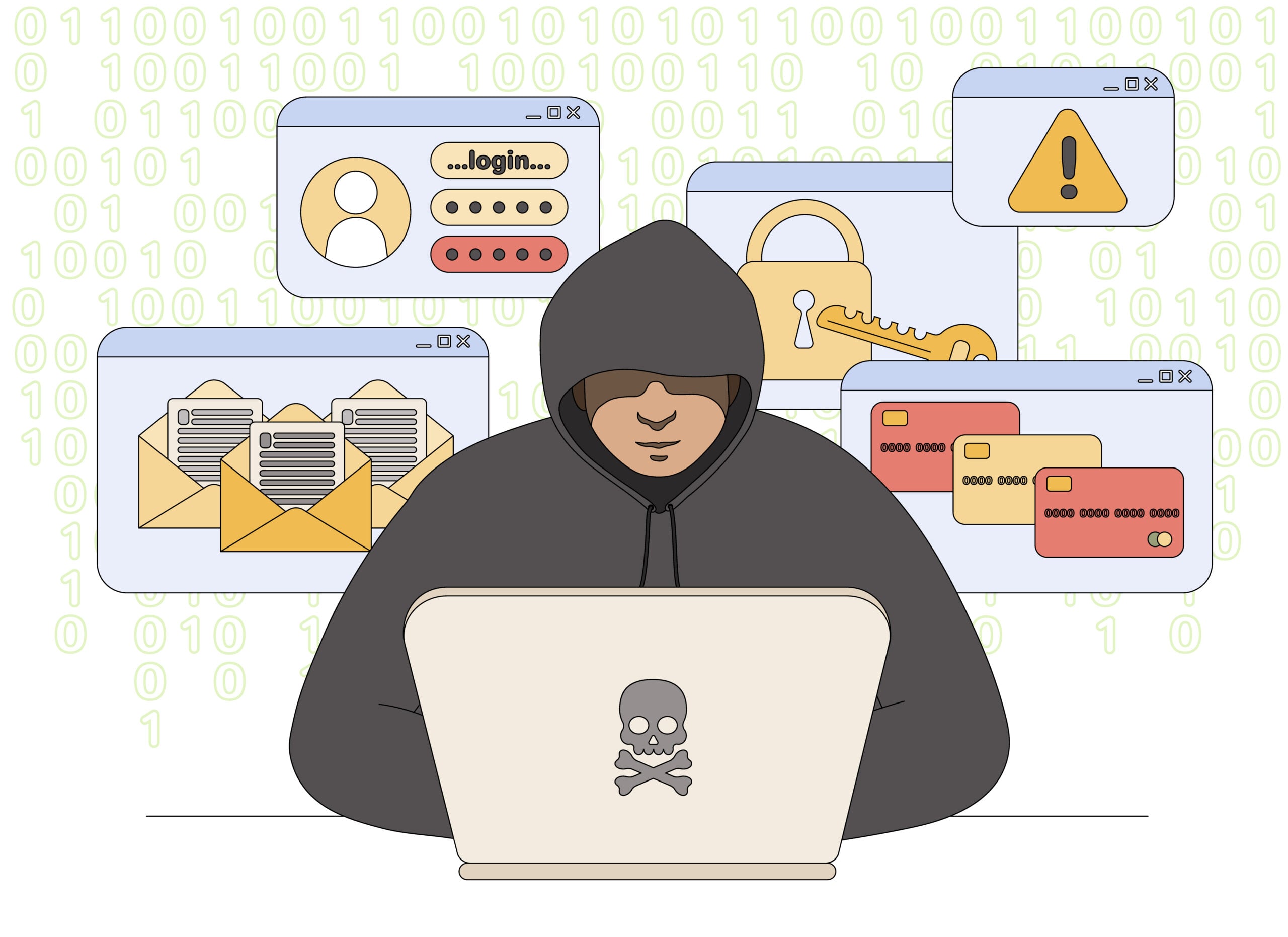
647 Area Code Scam Overview
The 647 area code is a legitimate Canadian code serving Toronto and the Greater Toronto Area. It is used by real residents, businesses, and organizations. However, scammers exploit its local appearance in robocalls, utility impersonation, delivery texts, job offers, bank alerts, and other fraud campaigns.
A 647 number on caller ID does not prove that the person is calling from Toronto. Fraudsters can alter the number displayed on a phone, rent internet-based Canadian numbers, or cycle through disposable accounts faster than victims can block them.
Some campaigns send a short message and wait for a reply. Others use an automated recording that tells the recipient to press a number. The response confirms that a person is reachable and opens the door to a live scammer trained to create urgency.
The strongest warning is not the area code. It is an unexpected caller who demands payment, personal data, online banking access, a one-time security code, or action through a link supplied in the message.
The 647 prefix belongs to a real Toronto-area overlay, but modern caller ID is not a location certificate. A scammer can spoof a 647 number or rent one online while operating elsewhere. The local appearance is useful because it reduces the moment of hesitation that usually protects people from an unknown international call.
Pay attention to what the sender wants, not only to the number displayed. Requests for a one-time code, remote access, gift cards, cryptocurrency, a rushed transfer or a move to WhatsApp or Telegram are stronger indicators than the area code. If a bank, courier, government office or employer is named, end the contact and reach that organization through a number or website you already trust.
Blocking one 647 number may not end the campaign because automated systems can rotate through many caller IDs. Continue ignoring the script rather than trying to identify the scammer from each new number.
How the 647 Area Code Scam Works
Step 1: A local-looking number gets your attention
The call may show 647 followed by a familiar Toronto exchange. In neighbouring attacks, the first digits can resemble the recipient’s own number, making the call look like it comes from a nearby customer, coworker, clinic, or service provider.
Text campaigns use the same local familiarity. A Canadian number looks less suspicious than an overseas sender, even when the message was created by a fraud group operating elsewhere.
Step 2: The scammer impersonates a routine service
The opening may mention a utility bill, parcel delivery, parking fee, toll, bank transaction, tax refund, mobile account, or job application. These are ordinary issues that many people handle by phone, so the story does not initially feel extraordinary.
Robocalls may claim that an account is suspended or that a government file requires immediate attention. The recording asks the recipient to press 1 to speak with an agent.
Step 3: Urgency replaces careful verification
A fake utility representative threatens same-day disconnection. A delivery text says the parcel will be returned. A bank caller warns that money is leaving the account while the victim hesitates.
The deadline is invented to keep the recipient from checking an official app, paper bill, tracking page, or known telephone number.
Step 4: The victim is sent to a fake site or live agent
Text links open cloned login and payment pages. They may copy the logo of a bank, courier, parking authority, toll service, or utility company while using an unrelated domain.
Callers use a live script to request account numbers, card details, addresses, dates of birth, or identity documents. A friendly tone can switch to threats if the victim questions the request.
Step 5: A payment or security code is demanded
The scammer may request an e-Transfer, gift card, cryptocurrency payment, wire, or payment through a new mobile application. Bank impersonators often ask the victim to read a one-time code that was genuinely sent by the bank.
That code is not needed to cancel a transaction. It may authorize a password reset, new device, digital wallet, or transfer controlled by the criminal.
Step 6: The fraud expands after the first response
A reply tells the sender that the number is active. Even if no money is sent, the recipient may receive more targeted calls that reuse names, account details, or concerns revealed during the first conversation.
When a payment succeeds, follow-up scams can pose as investigators or recovery specialists. They promise to return the loss but require another fee or more banking information.
Common 647 Area Code Scam Variants
Utility disconnection calls
The caller claims to represent an electricity, gas, or telecommunications provider and says service will be disconnected unless an overdue bill is paid immediately. Verify the account using the number printed on a recent bill.
Delivery, toll, and parking texts
The message claims a small fee is needed to release a parcel, settle a road toll, or prevent a parking penalty from increasing. Its link collects card data and may enroll the victim in additional unauthorized charges.
Bank security robocalls
An automated voice reports a suspicious purchase and asks the recipient to press a key. The live agent then requests credentials or a verification code while pretending to reverse the transaction.
Remote job and task scams
A text offers flexible work with unusually high pay for simple online tasks. Early commissions may appear inside a fake dashboard, but the worker must deposit personal money to unlock new tasks or withdraw the supposed earnings.
Silent calls and missed-call bait
The phone rings once, disconnects, or stays silent after pickup. This can be automated number testing or an attempt to make the recipient return the call. A legitimate caller with an important reason can leave a clear voicemail.
647 Scam Call and Text Warning Signs
- An automated message demands that you press a number immediately.
- A utility caller threatens disconnection unless payment is made during the call.
- A delivery, toll, or parking text contains an unfamiliar link.
- A recruiter offers high pay without an application, interview, or verifiable company email.
- You must deposit money to complete work or withdraw earnings.
- A bank caller asks for a password, card PIN, or one-time code.
- Payment must be made by gift card, cryptocurrency, wire, or e-Transfer.
- The caller becomes hostile when you say you will verify the claim independently.
A local telephone number, professional recording, or correct piece of personal information can all be manufactured or obtained from prior data leaks. None of them replaces independent verification.
What To Do When a 647 Number Calls
- Let unfamiliar calls reach voicemail. Do not press keys on an unexpected robocall.
- Hang up when money or credentials are requested. A legitimate organization will allow you to verify the contact.
- Use an official number. Call the organization from a statement, bank card, app, or verified website.
- Open services independently. Do not use the link in a delivery, parking, toll, or account alert.
- Do not call silent numbers back. Wait for a credible voicemail or another verifiable form of contact.
- Block and report the account. Mark the call or text as spam and notify the mobile provider when appropriate.
- Report fraud attempts. Contact the Canadian Anti-Fraud Centre, and contact local police if money or identity documents were stolen.
How To Check Whether the Message Is Real
For a bank alert, sign in through the official banking app or call the number on the back of the card. Do not approve a notification or read a code while speaking with the incoming caller.
For a parcel, enter the tracking number on the courier’s known website. For a utility account, check the balance through the provider’s official portal or paper bill. For a job, search for the employer’s real careers page and contact the company through a published business address.
If the claim is genuine, it will still exist after you close the message and verify it. A scammer’s advantage disappears as soon as you leave the channel they control.
If You Paid or Shared Personal Information
Call the bank, card issuer, or payment provider immediately. Ask to stop pending transactions, secure online access, and replace exposed cards or account credentials.
Change reused passwords from a trusted device, beginning with email and financial accounts. If identity documents or a Social Insurance Number were exposed, follow Canadian identity-theft reporting and credit-monitoring guidance.
Keep the message, telephone number, voicemail, website address, transaction receipt, and any conversation history. Evidence is more useful than repeatedly engaging the scammer, and continued contact can reveal more information.
Frequently Asked Questions
Where is area code 647?
647 is a legitimate Ontario area code used in Toronto and the Greater Toronto Area. It overlaps with other codes serving the same region.
Does a 647 number mean the caller is in Toronto?
No. The user may have kept the number after moving, may be calling through an internet service, or may have falsified the caller ID completely.
Should I answer calls from 647?
You can let an unknown caller leave a voicemail. The area code alone cannot determine legitimacy, so verify the identity before sharing information or taking action.
Can blocking the number stop the scam?
Blocking helps with that specific account, but spoofers can display another number. Call filtering, spam reporting, and refusing to engage are more effective as a combined approach.
The Bottom Line
The 647 area code is real, but the identity displayed with it can be false. Scammers use the Toronto connection to make routine-looking utility, delivery, banking, parking, and job messages feel credible.
Do not pay through an incoming call or text. End the conversation, open the official service yourself, and verify the claim using contact information the sender did not provide.

Join the discussion
0 commentsShare your experience or ask a question about this article.
Discussion
Start the conversation
Have a question or something useful to share? Add the first comment.