

Messages promising a payment through the Federal Benefits Access Center can sound official because they mention federal programs, Treasury funds or money supposedly waiting in your name. There is no legitimate agency by that name distributing surprise benefits. The contact is a scam designed to collect fees, identity details or both.
The criminals may present the offer as a grant, stimulus payment, pension supplement or unclaimed benefit, then say you must register or pay before the funds can be released. This guide explains the sequence, the language used to create trust and what to do if you submitted information or sent money.
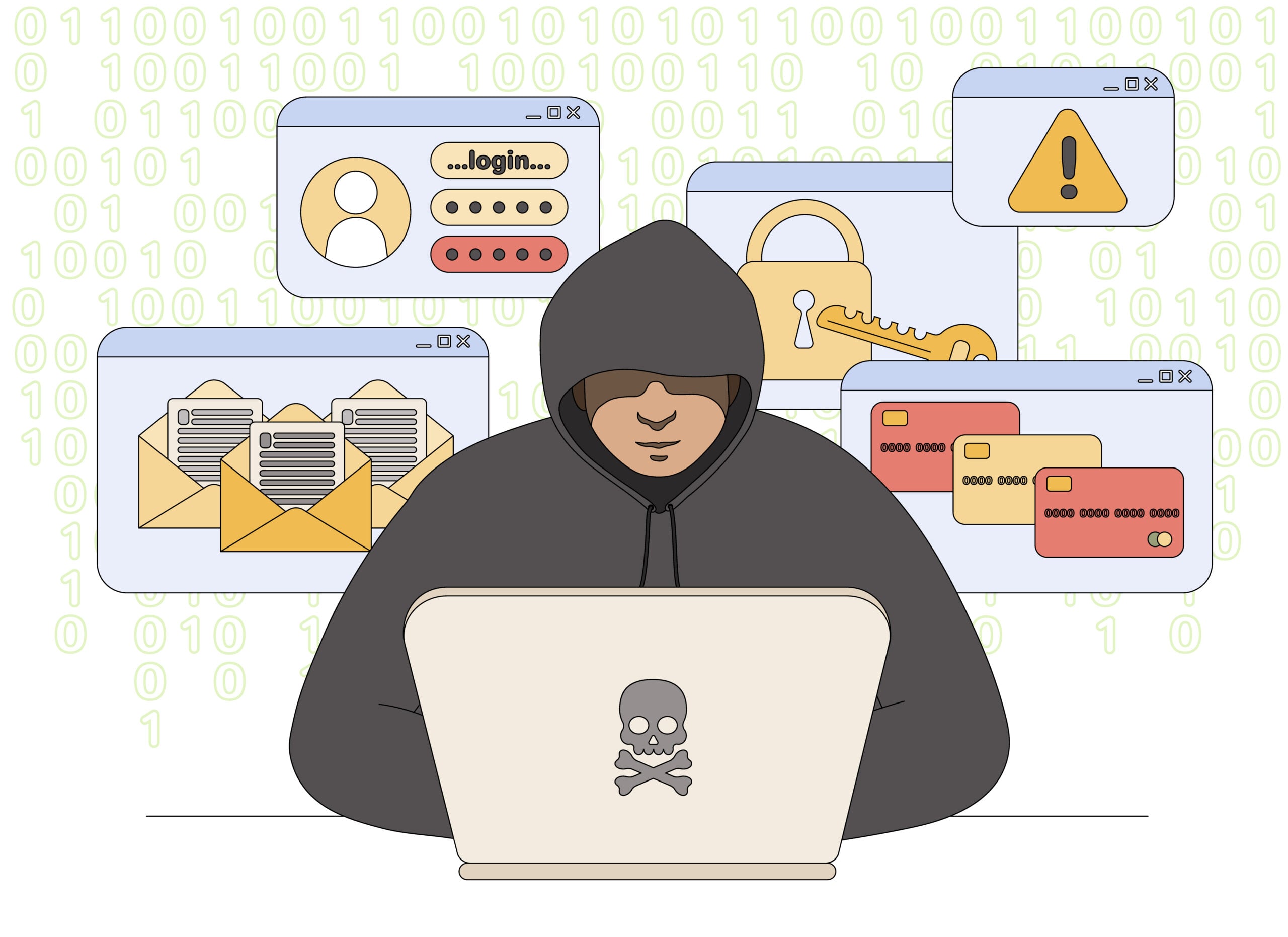
Federal Benefits Access Center Scam Overview
The Federal Benefits Access Center message is a confirmed government impersonation scam. Emails, texts, letters, and fake checks claim that the recipient has an unclaimed tax rebate, Treasury disbursement, stimulus payment, or federal benefit waiting to be released.
The name sounds official, but the message is not a legitimate payment notice from the U.S. Department of the Treasury, the IRS, or another federal agency. The scammers use invented department names and formal language to collect bank details, identity information, advance fees, or gift card payments.
Some versions call themselves a Notice of Unclaimed Tax Rebate and say a credit adjustment for the 2025-2026 filing period has been cleared for electronic distribution. The recipient is told to verify Cash App or direct-deposit information immediately.
Other versions include a realistic-looking Treasury check marked Benefits Advancement or Benefits Overpayment. The check is bait. The accompanying instructions lead to a fake helpline, a request for personal information, or an order to send part of the money back.
The supposed Federal Benefits Access Center is not a federal payment office. The name is deliberately broad so it can be attached to stories about grants, retirement funds, stimulus checks, health benefits or unclaimed Treasury money. Messages often say that your name appeared on a list or that a friend already received a payment, creating both authority and social proof.
After contact begins, the scammer may ask for identification, banking details and a succession of advance charges described as registration, insurance, tax or delivery fees. Federal benefits are not released through private chats or gift-card and cryptocurrency payments. Search the program name on an official government domain and contact the responsible agency directly. If no exact program and eligibility process can be verified, the promised payment does not exist.
How the Federal Benefits Access Center Scam Works
Step 1: An unexpected federal payment notice arrives
The victim receives an unsolicited email, text, or letter claiming that federal money has gone unclaimed. The message may mention a tax rebate, economic stimulus program, Social Security adjustment, benefit overpayment, or Treasury disbursement.
The amount is large enough to be exciting but plausible enough to lower suspicion. No prior application, official case, or verified government account is connected to the supposed payment.
Step 2: An invented agency name creates authority
Names such as Federal Benefits Access Center and Department of Treasury Disbursement are chosen to resemble real federal offices. Seals, flags, government-style formatting, and references to federal regulations may be copied into the message.
A professional design does not prove government origin. Logos and agency names can be copied in minutes, while sender addresses and caller ID information can be spoofed.
Step 3: The victim is told to verify payment details
A link supposedly confirms the recipient’s identity or selects a payment method. The page may request a Social Security number, date of birth, mailing address, bank routing number, account number, debit card, or Cash App information.
The form is controlled by the scammer. Any information entered can be used for identity theft, account takeover, fraudulent tax filings, or unauthorized transfers.
Step 4: A processing fee appears
The message may say the payment is approved but cannot be released until a processing charge, insurance cost, tax, clearance fee, or account activation payment is completed.
Payment is often requested by gift card, cryptocurrency, wire transfer, payment app, or prepaid debit card. Government agencies do not use those methods to unlock benefits or refunds.
Step 5: A fake Treasury check may be deposited
In the check version, the victim is encouraged to deposit a document that appears to come from the U.S. Treasury or a government payment contractor. The bank may make some funds available before the check is fully verified.
The scammer then orders the recipient to return an overpayment or use part of the deposit for fees. When the check is rejected, the bank reverses the credit while the real money sent to the criminal remains gone.
Step 6: Urgency prevents independent checks
The notice warns that the benefit will expire, be forfeited, or return to the Treasury if the recipient does not act. A fake agent may stay on the telephone while the victim completes payments or visits a bank.
This pressure exists to stop the recipient from checking IRS.gov, USA.gov, a known federal agency number, or the Treasury Check Verification System.
Step 7: More impersonation follows
Victims who respond may receive additional calls from fake Treasury investigators, tax officials, bank security teams, or recovery agents. Each caller invents another payment or verification step.
There is no final fee that releases the money. Continued contact only gives the criminals more opportunities to steal information and funds.
Warning Signs in the Message
- You receive an unclaimed tax rebate or federal benefit notice you did not request.
- The message uses an unfamiliar agency name that merely sounds official.
- A link asks for bank, debit card, Cash App, or Social Security information.
- You must pay a fee before receiving government money.
- Payment is demanded through gift cards, crypto, wire transfer, or a payment app.
- A check arrives with instructions to call a number or return part of the funds.
- The sender threatens that the payment will expire within hours or days.
- You are told not to contact your bank, tax preparer, family, or the real government agency.
The IRS states that it does not initiate contact by unsolicited email, text, or social media to request personal or financial information, including information connected to a refund. An unexpected email pretending to be the IRS is a scam.
How To Verify a Real Federal Payment
- Ignore the supplied contact details. Do not use the link, email address, or telephone number in the unexpected notice.
- Check your official account. Sign in through IRS.gov, SSA.gov, VA.gov, or the relevant federal agency website you already know.
- Use USA.gov for benefits. The official Benefit Finder helps people locate programs without paying an enrollment or release fee.
- Verify Treasury checks carefully. The Treasury Check Verification System can assist with check information, but the system itself warns that a missing record alone does not automatically prove a check is invalid.
- Contact the issuing agency. Use the agency name and contact information printed on an established government website, not the document under suspicion.
- Ask your bank’s fraud team. Do this before depositing or spending money from an unexpected government-looking check.
What To Do If You Received the Scam
Do not reply, click the link, call the provided number, or deposit an unexpected check. Save the original message, full email headers, envelope, check images, telephone numbers, and website addresses as evidence.
Report fake IRS, Treasury, and tax-related messages to phishing@irs.gov using the current reporting instructions on IRS.gov. Government impersonation and financial loss can also be reported to the Federal Trade Commission and the FBI Internet Crime Complaint Center.
If a physical check arrived through the mail, report the mail fraud to the U.S. Postal Inspection Service. Do not publish an unredacted image because the document may contain routing or account details copied from a real institution.
If You Shared Information or Deposited the Check
Contact the bank immediately and explain that the account may be connected to a government impersonation or fake check scam. Do not spend any amount that appears available from the check.
Change exposed passwords from a trusted device, beginning with email and financial accounts. If a Social Security number or identity document was submitted, follow the recovery steps at IdentityTheft.gov and consider a credit freeze with the major credit bureaus.
If money was sent by gift card, wire, cryptocurrency, or payment app, contact that provider immediately. Ask whether the transaction can be frozen or reversed and keep the case number for law enforcement reports.
Frequently Asked Questions
Is the Federal Benefits Access Center a real agency?
No. The Federal Benefits Access Center identified in these messages is not a legitimate federal agency or benefit program. Verify benefits only through established .gov websites and independently obtained telephone numbers.
Does the Treasury email people about unclaimed rebates?
Do not trust an unsolicited email or text asking you to click a link and provide financial information for a refund or Treasury payment. The IRS says it does not initiate that kind of contact.
Can a fake Treasury check appear in my balance?
Yes. A bank can make funds available before a check is finally verified. If it is fraudulent, the credit can be reversed later.
Do I need to pay a fee to receive federal benefits?
No legitimate government agency will demand gift cards, crypto, a wire transfer, or a payment-app fee to release benefits or a tax rebate.
The Bottom Line
The Federal Benefits Access Center notice is a government impersonation scam, not a path to unclaimed Treasury money. Its official appearance is designed to rush recipients into revealing identity and banking details or paying advance fees.
Do not use the contact information in the message. Verify every benefit, refund, and check through a known .gov website, the issuing agency, and your bank before taking action.

Join the discussion
0 commentsShare your experience or ask a question about this article.
Discussion
Start the conversation
Have a question or something useful to share? Add the first comment.