

The email appears to carry good news or an urgent warning. A federal benefit has been approved, a payment is waiting, or an account will be suspended unless the recipient confirms a few details.
There is one problem: the message did not come from the agency it claims to represent. It is a phishing trap designed to turn trust in a government program into stolen identity and financial information.
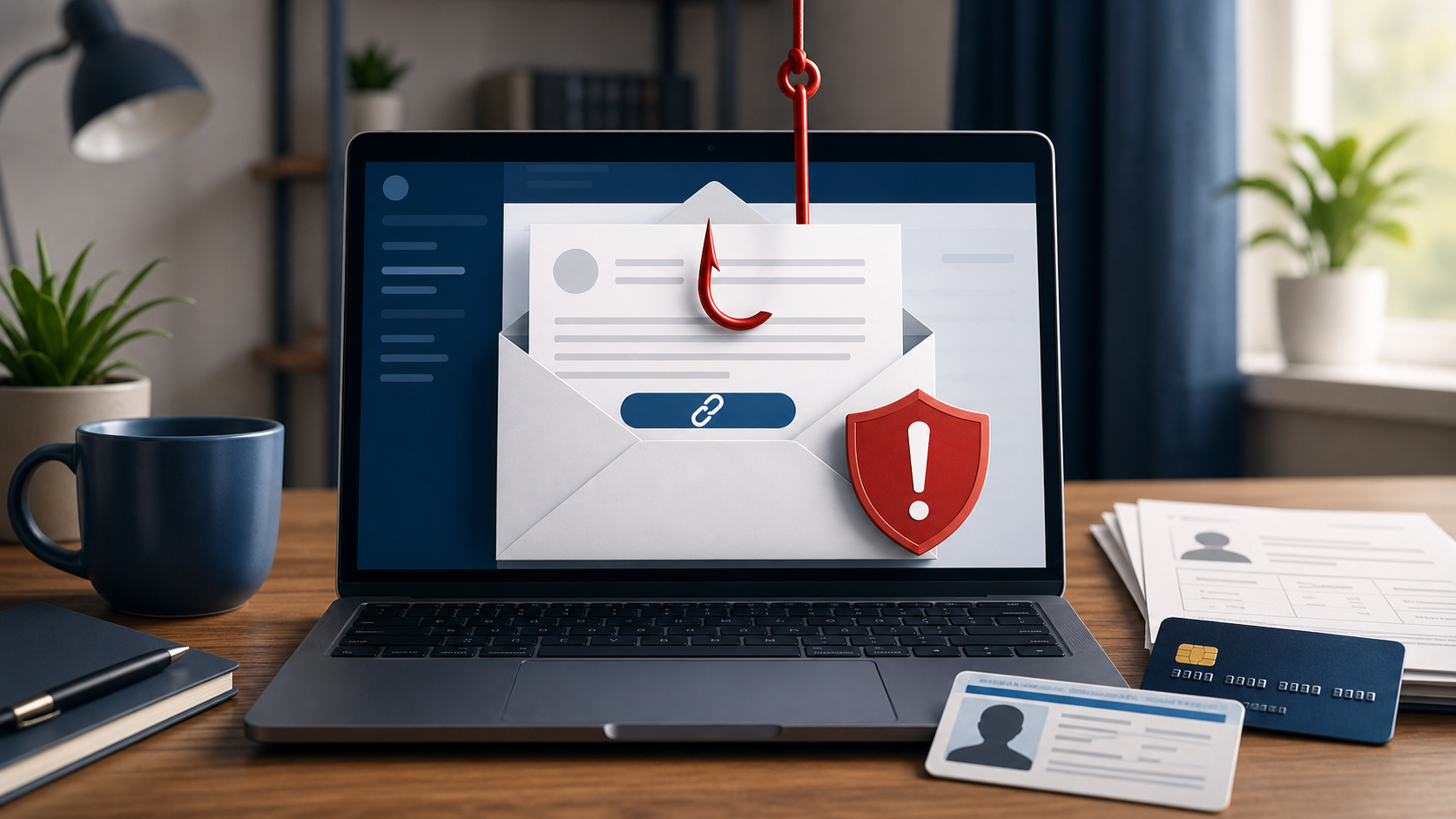
Federal Benefits Email Scam Overview
Federal benefits email scams are phishing attacks. Criminals impersonate government agencies or benefit administrators and send messages about Social Security, Medicare, veterans’ benefits, tax refunds, grants, unemployment payments or other assistance programs.
The message may promise extra money, claim that a payment has been paused or warn that eligibility will expire. Every version creates a reason to click a link, open an attachment, call a number or reply with personal information.
The linked page can look like a government login portal, complete with official colors, seals and form fields. It is not connected to the real agency. Information entered there goes directly to the scammers.
The target is often more valuable than a single password. A fake benefits form may request a Social Security number, date of birth, Medicare number, home address, bank account, card details and copies of identity documents.
Bottom line: do not use the link, phone number or attachment supplied by an unexpected benefits email. Open the agency’s official website yourself or call the number printed on a genuine benefits card or prior statement.
The message rarely identifies a real benefit program with verifiable eligibility rules. Instead, it uses broad phrases such as “federal benefits,” “approved funds” or “benefits access” so recipients can imagine that the offer relates to retirement, health coverage, grants or a recent government payment. Official-looking seals and Treasury language are easy to copy into an email.
The link commonly opens a survey or registration form that collects a name, address, date of birth, Social Security number and banking details. A later caller may demand a release or processing fee. Government agencies do not award surprise benefits through mass email or require gift cards and cryptocurrency. Find the exact program on an official government website and apply only through the contact route published there.
How the Federal Benefits Email Scam Works
Step 1: The email borrows the identity of a trusted agency
Scammers copy agency names, logos, colors and formal language. The display name may look official even though the actual sending address belongs to an unrelated domain or free email service.
Some messages include a case number, benefit amount or partial personal detail. That information can come from public records, an earlier data breach or simple guesswork.
Step 2: A benefit or threat creates emotional pressure
The recipient may be told that a payment is waiting, a cost-of-living increase must be accepted or an account has failed verification. Other versions threaten suspension, repayment demands or loss of medical coverage.
Hope and fear serve the same purpose: they encourage action before the message is verified independently.
Step 3: The message directs the victim away from official channels
A button may say “Review Benefits,” “Confirm Payment” or “Verify Eligibility.” The visible words are harmless, but the destination can be a newly created website controlled by the attacker.
Another version supplies a phone number where a fake representative answers. The conversation then becomes a guided attempt to collect identity details or payment.
Step 4: A cloned portal collects identity information
The fake page may ask for an email password first, followed by a Social Security number, date of birth, benefit ID and address. Each field is presented as a normal security check.
Once submitted, the information can be used to access other accounts, redirect payments, create new credit accounts or prepare more convincing impersonation calls.
Step 5: The scam invents a fee
Some victims are told to pay a processing fee, release charge, tax or insurance deposit before receiving the benefit. Payment may be requested through gift cards, cryptocurrency, wire transfer or a person-to-person payment app.
A government benefit does not become legitimate because a caller knows official terminology. A demand for an unusual, irreversible payment is a major fraud warning.
Step 6: The victim is kept engaged
After the first payment, another obstacle appears. The scammer may demand a larger fee, claim that a transaction failed or warn that the victim will lose everything by stopping now.
This escalation continues until the victim refuses, the bank intervenes or the criminal realizes no more money can be extracted.
Step 7: Stolen details fuel additional fraud
The end of the email conversation does not necessarily end the risk. Identity information can be reused in tax fraud, account takeovers, credit applications and targeted calls pretending to help recover the original loss.
Red Flags in a Federal Benefits Email
The sender address does not match the agency
Expand the full address. A convincing display name can hide a random domain, misspelling or personal inbox that has no connection to the government.
The message demands immediate action
Deadlines measured in hours, threats of arrest and warnings that benefits will vanish today are designed to stop the recipient from calling the agency independently.
The link leads somewhere other than an official site
Many federal websites use a .gov address. Scammers add agency names to unrelated domains, use URL shorteners or create long addresses where deceptive words appear before the real domain.
Sensitive information is requested by email
An unexpected message should not be trusted with a Social Security number, Medicare number, bank login, card security code or photograph of an identity document.
Payment must be made in an unusual way
Gift cards, cryptocurrency and urgent transfers are popular with scammers because they can be difficult to reverse. No badge, seal or caller ID can make that demand safe.
The benefit was never requested
Unexpected grants and surprise payments deserve special caution. Criminals often tell people they have been selected for assistance that requires a fee before funds can be released.
How to Verify a Benefits Message Safely
- Do not click the email link. Leave the message open only long enough to record the claimed agency and subject.
- Open the official website independently. Start from USA.gov or a trusted bookmark rather than the email.
- Check the real account portal. A genuine payment change or required action should normally appear inside the secured account.
- Call a known number. Use the number on a benefits card, official letter or verified agency website.
- Ask whether the exact message was sent. Give the date and subject without using contact information supplied by the suspicious email.
Do not forward the email to friends as a warning with active links intact. Take a screenshot or copy the wording without making it easier for another person to click.
What to Do If You Clicked or Shared Information
The right response depends on what happened. Simply opening an ordinary email is less serious than downloading a file, entering a password or sending identity documents.
- Close the fake page. Do not submit additional information or contact the number again.
- Change exposed passwords. Start with the email account and any account using the same password. Enable two-factor authentication.
- Contact the financial institution. Report card or bank details immediately and ask about blocking transactions or replacing the account number.
- Notify the real benefits agency. Ask it to secure the account and check for unauthorized changes.
- Protect your credit. Consider a fraud alert or credit freeze if a Social Security number and identity details were disclosed.
- Report the incident. Use ReportFraud.ftc.gov. For identity-theft recovery steps, visit IdentityTheft.gov.
If an attachment was opened, run a security scan and seek technical help if the device behaves unexpectedly. Do not install a cleanup tool recommended by the sender.
How to Protect a Benefits Account
- Use a unique password for the benefits portal and associated email account.
- Enable two-factor authentication wherever the agency supports it.
- Review contact details and direct-deposit information regularly.
- Turn on account and transaction alerts when available.
- Keep benefit letters and identification numbers out of social-media photographs.
- Help older relatives verify unexpected messages through official channels.
Frequently Asked Questions
Do federal agencies ever send email?
Some agencies send legitimate notifications. The existence of official email does not make an unexpected message trustworthy. Verify it by opening the known agency website or calling a verified number.
Can the sender name be faked?
Yes. The display name can show an agency even when the underlying address belongs to a scammer. Inspect the complete address and verify independently.
Will a government agency ask for gift cards?
A request to pay a federal benefit fee, debt or penalty with gift cards is a scam warning. Stop communication and contact the agency through an official channel.
What if the email knows my full name?
A correct name does not prove the message is genuine. Names, addresses and other details can come from public records, marketing databases or data breaches.
Is a .gov link always safe?
Read the full destination carefully. Text in an email can say one thing while opening another website. Type the known address yourself instead of relying on the button.
Final Verdict
An unexpected federal benefits email that demands personal information, payment or immediate action should be treated as a phishing attempt until independently verified. Official-looking design is easy to copy, and caller ID or display names can be manipulated.
Do not let the email control how you contact the agency. Leave the message, use the official website or a trusted phone number, and confirm the claim through a separate channel before sharing a single detail.

Join the discussion
0 commentsShare your experience or ask a question about this article.
Discussion
Start the conversation
Have a question or something useful to share? Add the first comment.