

A text arrives saying that someone you know invited you to a party, wedding, graduation or private event through “Frnds of Frnds.” The host name may be familiar, and the invitation link promises to reveal the date and location after a quick sign-in.
That sign-in is the trap. Instead of opening a real invitation, the link can lead to a fake Gmail, Microsoft, Evite or event page that asks for your email password or a verification code. Once entered, those details go directly to the scammers.
The Frnds of Frnds text invitation described in this warning is a phishing scam. Do not click its link, enter an email password or share a one-time code. If the message names a real friend, contact that person separately because their account or contact list may already be compromised.
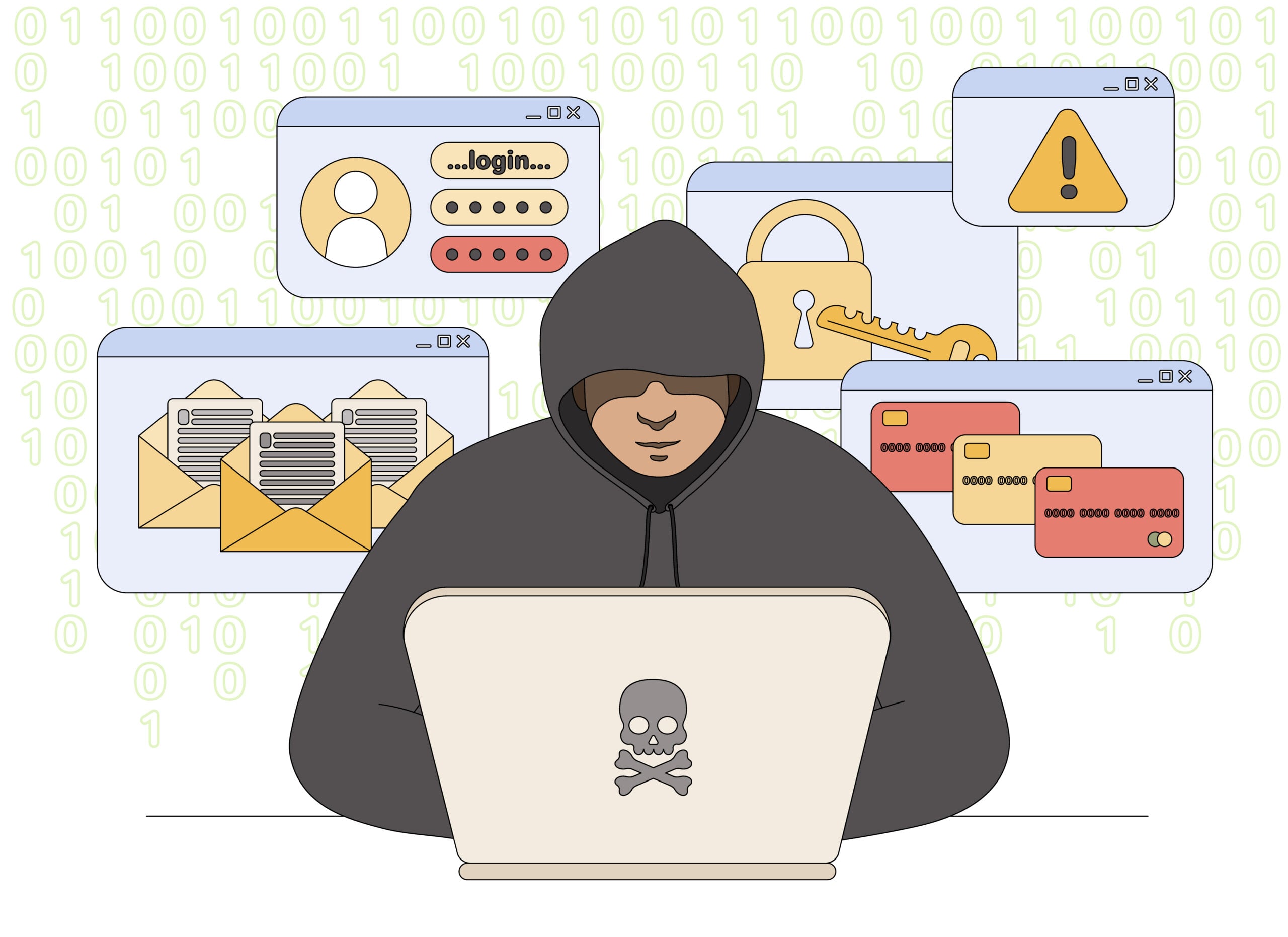
Frnds of Frnds Scam Overview
The “Frnds of Frnds” or “Friends of Friends” scam disguises credential theft as a digital invitation. Messages may arrive by SMS or email and often claim that a friend, coworker, former classmate or relative is hosting the event.
The invitation contains few useful details. There may be no venue, date or reason for the event until you sign in. That missing information creates curiosity and makes the login request feel like a normal privacy step.
After stealing an email password, the scammers can search the victim’s inbox, reset other accounts and send the same invitation to saved contacts. A message that genuinely came from a friend’s address can still be fraudulent if that friend’s account has already been taken over.
The invitation is designed to feel personal rather than promotional. It may mention that someone added you to a private group, shared photographs or wants to reconnect through “Frnds of Frnds.” The link opens a polished page that claims you must sign in with an email, social-media or Apple account to see who invited you. That login screen is the actual trap: the credentials are sent to the operator, not to the service shown on the page.
After a password is captured, criminals commonly test it against email, social networks and shopping accounts. Access to the victim’s inbox can also be used to reset other passwords and send the same invitation to real contacts. There is no reason to enter a password merely to view an unsolicited invitation. Open the named platform separately, check its notifications and delete the text if no matching alert exists.
The page may also ask for notification access after the login step. Granting it allows the operator to send browser alerts that resemble messages, security warnings or new invitations even after the original tab is closed. Remove the site from browser notification settings and do not approve prompts simply to continue.
How the Frnds of Frnds Text Invite Scam Works
Step 1: You receive an unexpected invitation
The first message is short and friendly. It may say that you have been invited to a birthday, wedding, graduation, reunion or private party. Some versions use the phrase “Frnds of Frnds” to make the event feel casual and exclusive.
The sender may be an unknown number, a spoofed address or a compromised account belonging to someone you recognize. The familiar host name is used to lower your guard.
Step 2: Curiosity replaces important event details
A legitimate invitation normally tells you who is hosting, what the event is, and when or where it will happen. The scam message deliberately withholds those details and tells you to open a link to learn more.
This creates a simple emotional hook: you do not want to ignore a friend’s important event, but you also cannot verify it without clicking. The scammer is counting on curiosity and social obligation to override caution.
Step 3: The link copies a trusted service
The page may imitate Evite, Paperless Post, Gmail, Microsoft or another familiar platform. Logos, colors and sign-in boxes can be copied almost perfectly, especially on a small phone screen.
Look at the actual domain, not the logo. A misspelled address, unfamiliar subdomain or shortened link is a warning. Even a polished page is unsafe if it asks for credentials after an unsolicited message.
Step 4: The fake page asks for your email password
The page claims that you must sign in to confirm your identity, unlock the guest list or view the event. It may ask you to select an email provider and then reproduce that provider’s login screen.
A real invitation service does not need your personal email password. That password belongs only on the email provider’s genuine website or app. Any invitation page that requests it is attempting to steal access to your account.
Step 5: A verification code completes the takeover
If multifactor authentication is enabled, the criminal may immediately attempt to sign in or reset the password. Your provider then sends a legitimate one-time code to your phone or email.
The phishing page may ask you to enter that code to “confirm the RSVP.” In reality, the scammer uses it to finish the account takeover. A genuine security code does not make the page requesting it genuine.
Step 6: The attacker searches and changes your account
Once inside, the scammer may change recovery details, create email-forwarding rules or search for banking alerts, invoices, identity documents and password-reset messages.
Email access is especially dangerous because many other accounts use email for recovery. One stolen password can become the starting point for social media, shopping, cloud storage and financial account compromises.
Step 7: The invitation spreads to people who trust you
The attacker copies your contacts or sends the same fake invitation from your real account. Recipients are more likely to click because the message appears to come from someone they know.
This self-propagating pattern is why the scam can move quickly through families, workplaces and school communities. Every new compromised account provides another trusted identity and contact list.
Common Frnds of Frnds Invitation Variations
- A wedding invitation that hides the venue until you sign in.
- A graduation party supposedly hosted by a relative or coworker.
- A reunion, memorial or surprise party that urges discretion.
- An Evite or Paperless Post lookalike asking for an email password.
- A message requesting your phone number and a special code to RSVP.
- A follow-up saying the invitation expires today.
The event can change with the season. Graduation and wedding themes are common during warmer months, while holiday parties and reunions may appear later in the year. The credential request remains the defining danger.
Red Flags That Reveal the Fake Invitation
- You were not expecting an invitation from the named person.
- The message contains no date, venue or specific event details.
- The sender asks you to click before explaining who is hosting.
- The link uses a shortened URL or a domain unrelated to the invitation brand.
- You are asked for your email username and password to view an event.
- The page asks for a verification code that your email provider just sent.
- The message creates urgency by saying the invitation will expire.
- The named friend cannot confirm the invitation through another channel.
How to Verify an Invitation Safely
- Do not use the link. Leave the message untouched while you verify it.
- Contact the host separately. Use a saved telephone number or an existing conversation, not details supplied in the invitation.
- Ask for specifics. A real host can tell you the event, date and venue without requiring your email password.
- Open the platform yourself. If the host used a known invitation service, type its official address or use its app.
- Check the sender’s account. Tell the friend that their email or social account may be compromised if they did not send the message.
What to Do If You Clicked the Link
If you opened the page but entered nothing, close it. Do not download files, approve notifications or sign in. Update your browser and device, then run a trusted security scan if anything was downloaded.
If you entered a password or verification code, assume the account is compromised and act immediately:
- Go directly to the real email provider and change the password to a new, unique passphrase.
- Sign out all other sessions and remove devices you do not recognize.
- Check recovery email addresses and phone numbers for unauthorized changes.
- Review forwarding rules, filters, sent mail, deleted mail and security activity.
- Enable multifactor authentication using an authenticator app or passkey when available.
- Change the password anywhere else it was reused.
- Warn your contacts not to open recent invitations sent from your account.
What If You Shared a One-Time Code?
A one-time code may allow the attacker to log in, reset a password or add a new device. Do not wait for a visible problem. Start the provider’s account-recovery process immediately and remove unknown sessions.
Never approve a sign-in prompt or share a code that you did not personally request. The code is for your use on the provider’s official page, not for a person, invitation form or support agent.
How to Report the Frnds of Frnds Scam
Forward suspicious text messages to 7726, which spells SPAM, so your mobile carrier can investigate. Report the phishing attempt at ReportFraud.ftc.gov.
Phishing emails can also be forwarded to reportphishing@apwg.org. If a known invitation service is being impersonated, use the abuse or reporting channel published on that company’s official website.
Preserve a screenshot, sender information and the phishing URL before deleting the message. Do not revisit the site simply to collect more evidence.
How to Prevent the Scam From Spreading
Use a unique password for email and enable multifactor authentication. Review active sessions regularly and set alerts for new logins or recovery-detail changes.
Teach family members that an invitation should never require their email password. This single rule stops the scam even when the message looks polished or comes from a compromised friend.
When sending real invitations, include enough context for guests to recognize the event and provide a separate way to confirm it. If your account was taken over, notify contacts through another channel as quickly as possible.
Frequently Asked Questions
Is Frnds of Frnds a real invitation service?
Regardless of whether a similar name is used by a real service, the unexpected messages described here are phishing. Never enter an email password or verification code to unlock event details.
Can a scam message really come from my friend’s account?
Yes. A compromised account can send phishing invitations to saved contacts. Verify the event with your friend through a separate, trusted channel.
Why does the page show a real Gmail or Microsoft code?
The criminal may be attempting a real login while you are on the phishing page. Your provider sends the code because of that login attempt, not because it trusts the invitation.
Should I reply STOP?
Do not reply to an obvious phishing message. A response can confirm that your number is active. Block the sender and forward the message to 7726 instead.
Final Verdict
The Frnds of Frnds text invitation is a credential-phishing scam. Its fake event is designed to obtain an email password or verification code and then spread through the victim’s contacts.
Do not click the invitation link. Contact the supposed host separately, and remember that no legitimate event invitation needs your personal email password. If you already entered credentials, secure the account immediately and warn everyone who may receive the same message from you.

Join the discussion
0 commentsShare your experience or ask a question about this article.
Discussion
Start the conversation
Have a question or something useful to share? Add the first comment.