

An unexpected email claims that LexisNexis has found a problem with your identity record, background report or account. A document is waiting, a verification deadline is approaching, or sensitive information may have been exposed.
The company name sounds authoritative, which is exactly why scammers use it. The message is not a routine data notice. It is an impersonation attempt designed to make the recipient open a fake portal, surrender personal details or download a dangerous attachment.
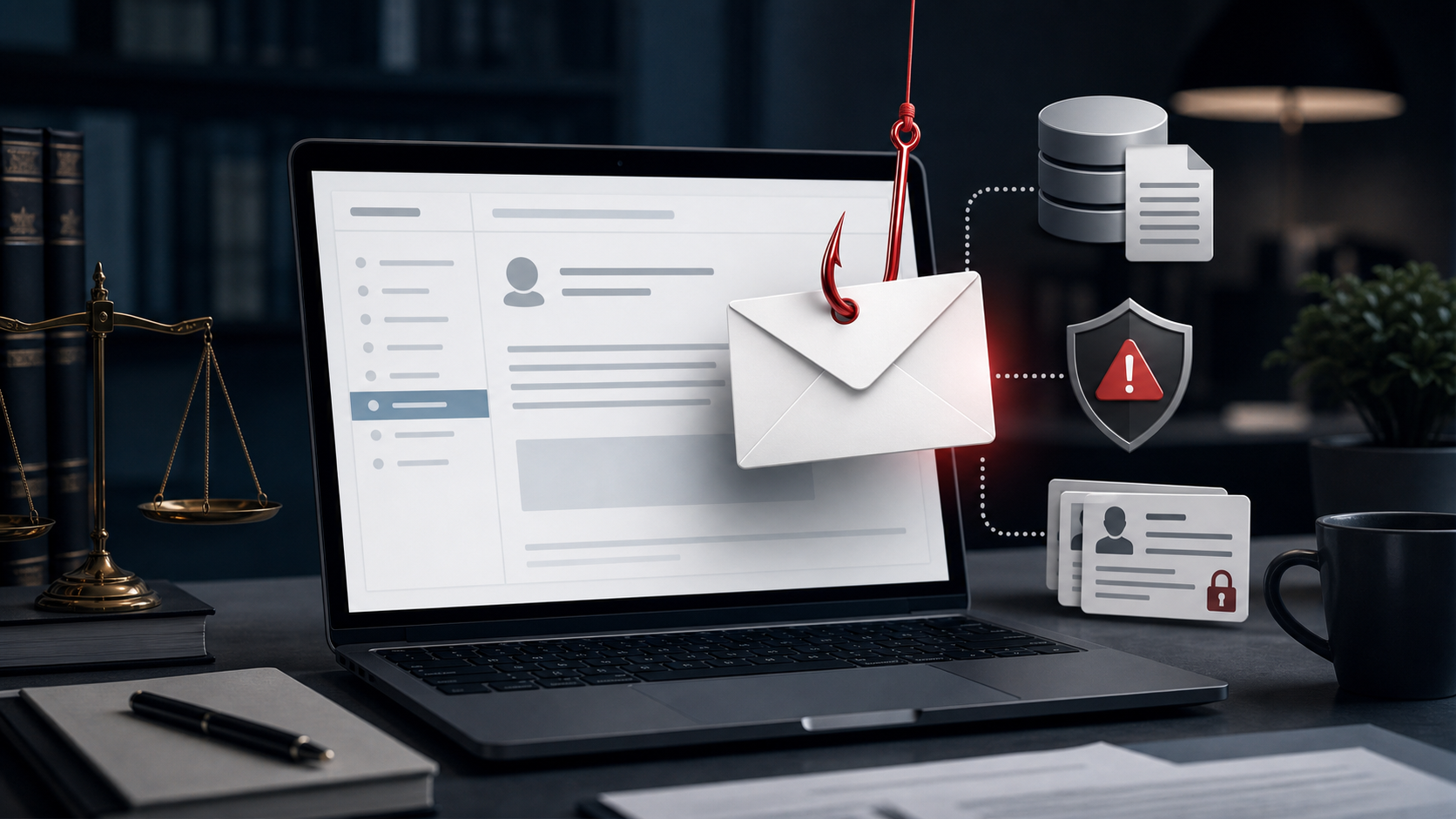
LexisNexis Email Scam Overview
LexisNexis is a legitimate data, analytics and legal-information company. The fraudulent emails are sent by criminals pretending to represent it. A copied logo, professional wording or reference number does not establish that the message came from the real business.
The scam can take several forms. One email may claim that an identity profile must be verified. Another may describe a background report, legal document, unpaid invoice, security incident, subscription renewal or account restriction.
Every version creates a reason to leave the email and enter a website controlled by the sender. The fake page may request an email password, Social Security number, date of birth, address, payment details or copies of identity documents.
Other campaigns use an attachment instead. A file labeled as a report, invoice or secure document can deliver malware or direct the victim to another phishing page.
Bottom line: an unexpected LexisNexis-branded email that requests login credentials, personal records, payment or immediate action should be treated as phishing until it has been verified through an independent official channel.
LexisNexis is a real data and analytics company, which gives a phishing email enough familiarity to seem plausible. Criminals may claim that a consumer report is ready, an account requires verification, a security incident occurred or a document must be downloaded. The sender’s visible name can be forged, so it cannot establish who delivered the message.
The malicious link may lead to a Microsoft-style login page, a fake document portal or a form requesting identity information. Some attachments can also install malware when opened. If the message could relate to a genuine service, reach LexisNexis through a saved or independently found address and locate the notice there. Do not sign in through the email or send a Social Security number, password or verification code in response.
How the LexisNexis Email Scam Works
Step 1: The email borrows a trusted business identity
Scammers copy the LexisNexis name because it is associated with legal research, identity verification, consumer records and professional services. That context makes a request for sensitive information sound less unusual.
The visible sender name can say LexisNexis while the underlying address belongs to an unrelated domain. Some attackers use a compromised business mailbox so the message looks more credible at first glance.
Step 2: The subject creates uncertainty or fear
The message may suggest that a report contains an error, an account has been locked or a legal document requires review. A security-themed version may claim that personal information was detected in a breach.
The recipient is given a short deadline or warned that ignoring the message could delay a benefit, transaction, employment check or account decision. The goal is to replace careful judgment with urgency.
Step 3: A button hides the real destination
Buttons such as “Review Report,” “Open Secure Document” or “Verify Identity” can point to any website the sender chooses. The visible wording is not the destination.
The linked domain may include words such as LexisNexis, secure, identity or verification, but still have no relationship to the real company. HTTPS only encrypts the connection to the fake site.
Step 4: A cloned portal asks for credentials
The page may imitate a business login screen and request an email address and password. Attackers often target the email account first because it can be used to reset passwords elsewhere.
A second form may ask for a Social Security number, date of birth, phone number and address under the pretext of matching a record. Each additional field increases the value of the stolen identity profile.
Step 5: Payment or document details are collected
Invoice-themed emails may request card or bank information. Other versions ask the recipient to upload a driver’s license, passport, tax document or utility bill.
A legitimate-looking workflow does not make the request safe. When a site was reached from an unsolicited message, stop and verify before providing anything.
Step 6: The fake page displays a harmless ending
After submission, the victim may see a generic confirmation or be redirected to a real website. That smooth ending is designed to delay suspicion while the criminals test the stolen password or payment details.
Step 7: The information supports further attacks
Stolen credentials can lead to account takeover, business email compromise and password-reset fraud. Identity details can be combined with data from earlier breaches to create more convincing calls and applications.
Victims may later receive a second message from someone offering to fix the first problem. That “recovery” contact can be another attempt to obtain money or remote access.
Common Versions of the Scam
Identity or consumer-record verification
The message claims that a record cannot be completed until the recipient confirms personal information. This version is built to harvest identity data rather than resolve a real report.
Background-check notification
A fake employer or screening notice says a report is ready. The recipient is asked to log in, pay a small fee or provide additional documents before viewing it.
Legal document or case alert
The email suggests that a court record, claim or urgent legal file is attached. Fear of missing a legal deadline makes the attachment especially tempting.
Invoice or subscription renewal
A recipient is warned about an upcoming charge or overdue balance. The cancellation link then opens a phishing form or sends the victim to a fake support number.
Data-breach or security warning
The message claims that personal information has been exposed and offers a report or monitoring service. The supposed security check becomes the method used to steal more information.
Red Flags in a LexisNexis-Branded Email
- The message arrives unexpectedly and does not match any service or transaction you recognize.
- The full sender address uses an unrelated domain, spelling variation or free email provider.
- A deadline measured in hours is paired with threats of legal, financial or account consequences.
- The button opens a domain that is not clearly connected to the official company.
- The page requests an email password, Social Security number or identity document before explaining the matter.
- An attachment uses an unusual file type, asks for macros or requires software to be installed.
- Payment must be made by gift card, cryptocurrency, wire transfer or another difficult-to-reverse method.
- The email discourages calling a known number or verifying through an existing account.
How to Verify the Email Safely
- Do not click the message. Record the subject, claimed department and reference number.
- Open the official website yourself. Type the known address or use a trusted bookmark rather than an email button.
- Check the service you actually use. A genuine report or request should be visible through the appropriate secured account.
- Contact support independently. Use contact information obtained from an official website, contract or prior legitimate statement.
- Ask whether the exact reference exists. Do not provide a Social Security number or password merely to ask the question.
- Confirm with the organization that triggered the check. If an employer, landlord or lender is supposedly involved, contact it through a known channel.
Do not reply to the suspicious sender to ask whether the message is genuine. A scammer will simply confirm the story and continue applying pressure.
What to Do If You Clicked the Link
Opening a page without entering information is different from submitting credentials or installing a file. Take the response that matches what happened.
- Close the page and stop communication. Do not return to the link or call numbers included in the email.
- Change any password you entered. Begin with the email account, then update every account where that password was reused.
- Enable two-factor authentication. Review active sessions, recovery addresses and forwarding rules for unauthorized changes.
- Contact the card issuer or bank. Report exposed payment details and follow its instructions on blocking or replacing the account.
- Protect your identity. If a Social Security number or identity document was submitted, consider a fraud alert or credit freeze.
- Scan the device. If a file was downloaded or opened, run a reputable security scan and seek help if the device behaves unusually.
- Report the incident. US consumers can use ReportFraud.ftc.gov and obtain identity-recovery guidance at IdentityTheft.gov.
How to Reduce the Risk of Business-Impersonation Email
- Use unique passwords for email, financial accounts and professional portals.
- Enable two-factor authentication before an incident occurs.
- Inspect complete sender addresses and link destinations, not display names.
- Open sensitive services from a bookmark rather than an email.
- Confirm payment and document requests through a separate known channel.
- Keep browsers and security software updated.
- Teach coworkers and relatives that professional branding can be copied.
Frequently Asked Questions
Is LexisNexis a scam?
No. LexisNexis is a legitimate company. The scam involves criminals impersonating it in emails, websites, calls or invoices.
Does every unexpected LexisNexis email mean fraud?
No, but an unexpected message should be verified independently. Do not decide from the logo, sender name or urgency alone.
Can the email address be spoofed?
Yes. Display names and some sender details can be manipulated. A compromised legitimate mailbox can also be used to send phishing.
What if I only opened the email?
Simply reading a normal email is usually less risky than opening an attachment or entering information. Avoid its links and attachments, then report or delete it.
What if I entered my email password?
Change it immediately from the real provider’s website, sign out unfamiliar sessions, review forwarding rules and enable two-factor authentication.
Why would scammers use the LexisNexis name?
The brand’s connection to legal, identity and business data makes requests for records or verification sound plausible. Scammers exploit that context to lower suspicion.
Final Verdict
The LexisNexis email scam is a brand-impersonation phishing scheme. The company is legitimate, but the unexpected link, attachment or phone number may belong entirely to criminals.
Do not allow the message to control how you verify it. Leave the email, contact the relevant organization through a known official channel and provide sensitive information only after confirming that the request is real.








