

An email that appears to be from Webroot says your security subscription has renewed for more than $100. An invoice is attached, and a phone number is highlighted for anyone who wants to cancel before the charge becomes final.
The invoice is fake. The large amount exists to make you call a criminal support center, where the conversation can turn into stolen card details, remote access or a fake-refund scheme. Do not call the number in the message or open its attachment.
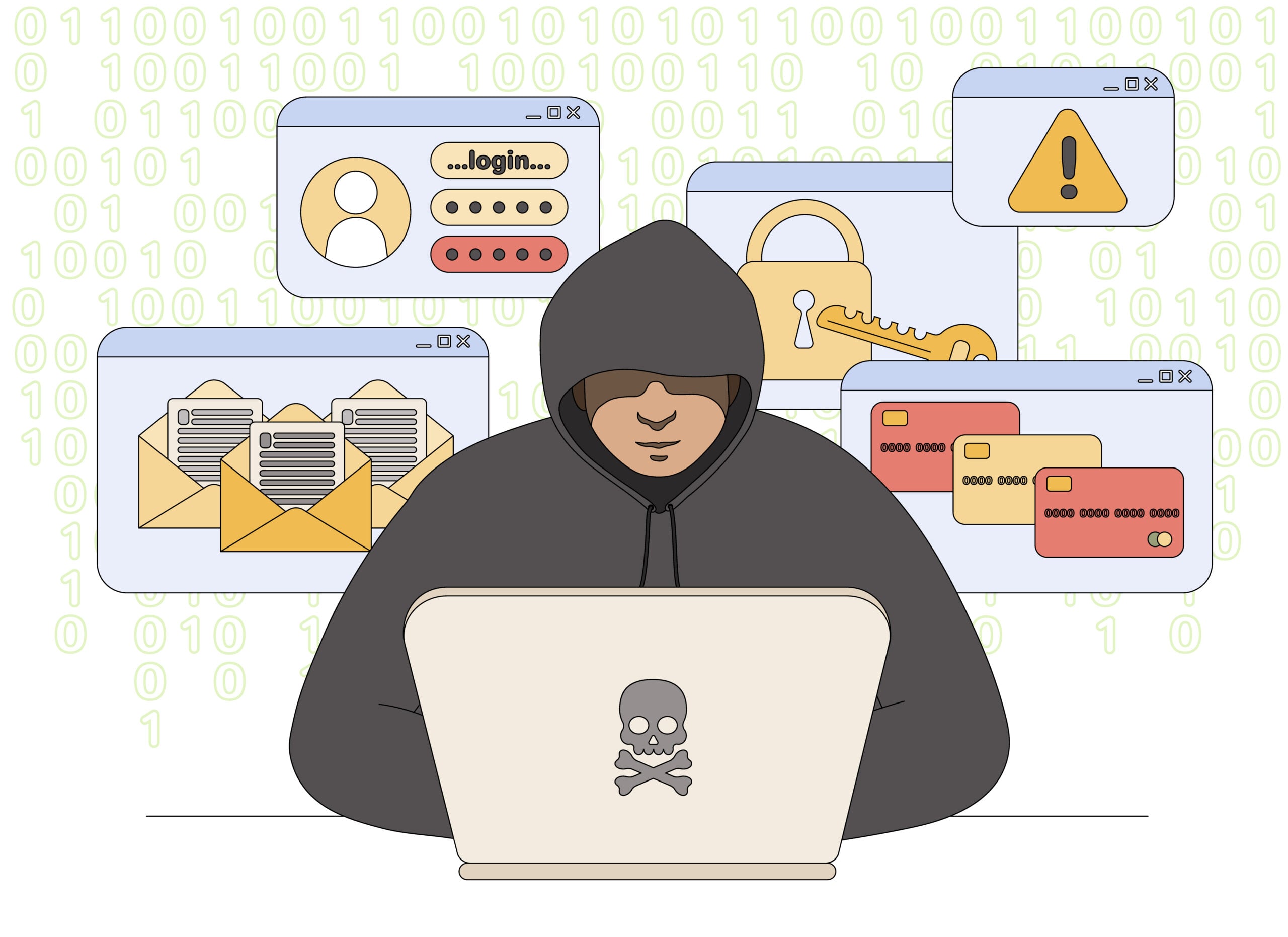
Webroot Fake Invoice Scam Overview
The invoice is bait for a phone call
The message looks like a Webroot or SecureAnywhere receipt. It says a subscription has renewed for more than $100 and includes an order number, billing date and customer-support telephone number. The recipient may never have used Webroot, making the charge feel urgent.
No payment is required for criminals to send this email. The order number and amount can be generated in a template and delivered to thousands of inboxes. The prominent cancellation number is the important part: it connects worried recipients to a fraudulent support center, not to the legitimate Webroot company.
How a fake bill becomes a refund scam
Once you call, an agent offers to stop the renewal and may ask for card details, online banking information or remote access to your computer. The request is framed as account verification or a secure refund procedure. In reality, it gives the scammer a way to steal credentials, manipulate what appears on screen and move money.
A common second act is the fake overpayment. The agent makes it appear that too much money was refunded, accuses you of receiving company funds and demands that the difference be returned through gift cards, a wire transfer or cryptocurrency. The displayed refund is false, but any repayment you send is real and difficult to reverse.
- The visual bait: copied Webroot branding, an invoice number and a large renewal total.
- The emotional trigger: a short cancellation deadline before the supposed charge becomes final.
- The real destination: a telephone number operated by tech-support impersonators.
- The eventual demand: payment details, remote access or repayment of an invented refund error.
Webroot is a legitimate cybersecurity company; this campaign is an impersonation of that brand. Check your actual card statement and official Webroot account before doing anything. If no matching transaction exists, there is nothing to cancel, and calling the invoice number only opens the door to the scam.
Warning Signs of a Fake Webroot Invoice
Check for a transaction before reacting to the bill
A professional-looking invoice can be assembled from copied logos and a simple template. Verify the transaction outside the email before interacting with any link, attachment or number.
If your official Webroot account and card statement show no matching charge, the email did not bill you. It is bait for the phone call that follows.
Red flags at a glance
- You do not use Webroot. The message claims a renewal for a product or account you never purchased.
- The sender is unrelated. The address uses Gmail, another free mailbox or a domain that is not Webroot.
- The charge is unusually high. A dramatic total is chosen to trigger an immediate cancellation call.
- The deadline is very short. You are told to call within 12 or 24 hours or lose the right to a refund.
- The phone number dominates. The invoice repeatedly directs you to a support line supplied only in the email.
- An unsolicited attachment is included. The message asks you to open a PDF, document or image to inspect the supposed order.
Why a Convincing Invoice Does Not Prove a Charge
Logos and order numbers are easy to manufacture
A PDF can contain the correct Webroot logo, product names, tax lines and professional formatting without being connected to Webroot. The sender controls every field on the page, including the invoice number and customer-support telephone number. Visual polish proves only that someone copied a billing template.
The bank statement is the stronger record. If no matching payment or pending authorization appears, the email has not taken money from the account. The criminal is relying on the recipient to call before making that simple check.
- Display name: can say Webroot even when the underlying address is unrelated.
- Invoice number: can be generated randomly and accepted by the fake agent who created it.
- Attached PDF: may be harmless bait or may contain links and files that create additional risk.
- Phone number: is the bridge from a mass email to a one-on-one manipulation attempt.
Remote access changes the level of risk
Once a caller can control the screen, they may watch a banking login, hide windows, alter displayed balances or place files on the computer. Closing the support window does not always remove the installed program or terminate unattended access.
If access was granted, disconnect the device, remove the software and change important passwords from another clean device. Simply ending the phone call is not enough.
How the Webroot Invoice and Refund Scam Works
Step 1: A fake renewal invoice reaches the inbox
The email announces that Webroot, SecureAnywhere or a generic PC security plan has been renewed. It includes a plausible order number and a charge large enough to alarm most recipients.
The criminal does not need access to your card to send the message. Thousands of identical invoices can be distributed in the hope that a small percentage of recipients call.
Step 2: The message creates a cancellation deadline
The invoice says the payment is already processing and can only be stopped by contacting billing support immediately. Waiting supposedly makes the charge nonrefundable.
That deadline prevents a calm check of the actual bank statement or Webroot account. A nonexistent charge cannot be canceled, so the urgency is entirely manufactured.
Step 3: A fake support agent answers
The recipient calls the highlighted number and reaches someone who introduces themselves as Webroot billing or cancellation support. The agent asks for the invoice number to make the call feel connected to a system.
Because the scammer created the invoice, any number you read will appear valid to them. This scripted recognition is not evidence of a genuine account.
Step 4: The agent requests personal or card information
The caller is asked to confirm a name, address, card number or online banking details. The information is described as necessary to locate the order and verify the refund destination.
A real company should already have the transaction associated with an account. Never give payment credentials to a support number obtained from an unexpected invoice.
Step 5: Remote access is presented as refund software
The fake agent may ask you to install a screen-sharing program or visit a remote-support website. They claim that the tool is required to complete a secure cancellation form.
Remote access lets the criminal see passwords, alter what appears on screen, move files and potentially access financial accounts while pretending to assist.
Step 6: A fake refund error creates a debt
The scammer manipulates the screen or an online banking page to make it appear that too much money was refunded. They accuse you of receiving company funds by mistake and demand repayment.
The balance display may be edited or money may simply be moved between your own accounts. The supposed overpayment is not real, but the money you send back will be.
Step 7: Payment is demanded outside normal banking
The victim is told to buy gift cards, transfer money, use cryptocurrency or send cash. The agent may stay on the phone and insist that telling a bank employee will cancel the refund.
After one payment, more errors or fees can appear. Stolen personal information may also be used for account takeover or sold to other criminals.
How To Verify a Webroot Renewal
Use records the email cannot control
Ignore every contact route in the suspicious email. A genuine subscription can be checked through your real account, card statement and Webroot’s published support pages.
A safer verification sequence
- Check the card or bank account. Look for a completed or pending charge matching the invoice amount.
- Open Webroot independently. Type the known website address or use a trusted bookmark rather than clicking the email.
- Review your subscription. Confirm whether an active plan, renewal date and invoice actually exist.
- Use published support details. Contact Webroot through its official contact page, not the invoice number.
- Inspect the sender address. A copied display name does not make a free mailbox or unrelated domain legitimate.
- Do not open the attachment. The email can be identified as false without exposing your device to an unsolicited file.
What To Do If You Called the Fake Support Number
Treat remote access as an account compromise
End the call and do not respond when the agent calls back from another number. Record what you disclosed and whether you installed software, entered banking information or sent money.
If remote access was granted, disconnect the computer from the internet. Do not use that device to change financial passwords until the remote program is removed and the system has been checked.
Use a different, trusted device to contact your bank and the affected companies. Explain that a tech-support impersonator may have viewed or controlled your accounts.
Recovery checklist
- Contact the bank or card issuer immediately about exposed details, transfers or payments and ask whether funds can be recalled.
- Remove remote-access applications and any unfamiliar browser extensions or programs installed during the call.
- Run a full scan with trusted security software and obtain professional help if the device still behaves unexpectedly.
- Change email, banking and important account passwords from a clean device and enable multi-factor authentication.
- Review email forwarding rules, recovery addresses and signed-in devices for changes made by the scammer.
- Keep the email, attachment filename, phone number, receipts and transaction records as evidence.
- Report the phishing email to the FTC and your email provider, and notify Webroot through its official channel.
- Monitor credit and consider a freeze if identity details such as a Social Security number were disclosed.
If you only received the email and did not interact with it, mark it as phishing and delete it. The invoice itself does not mean your card was charged; confirm that by checking the account directly.
Frequently Asked Questions
Is Webroot sending these invoice emails?
No. The campaign impersonates the legitimate Webroot brand. A sender address, account history and official Webroot support can confirm whether a real purchase exists.
Was I charged because the invoice has an order number?
Not necessarily. Scammers generate fake order numbers to make mass emails look individualized. Check your actual card or bank statement.
Should I call to cancel if I never bought Webroot?
No. Calling connects you to the scam. There is nothing to cancel if no transaction appears in your real account.
What if I opened the PDF attachment?
Do not click anything inside it. Close the file, update your security software and run a full scan. Take stronger action if the file asked you to enable content or install anything.
The Bottom Line
The Webroot invoice is a fake billing notice built to generate phone calls. The frightening renewal amount is only the opening; the real attack begins when a fraudulent support agent asks for card details, remote access or repayment of an invented refund.
Do not call the number in the email. Check your statement and Webroot account independently, then delete the message if no genuine transaction exists.








