

An automated message says HM Revenue and Customs has opened a case in your name. You may be told to press 1 immediately, call an officer or pay an overdue tax balance before a warrant is issued. Another version offers a tax rebate and asks for bank details to release it.
These are HMRC impersonation scams. HMRC states that it will never leave a voicemail threatening legal action or arrest, and it will not ask for personal or payment information in an unexpected message offering a rebate. End the call and verify through GOV.UK.
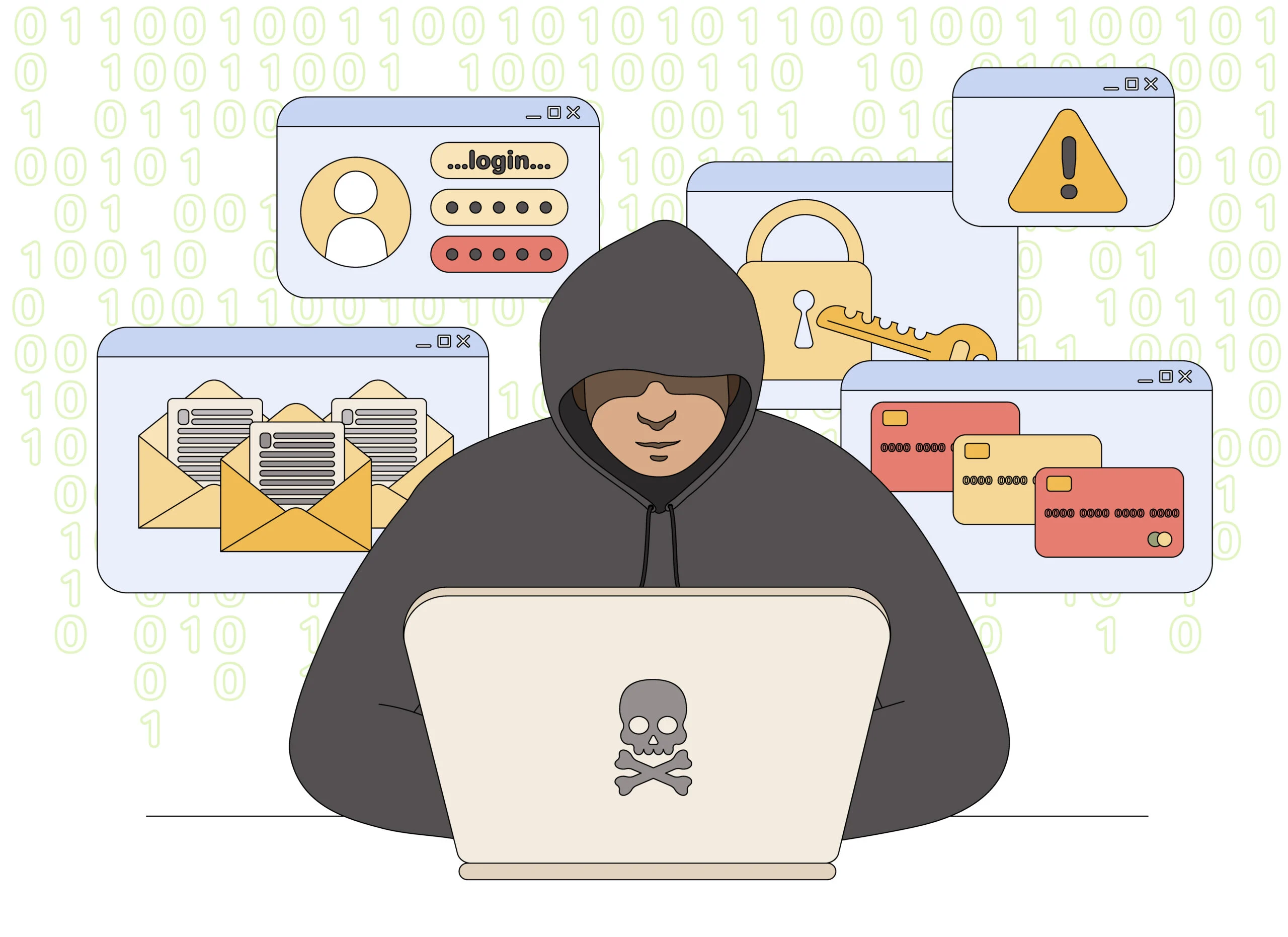
HMRC Scam Call Overview
The two stories used most often
HMRC scam calls usually take one of two forms. The threatening version says unpaid tax, a filing error or suspicious activity has created a criminal case in your name. The reward version says you are owed a rebate, grant or refund. Both are designed to obtain money or private information.
The first contact may be an automated message telling you to press 1 before legal action begins. A live caller can then introduce themselves as an HMRC officer, quote a reference number and ask you to verify your National Insurance details, address or bank information. A professional tone and official vocabulary are part of the script, not proof of identity.
What makes the contact fraudulent
HMRC guidance states that it will never leave a voicemail threatening legal action or arrest. It will also never ask for payment with gift or payment vouchers. A caller who says police are on the way unless you pay immediately is not collecting tax; the caller is using the HMRC name to commit fraud.
Caller ID cannot settle the question. Criminals can display a UK geographic number, imitate a public helpline or follow the call with a text that looks connected. The only safe verification begins after you disconnect and open GOV.UK yourself, review your genuine tax account or contact the relevant HMRC team through a published route.
- Debt version: pay an invented tax balance now or face a warrant, lawsuit or arrest.
- Refund version: disclose bank or card details so an unexpected rebate can be released.
- Common tactic: keep the recipient on the line and prevent discussion with a bank or family member.
- Safe response: hang up, check records and report the suspicious contact through GOV.UK.
A genuine tax matter leaves a trail you can verify: an account entry, a real notice, a tax year and a contact route that exists outside the unexpected call. Never let the caller provide the accusation, the deadline, the payment method and the only supposed way to confirm all four.
Warning Signs of an HMRC Phone Scam
Look for pressure that replaces documentation
The wording changes, but the emotional structure stays the same. The caller creates a serious tax event, supplies a short deadline and makes cooperation seem safer than verification.
A genuine tax issue can be checked through official records and published contact routes. A scammer tries to prevent that independent check.
Red flags at a glance
- An automated voice threatens arrest. The message says a warrant, lawsuit or police visit will follow if you do not respond.
- You must press 1 immediately. The robocall uses an urgent menu to transfer you before you can check the claim.
- A rebate requires private details. The caller asks for bank, card or login information to release unexpected money.
- Payment vouchers are demanded. Gift cards or payment vouchers are described as a way to settle tax.
- The caller forbids disconnection. You are told that hanging up will count as refusal to cooperate.
- The tax claim is vague. There is no verified notice, tax year, calculation or reference visible in your genuine HMRC account.
How Genuine HMRC Contact Differs From the Scam
A real tax issue can be checked outside the call
HMRC can contact taxpayers, so the presence of a call is not the only test. The difference is whether the claimed issue has independent context. A genuine matter should connect to an online account entry, a recognized campaign, a letter or a published HMRC contact route that exists without the caller’s instructions.
Do not rely on a reference number read aloud by the agent. The scammer created the conversation and can create a reference that fits it. Enter your tax account through the address you normally use and call the relevant team through GOV.UK to ask whether the issue is recorded.
- Genuine contact: can be compared with the current list of HMRC calls, letters and messages.
- Scam pressure: replaces records with a short deadline and a threat of arrest.
- Genuine payment: follows an official route tied to a documented tax obligation.
- Scam payment: uses vouchers, cryptocurrency, a personal transfer or instructions to hide the reason from a bank.
A familiar caller ID is not the missing evidence
Phone numbers can be spoofed, and a follow-up text can be sent from an unrelated system. Neither proves that the person speaking has access to your tax account.
The safest response is calm and repetitive: hang up, keep the message, open GOV.UK yourself and verify the tax matter before disclosing information or moving money.
How the HMRC Scam Call Works
Step 1: A robocall announces a tax emergency
The first message says HMRC has detected unpaid tax, suspicious activity or a legal case attached to your National Insurance details. It often warns that the matter is time-sensitive.
A recorded voice allows criminals to contact thousands of people cheaply. Anyone who presses the requested key identifies themselves as concerned and is transferred to a live operator.
Step 2: A fake officer takes control
The operator gives a name, department and reference number, then asks the recipient to confirm personal details. The confident tone is meant to sound like a government interview.
The supposed officer may already know a name, address or partial number from leaked data. Familiar information does not prove access to a tax record.
Step 3: The caller invents a debt or rebate
In the threatening version, the caller claims tax was underpaid over several years and says the discrepancy is now a criminal matter. In the reward version, they promise a rebate or grant.
Both stories lead to the same goal: obtaining money, credentials or enough identity information to attack another account.
Step 4: Spoofed details make the story look official
The call may display a government-looking number or be followed by a text containing a link and case reference. The scammer can also direct you to a real GOV.UK page that merely proves HMRC exists.
None of these details verify the person on the phone. Only a new contact made through a known official route can do that.
Step 5: Fear is escalated into an arrest threat
The operator says police are monitoring the call, a warrant is ready or officers will arrive unless the balance is paid now. You may be told not to speak with anyone else because the case is confidential.
HMRC guidance is clear that it will never leave a voicemail threatening legal action or arrest. This threat is a pressure device used by an impersonator.
Step 6: Payment or account access is demanded
The victim is directed to transfer money, buy vouchers, share card details or disclose online banking information. Refund variants may ask for a small processing payment before releasing a larger sum.
Some criminals request remote access to help with the transaction. That access lets them view passwords, manipulate balances and move more money than the victim intended.
Step 7: The victim is targeted again
After payment, the caller may invent another tax period, fee or security deposit. If the victim refuses, a second impersonator may call as police, a bank investigator or a recovery agent.
The new caller knows details from the first conversation, creating false credibility. No legitimate recovery team requires an upfront fee to return money stolen in an HMRC scam.
How To Check HMRC Contact Safely
Start from GOV.UK, not the incoming message
Stop the conversation and use the genuine GOV.UK service to check the contact. Do not use a link, phone number or email address supplied by the suspicious caller.
A safer verification sequence
- Hang up. You are allowed to end an unexpected government call and verify it separately.
- Check genuine HMRC contacts. Use GOV.UK to compare the message with current official campaigns.
- Review your online tax account. Sign in through the address you normally use, not through a text link.
- Find the relevant HMRC team. Call the number published on GOV.UK or on a letter you independently know is genuine.
- Reject voucher payments. HMRC states that it will never ask you to pay with gift or payment vouchers.
- Do not trust caller ID. A familiar or geographic UK number can still be falsified.
What To Do If You Responded to an HMRC Scam
Separate account protection from reporting
End contact and write down the caller’s number, claimed department, payment instructions and the details you disclosed. Keep the voicemail, text and any receipts because they may help with reporting and recovery.
If money moved, contact your bank immediately using the number on your card or inside the banking app. Say that you were manipulated by an HMRC impersonator and ask whether the transfer can be stopped or recalled.
If you shared HMRC login details or notice unfamiliar activity, change the password from a clean device and report suspicious activity in the account through the official HMRC security process.
Recovery checklist
- Report a suspicious HMRC phone call using the online reporting service on GOV.UK.
- Forward suspicious text messages to 60599, then delete them after preserving any needed evidence.
- Forward suspicious emails to phishing@hmrc.gov.uk without opening attachments or using their links.
- Contact your bank or payment provider immediately about any transfer, voucher purchase or exposed card.
- Change compromised passwords, especially if the same password was used for email, banking or Government Gateway access.
- Review your HMRC account for changed details, unfamiliar submissions or security codes you did not request.
- Report financial loss through the UK fraud-reporting service and obtain a reference for your records.
- Consider protective steps with credit agencies if National Insurance, passport or detailed identity information was exposed.
HMRC asks people to report suspicious calls because the details help disrupt active campaigns. You do not need to be certain which call center was responsible before reporting the message you received.
Frequently Asked Questions
Does HMRC leave voicemails threatening arrest?
No. HMRC guidance says it will never leave a voicemail threatening legal action or arrest. Treat such a message as a scam.
Can HMRC call about a real tax issue?
HMRC can make genuine calls, but you should verify unexpected contact against the current list on GOV.UK and call back through a published number.
Will HMRC ask for gift cards or vouchers?
No. HMRC states that it will never ask for payment with gift or payment vouchers. A caller making that demand is a scammer.
Where should I report a suspicious HMRC text?
Forward the text to 60599. Suspicious emails can be forwarded to phishing@hmrc.gov.uk, and suspicious calls can be reported through the GOV.UK online service.
The Bottom Line
HMRC scam calls use tax anxiety as a weapon. The caller invents a debt, rebate or arrest threat, then keeps the victim moving too quickly to verify the story through official records.
HMRC does not demand vouchers or threaten arrest in a voicemail. Hang up, open GOV.UK yourself and contact the correct team through a published route before sharing information or paying anything.

Join the discussion
0 commentsShare your experience or ask a question about this article.
Discussion
Start the conversation
Have a question or something useful to share? Add the first comment.