

An unexpected invitation says a friend, relative or professional contact wants you to view event details and RSVP. The message uses the Greetings Island name and may even identify someone you know as the host.
Greetings Island is a legitimate invitation platform, but criminals imitate invitation services because curiosity makes people click quickly. A fake RSVP can lead to an email login page, a request for a security code or a download that installs malware.
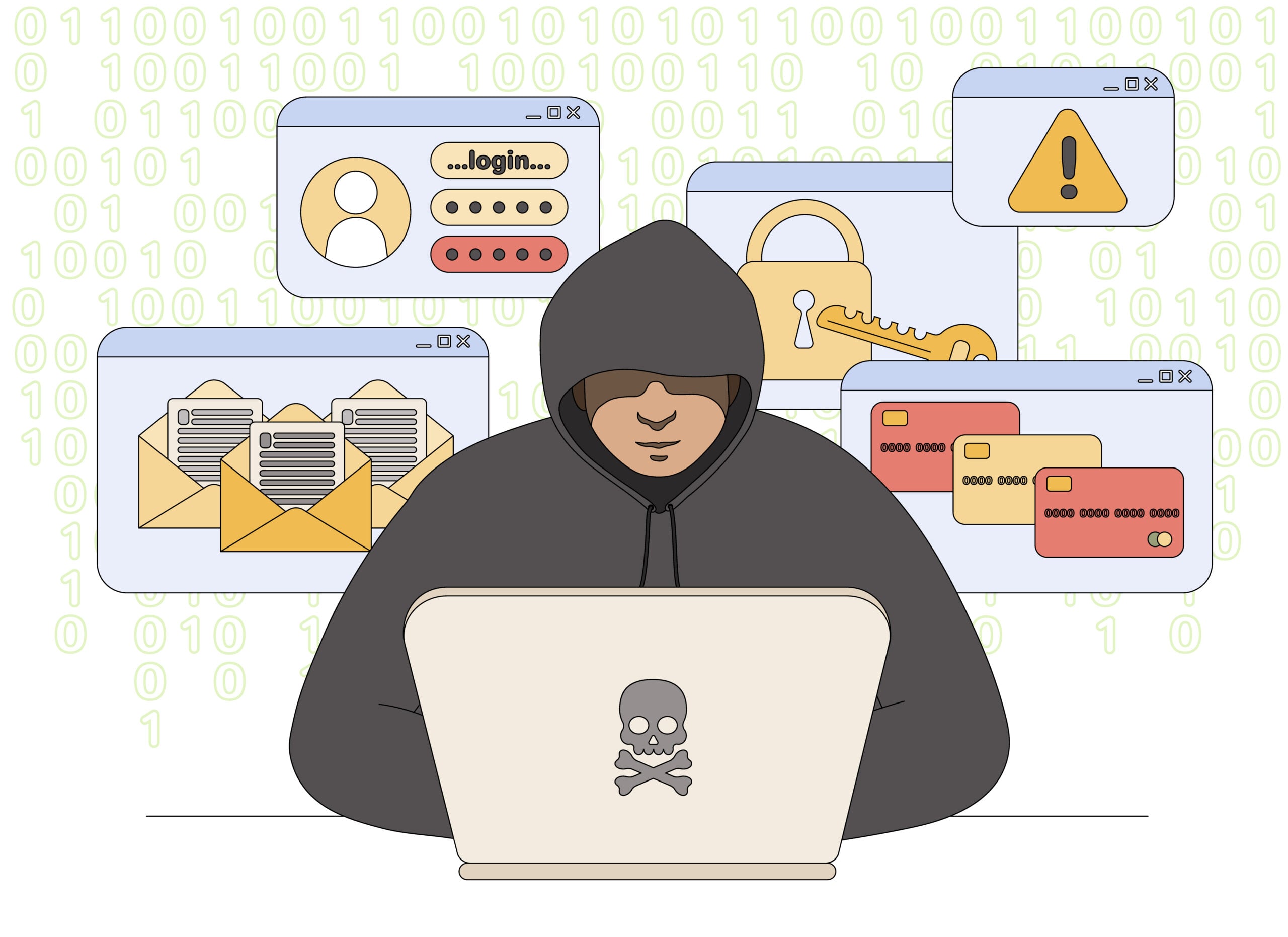
Greetings Island Invitation Scam Overview
The real platform makes the impersonation believable
Greetings Island legitimately lets people create invitations, share an RSVP link by email, text, messaging apps or QR code, and collect responses online. Guests can normally open the event page and RSVP in a browser without creating an account or installing an application.
Scammers copy that familiar experience. The fake message says you were invited to a birthday, wedding, reunion or business event and hides the details behind a button. A compromised contact account may supply a real name, making the invitation feel personal even when the link goes somewhere unrelated.
The fake RSVP asks for something the event does not need
After clicking, the victim may see a Microsoft, Google or email login page that claims credentials are required to view the invitation. Another version asks for a phone number and a one-time code, supposedly to confirm the guest. That code may actually reset or unlock an account for the criminal.
Some messages insist that the invitation only works on a Windows computer or require a special viewer, browser update or desktop application. The download may install a remote-access tool or information-stealing malware that can expose saved passwords and files.
- Credential route: a fake sign-in form captures an email address and password.
- Code route: a real account reset is disguised as RSVP verification.
- Malware route: a document, viewer or application is required to see event details.
- Propagation route: a stolen email account sends the same invitation to trusted contacts.
The invitation may mention Greetings Island without ever using its genuine domain. Do not judge the message by its logo or host name. Verify the person who sent it and inspect where the RSVP button actually leads before opening the page. If the event is real, the host can confirm its date and purpose through a contact route you already trust. No legitimate RSVP is so urgent that you must risk an email account to see it.
Warning Signs of a Fake Greetings Island Invitation
A real invitation should not need your mailbox password
An event host may need your name, attendance response and meal preference. They do not need the password to your email account, a code sent by Google or Microsoft, or remote control of your computer.
The FTC warns that fake party invitations may ask for email login credentials or a special code. If the host can be contacted separately, a ten-second confirmation can stop an account takeover.
Red Flags at a Glance
- The event is unexpected. You do not recognize the occasion, date or relationship with the supposed host.
- The link leaves the real domain. It uses a shortened URL, misspelling or unrelated file-sharing site.
- A login is demanded. The page asks for your Gmail, Microsoft or workplace email password.
- A security code is requested. The message says a one-time code is needed to open or confirm the RSVP.
- A download is mandatory. You must install a viewer, update, archive or application before seeing details.
- The device instructions are strange. The invitation insists on a Windows desktop when an ordinary RSVP should work in a browser.
Why a Known Sender Does Not Make the Invitation Safe
A compromised mailbox can send convincing invitations
Once criminals control an email or social account, they can read contact lists and conversation history. The next phishing message can come from the real address of someone you know and use a tone that fits the relationship.
Replying to the same compromised account may reach the attacker. Verify through another channel, such as a phone number already saved in your contacts, and ask the host to describe the event without using the invitation link.
- Display name: can be copied onto any sending address.
- Real address: may belong to an account that was taken over.
- Old conversation: can be hijacked so the phishing link appears in a familiar thread.
- Separate confirmation: breaks the attacker’s control of the communication channel.
RSVP codes are not account-security codes
A legitimate event may use an invitation-specific access code printed in the message. A code unexpectedly sent by your email provider, mobile carrier or financial app is different and must never be shared.
Read the entire code message. If it says password reset, new login or account recovery, stop. The invitation page is using your curiosity to complete an unrelated security action.
The destination matters more than the invitation design
A polished card, correct event colors and a recognizable photograph can all be copied. Before clicking, preview the complete destination and read the registered domain from right to left. A name such as greetings-island inside a longer unrelated address is not the same as the official service. Shortened links and shared documents deserve the same independent confirmation.
On a workplace account, report the message to the security team before forwarding it to colleagues. Administrators may be able to remove the invitation from other inboxes, block the destination and check whether anyone entered credentials. Fast reporting matters because the same link can move through an address book within minutes.
A safe confirmation does not reveal the answer to an attacker
Call or message the supposed host using contact details you already had. Ask an open question such as what event they sent, rather than asking whether the suspicious invitation is theirs. An attacker controlling one account can simply answer yes, while a genuine host can provide the date, venue or guest details without directing you back to the link.
How the Greetings Island Invitation Scam Works
Step 1: A familiar-looking invitation arrives
The message announces an event and uses Greetings Island branding, celebratory graphics and the name of a supposed host. It may arrive by email, text or social media.
Curiosity about the event encourages a quick click before the recipient checks the address.
Step 2: The RSVP button hides the real destination
The visible text says View Invitation or RSVP, but the link leads to a lookalike domain, redirect service or shared document.
Several redirects may hide the final phishing page from basic email filters.
Step 3: A login wall appears
The page claims event details are private and asks the visitor to sign in with Google, Microsoft or another email provider. The form sends credentials to the attacker.
A genuine Greetings Island guest RSVP does not require the password to an external mailbox.
Step 4: The scam requests a one-time code
After the password is entered, the attacker triggers a real login or reset and asks the victim to type the code they receive. The fake page calls it guest verification.
Providing the code defeats multi-factor protection and may give the attacker full account access.
Step 5: A download may replace the login form
Some campaigns say the invitation is a protected document or only opens in a desktop viewer. The supplied archive, installer or document carries malware.
Remote-access or information-stealing malware can expose browser passwords, cookies and financial files.
Step 6: The stolen account spreads the lure
The attacker uses the victim’s mailbox to send new invitations to friends, relatives and colleagues. Messages from a real contact have a higher success rate.
Email rules may hide replies and security alerts so the owner does not notice immediately.
Step 7: A second demand follows the account takeover
Contacts may receive requests for money, gift cards or help with an emergency. The attacker can quote information from old messages to sound convincing.
Stolen workplace accounts can also lead to invoice fraud and wider organization access.
How To Verify an Invitation Safely
Confirm the host before opening the event page
Use a phone number or messaging conversation you already trusted before the invitation arrived. Do not ask for confirmation by replying only to the same suspicious email account.
A Safer Verification Sequence
- Ask the host directly. Confirm the event name, date and invitation method through another channel.
- Inspect the full sender address. Do not rely on the display name or profile picture.
- Preview the link destination. On desktop, hover over the button; on mobile, press and hold without opening.
- Look for the genuine domain. A brand name elsewhere in the URL does not make the site part of Greetings Island.
- Reject external login requests. Do not enter an email password to view an invitation.
- Open the official site independently. Use the real Greetings Island website or app when checking the service.
What To Do If You Opened the Fake Invitation
The right response depends on what you entered or installed
If you only opened the page and provided nothing, close it and do not accept notifications or downloads. Clear any permission the site received and update the browser and device.
If you entered an email password or security code, assume the account may already be accessible to the attacker. Use a clean device to change the password immediately.
If a file or application was installed, disconnect the affected computer from the internet before using it for account recovery. A password change performed on an infected device may be captured again.
Recovery Checklist
- Change the compromised email password and every account that reused it.
- Sign out other sessions and remove unfamiliar recovery addresses, devices and app passwords.
- Check forwarding rules, filters, delegates and sent mail for changes or hidden phishing messages.
- Enable multi-factor authentication using an authenticator or security key where available.
- Run a full security scan and obtain professional help if remote-access software or malware was installed.
- Warn contacts that fake invitations or money requests may come from your account.
- Forward phishing emails to reportphishing@apwg.org, forward scam texts to 7726 and report the attempt to the FTC.
- Review financial accounts if the mailbox contained statements, password resets or saved payment information.
Watch for account recovery attempts
The attacker may continue triggering codes or send messages claiming to be support. Do not share any new code, even with someone who says they are reversing the original incident.
A clean inbox is not proof that nothing happened. Attackers often delete alerts and create rules that hide future messages. Review the security settings rather than only the visible mail.
Frequently Asked Questions
Is Greetings Island a legitimate website?
Yes. Greetings Island is a legitimate invitation and RSVP platform. The scam consists of messages and pages that impersonate it.
Do guests need the Greetings Island app to RSVP?
No. Greetings Island says guests can view invitations and respond in a browser without downloading the app or creating an account.
Why does the invitation ask for my email password?
A genuine RSVP does not need your mailbox password. The page is attempting to steal credentials or complete an account takeover.
Can a fake invitation come from someone I know?
Yes. The person’s email or social account may be compromised. Confirm through another communication channel.
The Bottom Line
The Greetings Island invitation scam abuses a legitimate service and the natural curiosity created by an unexpected event. The fake RSVP is built to steal a password, security code or device access.
Verify the host separately and never install software or sign into your email account merely to view an invitation. A real event can wait long enough for a safe confirmation.








