

An unexpected text or email about an unpaid balance can be unsettling, especially when the sender asks you to open a link or act quickly. TrueAccord is a real digital debt collection company, but the company name alone does not prove that a message is genuine or that the debt belongs to you.
Before paying, separate three different questions: is the sender really TrueAccord, is the account information accurate, and are you legally responsible for the balance? This guide walks through each check, explains how impostor messages work and shows what to do if the debt is unfamiliar or the contact is fake.
Overview
A call, text or email from TrueAccord can look like a scam because the company often communicates digitally and may contact you about a debt you do not immediately recognize. TrueAccord is a real debt collection company. That does not mean every message using its name is genuine, and it does not mean the balance is automatically accurate or belongs to you.
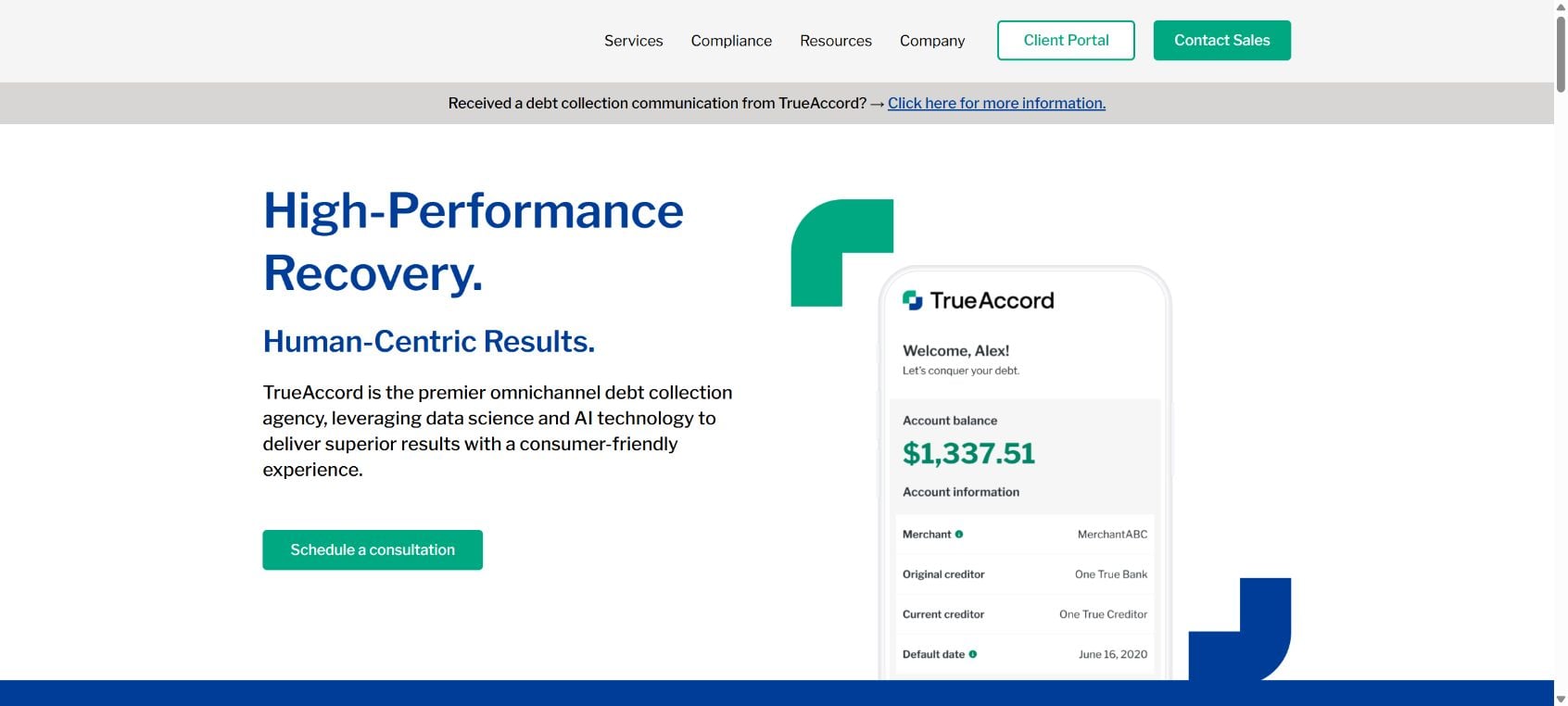
TrueAccord works with creditors and debt buyers to collect past-due accounts. Its digital-first approach can include email, text messages and an online consumer portal rather than only traditional letters and phone calls. A legitimate contact should identify the creditor, explain the amount and provide the validation information required for you to understand and dispute the debt.
There are several reasons an unexpected message can appear. The creditor name may differ from the brand you remember, an old account may have been sold, records may be wrong, or someone may have used your identity. Criminals can also copy TrueAccord branding and send fake payment links to people who have no account with the company.
Do not pay from the first message simply to make the contact stop. Open the official TrueAccord website by typing the address yourself, use independently obtained contact details and ask for written validation. Compare the creditor, account reference, balance and relevant dates with your records before acknowledging that the debt is yours.
A debt collector normally provides validation information in the initial communication or shortly afterward. Consumers generally receive a 30-day window to dispute the debt or request additional information. A written dispute sent within that period can require collection activity on the disputed amount to pause until verification is provided.
The correct verdict is therefore specific: TrueAccord itself is legitimate, but a particular message or debt still has to be verified. A real company name cannot authenticate a link, prove the balance or remove your right to challenge an error. Slow down, document every contact and pay only through a channel you have independently confirmed.
What TrueAccord is
TrueAccord is a digital debt collection agency that collects accounts for creditors and debt purchasers. It operates consumer-facing payment and communication services and lists licensing information. The company’s real existence should be separated from the question of whether a specific contact is authentic and whether the claimed debt is correct.
Why the contact can feel suspicious
Many people expect debt collectors to call or mail formal letters. A text or email with a payment button can resemble phishing. The message may also use the name of a creditor you do not recognize because accounts can be transferred, sold or listed under a corporate name rather than a retail brand.
How a Legitimate TrueAccord Collection Contact Works
Step 1: A creditor places or sells an account
After an account becomes delinquent, the original creditor may assign collection work to TrueAccord or transfer the balance to a debt buyer that uses the company. The collector should be able to identify the current creditor and, when applicable, the original creditor.
Step 2: TrueAccord contacts the consumer
The first contact may arrive by email, text, phone or mail. It should not rely only on a logo or link. A legitimate communication provides enough information to understand who is collecting and how to obtain validation.
Step 3: Validation information is provided
The notice generally states the creditor name, account details, itemized amount and information about your dispute rights. If the first communication is oral, validation information is typically sent within five days unless the debt was already paid or the required information was provided during the initial contact.
Step 4: You compare the claim with your records
Check old statements, credit reports and correspondence. Look for the original account, last payment, balance and signs of identity theft. Do not use an unexpected caller as your only source of information.
Step 5: You dispute errors or request more information
If the debt is unfamiliar, the amount is wrong or the account is not yours, send a written dispute or information request promptly. Keep a copy and proof of delivery. A dispute made within the validation period preserves important protections.
Step 6: Payment is considered only after verification
If the debt is valid, review payment options through the independently verified portal or contact channel. Get any settlement or payment-plan terms in writing before paying, including how the remaining balance and credit reporting will be handled.
How Fake TrueAccord Messages Work
Step 1: The scammer copies a trusted collection brand
A fake email can use TrueAccord’s name, colors and language. The sender address or link leads somewhere else, but the visible design is meant to stop you from checking.
Step 2: A vague balance creates anxiety
The message may claim that a small payment is due immediately without identifying the original creditor or account. Some versions threaten a lawsuit, arrest or damage to your credit within hours.
Step 3: Payment is directed to the criminal
The link opens a lookalike checkout page, or the sender asks for gift cards, cryptocurrency, wire transfer or a payment app. The criminal may also collect identity details under the pretext of locating your file.
Red Flags in a Supposed TrueAccord Message
- The sender cannot identify the original creditor or explain the balance.
- The link opens a misspelled, shortened or unrelated domain.
- You are threatened with immediate arrest or criminal prosecution for an ordinary consumer debt.
- Payment is demanded through gift cards, cryptocurrency, wire transfer or a personal payment-app account.
- The caller refuses to send validation information in writing.
- You are asked for an online-banking password, full Social Security number or one-time security code.
- The sender says you will lose all rights if you contact the original creditor.
- The message contains a loan, address or name that has no connection to you.
How to Verify TrueAccord Before Paying
- Do not click the message link. Type the official TrueAccord address into the browser yourself.
- Use an independently verified contact route. Compare the phone number and domain with the company’s official site.
- Request written validation. Ask for the creditor, amount, account information and your dispute instructions.
- Check the original creditor. Use a statement or verified website to ask whether the account was transferred and to whom.
- Review your credit reports and records. Look for a matching account, but remember that not every collection appears immediately.
- Do not confirm unnecessary identity details. Provide only what is reasonably needed after you have verified the collector.
- Get payment terms in writing. Never rely on a verbal promise that a partial payment will settle the entire balance.
What to Do If the Debt Is Not Yours or the Amount Is Wrong
Send a written dispute promptly
State clearly what you dispute and why. You can request the name and address of the original creditor if it differs from the current creditor. Keep copies of the notice, your letter and delivery confirmation.
Check for identity theft or mixed records
If the account is completely unfamiliar, review credit reports and other accounts for related activity. A similar name, old address or data-entry error can also attach another person’s debt to your contact information.
Do not make a token payment to stop the messages
A small payment or admission can have legal consequences that vary by location and the age of the debt. Verify the account and understand your options before paying or agreeing that the balance is yours.
What to Do If You Paid a Fake TrueAccord Message
Contact the payment provider immediately
Call the bank, card issuer, transfer service or payment app through its official number. Explain that the transaction was induced by impersonation and ask whether it can be stopped or disputed.
Secure the information you entered
Change any password used on the fake page, starting with email and financial accounts. If you shared card or bank details, ask the financial institution whether the account or card should be replaced.
Preserve the evidence
Save the full message, sender address, phone number, payment receipt and fake web address. Screenshots are useful, but keep the original email or text when possible because it contains additional technical details.
Expect a second approach
People who pay can be targeted again by another collector impersonator or by a recovery scam promising a refund for an upfront fee. Verify every follow-up independently.
Frequently Asked Questions
Is TrueAccord a legitimate debt collector?
Yes. TrueAccord is a real digital debt collection company. You should still validate the sender and the specific debt before paying.
Can TrueAccord text or email me?
Debt collectors can use digital communication subject to applicable rules and consumer preferences. A digital contact is not automatically fake, but its link, sender and debt details must be verified.
Should I ignore a TrueAccord message?
Do not ignore a verified collection notice, because deadlines can matter. Respond through an independently confirmed channel, request validation and dispute errors in writing.
The Bottom Line
TrueAccord is legitimate, but trust should stop at the company name. Verify the message, validate the debt and compare the claim with your own records. If anything is wrong, use the dispute process before paying. If the message demands secrecy, unusual payment methods or immediate action, treat it as impersonation fraud.








