

A message saying, “Hi, that text was charged from your giffgaff credit balance,” can be alarming—especially when you do not remember sending a paid text. It may look like the opening move in a phishing scam, yet the warning itself is normally a genuine giffgaff account notification. The important question is not simply whether the alert is real. It is why your balance was charged and whether the premium service behind that charge was knowingly authorized.
Some users receive the notification after replying to a short code, entering a text competition, voting by SMS or signing up for mobile content. Others discover a subscription they never meant to start. A malicious advert, misleading quiz or deceptively worded checkout can turn one ordinary-looking tap into recurring premium-rate charges.
Our verdict: the standard giffgaff “that text was charged” message is generally a legitimate billing alert, not proof that giffgaff has been hacked. However, an unexpected charge should never be ignored. Treat it as an early warning that a premium text, third-party service or unauthorized action needs to be investigated immediately.
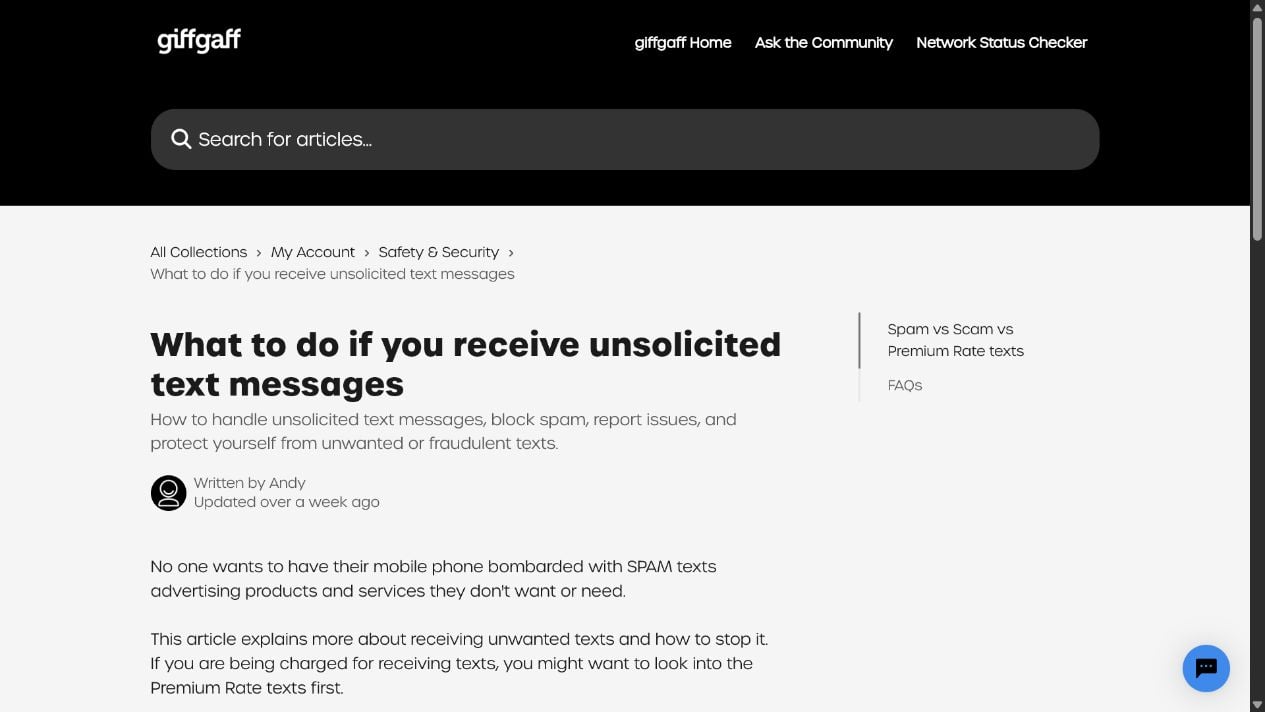
Overview of the Giffgaff “That Text Was Charged” Message
Giffgaff uses account notifications to tell members when an SMS has been taken from their credit rather than an inclusive allowance. That can happen because the destination is a premium-rate or short-code number, because the message is outside a plan, or because a third-party service has billed the mobile account.
The wording can feel abrupt because it arrives after the charge has already occurred. It may also include a shortened giffgaff link leading to information about premium texts. Giffgaff uses the giff.ly short domain in its own services, so seeing that domain is not automatically a phishing red flag. Even so, you do not need to tap any link in a text. Opening the giffgaff app or typing giffgaff.com into your browser is safer.
There are really two separate things to assess:
- The notification: Is it a genuine giffgaff warning or a copied phishing message?
- The charge: Did you deliberately send a premium text or has a third party enrolled you without clear consent?
A genuine notification does not make the underlying transaction legitimate. Scammers and aggressive mobile-content operators can cause real charges that then trigger a real network alert. Conversely, a fake text can copy giffgaff wording and add a malicious link even when no charge occurred.
The quick distinction that matters
- A genuine alert reports a billing event: it does not need your password, card details or one-time security code.
- A genuine charge can still come from a bad signup: a premium service may have used unclear consent or hidden recurring terms.
- A fake alert imitates the wording: its goal is usually to push you onto an unrelated login or payment page.
- You can investigate without tapping the SMS link: the official giffgaff app and a manually typed website address show whether the balance actually changed.
Think of the message as a smoke alarm, not a complete verdict. First confirm that the charge exists in the official account. Then identify who received the premium payment and whether you knowingly agreed to it. Keeping those questions separate prevents both mistakes: ignoring unauthorized billing and handing credentials to a phishing copy.
Is the Giffgaff Message Legit or a Scam?
The standard warning is usually legitimate
If the message simply reports that a text was charged from your credit and directs you to general giffgaff information, it is consistent with a genuine billing notification. Your next step should be to check your account activity through the official app or website. If the balance and usage history show the same charge, the alert accurately reflects an event on your account.
A copied version can still be phishing
Criminals can spoof a sender name or imitate the wording of a real alert. Be suspicious if the message says your account will be suspended, demands an immediate “verification” payment, asks for your password or card details, or links to a domain that is not controlled by giffgaff. A real-looking sender label is not proof of authenticity because SMS messages can be grouped into an existing conversation.
The premium charge may be the real problem
Premium-rate services can bill for competitions, games, horoscopes, adult content, charity donations, alerts or recurring mobile subscriptions. The initial signup may be buried inside a quiz, advert, free-trial page or button that does not make the price prominent. In those cases, giffgaff is passing on a third-party charge; the network alert is the first visible sign that something went wrong.
How the Giffgaff Premium-Text Problem Works
Step 1: You encounter a promotion or short-code request
The journey often begins with a social-media ad, online competition, “free” personality quiz, mobile game or website asking for a phone number. Another common route is an unsolicited text inviting you to reply. The page may focus on a prize or piece of content while placing the recurring price in small print.
Step 2: A reply or confirmation creates a charge
Sending a message to a short code can cost more than a standard SMS. In some cases, entering a phone number and confirming a code starts a subscription that bills through the mobile account. A reply such as YES may be treated as consent even when the surrounding page was confusing or misleading.
Step 3: The charge is taken from your credit
Because the service is not covered by an ordinary goodybag or allowance, the amount comes from your available credit. If the service is recurring, further charges may follow weekly or monthly until the subscription is stopped. Small initial amounts are easy to miss, which is why operators sometimes rely on repeated low-value billing.
Step 4: Giffgaff sends the warning
The “that text was charged” notification tells you that the transaction affected your credit balance. This stage is important: the warning does not sell the premium service and does not mean giffgaff endorsed it. It is a billing notice generated because a chargeable text was processed.
Step 5: A dishonest operator makes cancellation difficult
Reputable services publish the provider name, price and cancellation instructions. Problem operators may use vague trading names, hide support details or send messages from several short codes. They count on users assuming that the mobile network—not the content provider—controls the subscription.
Step 6: Charges continue unless you act
Deleting the message or blocking its sender does not necessarily cancel a premium subscription. The billing instruction may remain active. You need to identify the service, send the correct stop command where appropriate and confirm that the subscription has ended.
Signs the Giffgaff Text May Be a Phishing Copy
Do not judge the message by grammar or logo alone. Compare its behavior with what a genuine billing alert needs to do. A simple notice does not need your password, one-time code or full card number.
- The link opens a misspelled or unrelated domain rather than an official giffgaff property.
- You are told to pay a small “verification” fee to reverse the charge.
- The page asks for your giffgaff password, email password, PIN or complete payment-card details.
- The text creates extreme urgency by threatening immediate disconnection or legal action.
- Your official giffgaff usage history shows no matching charge.
- The message asks you to install an app, configuration profile or remote-access tool.
- A supposed support agent asks you to read back a security code sent to your phone.
If any of these signs appear, close the page and contact giffgaff through its official website. Do not continue merely because the text appears inside a familiar sender thread.
How to Identify the Premium Service Behind the Charge
Start with the exact time, amount and number shown in your account usage. A five- or six-digit short code is often more useful than the marketing name in the text. Search the number through official UK premium-rate service information and check whether the provider lists a customer-service contact and cancellation method.
Review what happened just before the charge. Think about competitions, quizzes, downloads, parking services, charity donations, television votes and forms where you entered your mobile number. Also ask anyone who uses the phone whether they replied to a short code. This is not about assigning blame; it helps reveal whether the event was accidental, deceptive or wholly unauthorized.
Take screenshots of the message and usage entry before deleting anything. If a sales page failed to display the price clearly, capture that page too. Those records can support a refund complaint and help giffgaff or the relevant regulator trace the provider.
What to Do If You Received the Giffgaff Charged-Text Alert
1. Check your balance and usage through the official account
Open the giffgaff app yourself or type giffgaff.com into your browser. Do not use the link in the message while you are still checking authenticity. Compare your current credit and recent usage with the time and amount in the alert.
2. Identify the shortcode and service
Write down the sending or destination short code, the amount and every provider name shown. Search the code using authoritative premium-rate service information. The lookup may reveal who operates it, what it charges and how to contact the company.
3. Stop a recurring subscription correctly
Where the service instructions support it, send STOP or STOP ALL to the short code. Keep the sent message and any cancellation confirmation. Do not rely on blocking or deleting the conversation, because neither action necessarily ends billing.
4. Contact giffgaff through its official support channel
If you cannot identify the charge, believe it was unauthorized or continue to be billed, contact a giffgaff agent from the official help area. Provide the date, amount, short code and screenshots. Ask whether further premium-rate charges can be restricted and what dispute route applies.
5. Request a refund from the service provider
Explain that the subscription or payment was not knowingly authorized, or that the price and renewal terms were not presented clearly. Request written confirmation of cancellation and a refund. Keep every reply; a provider that refuses to identify itself or ignores cancellation requests creates useful evidence for escalation.
6. Report spam and protect your accounts
Forward suspicious spam texts to 7726 where supported. If you entered login or card details on a questionable page, change your giffgaff password from a trusted device, secure the associated email account and contact your bank or card issuer. Never share a one-time security code with someone claiming to be support.
7. Monitor for repeat charges
Check your credit after the cancellation request and again when the next billing cycle would normally occur. A confirmation message is helpful, but the real test is whether charges stop. Escalate promptly if another deduction appears.
How to Avoid Premium-Text Charges in the Future
- Do not enter your mobile number into quizzes, prize draws or “free content” pages until you have read the price and renewal terms.
- Be cautious with five- and six-digit short codes, especially when a message asks you to reply with a keyword.
- Use the official app or a typed website address to check account warnings instead of following unexpected SMS links.
- Review mobile usage regularly rather than waiting for the balance to run out.
- Discuss premium texts with children or family members who may use the device.
- Keep screenshots and cancellation confirmations until at least one full billing cycle has passed.
Bottom Line
The ordinary giffgaff “that text was charged from your credit balance” message is usually a legitimate warning, not a scam by itself. It tells you that a chargeable SMS or premium-rate transaction has affected your account. The underlying service, however, may have been joined accidentally, presented deceptively or activated without meaningful consent.
Verify the charge inside your official account, identify the short code, cancel any subscription correctly and challenge an unauthorized payment. If the text sends you to an unrelated login or payment page, treat that version as phishing. The safest approach is simple: use the warning as a prompt to investigate, but use only giffgaff’s official app or website to take action.








