

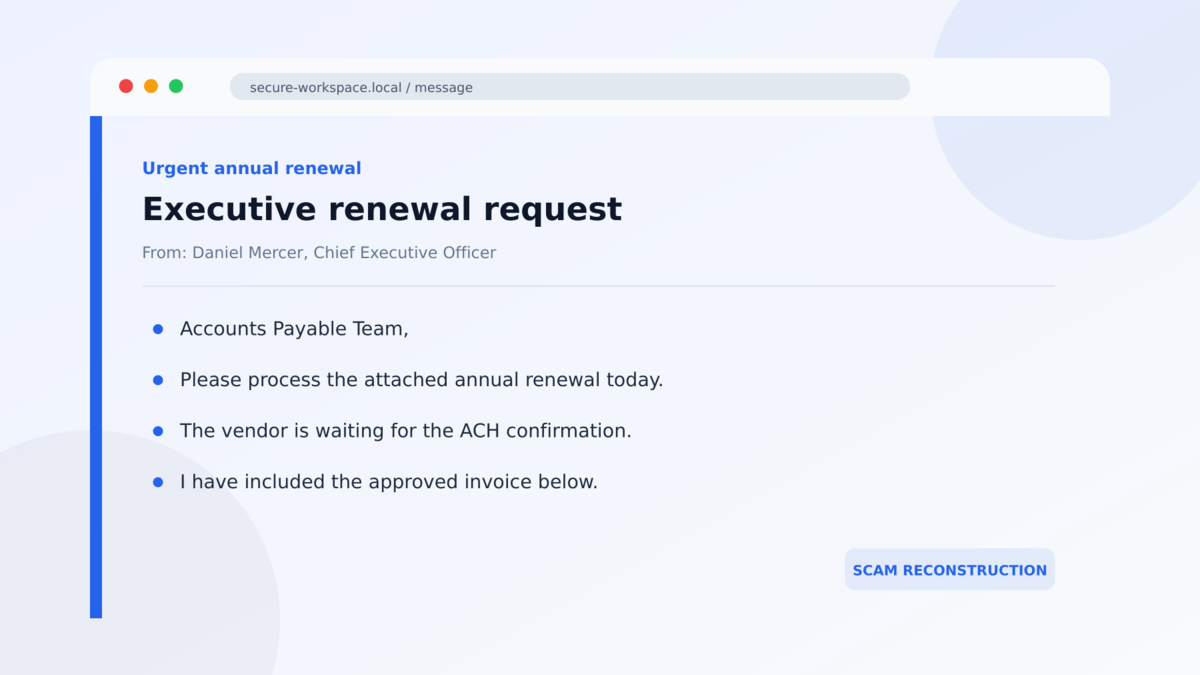
A message from the CEO lands in accounts payable with a simple request: take care of an annual software renewal before the day ends. A polished invoice is attached, the amount looks plausible for a large company, and the thread appears to show that senior management already approved it.
That combination can make an employee feel as though the decision has already been made. All that remains is the routine work of sending the payment.
The email may look unusually complete, but that is exactly what makes this campaign dangerous.
Overview
The email impersonates a real executive
The fake ServiceNow invoice scam is a business email fraud campaign that pretends to come from a company CEO, CFO, president, or another senior decision-maker. The recipient is usually someone who can approve invoices, change vendor details, or initiate an ACH transfer.
Microsoft researchers observed more than one million messages from this campaign between August 3 and August 5, 2026. Most targeted organizations were in the United States. The scale matters because this is not one disputed invoice or a single unhappy customer. It is a coordinated financial-fraud operation built to reach finance teams in bulk.
A fabricated ServiceNow renewal makes the request believable
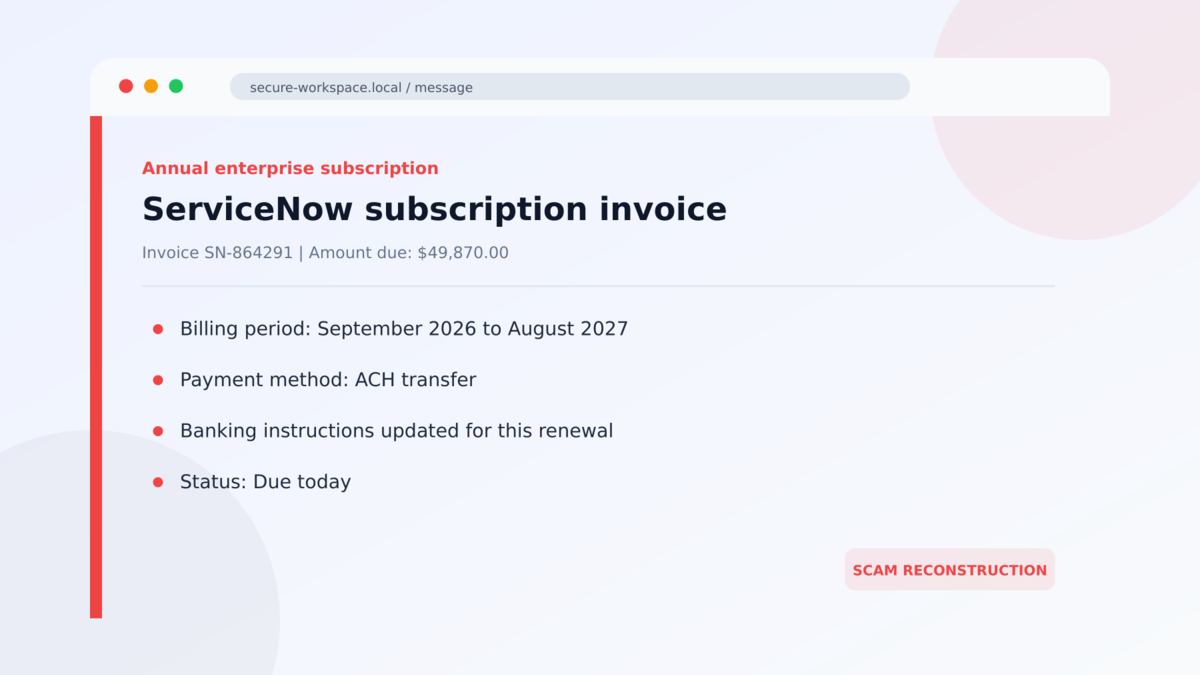
The payment request is framed as an annual ServiceNow subscription renewal, often for an amount close to $50,000. ServiceNow is a legitimate enterprise software company and is not involved in the scam. Its name is being borrowed because an expensive yearly business subscription does not seem unusual inside a medium or large organization.
The invoice may contain a renewal period, payment instructions, line items, an account reference, and professional vendor branding. None of those details proves that a real purchase exists. A convincing invoice can be produced from public logos, copied language, and invented account data.
A fake email history removes the employee’s reason to question it
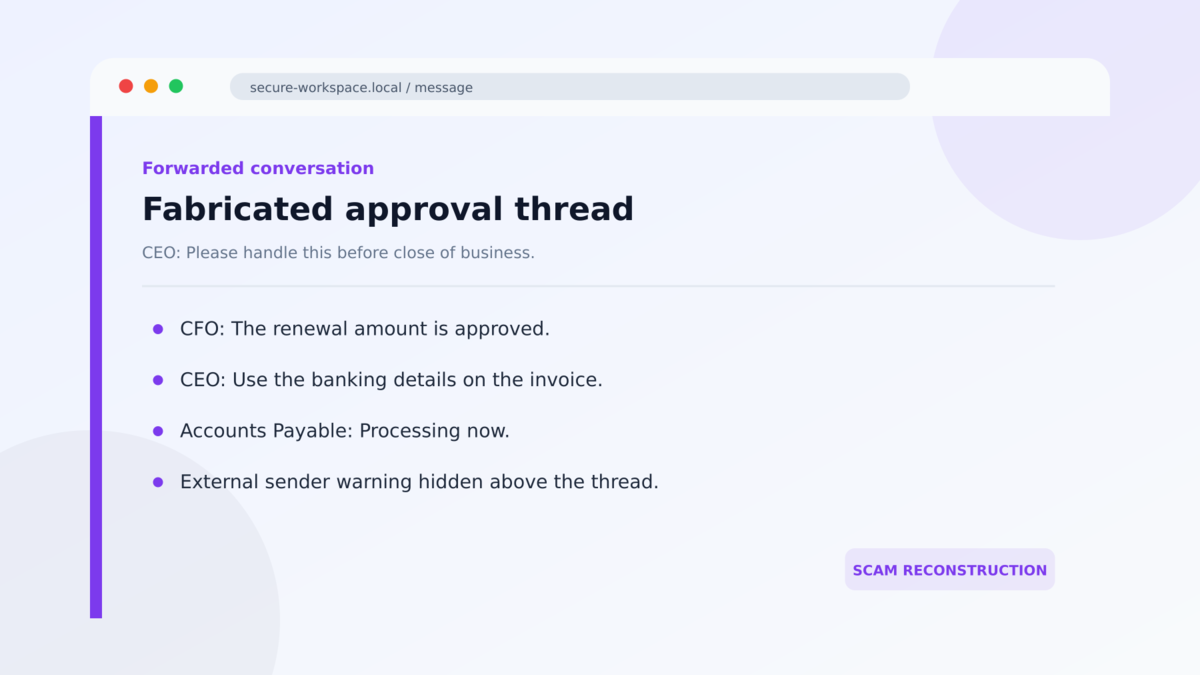
The most deceptive versions do not rely on one short instruction. They include a fabricated forwarded conversation in which an executive supposedly discussed the renewal, confirmed the amount, or told another manager to proceed.
That thread is not evidence of an earlier conversation. It is part of the same email template. By making the approval look settled, the attacker tries to turn independent verification into something that feels unnecessary or even insubordinate.
- The sender display name imitates a real executive at the recipient’s company.
- The request is directed toward accounts payable or another employee with payment authority.
- A ServiceNow annual subscription is used as the reason for a large ACH transfer.
- The invoice and supporting conversation are fabricated.
- ServiceNow’s legitimate brand is being impersonated and was not compromised in the reported campaign.
- The receiving bank details belong to the fraud operation, not a verified vendor account.
- Generative AI appears to have helped the attackers produce polished, tailored email content at scale.
Why This Invoice Can Fool an Experienced Finance Team
Invoice fraud often succeeds without malware. The criminal does not need to break into the accounting platform if an authorized employee can be persuaded to send the money voluntarily. Every familiar detail in the message is designed to make that transfer feel like normal work.
The executive’s name may be accurate because leadership pages, press releases, LinkedIn profiles, and company filings are public. The recipient’s role may also be easy to identify. A message addressed to the right person at the right company can therefore feel targeted even when it was assembled automatically.
The amount is another calculated choice. A charge near $50,000 is large enough to be profitable but still believable for an enterprise software contract. It may also fall inside a payment threshold that one person can process without a board-level review.
The story also creates social pressure. Employees are accustomed to moving quickly when a senior executive says a deadline matters. A same-day request can shorten the time available to compare the invoice with a purchase order, contact the vendor, or ask a colleague whether the renewal exists.
AI-assisted writing makes the message smoother, but it does not make the underlying facts real. Good grammar, a professional tone, and a plausible thread should never replace controls such as vendor verification and dual approval.
What the Sender, Vendor, Payment Details, and Evidence Tell Us
The visible sender name is not the sender’s identity
An email client may show a CEO’s name prominently while hiding the actual address. Attackers can choose any display name they want. Some messages use a lookalike domain, while others arrive through third-party delivery infrastructure that has no business relationship with the executive.
Expand the sender details and examine the complete From and Reply-To addresses. A different reply address, an unfamiliar sending domain, or failed SPF, DKIM, and DMARC checks can expose the impersonation. Even a technically authenticated email still needs business verification because legitimate marketing infrastructure and compromised accounts can be abused.
ServiceNow did not issue the fraudulent invoice
The campaign uses ServiceNow as a prop. Microsoft specifically reported that the legitimate vendor was not compromised. The presence of its logo, product language, or company address does not connect the payment request to ServiceNow.
Open the organization’s vendor-management system independently. A genuine renewal should match an existing contract, purchase order, account owner, billing history, and known contact. If the invoice cannot be connected to those records, it should not enter the payment queue.
The bank account is the operational center of the fraud
The decisive detail is where the money would go. Criminals may provide routing and account numbers that appear ordinary, then describe them as updated or vendor-specific instructions. Once an ACH transfer clears, recovering the funds can become difficult.
Any first-time payment destination or change to saved banking instructions should be verified through a known telephone number already held in company records. Do not use the number printed on the questioned invoice, because it may connect directly to the same fraud team.
The reported campaign provides independent confirmation
Microsoft Security Research documented the campaign, including its scale, executive impersonation, fabricated conversations, ServiceNow-themed invoices, and almost $50,000 ACH requests. That evidence supports classifying the messages as a confirmed fraud campaign rather than a disagreement about a real subscription.
The exact executive name, invoice number, dollar amount, and receiving account can change. The reliable indicator is the complete pattern: unexpected leadership pressure, a vendor invoice with no internal record, and payment instructions that have not been independently confirmed.
How the Fake ServiceNow Invoice Scam Works
Step 1: The attackers research the organization
Public information reveals who leads the company and which employees work in finance, procurement, or accounts payable. The attackers use those names and roles to create a message that fits the organization’s reporting structure.
They may also learn which software brands are common in the industry. The target does not necessarily need to be a ServiceNow customer. The invoice only needs to sound plausible long enough for an employee to start processing it.
Step 2: A senior executive appears to request urgent payment
The email arrives with a familiar display name and a direct instruction. It may say the renewal has already been approved, the vendor is waiting, or service could be affected if payment is delayed.
The message avoids a long conversation with the real executive. It gives the employee a task, a deadline, and an explanation for why the request should move outside the normal pace.
Step 3: A professional invoice supplies supporting detail
A branded invoice lists an annual subscription, an amount near $50,000, and ACH instructions. The formatting helps the document resemble something exported from a vendor billing system.
Numbers and logos are easy to fabricate. What matters is whether the invoice matches the organization’s own contract, purchase order, service owner, and previously verified vendor account.
Step 4: A fake forwarded thread creates the illusion of approval
The attacker inserts earlier-looking messages beneath the request. One executive may appear to ask about the renewal, while another seems to approve it. Those lines can be plain text styled to resemble a real email chain.
Because the recipient sees what looks like a completed discussion, calling the executive may feel redundant. That hesitation is the purpose of the fake thread.
Step 5: The employee is steered toward an ACH transfer
The invoice directs payment to an account controlled by the criminals or their money-moving network. The attacker may answer questions quickly and provide revised paperwork if the finance employee notices a minor inconsistency.
A rapid response is not proof of legitimacy. It shows that someone is actively managing the social-engineering conversation.
Step 6: The fraud is discovered after reconciliation
The real executive, procurement team, or vendor may know nothing about the payment. The discrepancy can surface when the transaction is reconciled, when another renewal notice appears, or when someone contacts ServiceNow through a verified channel.
By then, the funds may have been transferred through additional accounts. Fast reporting to the bank and law enforcement gives the organization the best chance of stopping or recalling the payment.
Warning Signs Before Anyone Sends Money
- A senior executive unexpectedly contacts accounts payable about a vendor invoice.
- The message introduces a new payment destination or revised ACH instructions.
- The invoice has no matching purchase order, contract, service owner, or prior billing record.
- The sender name is familiar, but the actual email address is not.
- The Reply-To address differs from the From address.
- A same-day deadline is used to bypass normal review.
- A forwarded approval chain exists only inside the suspicious message.
- The employee is discouraged from calling the executive or vendor.
- The payment amount sits just below a second-approval threshold.
- Bank details on the invoice differ from the vendor master record.
No single typo decides whether an invoice is fraudulent. The safest test is independent confirmation. Open internal systems directly, speak with the responsible executive through a known channel, and call the vendor using contact information already on file.
What to Do if You Have Fallen Victim to This Scam
- Contact the sending bank immediately. Ask for the fraud or wire department, explain that an ACH payment was induced by executive and vendor impersonation, and request a hold, recall, or recovery action. Minutes can matter.
- Notify the receiving bank if its details are known. Your bank may handle this communication, but provide every account number, routing number, amount, time, and transaction reference available.
- Preserve the complete evidence. Save the original email with headers, invoice, thread, attachments, bank instructions, replies, and payment records. Do not rely only on screenshots.
- Inform internal security, legal, finance, and leadership. The organization needs one coordinated response. Other employees may have received related messages or follow-up requests.
- Check whether any account was compromised. Review sign-ins, forwarding rules, mailbox delegates, sent mail, OAuth applications, and authentication changes. Executive impersonation does not prove an account takeover, but both can occur together.
- Reset exposed credentials from a clean device. If anyone entered a password or approved an unexpected sign-in, revoke sessions, change the password, and review multifactor authentication methods.
- Report the incident. U.S. organizations can report internet-enabled fraud to the FBI’s IC3. Also contact local law enforcement and the appropriate cyber-insurance carrier when required.
- Warn likely secondary targets. Attackers may use information from the first exchange to approach other employees, vendors, or banks with a more convincing story.
- Fix the approval gap. Require out-of-band verification for new vendors, bank-detail changes, and executive-directed payments. A technical email control cannot replace a payment control.
Frequently Asked Questions
Is the ServiceNow invoice real?
Not in the documented campaign. The invoice is fabricated and ServiceNow is being impersonated. Verify any genuine subscription only through your organization’s contract records and a known ServiceNow contact.
Was ServiceNow hacked?
Microsoft reported that ServiceNow was not compromised in this campaign. Criminals copied the vendor’s identity to make their payment request look credible.
Can a forged email thread look completely genuine?
Yes. A forwarded thread can be typed and formatted inside one message. It should not be treated as proof that the named people sent or approved the earlier lines.
Why do the scammers ask for ACH payment?
ACH is common in business payments, so the request can blend into normal accounts-payable work. It can also move a large amount without the obvious warning signs associated with gift cards or cryptocurrency.
What if the CEO’s real email address appears in the From field?
The address may be spoofed, or a mailbox may be compromised. Verify the request through a separate known channel and have the security team inspect the message headers and account activity.
How can a company prevent this scam?
Use dual approval, vendor-master controls, independent callbacks for bank changes, enforced email authentication, mailbox monitoring, and a policy that allows employees to pause urgent executive requests without penalty.
The Bottom Line
The fake ServiceNow invoice scam turns a familiar enterprise renewal into a carefully staged payment request. A copied executive name, a polished invoice, and a fabricated approval thread are meant to make an employee feel that verification has already happened.
It has not. The only reliable answer comes from the organization’s own records and people reached through known channels. If the contract, purchase order, vendor account, and executive instruction cannot all be confirmed independently, the transfer should stop.
If money was already sent, treat the situation as an active financial emergency. Contact the bank first, preserve the evidence, and start the internal and law-enforcement response immediately.








