

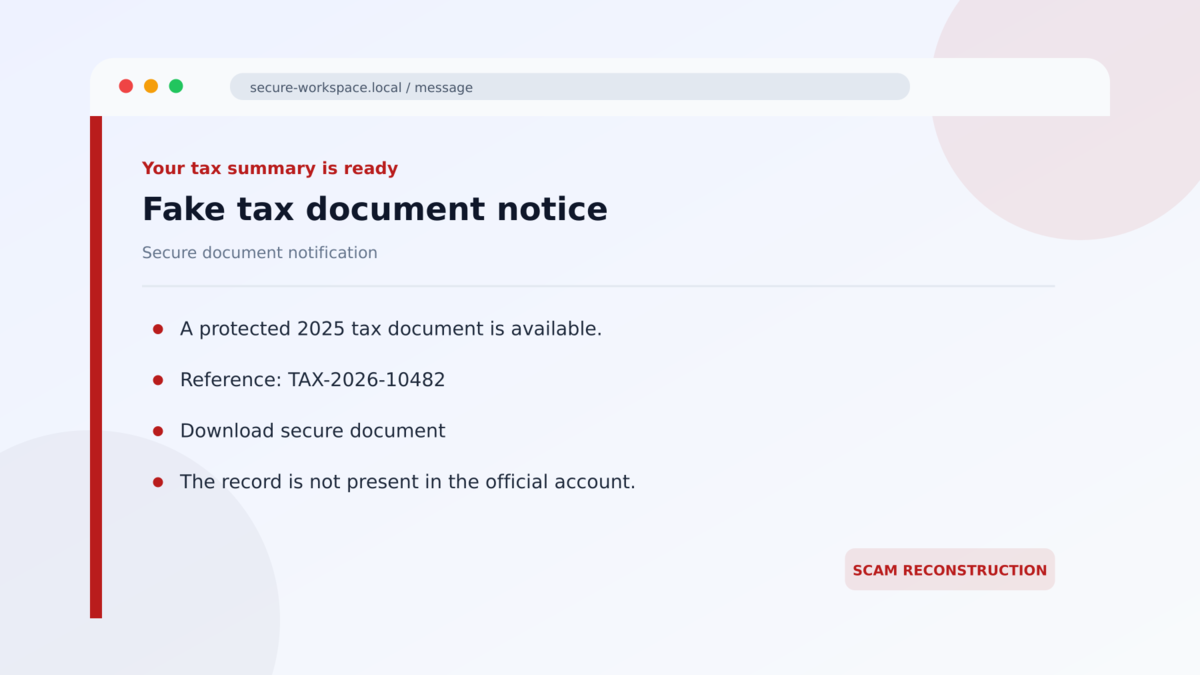
An email says a tax form, Social Security statement, invoice, or shipping document is ready. The page looks like a familiar document service and may even provide a password for the download.
The file is not the record you were promised. It is a carefully staged route to legitimate remote-support software controlled by someone you never authorized.
Because the final program is signed and widely used by real IT teams, the danger can look surprisingly ordinary.
Overview
Fake documents are tailored to the target’s country and work
The fake tax document scam is part of a broad phishing-to-RMM campaign documented across 46 countries. It first drew attention through Canada Revenue Agency T4 tax lures, but researchers connected the same delivery kit to U.S. Social Security notices, VAT and tax documents, invoices, Adobe-style files, and shipping communications.
The story changes because the operators want the document to fit the recipient. A payroll employee may receive a tax form, a finance worker an overdue invoice, and another user a shipping notice. The reusable technology underneath remains similar.
A password-protected archive hides the dangerous installer
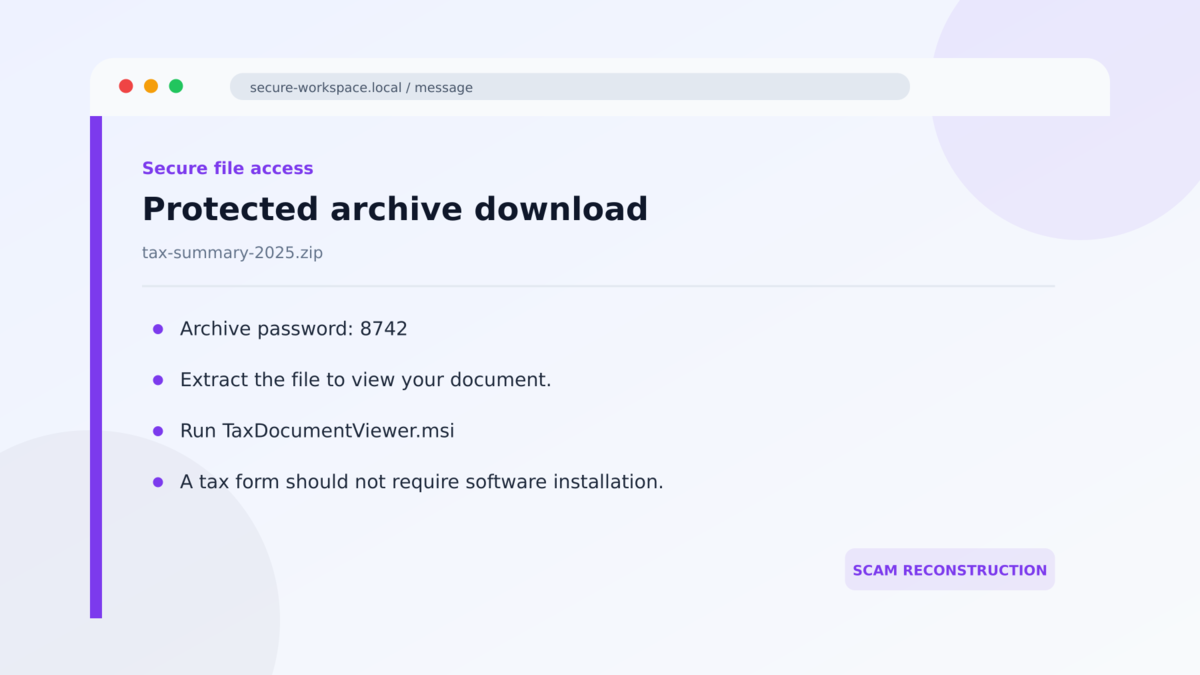
The linked page presents itself as a secure document portal and can supply a code or password. The download may be a protected archive rather than a PDF. Password protection gives the action a sense of confidentiality while also making automated inspection harder.
Opening the archive reveals a file that must be run to see the supposed document. A normal tax statement, invoice, or shipping record should not require a Windows installer, command script, or remote-support application.
Legitimate RMM software becomes the attacker’s remote-control channel
RMM means remote monitoring and management. Products such as GoTo Resolve, LogMeIn Rescue, ScreenConnect, ConnectWise, and ITarian are legitimate tools used by authorized support teams.
In this campaign, the installer is configured for someone else. Running it can enroll the computer into an attacker-controlled support session, allowing hands-on access that may resemble normal administration to basic security tools.
- The campaign uses tax, Social Security, invoice, Adobe, VAT, and shipping lures.
- Researchers connected 601 analysis cases to the broader fake-document family.
- Observed activity spanned 46 countries, with the United States accounting for about 45%.
- Disposable pages frequently appear on cloud-hosting platforms and short-lived domains.
- Password-protected archives help conceal the next stage.
- The final payload can be legitimate signed remote-management software.
- The danger comes from unauthorized configuration and control, not from every copy of the named RMM product.
Why Signed Remote-Support Software Can Still Be Dangerous
Traditional malware often contains code written specifically for theft or intrusion. Antivirus products can compare that code with known malicious families, suspicious signatures, or recognizable behavior.
An RMM client is different. It may be digitally signed by a real software vendor and contain the same remote-control capabilities used by legitimate technicians. The installer itself can therefore look reputable while connecting the machine to the wrong operator.
Context becomes essential. Did the computer owner request remote support? Is the product approved by the organization? Which tenant or relay controls the client? Why did an email about a tax document ask for software installation?
The campaign takes advantage of that gray area. Security tools that allow an approved product name may miss that a second, unauthorized instance was installed from a phishing page. Employees may also assume that a recognizable support application is safe to run.
Legitimate vendors are not responsible for the deceptive email. Criminals are abusing useful software in the same way they abuse cloud storage, website hosting, and email delivery platforms.
What the Document, Hosting, Download, and Research Tell Us
The document does not exist in an official account
A genuine tax form or benefit statement should be retrievable through the relevant employer, tax authority, or government account. A shipping record should exist in the carrier’s official app when searched by a valid tracking number.
Open the expected service independently. If the promised document appears only after following the email’s link and cannot be confirmed anywhere else, the message has not established a legitimate record.
Trusted cloud hosting does not verify the uploader
The operators use short-lived pages on services such as Vercel, Netlify, GitHub Pages, and other cloud infrastructure. These platforms provide valid encryption and reliable hosting to many legitimate users.
A platform domain proves who hosts the page, not who created the tax or shipping claim. Attackers can deploy a page, use it briefly, and replace it when its reputation deteriorates.
The download behavior contradicts the document story
A PDF viewer does not need a password-protected archive containing an installer. A tax agency does not need to enroll a personal computer into remote management before showing a form.
Watch the file extension, not the icon or displayed description. `.exe`, `.msi`, `.bat`, `.cmd`, `.js`, and similar executable content are not tax statements or ordinary invoices.
ANY.RUN linked the infrastructure into one broad campaign
ANY.RUN documented the 46-country campaign using recurring kit assets, infrastructure patterns, and analysis cases. The researchers found 425 distinct kit URLs across 240 hosts and connected the family to multiple interchangeable RMM products.
The statistics describe observed analysis submissions and targeting, not 601 confirmed successful compromises. They still provide strong evidence of a sustained and reusable malicious operation, not a complaint about one legitimate support company.
How the Fake Tax Document Scam Works
Step 1: A believable document notice reaches the inbox
The message impersonates a tax authority, Social Security service, courier, invoice platform, or document-signing brand. It says a record is available, overdue, updated, or waiting for review.
The sender may choose a subject that fits the calendar, such as a tax form during filing season or a delivery notice during a busy shopping period.
Step 2: The link opens a disposable fake portal
The destination may be a recently created cloud-hosted application with HTTPS. It displays logos, a document preview, or a secure-access prompt copied from a trusted organization.
The domain can be only hours or days old. Rapid rotation lets the campaign abandon individual pages while keeping the same reusable template.
Step 3: The portal delivers a protected archive
The site provides a password and asks the visitor to download a ZIP or similar archive. The extra step resembles the way some businesses protect confidential files.
It can also prevent email and web scanners from easily inspecting the contents before the user extracts them.
Step 4: A script or installer starts the RMM download
The extracted item may launch commands or fetch a signed remote-management installer from cloud storage. The visible filename can refer to the promised form, Adobe, an invoice, or an update.
Running the item is the critical transition. The victim believes a document is opening, while the computer is actually joining a remote-support environment.
Step 5: The RMM client connects to attacker-selected infrastructure
The installed client contacts the vendor’s real service or another relay using settings chosen by the campaign operator. Encryption and a valid software signature do not make that remote relationship authorized.
Because organizations may already use remote-support tools, an additional client can blend into normal-looking network traffic unless installation and tenant details are monitored.
Step 6: The attacker gains hands-on access
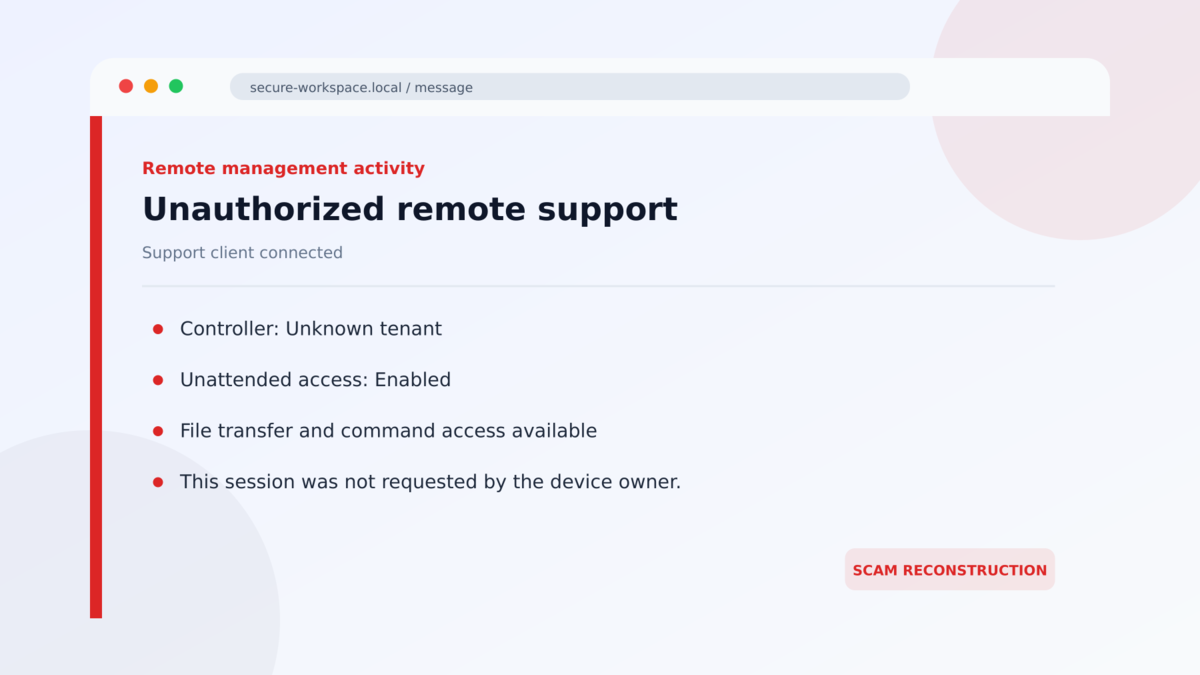
Remote access can allow screen viewing, file transfer, command execution, software installation, and continued control. The operator may steal credentials, search documents, deploy more malware, or use the device as a route into business systems.
The next action can vary by victim, which is why the incident should not be described as one guaranteed final malware family. Unauthorized remote control is already a serious confirmed outcome.
Warning Signs Before the Remote Tool Is Installed
- An unexpected tax, Social Security, invoice, or shipping email asks you to open a document.
- The link goes to a new cloud-hosted application rather than an official account.
- The page supplies a password for a ZIP archive.
- A supposed PDF arrives as an executable, script, or installer.
- The filename mentions a viewer or update that you did not request.
- The document cannot be found by signing in to the real service independently.
- Windows asks for permission to install software just to view the record.
- A remote-support product appears after the file runs.
- The support client belongs to an unknown tenant, relay, or technician.
- The page or domain disappears shortly after delivery.
The most important warning is the mismatch between the promise and the action. A static business document should not need to change who can control the computer.
Organizations should maintain an inventory of approved remote-management products, tenants, relay domains, and deployment methods. Merely allowing a brand name is not enough when an attacker can install another copy of the same product under a different account. Alerts should identify first-time installations and unexpected clients launched from Downloads or temporary folders.
Application control can also limit who is allowed to install support tools. Finance, payroll, and general office users rarely need to deploy a new RMM client because an email supplied a document. Requiring an administrator or help desk approval creates a second opportunity to notice the false story.
Do not let a protected archive create false confidence. Businesses sometimes encrypt legitimate files, but the password should arrive through an established relationship and the extracted content should still match the promised document. Encryption does not turn an installer into a tax form.
When a real technician needs remote access, the session should begin from a support request the user or organization can verify. The technician, ticket, product, tenant, and expected duration should all be known before control is granted.
After the work ends, the organization should know whether the client remains installed and who can reconnect. An unexplained unattended-access service is not a harmless leftover. It is a route back into the device that must be investigated and removed through the approved security process.
What to Do if You Have Fallen Victim to This Scam
- Disconnect the computer from the network. Turn off Wi-Fi or unplug Ethernet to interrupt the remote session and additional downloads.
- Contact the legitimate IT or security team from another device. Explain that an RMM or remote-support tool may have been installed through a fake document.
- Do not interact with the attacker. Do not follow on-screen instructions, approve another prompt, or attempt to negotiate through the remote session.
- Preserve the evidence. Save the original email, headers, URL, archive password, filenames, installer details, timestamps, and any visible support-client identifier.
- Identify and remove unauthorized remote software. An administrator should compare installed products and services with the approved inventory, record the configuration, terminate connections, and uninstall the rogue client.
- Run a complete security investigation. Use updated endpoint tools to look for additional payloads, scheduled tasks, services, user accounts, security exclusions, and changes made during the remote session.
- Change credentials from a clean device. Prioritize email, Windows, business applications, financial accounts, and passwords typed while the attacker may have been watching.
- Revoke active sessions and tokens. Password changes do not end every authenticated cloud session. Review MFA methods and application access as well.
- Consider rebuilding the device. If the duration or actions of the remote session cannot be established, a verified reimage may provide more confidence than removing one visible program.
- Report the incident. Notify the impersonated organization, hosting platform, workplace security team, and appropriate fraud or cybercrime authority.
Frequently Asked Questions
Are GoTo Resolve, LogMeIn, ScreenConnect, and ConnectWise malware?
No. They are legitimate remote-management products. The risk arises when a scam tricks someone into installing a client configured for an unauthorized operator.
Can antivirus miss a malicious RMM installation?
Yes. The software may be signed and behave like a normal support tool. Strong detection considers how it arrived, who controls it, whether it is approved, and what actions follow.
Why is the archive password-protected?
The password makes the file feel confidential and can limit automated inspection. It also requires the victim to participate in unpacking and running the next stage.
What if I downloaded the ZIP but did not open it?
Delete or quarantine it after preserving the details for security staff. If nothing was extracted or executed, remote access is less likely, but the device and browser downloads should still be checked.
What if remote-support software was already installed for real IT work?
Do not remove approved tools blindly. Ask IT to compare the product, service, tenant, installer source, and connection details with the organization’s authorized inventory.
How can I safely retrieve a real tax or Social Security document?
Open the employer, tax authority, or government portal through a saved bookmark or manually typed official address. Do not install a viewer or remote-support client supplied by an unsolicited email.
The Bottom Line
The fake tax document scam hides remote access behind a familiar record. A secure-looking portal, protected archive, and signed support application create a chain in which each individual step can appear reasonable.
Together they make no sense. A tax form, invoice, or shipping notice should not require an unknown party to gain control of the computer.
If the installer already ran, disconnect the device and involve the real security team immediately. Removing one program may not undo everything the remote operator changed while access was active.








