

A search for a gift card or crypto top-up leads to a site that appears to be Bitrefill. The catalog looks right, the checkout offers familiar cryptocurrencies, and the final screen provides a QR code with a normal-looking payment timer.
Nothing on the page behaves like a crude giveaway or an obvious wallet drainer. It behaves like a purchase.
The checkout is polished because the scam does not need to steal a password first. It only needs the customer to send a real payment to the wrong address.
Overview
Lookalike Bitrefill sites are appearing in search results
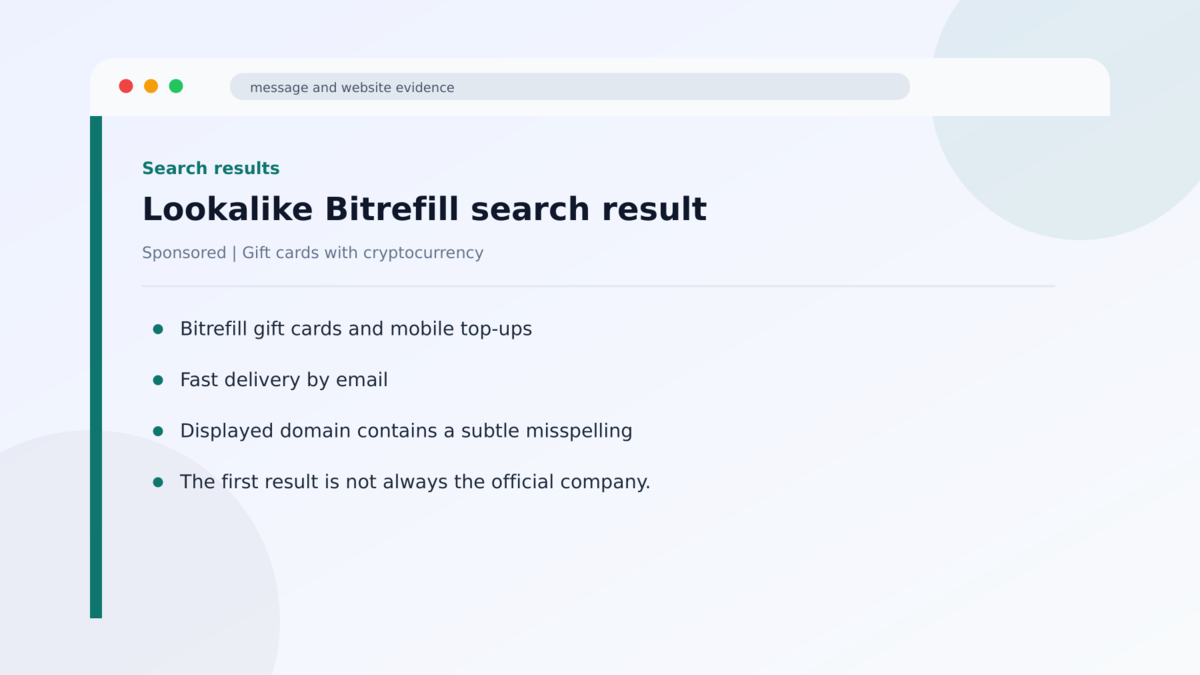
Bitrefill is a legitimate company that sells gift cards, mobile top-ups, and eSIMs. It accepts cryptocurrency as payment. Scammers have copied that real business model and created lookalike domains that appear when people search for Bitrefill or products it sells.
Malwarebytes researchers identified a cluster of fake sites rather than one abandoned page. The domains used misspellings, added words such as pay or gift, and internationalized characters that can look almost identical to ordinary letters. Bitrefill has also warned about sites copying its checkout and worked with takedown providers.
The fake checkout copies a transaction that customers expect
The victim chooses a product or amount, enters an email address, and selects a cryptocurrency. The page supports familiar options such as Bitcoin, Ethereum, USDC, USDT, Solana, and Litecoin. That is believable because the real Bitrefill also accepts cryptocurrency.
The final step displays a payment address, QR code, converted amount, and countdown timer. Each element is normal in a legitimate crypto checkout. The deception is not the shape of the transaction. It is who controls the destination wallet.
The victim pays the scammer and receives nothing
When the victim sends the cryptocurrency, it goes directly to an address controlled by the fraud operation. There is no real gift-card order, and no account takeover is needed. The customer authorizes the transfer personally.
Cryptocurrency payments are generally irreversible. The fake site therefore avoids many obstacles that come with stolen cards, bank logins, or passwords. By the time the customer realizes no product will arrive, the funds may already have moved through other wallets.
- The campaign uses multiple domains that imitate the Bitrefill name.
- Victims reach the pages through search results rather than an unsolicited email.
- The sites copy the real company’s branding, catalog, and checkout behavior.
- Some domains use lookalike international characters that are difficult to notice on a phone.
- The fake checkout accepts several well-known cryptocurrencies.
- Payment screens use QR codes, one-time addresses, conversion details, and timers.
- Some checkouts allow payments up to $1,990.
- The cryptocurrency address belongs to the scammers, and no purchased product is delivered.
- Bitrefill is the impersonated company and is not operating the fake sites.
Why This Checkout Does Not Look Like a Typical Crypto Scam
Most people expect crypto fraud to involve an investment promise, celebrity endorsement, wallet connection, or impossible return. This campaign uses none of those ideas. It copies an ordinary retail purchase where cryptocurrency is already a normal payment method.
The scam also avoids asking the customer to do anything unusual. Unique payment addresses and countdown clocks are common because exchange rates change and merchants need to match a transfer to an order. A QR code is often safer and easier than typing a long address.
The design can include terms of service, a privacy policy, email updates, product choices, card-payment options, and commercial analytics. Those features make the page feel like a functioning business rather than a one-screen trap.
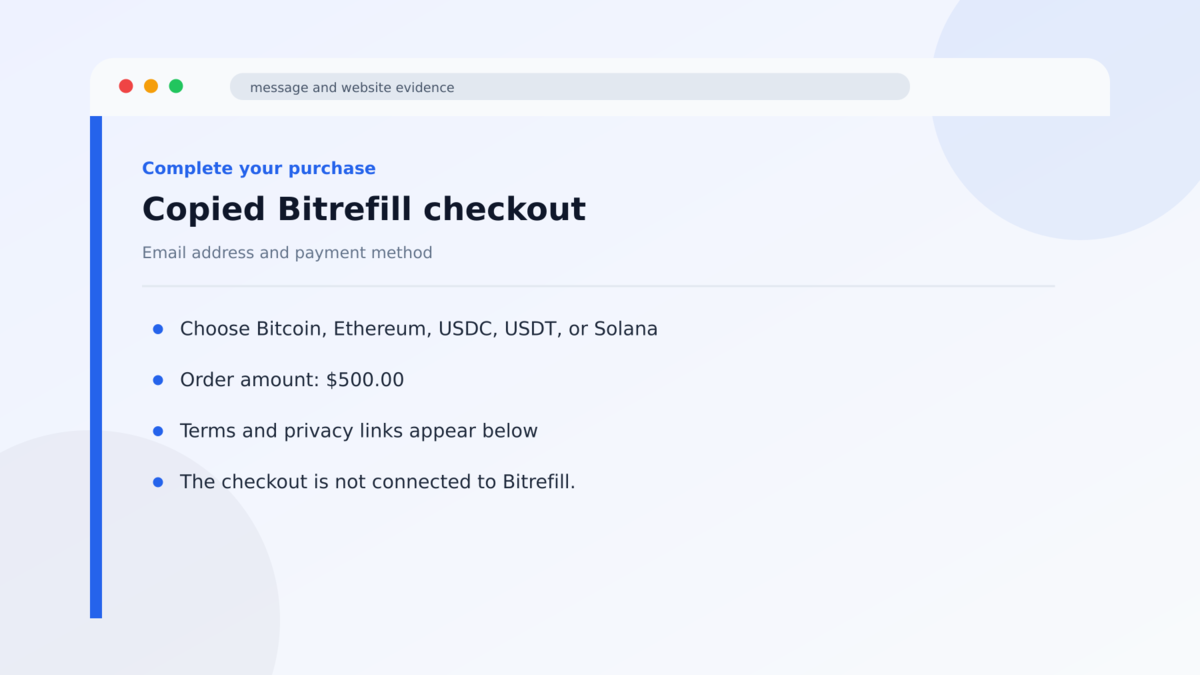
Researchers found analytics software on the fraudulent checkout. That suggests the operators were measuring visitor behavior and improving the conversion funnel, just as a legitimate e-commerce team would study abandoned carts.
The domain is therefore the critical control. A perfect visual copy cannot share ownership with the real company unless the registered address is correct. Adding the word pay to a brand after a hyphen creates an entirely separate domain that anyone can register.
On mobile screens, the address bar may show only part of a long hostname. Internationalized domain names can also display accented or foreign-alphabet characters that resemble Latin letters. Relying on a quick visual glance is exactly what the operators expect.
The product itself may arrive only as a code, so the absence of shipping does not raise suspicion. Customers expect a gift card or top-up to be delivered by email, which gives the fake store time to display a pending status and blame blockchain congestion or an incorrect confirmation count.
A delayed digital order can therefore keep the victim waiting while the funds are moved. Before contacting support from the questioned page, open the real Bitrefill site in a separate session and check whether the order exists there at all.
What the Search Result, Domain, Checkout, and Wallet Reveal
The first search result is not an ownership check
Search ranking can be influenced through advertising, search-engine optimization, copied content, and short-lived domains. A prominent result may be relevant to the query without being controlled by the real brand.
Payment and login pages should not be discovered from scratch each time. Use a saved bookmark, carefully type the known company address, or begin inside the official application.
The brand name can appear inside a fraudulent domain
A name such as bitrefill-payments followed by a domain ending is not a Bitrefill subdomain. A true subdomain would place extra words before the company’s registered domain and still end with the exact official address.
Punycode adds another complication. Browsers convert international characters into an ASCII form beginning with xn-- behind the scenes, while the displayed version can look nearly identical to the brand name.
The checkout does not create a real order
Fields, buttons, timers, and QR codes can be copied without connecting to the merchant’s inventory or fulfillment system. The site may generate a convincing order reference while sending every payment to the same criminal-controlled infrastructure.
An order number created in the browser is only text. A real order should also exist in the merchant’s account system and trigger confirmation from an official company domain.
A confirmation screen is not proof of delivery. Before sending cryptocurrency, verify the domain and confirm that the order appears inside the account opened from the real website.
Independent research confirms a coordinated cluster
Malwarebytes documented the fake Bitrefill checkout cluster, including multiple lookalike domains, the copied payment flow, supported cryptocurrencies, transaction limits, analytics, and addresses designed to resemble the legitimate company.
The individual wallets and domains can rotate. The confirmed pattern is broader: search traffic is routed to polished retail copies where an ordinary-looking crypto purchase transfers funds directly to scammers.
How the Fake Bitrefill Checkout Scam Works
Step 1: The attackers create lookalike domains
The operators register names that swap letters, add commercial words, or use visually similar international characters. The result can look correct when read quickly.
Several sites can run at once. If one domain is blocked or removed, search traffic can be directed to another copy using the same design and payment logic.
Step 2: Search optimization brings in ready-to-buy visitors
People searching for Bitrefill, a specific gift card, an eSIM, or a crypto top-up are already prepared to make a purchase. That intent makes them more valuable than random recipients of a spam message.
The fake result may appear near the real company. On a phone, the limited screen space makes comparing the complete domains more difficult.
Scammers can also advertise a specific gift card at a competitive price. The shopper focuses on the product and discount, while the copied storefront quietly turns the brand search into a direct payment funnel.
Step 3: The copied storefront builds confidence
The visitor sees familiar branding, products, navigation, and a normal account or guest-checkout flow. The site may ask for an email address and display policy links.
These elements are visual copies. They do not establish a connection to Bitrefill’s backend or prove that a gift card will be issued.
Step 4: The customer chooses a cryptocurrency
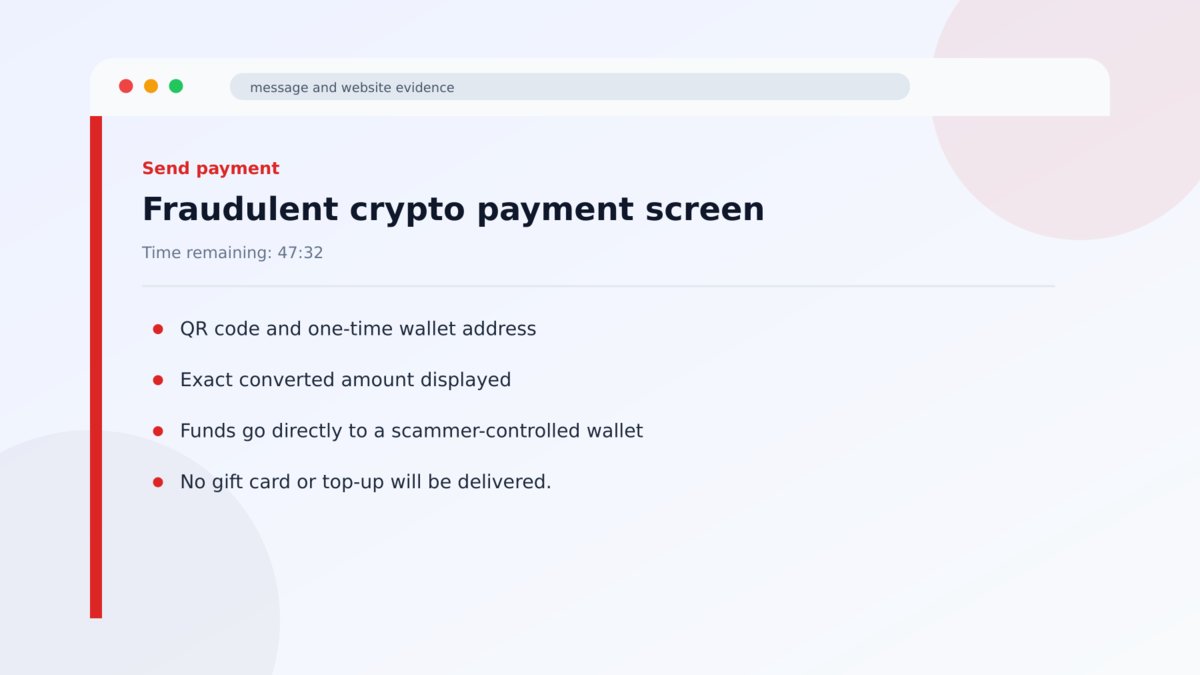
The fake checkout offers assets that real crypto customers recognize. An amount is converted into the selected currency, and the interface creates the impression of a live order.
Some pages also advertise card payments, which further supports the appearance of a complete commercial service even when the operators primarily want irreversible crypto.
Step 5: A wallet address and timer create urgency
The final page displays a QR code, destination address, exact amount, and an expiry timer. The customer is told to finish before the quote or order expires.
The timer encourages action before the domain is checked carefully. It also discourages the customer from leaving the page to verify the order with the real company.
Step 6: The transfer reaches the scammer
Blockchain confirmation only proves that funds moved to the supplied address. It does not prove that the address belongs to Bitrefill or that a retail purchase exists.
No gift card or top-up arrives. The operator can move the payment through additional wallets, while the fake checkout continues accepting money from other visitors.
If the victim contacts the fake site’s support, the operator may request a second transfer to correct an alleged underpayment or network fee. That demand is part of the same fraud and should not be paid.
Warning Signs Before Sending Cryptocurrency
- The site was opened from a fresh search result instead of a trusted bookmark.
- The domain adds words such as pay, payment, gift, shop, or secure to the brand name.
- One letter in the address looks slightly different or uses an accented character.
- The browser shows an xn-- Punycode domain when the address is copied.
- The order does not appear in your account on the official site.
- The page pushes a large crypto payment with a short countdown timer.
- Currency symbols, product prices, or translations are inconsistent.
- Support links stay within the suspicious domain instead of the official company site.
- The checkout requests a wallet signature or token approval unrelated to the purchase.
- The destination was not reached through bitrefill.com.
Before approving any irreversible transfer, compare the entire registered domain character by character. A familiar logo and correct product description cannot compensate for the wrong destination.
What to Do if You Have Fallen Victim to This Scam
- Stop any additional payment. A fake support agent may claim the order is pending and request another transfer. Sending more will not unlock the first purchase.
- Save the transaction evidence. Record the destination address, asset, amount, transaction hash, time, domain, order number, screenshots, and emails.
- Contact the exchange or wallet provider you used. Report the destination as fraudulent. A confirmed blockchain transfer usually cannot be reversed, but providers may flag connected accounts.
- Notify Bitrefill through its official website. The company can confirm that no order exists and add the impersonating domain to its takedown process.
- Report the domain to the search engine and hosting provider. Removing the result can protect other shoppers.
- Change any password entered on the fake site. If it was reused, update every account that shares it and enable multifactor authentication.
- Protect the email address used at checkout. Expect follow-up messages that mention the fake order and attempt to collect more money or account information.
- Review wallet permissions. If you connected a wallet or signed anything, revoke suspicious token approvals from a trusted tool and move exposed assets when necessary.
- Report the loss to the appropriate fraud authority. Include the wallet address and transaction hash, which are more useful than a screenshot alone.
Frequently Asked Questions
Is Bitrefill a scam?
No. Bitrefill is a legitimate company. The scam uses unrelated domains that copy its identity and checkout.
Why does the fake site accept normal cryptocurrencies?
Using familiar payment options makes the copy believable. The important difference is that the destination wallet belongs to the scammers.
Can a crypto payment be reversed?
Usually not after confirmation. Contact the exchange or wallet provider immediately, but do not pay a recovery service that promises guaranteed retrieval.
Does HTTPS mean the checkout is legitimate?
No. HTTPS encrypts traffic between you and the site. It does not prove that the site belongs to Bitrefill or that the merchant will deliver a product.
How can I check an internationalized domain?
Copy the full address into a domain lookup or security tool. A Punycode version beginning with xn-- can reveal that lookalike characters are being used.
What if I only entered my email address?
Expect targeted follow-up messages about the order. Do not follow their links, and secure the email account if you reused a password on the fake site.
The Bottom Line
The fake Bitrefill checkout scam succeeds by making fraud look like routine shopping. The catalog, cryptocurrency choices, QR code, and timer all fit what a real customer expects to see.
The decisive detail is the registered domain and the wallet it supplies. Start from bitrefill.com, stay inside that verified session, and confirm the order before sending an irreversible payment.
If funds were already sent, preserve the blockchain evidence and report the address quickly. Recovery is difficult, so ignore anyone who asks for an upfront fee to get the cryptocurrency back.








