


You search for your wallet, recognize the name and icon, and find an extension in Firefox’s official store. Importing your account seems like the next ordinary step.
Three wallet lookalikes turned that familiar routine into something much more dangerous. What they wanted wasn’t an email password or a subscription payment.
Overview
Phantom, Jupiter, and Bitget were impersonated
Malicious Firefox add-ons copied the identities of three real cryptocurrency wallets: Phantom, Jupiter, and Bitget. The legitimate wallet providers are not the scammers.
Socket’s researchers identified the extensions and analyzed their code. Their purpose was to capture recovery phrases and private keys, not provide trustworthy access to a wallet.
The fake listings were removed by the time the research was published. That doesn’t make an earlier installation harmless or undo a secret already stolen.
The target was the key to the wallet itself
A recovery phrase is a way to restore control of a wallet. Someone who obtains it can use it elsewhere, without needing your browser’s local password.
That’s why entering a phrase into the wrong extension is more serious than creating an account on a dubious site. Removing the extension cannot revoke that knowledge.
The reported code also targeted private keys. The important exposure is the secret itself, whether typed, pasted, or displayed where malicious code can read it.
Recognize the campaign without accusing every wallet extension
The technical report identifies these numeric Firefox Add-ons listing IDs:
- Phantom impersonator: 3092199.
- Jupiter impersonator: 3092666.
- Bitget impersonator: 3092059, with the internal name TabFlow Pro.
Those listing identifiers are not a claim that every extension using one of these brands is malicious. Check the exact source, developer, and supported platform.
Don’t import a wallet through these impersonators. If you exposed a recovery phrase or key, treat the wallet as compromised and act from a clean environment.
Why an Official Store Didn’t Make These Extensions Safe
Finding an add-on in a familiar store can feel like an identity check. It isn’t the same as following a verified download link from the wallet provider.
The fake listings borrowed recognizable names and branding. Socket describes lookalike characters in the Phantom name, making visual recognition especially unreliable.
Read the full developer identity and installation route, not just the large title. A copied icon doesn’t tell you who published the code.
Permissions matter too. Access to website data can enable an extension to interact with information on pages you visit. Consider whether the verified function justifies that access.
But a permission prompt alone cannot distinguish every legitimate wallet from a fake. Some genuine software needs powerful access, so provenance remains essential.
Use the provider’s actual website to reach its supported download. Don’t let a store search result become the only link connecting a familiar brand to unfamiliar code.
How the Fake Firefox Wallet Extension Scam Works
Step 1: A lookalike listing borrows a trusted wallet identity
The extensions presented familiar wallet brands to people looking for a way to manage cryptocurrency. That puts the deception before the import screen even opens.
You might think you’re installing an alternative browser version of a product you already know. The name supplies confidence that the publisher hasn’t earned.
A real brand’s popularity doesn’t transfer to anyone who copies its graphics. Check whether that exact wallet currently supports Firefox and where its genuine downloads lead.
Step 2: Installation gives the add-on access to browser activity
Once installed, the malicious code can operate inside the browser. Socket reports that the packages included code capable of collecting wallet secrets.
The important risk isn’t limited to the first window you see. An extension can continue running while you move between tabs or reopen the browser.
If you suspect an installed add-on, stop using that browser for sensitive activity. Don’t open another wallet there just to check whether it still works.
Preserve the extension name and available details without revealing any recovery phrase. Investigating an installation should not create a second exposure.
Step 3: A familiar import process exposes a recovery phrase
Restoring a wallet can involve entering secret words or a private key. A malicious imitation places the theft exactly where the user expects a legitimate import.
Typing the words in separate boxes doesn’t make them safe. Pasting them instead of typing doesn’t solve the problem either.
Socket reports capture from inputs and clipboard activity, with the Phantom variant also reading phrase-reveal screens. The interface’s appearance isn’t a protection against its own code.
If you displayed a secret while the suspect extension was active, don’t dismiss the risk because you never pressed a button labeled “submit.”
Step 4: Stolen secrets are sent away from the browser
The report connects the extensions to brand-named subdomains under bonto[.]io. Those names are campaign indicators, not legitimate wallet support destinations.
All three packages included stealing code. The Phantom impersonator additionally used a remote loader that could fetch another payload after installation.
That distinction matters: removal from the store isn’t a rewind button, and an apparently quiet first run doesn’t establish that the package was safe.
Don’t visit the reported infrastructure yourself or send test phrases. A security report provides enough reason to avoid the identified impersonators without recreating their collection process.
Step 5: Possession of the secret enables control elsewhere
The thief doesn’t need to keep using your computer after obtaining a usable phrase or key. They can act through another wallet environment.
This is why changing the extension’s unlock password isn’t a complete remedy. That password and the secret controlling the assets serve different purposes.
A hardware wallet also isn’t a remedy for a seed already exposed. Importing that same seed into different hardware doesn’t make the secret unknown again.
The response must address both sides: remove the malicious software and replace the compromised wallet’s control with a newly generated, securely held secret.
What the Genuine Phantom Help Page Says
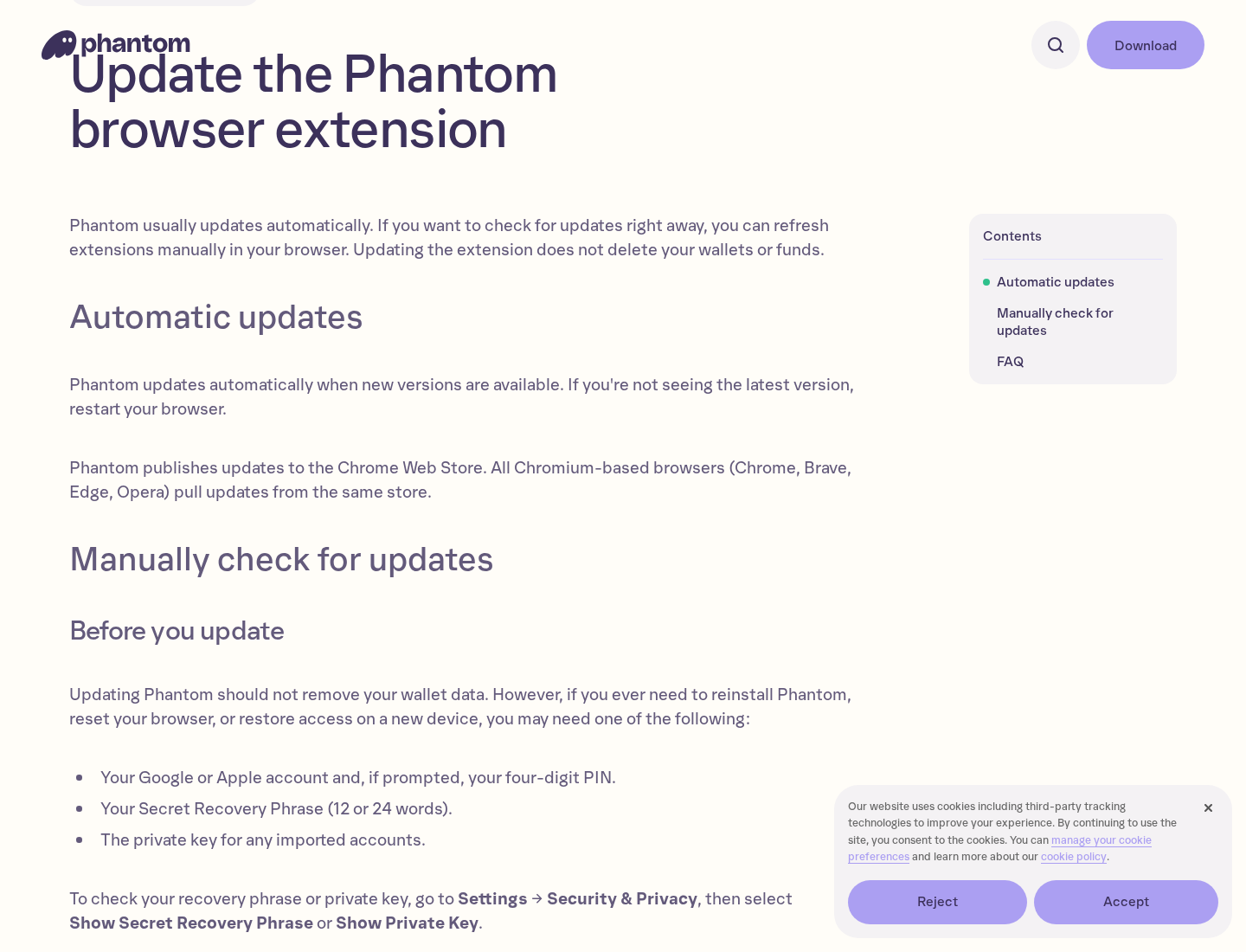
Phantom’s own support page says Firefox is no longer supported. Its update instructions refer users to supported browsers and explain that updates normally happen automatically.
That is useful when a listing claims to be a Firefox update. Verify the supported platforms through the provider, not through the listing selling you that claim.
It doesn’t mean every historical Phantom Firefox installation was a criminal impersonation. Unsupported software and a specifically identified malicious package are different findings.
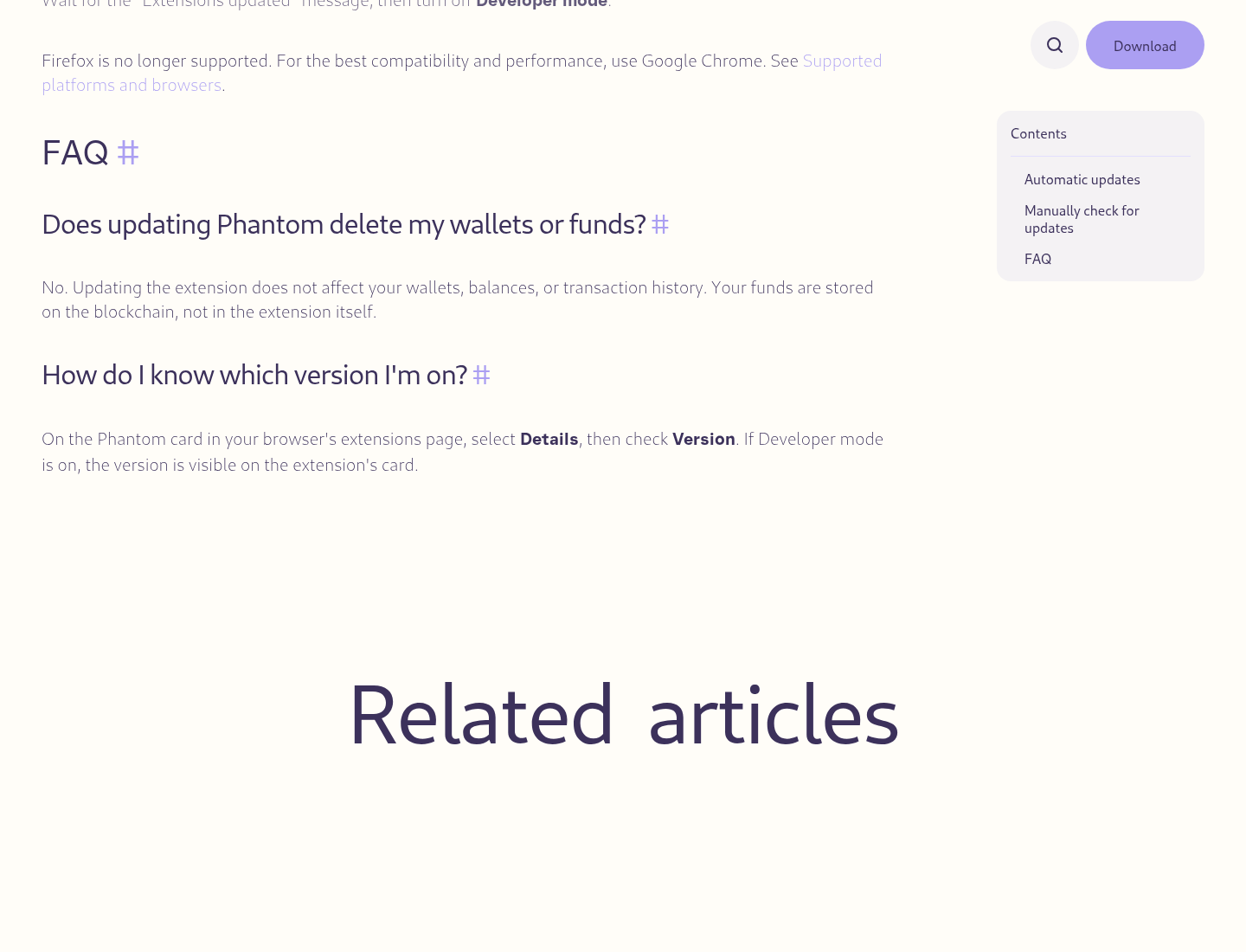
The genuine support article also warns that support will never request your recovery phrase or private key.
Keep that boundary even when seeking help after a theft. A person who asks you to disclose the secret is creating another risk, not fixing the first.
A Connected Website Is Different From an Exposed Recovery Phrase
Work out what you actually shared before choosing a remedy. A public wallet address is designed to be shared; it isn’t a recovery phrase.
Don’t post the secret words alongside that address when asking whether an account is affected. Public transaction information is enough to start describing the problem.
Connecting a genuine wallet to a website, signing a transaction, and importing its seed into unfamiliar software are different actions. Record which one occurred.
Disconnecting a website addresses a connection. It cannot make a copied recovery phrase private again or change the keys derived from that phrase.
Similarly, revoking a token approval is not a replacement for moving away from an exposed seed. Don’t accept that single action as proof of complete recovery.
If you only viewed the store listing, don’t assume that reading it disclosed your wallet. The reported theft required malicious code and access to secrets.
If you installed the add-on and later revealed a phrase elsewhere in that browser, include that in your exposure assessment, even without a direct import.
This isn’t about blaming yourself for an ordinary-looking screen. It’s about matching the next action to the information that may now be outside your control.
What to Do If You Installed a Fake Wallet Extension
-
Stop sensitive activity in the affected browser. Don’t import another wallet, reveal a phrase, or sign financial transactions there while you assess the installation.
Use a separate, trusted device for urgent wallet protection. Avoid installing a replacement from the same search results that led you to the suspect add-on.
-
Record what was installed without exposing secrets. Note the displayed name, developer, version, and installation source if available.
Firefox’s numeric store listing ID may differ from identifiers shown in browser troubleshooting information. Preserve what you see rather than guessing that the numbers must match.
-
Remove the impersonator from Firefox. Open the menu, choose Add-ons and themes, then Extensions. Find the suspect entry and choose its three-dot menu, then Remove.
Follow Mozilla’s extension-removal instructions if menu wording differs. Confirm the entry is gone before returning to normal browsing.
-
If a phrase or key was exposed, create a genuinely new wallet. Use trusted software on a clean device and generate a new recovery phrase.
Don’t reuse the compromised words. Don’t store the new phrase in the affected browser, email it to yourself, or send it to someone claiming to assist.
-
Protect remaining assets with the genuine provider’s guidance. Check which accounts and networks depend on the exposed secret before assuming only the visible balance matters.
Moving assets may require network fees and careful address checks. Don’t repeatedly add funds to an address that appears to be drained automatically; seek verified help.
-
Check for additional unwanted software. Update the browser and use a reputable scanner appropriate to your operating system if you suspect wider exposure.
On Windows, use Malwarebytes for Windows. Mac users should use the separate Malwarebytes for Mac route.
A clean scan doesn’t invalidate a stolen phrase. Deal with wallet control even if no additional malware is detected.
AdGuard can be optional protection against unwanted advertising afterward. It cannot authenticate a wallet extension or restore a secret that has escaped.
-
Save transaction evidence if funds moved. Record public receiving addresses, asset names, amounts, networks, timestamps, and transaction hashes.
Report suspected theft through the appropriate authorities, including IC3 for relevant US reports. Never include your recovery phrase or private key in a report.
-
Reject rescue contacts that ask for secrets or advance payments. A reply under a public complaint may be another impersonator looking for worried wallet owners.
Find support through the wallet provider’s genuine website. Don’t hand over remote access or sign an unexplained transaction because someone claims they can reverse the theft.
If the Extension Won’t Stay Removed
First check that you’re looking at the same Firefox profile. Removing an add-on from one profile doesn’t describe what’s installed in another.
If it reappears, don’t keep importing the wallet to see whether the problem is fixed. Keep sensitive work on the separate trusted device.
Record any message preventing removal. A managed device may require help from its administrator, while an unexpected management restriction on a personal device needs closer investigation.
Don’t delete random browser folders or scheduled tasks. This campaign’s documented Firefox extensions don’t justify a blanket cleanup of unrelated Windows files.
If you’re unsure, ask for help in the MalwareTips malware-removal forum. Share the extension details, not wallet secrets.
Ad Blocking Helps With Some Routes, Not With a Leaked Key
AdGuard can be an optional layer against unwanted advertising and some risky browsing routes. Install it through a verified download source.
It isn’t a certificate that another extension is genuine. Nor can an ad blocker recover stolen funds or prevent someone from using a secret they already possess.
MalwareTips may earn a commission through these security-tool links. Choose the protection relevant to your device, and keep scanning separate from wallet recovery.
The strongest habit remains checking the wallet provider’s supported platform and following its download link. Add protection after establishing what you’re installing, not instead of that check.
Frequently Asked Questions
Are Phantom, Jupiter, or Bitget themselves fraudulent?
No. This warning concerns malicious Firefox add-ons impersonating those real wallet brands. Don’t transfer the accusation from the imitator to the legitimate service.
Are the three fake listings still available?
Socket says they were removed by publication. An existing installation still needs attention, and that removal doesn’t revoke secrets captured before the takedown.
Does deleting the extension make my old recovery phrase safe?
No. Someone who copied it can use it elsewhere. Create a new wallet with a new phrase in a clean environment and protect remaining assets.
What if I installed it but never typed my seed?
Remove it and assess what sensitive information was displayed or pasted while it was active. Installation alone doesn’t establish that every wallet secret was captured.
Will changing the wallet password stop the thief?
Not if the recovery phrase or private key escaped. A local unlock password doesn’t replace the secret that controls the wallet on the blockchain.
Should I send my phrase to support for verification?
Never. Genuine assistance should not require your secret. Use official support routes and provide public transaction records or extension details instead.
The Bottom Line
Don’t install or use these Firefox wallet impersonators. Familiar branding and a store listing cannot replace a download verified through the genuine wallet provider.
If you already exposed a secret, remove the add-on and protect the wallet from a clean environment with a new phrase. A password change or scan isn’t enough.
Keep recovery phrases out of chats, reports, screenshots, and supposed rescue services. The person holding that secret may hold the power to move your assets.

Join the discussion
0 commentsShare your experience or ask a question about this article.
Discussion
Start the conversation
Have a question or something useful to share? Add the first comment.