


A WhatsApp group appears in your chat list, but you did not join it. The group has a polished name, familiar-looking messages, and people you do not recognize.
Before you open an invitation or answer a member, check how the group appeared. WhatsApp treats being added and receiving a private invite differently.
Overview
An invite does not need your answer
If someone adds you to an unknown WhatsApp group, you can leave without explaining yourself. If they only invited you, you can decline or ignore the invite.
The WhatsApp group privacy guide explains how to limit who can add you directly. It does not say you can prevent every invitation from reaching your inbox.
Do not treat an unexpected group as proof your account was stolen. It can be an unwanted addition under your current settings, which is a different issue from unauthorized access.
The group name is not proof of who runs it
A label can make a group look like it belongs to a bank, employer, investment service, school, or neighborhood.
Verify any group you actually need through a contact you already trust.
In its group safety guidance, WhatsApp describes information it may show when an unsaved person adds you, with options to stay, leave, or report.
If the group asks for a payment, code, or download, do not act on it while you verify the organization. A large membership count does not make the request genuine.
Separate the actions you can take
- Exit a group you did not want to join, and report it when it is abusive or deceptive.
- Change group privacy to control who can add you directly in the future.
- Block a particular sender or admin if needed; the app does not provide a universal block for an entire group chat.
The settings are useful, but they do not manage every entry point. Community announcements, private messages, and invitations deserve their own checks.
Find Out Whether You Were Added or Invited
A group already appears in your chat list
Open it only as far as needed to use the group’s own controls.
Do not tap a website, download a document, or answer someone who claims you need to verify your membership.
If WhatsApp shows a safety overview, read the information that it presents about the group. You can leave without accepting a member’s explanation for why you were added.
Take note of the group name and relevant messages if you need to report an apparent scam. Do not publish numbers or private participant information in the process.
There is only a private invitation
An invitation in a one-to-one conversation is not the same as already being part of the group. Do not accept it merely to ask why it was sent.
If it might be a real group, verify it elsewhere first. Ask someone you know through an existing conversation whether that is the group they meant to invite you to.
If you did not request the invitation and it is not relevant to you, leave it unanswered. You do not need to give the sender a reason.
An announcement arrives from a community
WhatsApp says its group privacy setting does not apply to community announcements in the same way. If you are already in the community, check your membership before changing group preferences.
Talk to a verified community organizer if you need to understand which group belongs to it. Do not rely on an unrelated direct message claiming to be from an organizer.
If you no longer need the community, review the membership controls that apply to it. Excluding a contact in group privacy is not necessarily the right fix for announcements.
Change the Group Privacy Setting Without Losing Useful Contacts
Start from the official app settings
In WhatsApp, look in Settings, then Privacy, for Groups. The route into Settings can differ by device, so use the labels shown in your own version.
Check what is selected before changing it. That helps explain why a stranger or a person already in your address book could add you.
Open the settings themselves, not a link from a group that claims to switch on protection.
You do not need to install something just to review which contacts may add you.
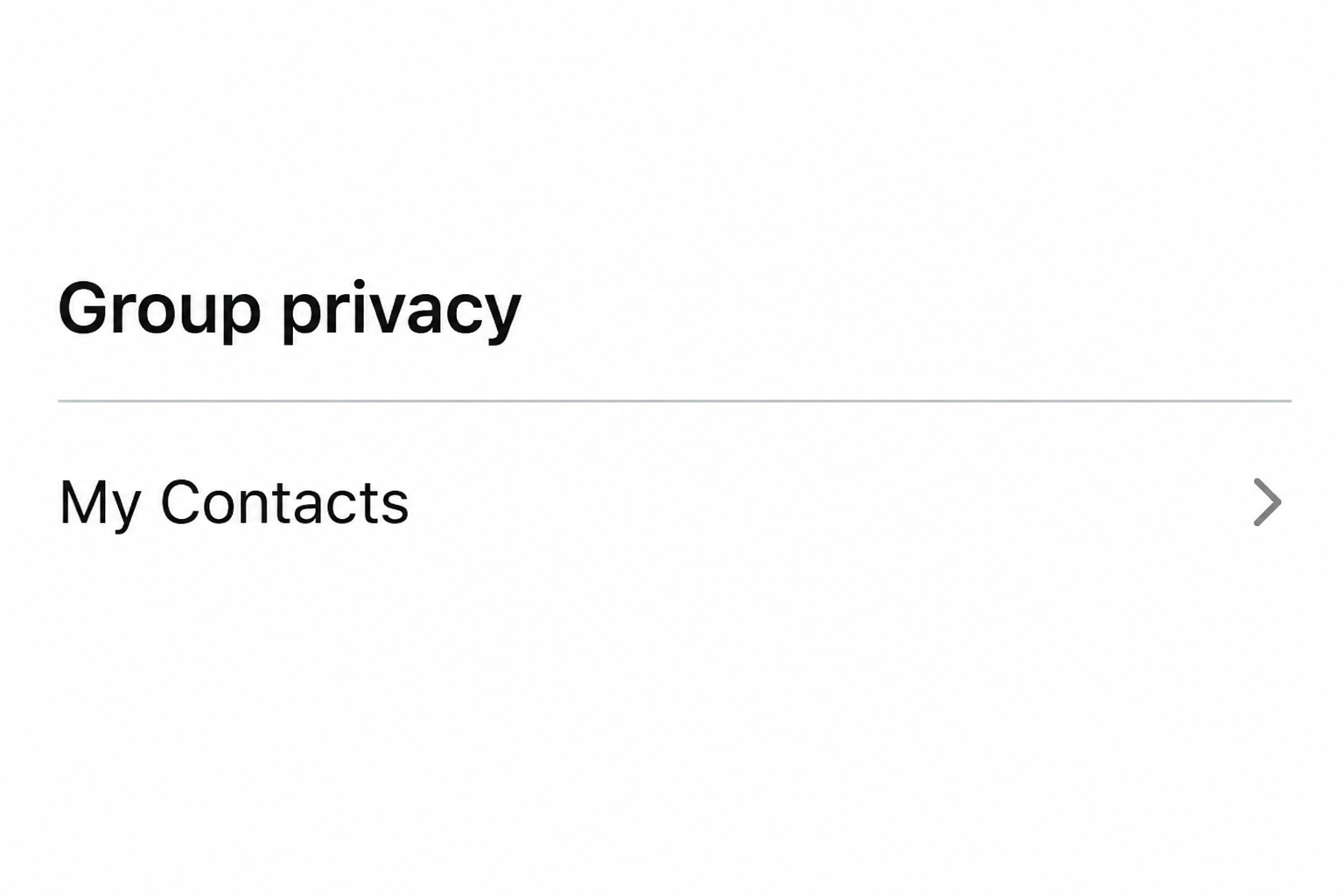
Use My Contacts to limit direct additions
My Contacts limits direct additions to people in your address book, under the rules WhatsApp describes. Someone outside it may still be able to send a private invite.
For example, that option can make sense if you want family, coworkers, or a school contact to keep adding you without a separate approval each time.
If a legitimate organizer is not saved, ask them to contact you through a channel you know.
You can verify the group and accept an invite without leaving the broad option enabled.
Exclude a contact who keeps adding you
My Contacts Except lets you choose contacts who cannot directly add you without approval.
You can use it when the unwanted group came from someone you still need in your contacts.
For a contact you never want to hear from, blocking is a separate option. Check what that does before blocking a person you still depend on for some other reason.
WhatsApp says a restricted group admin can be prompted to send a private invitation, which expires after three days. An expiration date does not make the invitation urgent.
Check which outcome you actually see after changing the setting. A private invitation is different from finding yourself listed as a group member.
How a Persuasive Group Can Set Up a Bad Decision
An investment group may display many positive messages about withdrawals or gains. Treat them as statements from participants rather than independent evidence of an investment’s existence.
If a stranger points you toward a bank transfer, unfamiliar trading service, or private chat, do not take the next step from the group.
Contact the company separately to check whether it actually runs that group.
A job group can make a task or fee look normal because many other participants appear to agree. Contact the actual hiring organization by a known route before sharing anything.
If the group pretends to be a friend or local service, the fast check is often to reach the known person separately.
A group name does not bind their identity to the message.
In all of these examples, leaving the chat stops you from continuing there. It does not reverse actions you took with another company or protect a credential you already disclosed.
What to Do If You Were Added to an Unknown WhatsApp Group
- Check whether you joined or only received an invitation. Ignore an invite or use the actual group controls if you are already in it.
- Never test the group’s payment or access request. Verify genuine commitments outside the group through an organization or person you already know.
- Leave and report an abusive or misleading group as appropriate. Preserve enough evidence before leaving if a transaction, impersonation, or threat needs separate follow-up.
- Review who can add you. Choose My Contacts or exclude specific contacts if that fits your needs. Review community memberships separately.
- Block an individual sender when appropriate. Use the real account controls and consider whether you still need legitimate contact with that person.
- Respond to actual exposure. If you paid or disclosed an account code, contact the payment provider or affected service directly. Leaving a group cannot undo either action.
If you notice messages sent from your account that you did not write, account security is a separate concern.
Check your account using WhatsApp’s official help rather than only changing group privacy.
Decide What to Keep Before You Leave or Report
If nothing happened beyond being added
You can exit using the group’s own information screen without telling members why. It is not necessary to start a conversation to check whether the group is legitimate.
If noise is the only issue and the group is genuine, muting may be enough.
Muting an unwanted group, however, does not leave it or change who can add you next time.
Archive and mute controls manage your view or notifications. Choose Exit when you actually want to stop participating, rather than expecting the group to disappear on its own.
If the group later reappears, check whether you were re-added or simply found the older conversation. The date and current membership matter more than the group name.
If one message is worth reporting
Keep the part that shows what was requested, especially if the group impersonates a known service. Avoid reposting the message in another group with the same link still active.
WhatsApp’s safety guide says a group report can provide the service up to five recent messages sent to you and associated details.
That does not mean you sent a full chat archive.
If there are older messages important to a payment dispute, preserve them yourself before choosing to clear anything. The financial provider may need a different set of information.
Report the behavior you observed rather than identifying everyone in the group as a scammer. You may not know which members posted willingly or were added without asking.
If someone sends direct messages after you leave, handle that contact separately. Use the official blocking and reporting guidance, and keep records when you need them.
If you made a payment or gave someone access
Contact the provider that processed the payment and describe the actual transaction as soon as possible. The group report is useful but does not automatically open a payment investigation.
If a member persuaded you to enter payment information, tell the issuer what you entered and where. Report a card entry separately from a bank transfer you approved.
If you shared a code, contact the service named in the code directly. Do not assume it was a WhatsApp code just because the request appeared there.
If you accepted an app or file, stop using the sender as support. Use the official instructions for the affected account or device and explain what was actually installed.
Keep a record of which actions were taken and who responded. A successful group exit does not tell you whether a bank has recovered money or a login was secured.
Three Invitations That Need Different Decisions
If your employer already told you that a colleague would add you, ask the colleague in the existing work chat to confirm the group before opening material shared there.
If the inviter is a saved contact but the request feels out of character, call them on a known number.
Their name in your address book does not verify this request.
If you joined a community on purpose and the new content is an announcement, look at the community membership.
Changing the rule for direct group additions may not change that announcement.
If a stranger sends an expiring invite for a job or investment, let it expire while you verify the offer. A legitimate opportunity should not depend on pressing Join first.
If the same person keeps inviting you after you exclude them from direct additions, you can ignore the invite or block the person. Those choices address different levels of contact.
If you still need their ordinary messages, keep them in your contacts and use an exclusion for Groups.
Verify the effect after you save the setting rather than assuming their messages will stop.
For a group with a name or photo matching a real local business, contact that business independently.
Do not use a new number that the group posts as its only support route.
If the verified organizer confirms it is a different group, save the distinction. Report a misleading invite without disrupting the legitimate group you actually rely on.
Frequently Asked Questions
Does an unexpected WhatsApp group mean my account was taken over?
No, being added can happen under group preferences. Check for other evidence of unauthorized activity before treating it as an account takeover.
Can I prevent strangers from directly adding me?
Choose My Contacts if you want to limit additions to saved contacts. People outside the allowed list may still send a private invitation you can ignore.
How do I stop a saved contact from adding me without asking?
Use My Contacts Except and select the contact you want to exclude. Verify that the current Groups setting saved the change.
Can I block a whole WhatsApp group?
WhatsApp says there is not a direct group-chat block. You can exit the group, report it if appropriate, and block an individual admin.
Why do I still receive community announcements?
WhatsApp says group privacy does not control community announcements. Check whether you remain a member of the community and review that membership separately.
What if the group looks like a real workplace or school group?
Verify it through a trusted coworker, school contact, or another established channel. Use the confirmed group only after you know who sent the invitation.
The Bottom Line
Do not pay or follow a link just because an unexpected group looks familiar. Leave or ignore it, then set who can add you directly through WhatsApp’s own settings.
If you already shared access or sent money, contact the affected provider independently. Keep the transaction or account evidence before leaving or deleting the conversation.

Join the discussion
0 commentsShare your experience or ask a question about this article.
Community experiences
Did this happen to you?
Your experience could help someone recognize the same scam. Submit a private report for our team to review.
I experienced this tooReports are reviewed before publication. Sharing publicly is always your choice.
Discussion
Start the conversation
Have a question or something useful to share? Add the first comment.