

A campus job offer can feel like good news, especially when it arrives during a crowded semester. The sender may even appear to use a university account.
That familiar address is worth examining, not automatically trusting. One recent campaign shows why the first message is only part of the story.
Overview
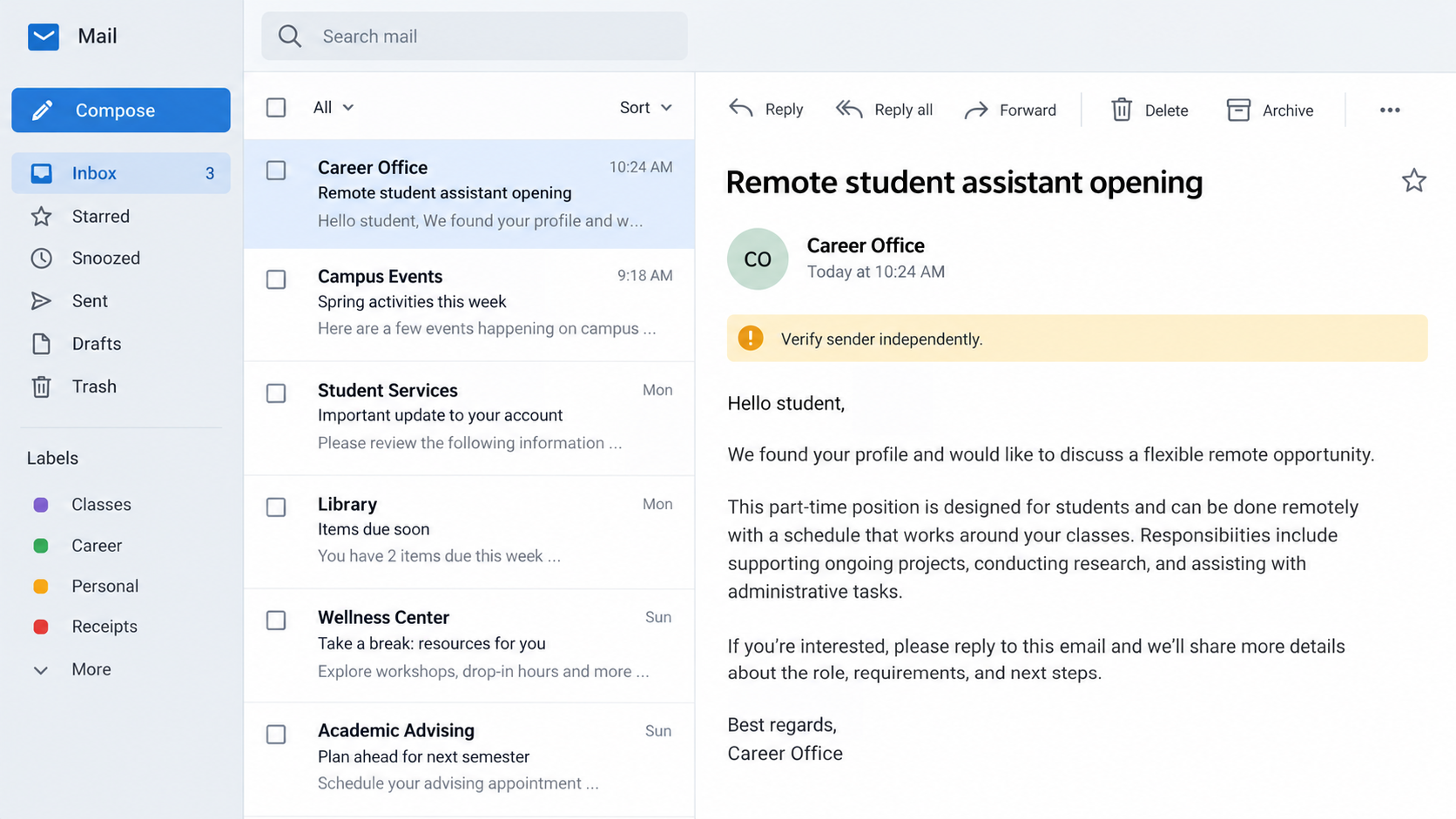
The offer seems to come from campus
A student receives a message about flexible work, perhaps as a research assistant, personal assistant, charity worker, or mystery shopper. The address may really belong to the university.
That detail changes the usual advice. Checking the sender’s domain is important, but a compromised account can send mail from a genuine institutional address.
In a September 2026 investigation, Proofpoint researchers documented attackers using stolen university credentials to distribute fraudulent job offers.
The school and the person whose mailbox was taken over are not running the fraud. Their access and reputation are being misused.
The payment request arrives after conversation
The initial email does not necessarily ask for money. It offers plausible part-time work and asks the recipient to complete an application or reply with a resume.
Once someone engages, the supposed employer asks ordinary-sounding questions. Can the applicant print a document? Do they use mobile banking?
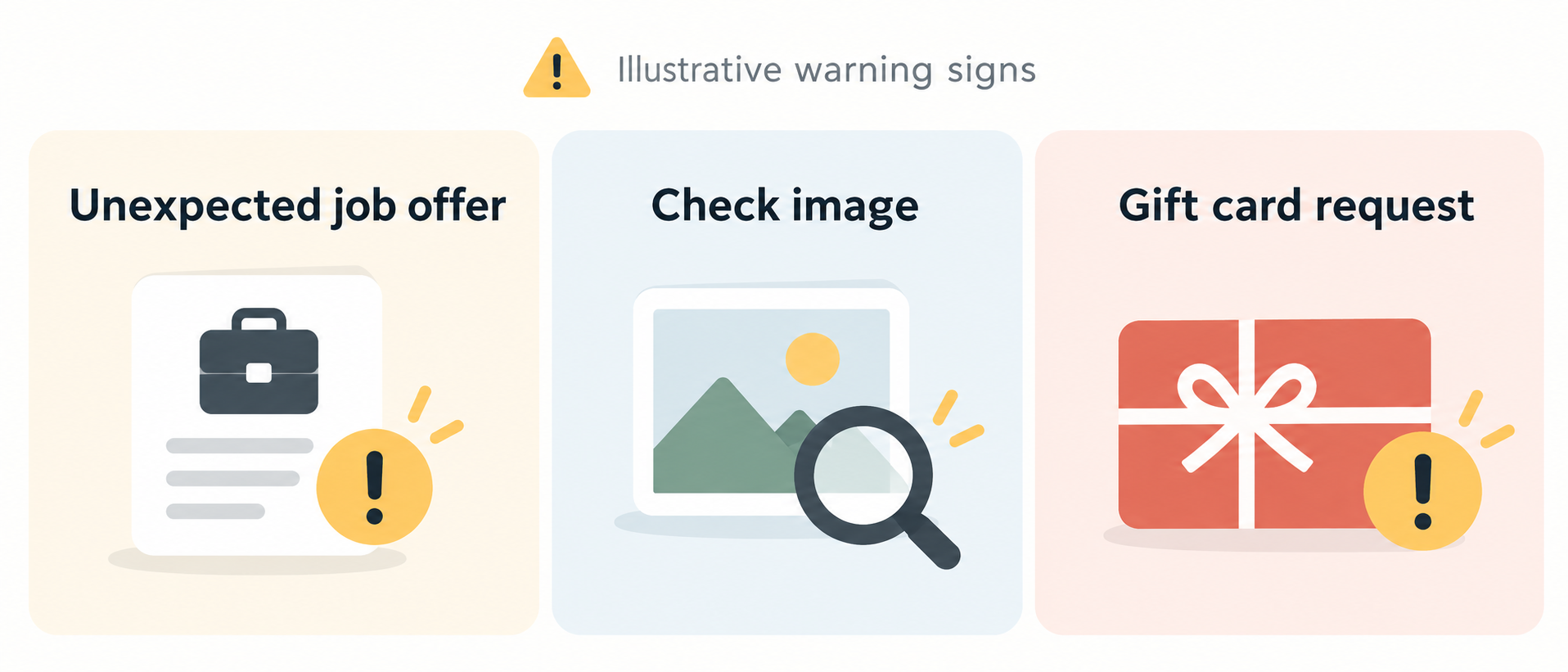
Proofpoint’s researchers were then sent images of checks averaging about $1,000. The alleged first assignment involved buying gift cards and sending the codes back.
The money shown in a banking app can be provisional. If the check is later rejected, the bank can remove that credit while the gift cards remain spent.
Two groups of people can be harmed
The applicant can lose money, expose personal information, and face a negative bank balance. The owner of the compromised campus account may not know their mailbox is involved.
The account holder could also have documents, contact lists, or correspondence exposed. That makes the incident more than a single fake job advertisement.
Look for the combination of an unsolicited role, off-platform forms, a rushed check deposit, and a request to buy transferable value.
- A genuine university email address does not prove the message was sent by its rightful owner.
- A legitimate employer does not need gift card codes from a new hire to begin a job.
- A visible deposit is not the same as a check that has finally cleared.
- Career services can verify a posting through a separately located number or portal.
How the Campus Job Email Scam Works
Step 1: A routine account notice collects a password
Before the job pitch reaches students, the attackers need a convincing sender. Proofpoint observed account-maintenance emails directed at university users.
The message may warn that an account will be disabled after graduation, retirement, or a change of affiliation. Those categories cover many people at once.
A link opens a form on a legitimate form-building platform. The platform itself is real, but the particular form is controlled by the attacker.
That distinction matters. A trustworthy web address can host a fraudulent questionnaire, just as a real office building can receive deceptive mail.
The form may ask for a username, institutional email, personal email, phone number, and a password hidden behind unusual field wording.
In one example, the form used a substitute label instead of writing the word password plainly. That helped the request evade simple form-content restrictions.
Submitting the form does not renew university access. It gives the operator credentials and personal details that can support the next stage.
Proofpoint did not observe an advanced method for bypassing a second authentication factor in this campaign. Strong account protection can stop this particular takeover path.
Step 2: The stolen mailbox supplies credibility
After obtaining access, the operator sends messages from the compromised account. The recipient sees an authentic campus domain and a familiar institutional context.
That can defeat a quick visual check. The scammer is not merely spoofing a display name; the email may originate from an actual account.
The subject might promise a flexible assistant position. The text emphasizes convenience, useful experience, and pay compatible with a class schedule.
Some recipients will know the account owner or recognize the department. Others may assume that any school address is safer than a free email account.
Neither assumption verifies the offer. A stolen mailbox can send a false posting, and a legitimate employee might not even work in recruitment.
The attackers may reuse campus contact lists to reach people likely to read and trust a message. Alumni accounts can widen that audience.
If an offer is real, career services should be able to locate the listing independently. The original email should never be the only evidence.
Step 3: A form makes the applicant invested
The message may direct readers to an application hosted on another ordinary form service. At this stage it looks like a recruiting workflow.
The form can request a resume, legal name, phone number, school details, and personal email. Those details are useful even if no payment follows.
A polished questionnaire is not proof that a hiring manager approved it. Anyone can create a form and call it a university opportunity.
Applicants may answer because they hope to secure an interview. Each response makes the next email feel less like a cold approach.
Proofpoint saw different job descriptions, not one fixed script. That makes keyword-based warnings less reliable than watching for the later financial request.
An employer may legitimately ask for work history. An unexplained request for banking capacity before a formal offer deserves a different level of scrutiny.
Keep copies of the form URL and messages if you suspect fraud. They can help university IT trace the compromised account and warn other recipients.
Step 4: The fake check appears as an advance
The supposed employer eventually sends a scanned check and presents it as payroll, an equipment allowance, or money needed for an assignment.
In Proofpoint’s test conversations, the checks averaged around $1,000. That amount is large enough to fund a request but small enough to feel routine.
The recipient is told to deposit the image with a banking app. A banking screen may show available funds before the underlying check is fully verified.
That delay is central to fake-check fraud. The bank can later reverse a counterfeit or otherwise invalid check, sometimes after the victim has already spent money.
Scammers exploit the gap between a provisional credit and final settlement. They may describe the displayed balance as proof that everything is safe.
It is not proof. The bank’s initial acceptance of a deposit does not make the check genuine or remove the depositor’s responsibility.
A real employer can buy its own supplies through normal procurement. It has no reason to make a new worker act as a gift-card purchasing agent.
Step 5: Gift card codes turn the temporary balance into a loss
The applicant is instructed to buy gift cards and return the redemption details. Some of the check is framed as the applicant’s first pay.
The request may be split into $100 purchases. Smaller transactions can feel less alarming than one large purchase, even though the total adds up.
Once the codes are sent, the scammer can redeem or resell them quickly. The physical cards may remain with the victim but have no usable value.
When the deposited check fails, the bank removes the provisional credit. The account can fall below zero or absorb the entire loss.
A bank reversal and a gift-card redemption are separate events. Reversing the check does not automatically retrieve the money transferred through the cards.
Some victims hesitate to tell the bank because they feel embarrassed. Acting quickly is more useful than waiting for certainty or blame.
Contact the card issuer immediately if the codes were shared. Recovery is uncertain, but an unredeemed balance may still be frozen.
Step 6: Refusal can bring pressure and impersonation
Proofpoint reported follow-up pressure when its researchers stopped cooperating. The operators suggested other payment methods and increased the urgency.
In one exchange, an actor claimed to be an FBI agent and threatened legal consequences. That was another impersonation attempt, not a genuine enforcement contact.
A scammer may call from several numbers or send repeated texts. The noise is designed to keep the victim engaged and off balance.
Do not negotiate with the caller or try to prove a case to them. Save the messages, stop replying, and contact real authorities independently.
A real investigator does not resolve a suspicious job check by demanding gift cards or threatening immediate arrest over the phone.
Tell your campus security office about the original email. They can warn the account owner, disable unauthorized sessions, and alert other students.
Why a Real Campus Address Is Not Enough
Many safety guides tell readers to inspect the sending domain. That is useful for obvious impersonation, but it is only one signal.
This campaign begins by stealing actual credentials. Once an account is compromised, the attacker inherits the school’s email identity for messages they send.
A sender’s name may also match someone who exists. The account can be real while the specific offer is fabricated.
Confirm the job by finding the university career portal yourself. If the role is absent, call the department using contact details from its official website.
Ask whether the named person sent the message and whether the application form belongs to the school. Do not reply to the suspect email to ask.
If a friend forwards the opportunity, that does not establish its legitimacy. They may have received the same message and assumed it was genuine.
For account owners, unexpected sent mail or password prompts should trigger an immediate security review. University IT can inspect sessions and reset access safely.
What to Do If You Fell for the Campus Job Offer
- Stop the conversation and preserve evidence. Save the original email, headers, application link, check image, texts, gift-card receipts, and any claimed recruiter details. Do not delete messages until the school and bank have what they need.
- Tell your bank about the deposited check immediately. Explain that the job offer may be fraudulent, even if the funds still appear available. Ask how a reversal would affect your balance and what transactions can be stopped.
- Contact gift-card issuers if codes were shared. Use the support number on the issuer’s official site or packaging, not a number supplied by the supposed employer. Give receipts and card details, and ask whether any balance remains.
- Alert university IT and career services. Forward the suspicious message through the school’s reporting channel. If it came from a campus mailbox, the owner may need urgent account recovery and other students may need a warning.
- Secure any account credentials you entered. Change the password through the official university sign-in page, review active sessions, and enable phishing-resistant multifactor authentication where offered. Update reused passwords on other accounts.
- Watch for follow-up identity misuse. A resume and application can expose your address, phone number, and school history. Be skeptical of new recruiters or verification requests that refer to those details.
- Report losses and threats. In the United States, file with the FTC at reportfraud.ftc.gov and the FBI’s IC3 at ic3.gov. If someone threatens arrest, document it and contact local law enforcement directly.
If you only opened the message, you have not thereby deposited a check or installed software. Report the email and verify the opportunity without following its links.
If you downloaded an unexpected file, ask campus IT for a device check before using that computer for account recovery. This campaign’s documented core was credential theft and fake-check fraud.
Frequently Asked Questions
Can a scam email really come from a university address?
Yes. A compromised mailbox can send messages through a legitimate campus account. The address may be genuine while the person controlling it is not authorized.
Verify the offer through career services or the named department using contact information you locate yourself.
Does a mobile deposit mean the check is good?
No. A bank may make funds available provisionally. An invalid check can be returned later, leaving the depositor responsible for money already spent.
Why do scammers ask for gift cards instead of a transfer?
Gift-card codes are easy to send and can be redeemed quickly. They also bypass the normal purchasing controls an employer would use for supplies.
Should I confront the person whose campus account sent it?
Contact the school through a verified channel and report the message. The account owner may be a victim of credential theft, not the author.
What if I shared a resume but no banking details?
Save the correspondence and watch for follow-up impersonation. A resume can reveal personal details useful for later phishing, even without a direct payment loss.
Can a gift-card payment be recovered?
Sometimes an issuer can freeze an unredeemed balance, but recovery is not guaranteed. Call the issuer immediately and provide receipts and redemption information.
The Bottom Line
This scam borrows trust twice: first from a real campus mailbox, then from a check that appears in a banking app before its validity is settled.
Verify unexpected jobs independently. If an employer turns your first assignment into buying gift cards, stop and speak with the school and your bank.

Join the discussion
0 commentsShare your experience or ask a question about this article.
Discussion
Start the conversation
Have a question or something useful to share? Add the first comment.