


A stranger who knows your agency, office, and job title can sound convincingly official. That is what makes an exposed employee directory more than a list of names.
The reported DHS Icepick data leak raises practical questions for staff and contractors: what was exposed, what remains uncertain, and how to handle unexpected contact.
Overview
The reports concern employee information, not every DHS record
Reporting describes the publication of directory information associated with more than 40,000 Department of Homeland Security personnel, commonly summarized as about 41,000 records.
The material reportedly includes names, work contact details, job titles, office locations, and account-group information. This article does not reproduce or link to the exposed directory.
DHS acknowledged a potential breach, while Okta disputed a compromise of its own systems
DHS told TechCrunch it was aware of a potential breach and working to address it. Okta said it had no evidence its systems or data were compromised.
The attacker’s claim about an Okta single-sign-on route is therefore not a confirmed technical explanation. Stolen access to a customer environment and a provider breach are different possibilities.
The immediate concern is convincing impersonation
Directory details can help somebody pose as a coworker, help desk, contractor, or investigator. Knowing those details does not authenticate the caller.
- Use your agency’s established security and privacy reporting channels.
- Verify requests outside the unexpected message or call.
- Do not disclose passwords, codes, internal records, or coworkers’ details.
- Report threats through the appropriate protective or emergency channel.
What Is the Icepick Leak?
Icepick is the name attached to a released dataset, not the name of a confirmed malware infection on employees’ computers.
A hacker using the name Department of Peace claimed responsibility for obtaining the information. Publication of material and proof of a particular entry method are separate findings.
TechCrunch’s reporting says it checked a portion of the directory against known employees and found matching information.
That supports treating the exposure seriously. It does not independently authenticate every record, every added field, or every interpretation of an account’s group membership.
The reported collection includes personnel across DHS components, including border, immigration, and cybersecurity functions. A person’s listing is not proof of involvement in a particular operation.
There are also different versions of the material, including descriptions of externally enriched information. Added research should not be represented as data necessarily stolen from DHS.
For affected staff, the useful question is the exposure attached to their role and contact details. Downloading the entire directory isn’t needed to begin protective action.
What the Single-Sign-On Claim Does and Doesn’t Establish
Single sign-on lets an authorized user reach multiple services through a central identity system. That convenience makes protecting the account especially important.
If an attacker abuses a valid user’s access, the system can be involved without the identity provider itself suffering a breach.
Other possibilities require different evidence: a software flaw, a compromised administrator, stolen session information, or a configuration problem should not be assumed from the headline.
Okta’s statement addresses its own data and systems. It doesn’t establish that every customer account was safe, or explain exactly what happened inside DHS.
Similarly, the hacker’s account is not a completed forensic report. Naming a familiar login provider is not enough to establish the root cause.
Affected employees should follow their organization’s incident instructions rather than uninstalling authentication software or disabling protections on their own.
Removing a security control because it appears in a breach story can make access less secure while doing nothing to contain the original exposure.
Why Work Contact Information Still Creates Risk
A work email address may already be public. A directory combining it with a role, phone number, office, and internal associations provides much more context.
That context helps a stranger choose a believable pretext. Instead of a vague password warning, the message can reference the tool or team you actually use.
A phone call might claim an urgent need to check your account after the leak. An email might look like an instruction from a familiar component.
These are plausible risks, not a claim that a particular follow-up campaign has already reached every employee in the dataset.
The right defense isn’t to become suspicious of all colleagues. It’s to verify consequential requests through a channel independent of the initial contact.
Use a known internal directory, existing ticket system, or established supervisor contact. Don’t let the caller supply both the request and the method of verification.
Group Membership Is Not a Record of Everything Someone Did
Reported account-group fields can indicate access permissions or organizational associations. They do not necessarily show that a user opened an application or performed a particular action.
A name attached to an old access group may also outlast a role change. Without current administrative context, a list can invite misleading conclusions.
That matters to both safety and accuracy. A leaked field shouldn’t become a public accusation about an employee’s conduct or private circumstances.
Don’t circulate screenshots identifying coworkers to explain the breach. You can report a concerning entry privately without distributing it to a larger audience.
If a role or permission appears inaccurate, notify the responsible internal team. It can examine the actual account and access records.
Outside observers should leave personal targeting out of the discussion. Responsible reporting can explain institutional security failures without exposing another individual’s contact information.
How to Recognize a Breach-Themed Approach
The caller knows enough to feel familiar
A caller may know your office location, supervisor’s name, or work number. Treat that as background information, not as a credential.
Ask to continue through the established help desk or internal process. A genuine employee can be verified without receiving a secret from you first.
The message asks you to override a normal safeguard
Warnings to approve an unexpected login, disclose a code, or temporarily disable authentication deserve immediate scrutiny.
A person claiming to protect your identity should not need you to weaken its protection. Report the request with the original message intact.
The request moves official business into a private channel
A switch to a personal messaging account can remove the conversation from ordinary oversight. Follow your agency’s rules for handling official information.
Don’t send a staff list, internal document, or screenshot simply because the contact claims urgency. Verify both identity and the authority to receive it.
The offer sells removal from a leaked dataset
Be wary of strangers asking for payment to erase your name everywhere or guarantee that copied records will disappear.
A removal request to a particular service is not control over every existing copy. Avoid giving an unknown operator more identity information to supposedly remove the first exposure.
What to Do If You Work at DHS
-
Use the incident process you already know. Contact your component’s security, privacy, or protective team using established internal information.
Ask whether there are instructions relevant to your role. Don’t rely on an external article to establish whether your individual record was affected.
-
Report suspicious contact with its context. Keep the message, sender details, time, callback number, and the specific information the person appeared to know.
For an email, preserve it through the organization’s approved reporting method. A screenshot alone may omit headers and routing evidence.
-
Review account activity when instructed or when something looks wrong. Unexpected sign-in alerts, recovery changes, and approvals you didn’t initiate need prompt attention.
Use the genuine login process from a trusted device. Ask authorized support to address active sessions or recovery changes, not just the password.
-
Reduce unnecessary personal exposure. Review public profile details that connect your work identity with home addresses, family routines, or personal contact information.
Don’t publicly post a newly discovered leak entry to ask whether it is genuine. That can spread the very details you’re trying to protect.
-
Escalate threats according to their seriousness. Save threatening messages and contact the appropriate protective or law-enforcement channel.
If somebody presents an immediate danger, use local emergency services. Don’t negotiate with an unknown person claiming that payment will prevent publication or harm.
-
Tell relevant household members what to watch for. Explain that a stranger’s knowledge of a workplace or family relationship doesn’t prove authority.
Agree on a trusted way to verify an urgent request. Keep that conversation practical without circulating sensitive work details.
If You Already Responded to a Suspicious Message
Start with what you disclosed or approved. Replying to a message is different from handing over credentials, sending a file, or installing software.
If you provided a password, report the exposure and use the approved account-recovery route. Include whether the same password was reused anywhere else.
If you supplied an authentication code, tell the security team what the code was for and when it was used. Its purpose affects the response.
If you sent an internal document, identify the file and recipient privately. Don’t forward more sensitive material into the same suspicious conversation to explain the mistake.
If you allowed remote access, stop interacting with the caller and notify authorized IT support. Preserve the timeline and follow its containment instructions.
Don’t reset an employer-managed computer or erase logs on your own. The team may need that evidence to determine the scope and prevent another incident.
Someone who only read the breach story does not need a device reset. Directory exposure cannot be reversed by installing a scanner on an unrelated laptop.
What an Official Notice Should Help You Understand
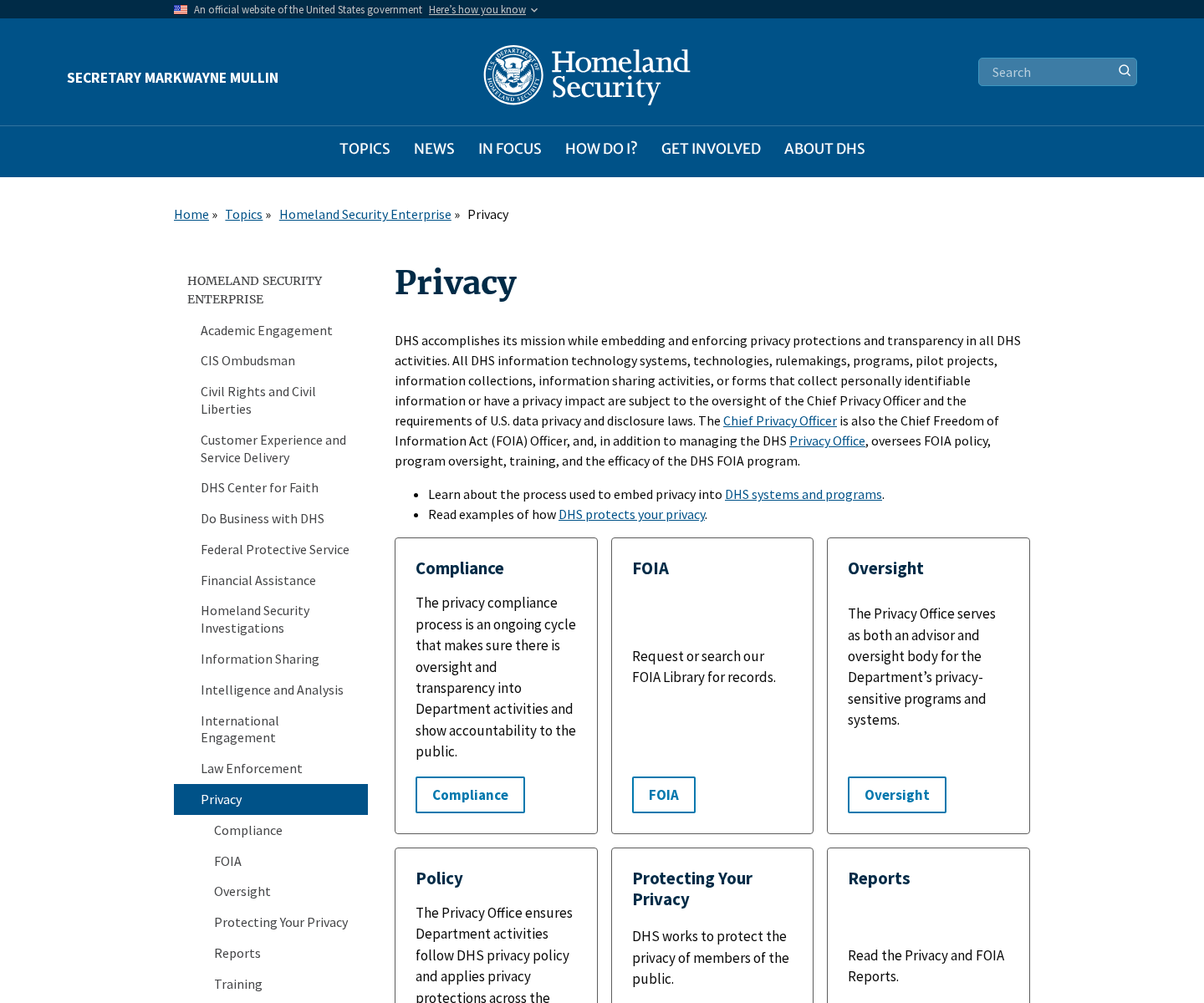
The official DHS privacy page describes oversight and privacy responsibilities. The screenshot above provides agency context, not an individual breach notification.
An affected person needs a more specific explanation: what information was involved, which dates matter, and where to obtain verified assistance.
Ask whether protective steps differ for your component or job. A public-facing office number and a personal mobile number may carry different consequences.
Also ask how to report new targeting connected to the exposure. Keeping those reports together helps responders distinguish isolated spam from a pattern.
Don’t assume that the absence of a personal notice means every report is false. Equally, don’t treat a stranger’s copied directory entry as an official notification.
Keep the distinction between investigation and instruction. A developing technical explanation should not delay reporting a concrete threat or an unauthorized account action.
A Work Directory Leak Is Not Automatically Financial Identity Theft
Don’t assume that a report about work contacts also establishes exposure of bank accounts, Social Security numbers, or medical files. Those require their own evidence.
At the same time, an ordinary work number can become a route to a more sensitive conversation. Verify requests for additional information rather than filling in missing details.
Keep official and personal recovery channels separate where your organization’s rules permit. A stranger shouldn’t be able to redirect a work recovery process through your personal messaging account.
If you receive an individual notice naming additional sensitive fields, use that notice to reassess the response. The type of information matters more than the headline total.
For example, a concrete financial-account exposure calls for different help than unwanted calls to a published office number. Ask the relevant provider about the actual problem.
Don’t buy an identity-protection package from an unsolicited breach caller. A legitimate notification should let you verify the provider and any offered assistance independently.
Record new developments privately with the incident team. That creates a useful timeline without encouraging public speculation about coworkers or spreading additional personal details.
A Note for Managers and Help Desks
Make the verified reporting route easy to find before employees receive alarming calls. Confusion creates room for someone to invent an alternative process.
Brief staff on the information an impersonator might already know. Otherwise, a correct office address can appear more convincing than it should.
Help-desk identity checks should not depend solely on facts now reported as exposed. Review the process through authorized security channels.
Give employees a way to report an embarrassing mistake promptly. Blame and public discussion can delay containment or disclose more information.
Where physical safety is a concern, involve the appropriate protective staff. A password-only response doesn’t address threats arriving by phone or at a workplace.
Frequently Asked Questions
What does the DHS Icepick leak reportedly contain?
Reporting describes employee directory details, including names, roles, work contacts, office information, and account-group associations. Not every field or record has been independently authenticated.
Does this prove Okta itself was hacked?
No. The hacker claimed an Okta-related access route, while Okta said it had no evidence its own systems or data were compromised.
Should I download the directory to check my name?
Use your organization’s security or privacy team instead. Downloading and redistributing exposed employee information can create additional privacy and security problems.
Does an internal group name prove someone used a tool?
No. Group membership can concern permissions or administration. It isn’t necessarily a usage log or proof of participation in a particular activity.
Should I trust a caller who knows my DHS office?
Knowledge of a workplace is not authentication. Verify the request through an established internal channel before sharing information or approving access.
Can an antivirus scan remove my data from the leak?
No. A scan cannot retrieve copied directory records. Prioritize verified reporting, account protection where needed, and safeguards against targeting or impersonation.
The Bottom Line
Take the reported DHS directory exposure seriously without accepting an unconfirmed technical story as settled fact. Accurate employee details can make a fraudulent approach feel official.
Verify unexpected requests independently, report account misuse or threats through established channels, and avoid spreading exposed records while trying to protect yourself.

Join the discussion
0 commentsShare your experience or ask a question about this article.
Discussion
Start the conversation
Have a question or something useful to share? Add the first comment.