


You open a familiar website and check its address. The spelling looks right, the connection is encrypted, and everything seems reassuringly ordinary.
Those checks matter. But a recent security incident shows why the systems behind an address deserve attention too.
Overview
Attackers interfered with infrastructure behind regional domains
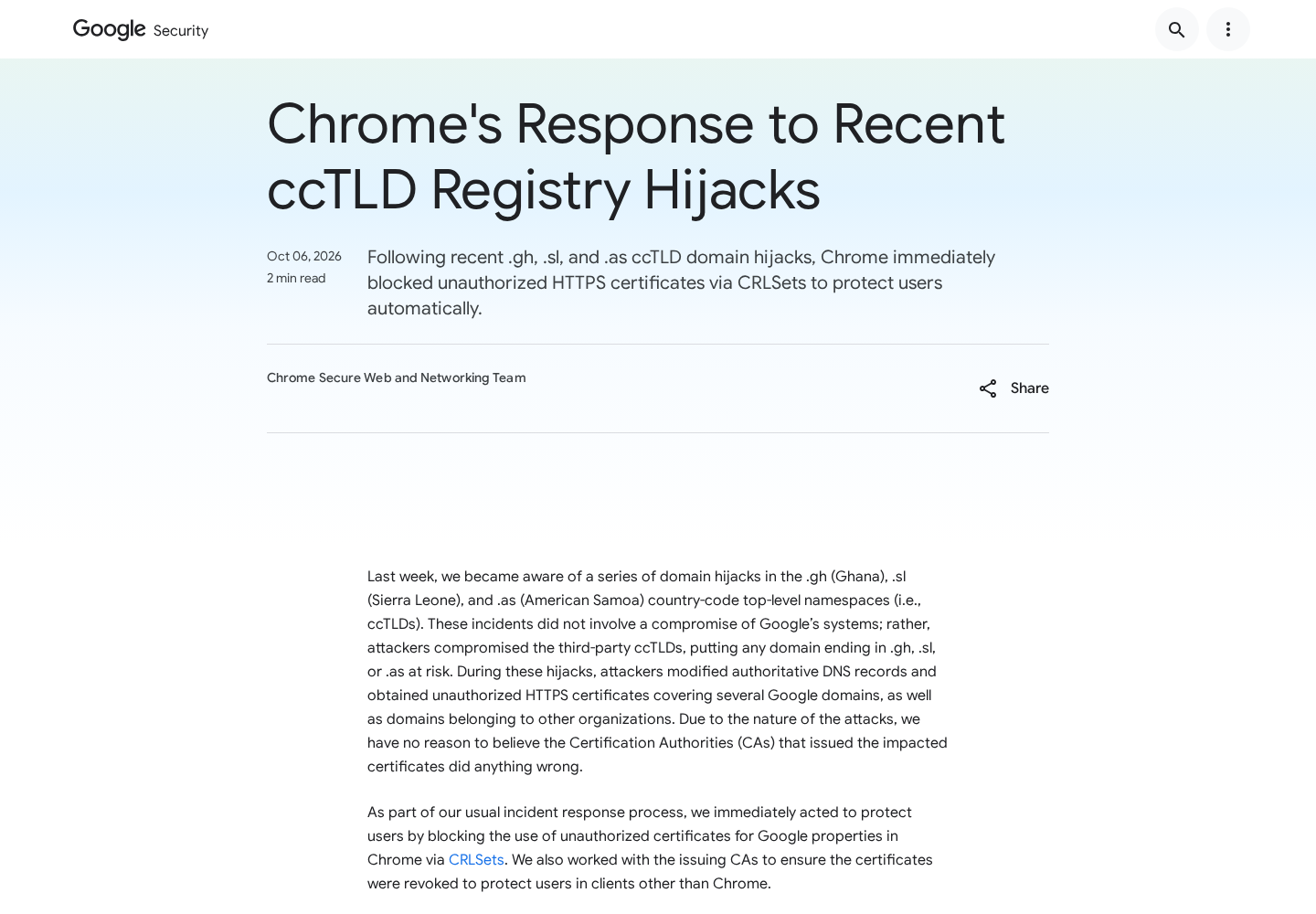
Google reported domain hijacks affecting the .gh, .sl, and .as country-code namespaces, associated with Ghana, Sierra Leone, and American Samoa.
According to Google’s security advisory, attackers modified authoritative DNS records and obtained unauthorized HTTPS certificates covering several Google domains and other organizations’ domains.
Google’s own systems weren’t compromised. The report also says there was no reason to believe the issuing certificate authorities had acted improperly.
HTTPS doesn’t certify every claim on a website
HTTPS protects a connection and relies on certificates to authenticate a hostname. It isn’t a guarantee that a page’s content or requests are honest.
This incident adds an infrastructure problem: stolen DNS control can undermine the process used to establish domain control for certificate issuance.
That doesn’t mean encryption was broken. It means an attacker could obtain credentials allowing a server to appear authorized for a name.
The response belongs at several different layers
Chrome blocked identified unauthorized certificates, and Google worked with certificate authorities on revocation. Domain owners still have their own investigation and recovery work.
Keep these conclusions separate:
- The affected infrastructure created a serious impersonation risk.
- A listed country-code ending doesn’t prove every site was hijacked.
- An unauthorized certificate doesn’t establish what happened to every visitor.
- A browser mitigation isn’t a repair of the underlying registry.
For ordinary readers, keep the browser current, respect security warnings, and investigate unusual account requests independently. Don’t assume a correct-looking address answers every trust question.
DNS and HTTPS Do Different Jobs
DNS tells your device where to connect
You use a readable name. Your device needs network information to find the server handling that name. DNS supplies that translation.
Cloudflare’s DNS explanation distinguishes the lookup service from authoritative servers holding the relevant records.
For a simple comparison, think of an address book. You can remember the person’s correct name while receiving a wrong number from the book.
Changing that lookup information doesn’t require changing the name you typed. That’s why a perfectly spelled address isn’t a complete defense against infrastructure hijacking.
A certificate helps authenticate the connection
A certificate connects a hostname with cryptographic information the browser can validate. The browser checks that connection before treating it as properly authenticated.
Let’s Encrypt explains domain-control validation: applicants must demonstrate control of a domain before requesting certificates through the relevant process.
This is background about certificate issuance, not an allegation that Let’s Encrypt issued the certificates in this incident. The advisory doesn’t justify that conclusion.
If someone temporarily controls validation-relevant infrastructure, the evidence of domain control can be misleading even when the validation system performs its normal checks.
Neither check is a review of the page’s intentions
A seller can operate a secure connection and still make misleading claims. A phishing site can encrypt communication with the person it is trying to deceive.
That everyday limitation differs from this incident, where unauthorized certificates were obtained for existing domains. Both show why security indicators shouldn’t be treated as approval badges.
Continue checking addresses. Just don’t stop evaluating a suspicious payment demand or login request because you see HTTPS.
How the DNS Hijack and Certificate Risk Develop
Step 1: Control is lost outside the familiar brand’s own systems
Organizations depend on infrastructure they don’t entirely operate themselves. A domain’s technical chain includes parties beyond the website owner.
In the reported incident, the compromise concerned third-party country-code infrastructure. Calling it a breach of Google’s internal systems would misidentify where the problem occurred.
For a domain owner, that distinction guides the response. Investigating web-server logs alone may not answer what changed in authoritative DNS or registry control.
Step 2: Authoritative records are changed without authorization
When authoritative information is changed, services depending on that information can receive answers the domain owner didn’t intend.
This is different from a typo in an email link. The user may have entered the intended hostname correctly while the supporting lookup information was compromised.
A bookmark avoids many ordinary phishing links, but it can’t by itself authenticate infrastructure that has been taken over. Browser and domain-owner defenses remain important.
Step 3: Domain-control evidence permits unauthorized certificates
A certificate may pass technical validation while being unauthorized by the legitimate organization. That combination is why the incident is more serious than a crude imitation.
It creates a potential route to trusted-looking impersonation. It doesn’t prove that every affected hostname served a fake page or that every visitor lost account access.
The right question is which certificates and domains were affected, when they were usable, and what the owner found during its investigation.
Consumers shouldn’t try to answer that by revisiting a suspect page and submitting test information. Use the owner’s established support and security notices instead.
Step 4: Browser blocking and revocation reduce the exposure
A certificate that once appeared acceptable can become one the browser rejects. Revocation and targeted blocking help prevent continued use of known unauthorized certificates.
Chromium describes CRLSets as a mechanism for quickly blocking certificates in security incidents, rather than a universal list of every revoked certificate.
If the browser stops a connection, don’t undo that protection to get the page working. Treat the warning as a reason to pause.
The website owner must still restore and verify control. Making the warning disappear locally doesn’t remove the underlying cause.
What Google’s Response Does and Doesn’t Mean
Google says Chrome users don’t need to take manual action to receive its incident protection. You aren’t being asked to download a special certificate-fix utility.
Ordinary browser maintenance still matters. Keep automatic updates enabled, install pending updates normally, and restart when the browser requires it to finish an update.
Don’t trust a message claiming this incident requires a payment, remote-access session, or security extension from an unfamiliar sender.
A genuine infrastructure notice doesn’t give a stranger permission to manage your computer. Find the browser’s update controls yourself instead.
Google also cautions that its analysis might not identify every affected domain, and Chrome interventions don’t reliably protect people using other clients.
That is a limit on coverage, not evidence that every other browser is unsafe. Other software has its own certificate and update mechanisms.
If you use Firefox, follow Mozilla’s connection-warning guidance rather than instructions from the blocked website telling you to bypass the warning.
What to Do If You Visited a Potentially Affected Site
-
Don’t equate a domain ending with confirmed exposure. A .gh, .sl, or .as address alone doesn’t show that your visit reached an attacker.
Look for the organization’s own notice identifying the affected hostname and period. Use a trusted route to that notice rather than a newly received link.
-
Keep your browser and operating system updated. Use their built-in update processes. Don’t install an alleged emergency fix supplied in a message.
If an update needs a restart, finish that step. An installed update and an update fully active in the running browser aren’t always the same state.
-
Respect certificate and connection warnings. Stop before entering credentials, payment information, or recovery codes on a page your browser blocks.
Chrome’s connection guidance explains its security indicators. Don’t add an exception simply because the hostname looks familiar.
-
Review the actions you actually took. Note whether you only read a page, entered a password, approved authentication, downloaded software, or submitted payment information.
Those actions have different consequences. A frightening news report shouldn’t push you into unnecessary account resets, but a suspicious login shouldn’t be ignored.
-
Secure accounts after a questionable login. Reach the service through its established app or independently confirmed support route and inspect recent access.
Replace exposed credentials, end suspicious sessions, and verify recovery details. Use Google’s account-recovery guidance when a Google account is involved.
For another service, follow that provider’s instructions. Don’t assume a password change automatically resolves every active session or connected application.
-
Contact the relevant institution after a sensitive submission. If payment information or workplace access was involved, notify the financial provider or your organization’s security team.
Give the hostname, approximate time, browser warning, and action taken. Avoid sending actual passwords or authentication codes as part of your report.
-
Keep the device response proportional. Reading an affected-site advisory doesn’t establish malware on your computer. Certificate misuse and software infection aren’t interchangeable.
If you installed something during a suspicious encounter, investigate that download separately. A device scan doesn’t repair registry DNS or revoke an unauthorized certificate.
What Domain Owners Should Check
Include regional and parked domains in the inventory
A business may watch its main domain closely while overlooking regional names, redirects, or domains held only to protect the brand.
Include those names in your response. A quiet domain can still carry your organization’s identity even if you don’t expect customers to visit it often.
Identify who controls registration, authoritative DNS, and certificate management for each name. The people handling one layer may not manage the others.
Investigate unexpected certificates, not just current webpages
Certificate Transparency records make publicly logged certificate issuance visible. Monitoring can help an owner spot issuance they didn’t authorize.
Compare an unexpected entry with your certificate inventory and service providers before deciding it is malicious. Legitimate deployments and renewals can also change the records.
Document the hostname, issuer, issuance time, and why it doesn’t match your authorized configuration. Give precise details when contacting the certificate authority.
Maintain a record of certificates your team expects, including deployments managed by outside providers. Without that baseline, every renewal alert can look equally alarming.
Assign someone to investigate the alerts. Monitoring that sends notifications to an abandoned mailbox won’t provide a practical response when an unexpected certificate appears.
Keep the investigation timeline separate from your conclusion about user impact. Certificate issuance, DNS changes, and confirmed misuse are related events, not identical findings.
Restore control and address continued issuance risk
Coordinate with the registrar, registry, DNS provider, and certificate authorities as appropriate. Correcting a website file doesn’t establish that authoritative DNS is trustworthy again.
After control is restored, review certificate issuance policy and validation arrangements. Check for unexpected records or permissions rather than merely restoring one visible address.
CAA account and validation-method restrictions can narrow authorized issuance. Have someone who understands your legitimate certificate automation configure them.
CAA isn’t a shield against someone who actively controls your DNS. Its role after recovery must not be confused with preventing every hijack.
Tell customers what they need to do
A notice should identify the affected service, relevant period, current status, and any action supported by your findings. Avoid making customers guess from technical jargon.
If you recommend password changes, explain which accounts and why. If no user action is needed, say that clearly without claiming every future threat is solved.
Keep the support route consistent across your official channels. Unexpected recovery links arriving during an incident can make a confusing situation worse.
A Better Everyday Trust Check
Address checks remain valuable against lookalike domains. Encryption remains important for protecting traffic. This incident isn’t a reason to discard either safeguard.
Instead, evaluate the request too. A site asking for an unusual transfer, recovery phrase, or security-code screenshot should face scrutiny even when its connection looks normal.
When the request changes the stakes, change how you verify it. Contact the organization through a previously established route rather than continuing inside the questionable page.
For important business actions, a second independent confirmation can help. A correct-looking web portal shouldn’t override a conflicting instruction from your known finance or security contact.
And don’t assume every connection error is an attack. Configuration mistakes and outages happen. You can pause and seek official information without diagnosing the cause yourself.
Frequently Asked Questions
What is DNS hijacking?
It involves unauthorized interference with domain lookup control or answers. The correct typed name can then lead somewhere the legitimate owner didn’t intend.
Can an impersonating website have HTTPS?
Yes. HTTPS doesn’t certify honest content, and compromised domain-control infrastructure can enable unauthorized certificates. That doesn’t mean the encryption algorithm itself was broken.
Were Google’s internal systems breached in this incident?
Google says they weren’t. Its advisory identifies compromised third-party country-code infrastructure, with unauthorized certificates affecting Google domains and other organizations.
Are all .gh, .sl, and .as websites scams?
No. The infrastructure incidents created risk, but a domain ending isn’t proof that an individual website or visit was compromised.
Should I bypass a warning to reach the familiar website?
No. Stop and consult official information through another trusted route. Overriding a certificate warning can remove a protection intended to prevent an unsafe connection.
Will an antivirus scan fix a hijacked domain?
No. The domain owner and infrastructure providers must address that problem. Device cleanup is relevant only if your own device had a separate software exposure.
The Bottom Line
Keep your browser updated and don’t bypass connection warnings. DNS hijacking shows why a familiar address and HTTPS aren’t permission to trust every request.
If you entered sensitive information during a questionable visit, review the affected account through official channels. Domain owners must investigate DNS control and unauthorized certificates separately.

Join the discussion
0 commentsShare your experience or ask a question about this article.
Discussion
Start the conversation
Have a question or something useful to share? Add the first comment.