

A DocuSign email says a document is waiting for your review and signature. The button looks routine, but the page behind it is built to steal your email password.
This is a confirmed phishing campaign, not a genuine DocuSign notification. The safest move is to avoid the email link and check for real agreements through DocuSign’s official website.
Overview
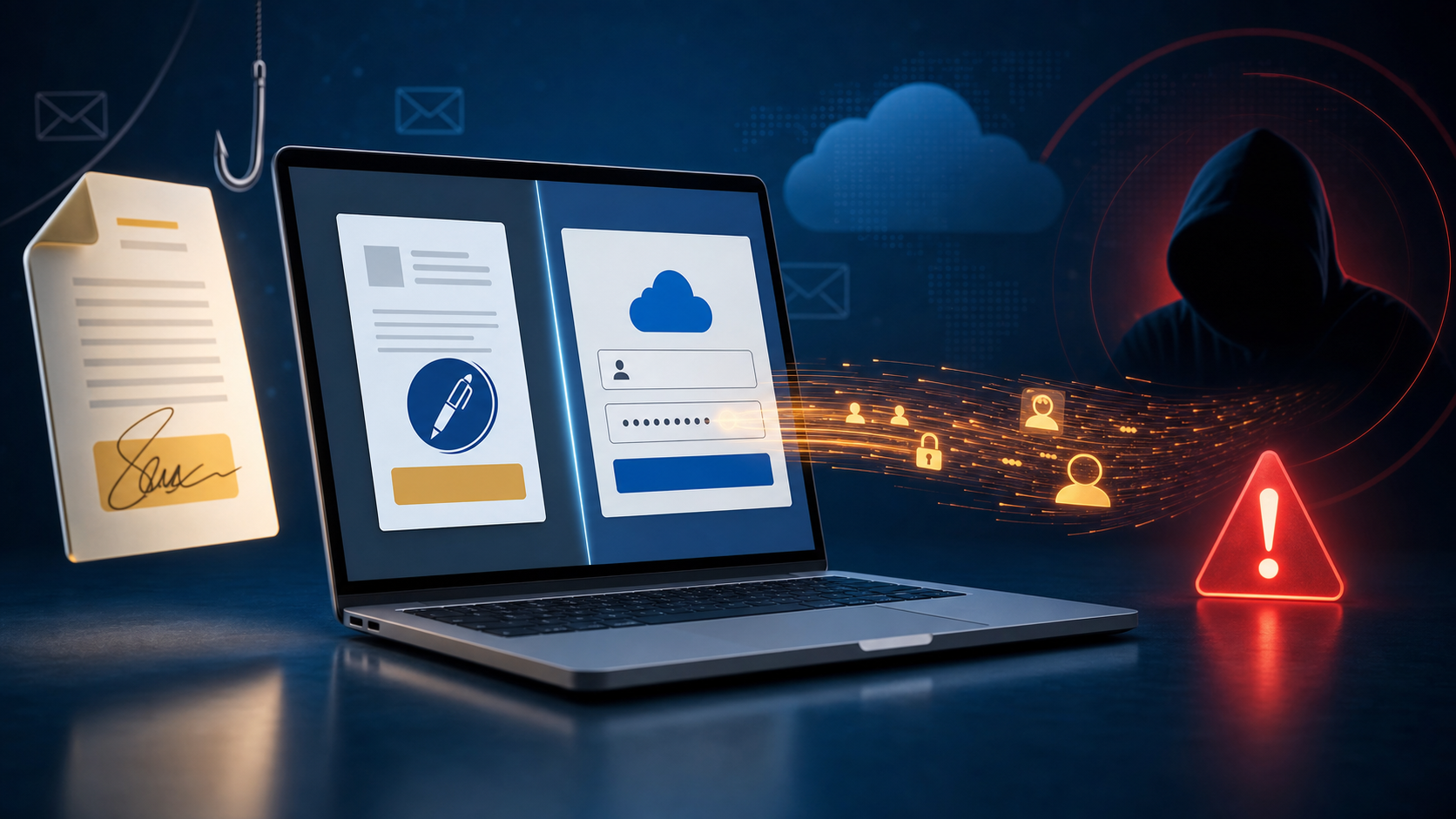
The DocuSign Document For Review And Signature email scam impersonates the popular electronic-signature service. It tells recipients that a new document has arrived and needs immediate attention, creating just enough urgency to make the large review button feel like the obvious next step.
One observed message used the subject line “Action Required: DocuSign Received Document 7/31/2026 4:50:38 AM.” The precise date, time and business-like wording are there to make an unexpected email feel tied to a real transaction.
The link does not open a genuine DocuSign signing session. It leads to a page hosted on Google Cloud Storage that displays a counterfeit email login. A respected hosting provider can make the address look less suspicious, but it does not make the page legitimate; criminals regularly abuse legitimate cloud services to host phishing content.
The fake page asks for an email address and password. Anything entered is sent to the scammers. It may then show an error, reload the form or redirect elsewhere so the victim assumes the document expired or the login failed.
This campaign is primarily a credential-theft attack. Simply reading the email does not infect a device, and opening the phishing page does not automatically hand over a password. The serious damage begins when credentials are entered, reused passwords are exposed or a downloaded file is opened.
A stolen mailbox is especially valuable. It can reveal invoices and private conversations, let criminals reset other accounts, give them material for convincing reply-chain scams and allow them to impersonate the victim to coworkers, customers or family.
How the Fake DocuSign Email Scam Works
Step 1: An unexpected document creates curiosity and urgency
The recipient is told that a document has been received and is waiting for review or signature. The message may not clearly identify the sender or agreement because uncertainty encourages the recipient to click just to discover what it is.
Step 2: The email imitates a familiar DocuSign notice
Scammers copy DocuSign colors, logos, button styles and automated language. A timestamp or reference number adds surface-level detail, but these elements are easy to reproduce and do not prove where the message came from.
Step 3: The review button leaves DocuSign
Instead of opening an official DocuSign domain, the link sends the victim to unrelated infrastructure. In this campaign, the phishing page was hosted through Google Cloud Storage. The browser address, not the page design, reveals the switch.
Step 4: A fake email login collects the password
The page asks the victim to sign in with an email account before viewing the document. This is the trap. A genuine DocuSign signing link should not send you to a generic imitation of your email provider’s login page.
Step 5: The stolen mailbox becomes a launchpad
Scammers can test the password against the mailbox and other services, read sensitive messages, create hidden forwarding rules and send new scams from a trusted address. Business accounts may also expose payment requests, shared files and customer data.
Warning Signs That Expose the Phishing Email
- You were not expecting a document. There is no recognizable sender, contract or recent conversation.
- The subject pushes immediate action. A precise timestamp and “Action Required” wording are used to rush the click.
- The button opens an unrelated domain. Hover over links on a computer or press and hold on mobile before opening them.
- The destination requests an email password. A generic mailbox login appearing in the middle of a signing flow is a major warning.
- The page is hosted on a cloud-storage address. Google, Microsoft or another trusted provider can host user-created pages; their name alone is not an endorsement.
- The message uses vague document details. Legitimate requests normally identify the sender and give context you can independently confirm.
How to Check a DocuSign Request Safely
Do not use the email button when a request is unexpected. Open a new browser tab, type docusign.com yourself and sign in through the official site. Check whether the envelope appears in your account.
You can also contact the supposed sender using a phone number or email address you already know. Do not reply to the suspicious message or use contact information supplied inside it.
- Inspect the complete sender address, not only the display name.
- Check the real destination of every review or signature button.
- Look for the sender’s name, agreement title and context you recognize.
- Treat any request for your mailbox password as suspicious.
- Ask the sender to confirm the envelope through a separate channel.
What to Do If You Received the Fake DocuSign Email
If you only read the message, delete it and report it as phishing. Do not reply, click its buttons, scan unknown QR codes or call numbers printed in the email.
If you opened the page but entered nothing, close the tab. Clear any downloads the site attempted to start and check your browser’s downloads list. No password change is normally required solely because the page was viewed.
If you entered your email password
Treat the mailbox as compromised and act from a clean device. Speed matters because attackers may create persistence before you notice any sent messages.
- Change the email password immediately. Use a new, unique password that is not used anywhere else.
- Sign out every active session. Revoke unfamiliar devices, browser sessions and mobile-app access.
- Enable multi-factor authentication. Prefer an authenticator app or security key when available.
- Check recovery settings. Remove unknown recovery emails, phone numbers, app passwords and connected applications.
- Inspect forwarding rules and filters. Attackers often copy incoming mail or hide security warnings and replies.
- Review sent, deleted and archived mail. Look for messages you did not send and warn affected contacts.
- Reset reused passwords. Start with banking, cloud storage, shopping, social media and workplace accounts.
- Contact your IT team. Business users should report the incident so administrators can review sign-ins, tokens and mailbox rules.
If you downloaded or opened a file
Disconnect the device from sensitive accounts, delete the suspicious download without opening it again and run a full security scan. If the file was executed, avoid banking and password changes on that device until it has been checked.
Frequently Asked Questions
Is the DocuSign Document For Review And Signature email real?
The campaign described here is fake. It impersonates DocuSign and leads to a counterfeit email login. A real DocuSign service exists, but its name and branding are being abused.
Can opening the email steal my password?
No. Reading the email alone does not reveal your password. The attackers need you to submit credentials on the fake page or open a malicious file.
Why does the link use a legitimate cloud service?
Cloud platforms allow customers to host files and web pages. Scammers abuse that feature because a familiar provider name may lower suspicion and help the page stay online long enough to collect credentials.
Should I reply and ask whether the document is genuine?
No. Verify through a separate channel. Replying confirms that your address is active and may start a longer social-engineering exchange.
The Bottom Line
The DocuSign document-review email is a credential-phishing trap. Its polished button and precise timestamp are decoration; the unrelated destination and generic email login reveal the attack. Verify unexpected agreements through the official DocuSign site, and secure your mailbox immediately if you submitted a password.

Join the discussion
0 commentsShare your experience or ask a question about this article.
Discussion
Start the conversation
Have a question or something useful to share? Add the first comment.