


A portfolio page is where you go to see what you own. It is not where you expect to make a decision that could change those holdings.
That habit makes the Jupiter lookalike worth examining. The most important detail is easy to overlook when you are checking a balance.
Overview
A dashboard was the bait, not a giveaway
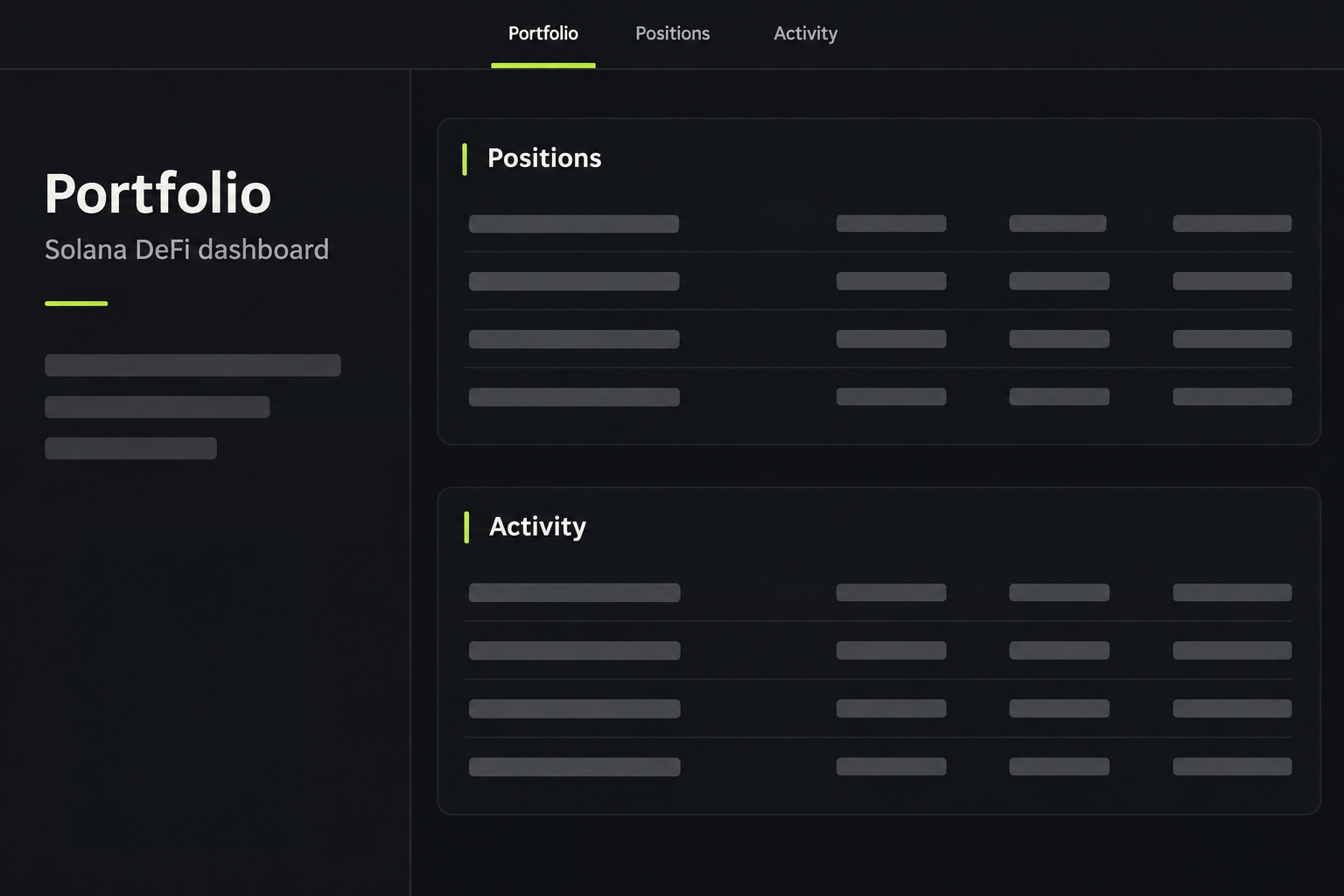
The fake Jupiter Portfolio page presented itself as a dashboard for tracking assets and positions across Solana. It copied the look and purpose of a feature that Jupiter really offers.
The reported address was allocation.jup-advanced[.]com. Despite the word “allocation,” the captured page led with portfolio tracking, not a specific token giveaway.
Someone opening what looks like a balance checker is not necessarily thinking about rewards, trading, or whether they should approve a transaction.
The page pictured portfolio balances and asset rows. Those figures were part of the page’s presentation, not evidence that it had loaded an actual account belonging to the reader.
The real feature gives the copy credibility
Jupiter is a real Solana platform. Its portfolio feature can bring wallet activity and positions together in one place instead of forcing users to check every service separately.
A borrowed interface offers that convenience from an unrelated address. Even someone who recognizes the real dashboard can miss a change in where the page is hosted.
The useful comparison is between the two origins. Open Jupiter’s own Portfolio page independently, rather than relying on the page you received to establish its relationship with Jupiter.
This is not a claim that Jupiter itself was breached. The evidence concerns a separate lookalike that used the service’s layout and requested a wallet connection.
What checking a portfolio should and should not require
The word “view” suggests a read-only activity. An approval that would send assets or grant an unfamiliar permission is not part of simply reading a public balance.
Some legitimate interfaces offer a connection for convenience or personalization. That does not mean every lookalike requesting one is genuine, and the presence of a connection button alone proves little.
There are several questions worth asking before interacting with any dashboard:
- Which service controls the domain shown in the browser?
- Are you using a known bookmark or following an unsolicited link?
- Can you look up the public address without connecting your wallet?
- Is the wallet asking for anything beyond the action you actually intended?
The archive shows the lookalike and a path to connect. It does not establish what anyone signed, who reached the site, or whether they lost money.
How the Fake Jupiter Portfolio Scam Works
Step 1: It catches you during a task that feels harmless
Checking an existing position is different from opening a new trade. There is no decision about whether the prospect of a reward is worth the risk.
Picture someone trying to see whether an old deposit still appears in their holdings. A page offering to collect balances into one view seems to solve that problem.
The false site made this ordinary task its selling point. Its preview suggested that it could display positions and surface things a user might have missed.
The archive does not show how visitors arrived. Whether the link came from search or a chat, start from the project you already know.
Step 2: Familiar information takes attention away from the address
Once the page opens, the menu and styling look like the Jupiter environment a trader expects. A polished preview is far more noticeable than a change in the address bar.
Compare the registered domain rather than the first recognizable word. The word “jup” appearing somewhere in an address does not place that address under Jupiter’s control.
The illustrated asset rows are another distraction. If the page could display them before you chose an account, they were not proof that it could see your personal holdings.
Avoid trying your public address in the copy just to test its result. A recognized explorer or the genuine dashboard is a better way to answer the original question.
Step 3: The page presents wallet access as a viewing convenience
The copy offered a wallet connection next to its explanation of what the dashboard could track. That is a familiar invitation, especially if you routinely use Solana services.
The important question is what your wallet says is about to happen. The page’s description of a request is not a substitute for the details shown by the wallet.
A normal connection generally identifies your public account to the site. It is not the same action as approving a transaction that moves assets or changes permissions.
Check which account your wallet is using before agreeing to anything. If you did not mean to authorize a change, dismiss the request and leave the page.
Step 4: A reader who expected to view balances may approve too much
A fraudulent page can label a follow-up request as account setup, a refresh, or a requirement for showing positions. Those are possible pretexts, not text verified in this specimen.
A request can seek to transfer assets or grant rights you did not intend. Reject any action that has no clear connection to your task.
Check the wallet’s own transaction preview if it is available. Even a preview that shows no obvious loss is not a reason to approve something you cannot explain.
Separate a portfolio tool from a support conversation. If anyone says an agent needs your recovery phrase to make balances appear, do not continue the conversation.
Step 5: Closing a lookalike does not tell you what already happened
After you close the page, the remaining question is whether you approved an operation. The moment you spotted the mismatch matters less than what took place before it.
The first place to look is the history associated with the exact account you used. A different account in the same app will not show its transactions.
A disconnected site can no longer use that connection normally, but actions already confirmed on the network do not disappear with the browser tab.
If you find a transfer you did not intend, do not rush to another claim page looking for a refund. Record the transaction first and use known official support.
What to Do if You Have Fallen Victim to This Scam
-
Use the action you remember to judge the exposure. Save a redacted screenshot or the original message if it is already available, without opening the copy again.
A visit without a connection is not the same as a connection, a signed request, or direct disclosure of a recovery phrase. Write down which, if any, took place.
-
Disconnect the lookalike in your wallet settings. Use the wallet you already installed, not a new link saying it can remove a connection for you.
Check the actual Solana account you connected. If you use several profiles or browser extensions, make sure you are not checking a different one by mistake.
Read Phantom’s guidance on compromised wallets if you see unexpected transfers or suspect you approved something harmful. Use equivalent official support for other wallets.
-
Review any transactions or permissions you approved. Look at activity from the approximate time you opened the page, using your wallet or a reputable explorer you reached independently.
Note whether the activity moved tokens, changed an authority, or did something else you did not intend. If that is unclear, show the transaction reference to official support.
Cancel unfamiliar permissions where the network and wallet support doing so. Removing site access and undoing a granted permission are not the same job.
-
Move to a fresh wallet if your recovery information was disclosed. Use a trusted device and a new recovery phrase, rather than importing the exposed phrase into another app.
If assets are still moving without your approval, get official guidance before adding funds for fees. Sending more into a compromised account can compound the loss.
-
Save the details of any unauthorized transfer. Record the signature, destination, time, asset and amount. Keep your seed phrase, private keys and passwords out of the report.
If the funds reached an identifiable exchange, report the transfer through its published fraud channel. It may be able to preserve records, but it cannot promise recovery.
The FTC’s cryptocurrency scam guidance explains reporting in the United States. Use the equivalent local reporting service if you live elsewhere.
-
Warn the place where you found the link. If it came from a community discussion, tell the moderators the page impersonated Portfolio, without passing around a clickable copy.
Ignore unsolicited recovery messages, even if they quote your transaction correctly. Public transaction details are not proof that someone has the power to retrieve the funds.
A Safer Way to Look Up Solana Positions
Start with your reason for opening the page. If you are looking up a public balance, you do not need to sign an asset transfer to get an answer.
Copy the public address from your own wallet and use a trusted reader. Do not copy your recovery phrase or private key, which serve a completely different purpose.
Portfolio totals can differ across services. One tool might include an open position or a token another has not indexed, without either of those differences indicating theft.
If one dashboard looks wrong, trace the holdings to the account’s recorded activity. The chart is a presentation of information, not independent proof of where your assets went.
Do not assume that a real position shown on a website validates the site. Public balances can appear on both legitimate and deceptive pages.
Know which balances are yours
If you use several addresses, make a short private list of where you keep assets and where you normally trade. That can prevent checking the wrong account after an incident.
Some dashboards group addresses into a single view. A large total may include holdings from several accounts, while wallet history normally belongs to the individual address you selected.
Open each account’s own recent activity if the total changed unexpectedly. Identify whether a missing asset was transferred, is included somewhere else, or is not shown by that view.
Do not send a token between your own addresses merely to see whether the dashboard updates. That creates a real operation to answer a question you can investigate without one.
Read displayed examples differently from account data
The fake Jupiter page pictured a populated dashboard before a visitor chose a wallet. A preview shows a product’s intended layout, not a signed attestation about your assets.
If you see a balance you cannot explain, compare the public address from your installed wallet with the address being viewed. Do not enter a secret to make them match.
This also protects you against screenshots someone sends privately. A picture of a balance is not evidence that it belongs to the sender or that you can withdraw it.
If an asset has changed accounts, note the asset and exact amount alongside the dashboard’s estimate. The displayed market value can vary without any tokens moving.
Save the reported transaction before disputing the portfolio display. That way an official support agent can tell which entry you are asking about rather than starting from a screenshot.
If the question is how to use a particular portfolio feature, start with the Jupiter Support Hub. Do not rely on account instructions embedded in a copied interface.
Be careful with search results that advertise a support number or a recovery service. Choose a support route that the project itself identifies, even if a shortcut appears first.
Frequently Asked Questions
Is Jupiter Portfolio itself a scam?
The warning concerns a separate website that imitated the Portfolio feature. Jupiter’s legitimate service was the thing copied, not the source of the reported lookalike.
Was this the same as a Jupiter airdrop?
The observed page used a portfolio-tracking pitch. Although the fake hostname contained “allocation,” the archived screen did not promise a specific reward or present a verified airdrop.
Can a site find my balance without access to my wallet?
Many public blockchain holdings can be looked up with a public address. That address is not secret, although associating it with your identity has privacy implications.
Do I need a new wallet if I only clicked?
A page visit alone does not establish loss of wallet control. Base the response on anything you actually signed, any unexpected activity, and whether you gave away recovery information.
Will disconnecting stop a transfer I already approved?
Disconnecting a site does not cancel a confirmed transaction. Review the transfer separately and check for grants that might still affect funds remaining in the account.
Why might my portfolio show a figure I did not recognize?
A preview can display sample balances that do not belong to you. Verify your real account independently instead of treating the value shown on that site as a loss.
The Bottom Line
Do not use the fake portfolio page to check your holdings. Go to Jupiter independently or use a trusted explorer, and reject any transaction you did not intend to make.
If you already interacted with the copy, check your exact wallet activity. What you authorized, not how convincing the dashboard looked, determines what you should do next.

Join the discussion
0 commentsShare your experience or ask a question about this article.
Community experiences
Did this happen to you?
Your experience could help someone recognize the same scam. Submit a private report for our team to review.
I experienced this tooReports are reviewed before publication. Sharing publicly is always your choice.
Discussion
Start the conversation
Have a question or something useful to share? Add the first comment.