

A Telegram user searches for a Traditional Chinese setup guide, Android APK, iPhone installation page or Windows desktop installer. The result looks polished, carries familiar Telegram colors and promises exactly the help they need.
Instead of reaching the real service, the visitor lands on a cloned download site. The file, login page or configuration profile has been prepared by criminals who want control of the device, the Telegram account or both.
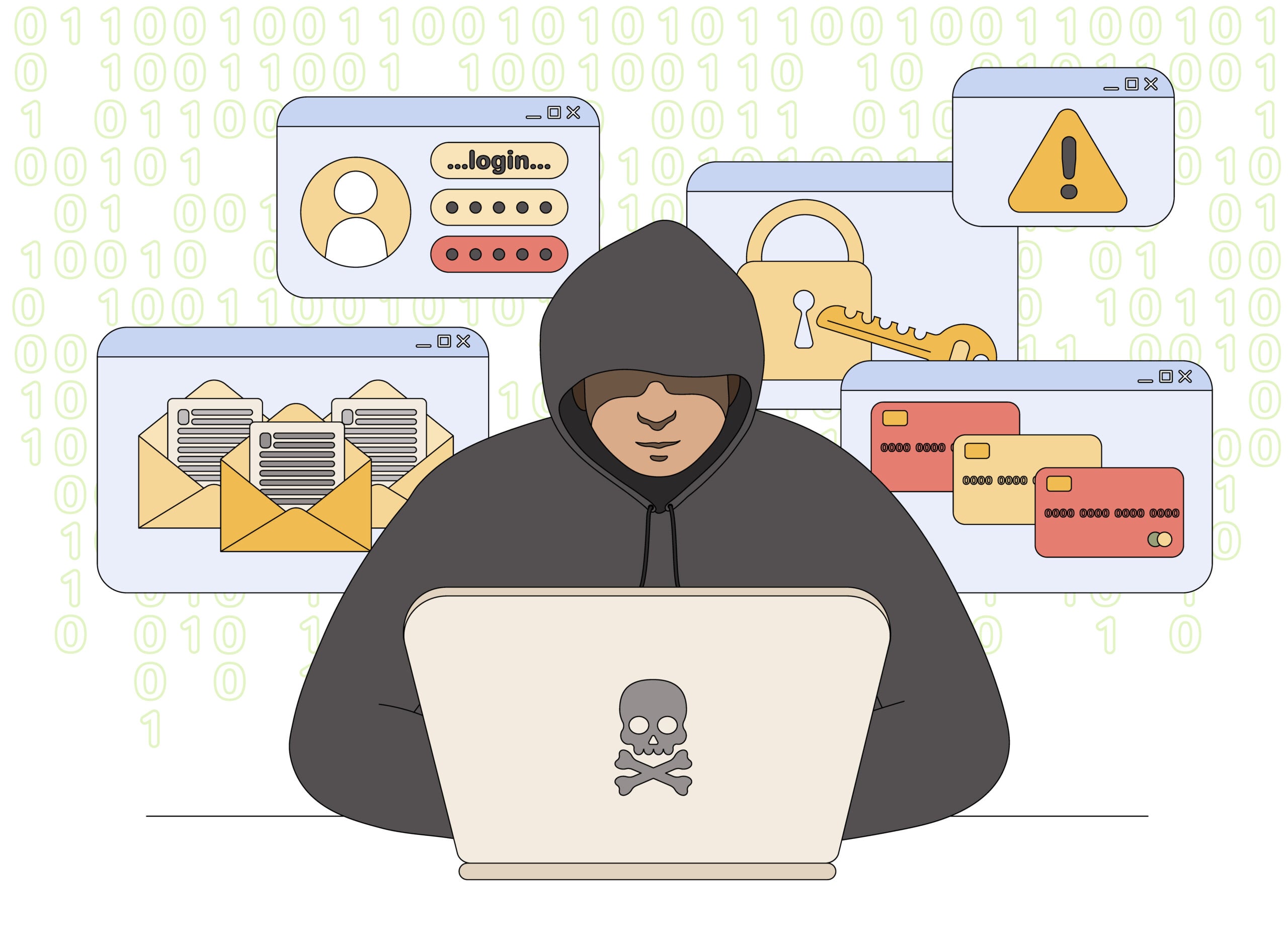
Fake Telegram Download Sites Overview
Fake Telegram download websites are phishing and malware-delivery operations. They target people searching for installation files, language help and access instructions, including users in Hong Kong and Taiwan looking for Traditional Chinese guidance.
The pages imitate Telegram’s branding and may automatically change what they show based on the visitor’s device. Android users see an APK download, Windows users receive an installer, and iPhone users may be directed toward a profile, fake App Store page or account-verification form.
The goal is not to provide Telegram. A malicious file may steal passwords, monitor activity or add remote-control capability. A fake login page can capture a phone number and one-time code, allowing criminals to take over the victim’s Telegram account.
Account theft is especially valuable because the attacker inherits the victim’s identity and contacts. The compromised account can then send investment pitches, emergency-money requests and malicious links to people who already trust the sender.
Bottom line: download Telegram only from the official app stores or Telegram’s official application page. A search result, sponsored listing or familiar logo cannot prove that a download is safe.
The fake download pages are tailored to people searching for a Traditional Chinese guide, an iPhone installation file or a Windows desktop version of Telegram in Hong Kong or Taiwan. They may rank for localized search terms and copy Telegram’s design closely, making the page look more relevant than the official source.
The download can install a modified app, configuration profile or desktop program that steals messages, session tokens and cryptocurrency information. A counterfeit page may also request a phone number and login code directly. Telegram should be installed through its official website or the device’s recognized app store. Language instructions can be found separately; there is no need to trust an unknown installer merely because its page is written for the local audience.
How the Fake Telegram Download Scam Works
Step 1: The victim searches for installation or language help
The attack begins with a normal question. A user may search for a Traditional Chinese Telegram guide, an Android APK, an iPhone installation method, a Windows desktop download or instructions for changing the app language.
Scammers build pages around those exact phrases. Search optimization, online ads and links shared in forums or chat groups can place the fraudulent result in front of someone who is already ready to install software.
Step 2: A cloned page copies Telegram’s appearance
The landing page uses Telegram’s name, paper-plane symbol, screenshots and blue-and-white design. It may offer device buttons and step-by-step instructions that make the site appear helpful rather than dangerous.
Branding is easy to copy. The browser address is more important than the logo, and an unrelated domain has no authority to distribute an official Telegram application.
Step 3: The site serves a device-specific trap
Android visitors may receive an APK that must be installed outside Google Play. Windows visitors may download an EXE or archive, while macOS users may be offered a disk image.
On iPhone, where direct app installation is more restricted, the page may push a configuration profile, calendar subscription, fake App Store prompt or Apple ID phishing form. The attack changes, but the goal remains unauthorized access.
Step 4: The victim is told to bypass security warnings
The instructions may say that the official store version is unavailable, outdated or missing Traditional Chinese support. The user is encouraged to allow installation from unknown sources, disable security software or approve additional permissions.
Those steps are not troubleshooting. They remove the protections that would otherwise block the file.
Step 5: The file or page steals access
A malicious installer can collect browser data, saved credentials and session information. It may also create persistence so that the malware returns after the device restarts.
A phishing version asks for a phone number and Telegram login code. Entering the code authorizes a new session controlled by the attacker. A follow-up request may target the Two-Step Verification password.
Step 6: The stolen account is used against contacts
Once inside Telegram, the attacker can read accessible chats, impersonate the victim and message friends or group members. Common follow-up scams include fake investment opportunities, voting links, crypto promotions and urgent requests for money.
Because the messages come from a familiar account, recipients may trust them more than a cold approach from a stranger.
Step 7: The fake site changes or disappears
When a domain is reported or blocked, the operators can move the same page and malicious files to another address. Search ads and forwarded messages then direct new victims to the replacement.
This is why a list of known bad domains cannot provide complete protection. The download source must be verified every time.
Common Traps by Device
Android APK downloads
A fake site may offer an APK described as an official Telegram version, regional build or Traditional Chinese edition. Installing it outside a trusted source can give malicious code access to messages, notifications, files and accessibility services.
Windows desktop installers
The download may resemble a normal Telegram installer but contain an information stealer or remote-access tool. Archives protected by a password are another warning because the password can prevent security services from inspecting the file before extraction.
Fake iPhone installation pages
Some pages cannot install a normal iPhone application directly, so they shift to account theft. They may request an Apple ID, Telegram login code or approval for a configuration profile that changes device behavior.
Language packs and setup guides
A page may claim that a separate language package is required for Traditional Chinese. The download can be malware, while a “language activation” form can simply be a disguised login page.
Warning Signs of a Fake Telegram Website
- The domain is unrelated to Telegram’s official website.
- A sponsored result claims to be the only working regional download.
- The page asks Android users to enable unknown-source installation without a clear official reason.
- The installer is hosted on a random file-sharing service or inside a password-protected archive.
- Instructions say to disable antivirus protection or ignore browser warnings.
- The page requests a Telegram login code outside the normal application flow.
- An iPhone guide asks for an Apple ID, payment card or unknown configuration profile.
- The site claims that a special language edition is available only from its download button.
- Contact details, publisher information and verifiable support are missing.
How to Download Telegram Safely
- Start from the official applications page. Type telegram.org/apps yourself instead of using an advertisement.
- Use the official mobile store. Install the iPhone version through Apple’s App Store and the standard Android version through Google Play unless you deliberately choose an official alternative.
- Verify the publisher. Similar app names and icons can belong to unrelated developers.
- Keep operating-system protections enabled. Do not disable security tools to satisfy a download guide.
- Use Telegram’s built-in language settings. A separate executable should not be required simply to change the interface language.
- Protect the account. Enable Two-Step Verification and use a unique password.
- Review active sessions. Telegram’s Devices section shows where the account is signed in.
If a guide claims the official channels do not work, verify that claim through Telegram’s known website or support documentation. Do not let the same unfamiliar page define both the problem and the solution.
What to Do If You Installed a Suspicious Telegram App
- Disconnect the device if malware is active. Temporarily disable network access while you assess the installation.
- Remove the suspicious app or program. Do not rely on its own uninstaller if security software identifies a threat.
- Run a reputable security scan. On a computer, use an updated antivirus or trusted malware-removal tool.
- Check Telegram sessions from a clean device. Terminate unfamiliar sessions in Settings under Devices.
- Change the Two-Step Verification password. Also secure the associated email account if it may have been exposed.
- Review phone permissions and profiles. Remove unknown device-administration access, accessibility permissions or iPhone configuration profiles.
- Warn contacts. Tell them to ignore unusual links, investment messages or money requests sent from the account.
- Monitor financial and email accounts. An information-stealing program may have collected more than Telegram credentials.
What to Do If You Shared a Telegram Login Code
A Telegram login code is equivalent to a temporary account key. Anyone requesting it through a website, chat or phone call may be trying to authorize a new session.
Open Telegram on a trusted device and review active sessions immediately. Terminate any device you do not recognize, enable Two-Step Verification and secure the recovery email.
If access has already been lost, use Telegram’s official recovery and support channels. Do not pay a stranger who promises to recover the account; recovery scammers often target people immediately after an account takeover.
Frequently Asked Questions
Is Telegram itself a scam?
No. Telegram is a legitimate messaging service. The scam involves fake download sites, counterfeit apps and phishing pages that impersonate it.
Is it safe to download a Telegram APK?
An APK should come only from a source you deliberately trust and have verified. A random search result or advertisement is not a safe source simply because the file uses Telegram’s icon.
Does Telegram need a separate Traditional Chinese app?
A language change should be handled through the official application and its supported settings. Be suspicious of pages claiming that an unrelated executable or profile is required.
Can a fake app steal my Telegram account?
Yes. It may capture a phone number, login code, Two-Step Verification password or an existing session. Malware can also read notifications where codes appear.
What if the website has HTTPS?
HTTPS encrypts the connection to the website. It does not prove that the site belongs to Telegram or that its downloads are clean.
Can an App Store result be fake?
Major stores reduce risk, but users should still verify the developer and listing. Avoid store pages opened through suspicious overlays or lookalike websites.
Final Verdict
Websites offering unofficial Telegram downloads, regional installers or special language packages can be phishing and malware traps. The copied design is meant to make an unrelated domain feel official.
Use Telegram’s official application page or the trusted mobile stores, keep security protections enabled and never enter a login code into a website reached from an advertisement. A few seconds spent checking the domain can prevent malware infection and account takeover.

Join the discussion
0 commentsShare your experience or ask a question about this article.
Discussion
Start the conversation
Have a question or something useful to share? Add the first comment.