

A false warning has been circulating online claiming that opening a text message stating “Trump was arrested” will allow scammers to attack your bank account. This viral scam warning likely began circulating in late 2024, but there is no evidence that such a text message exists or poses any real threat.
Understanding the Viral Hoax
In late 2024, social media users started sharing urgent warnings that opening a text message stating “Trump was arrested” would give scammers access to your bank account.
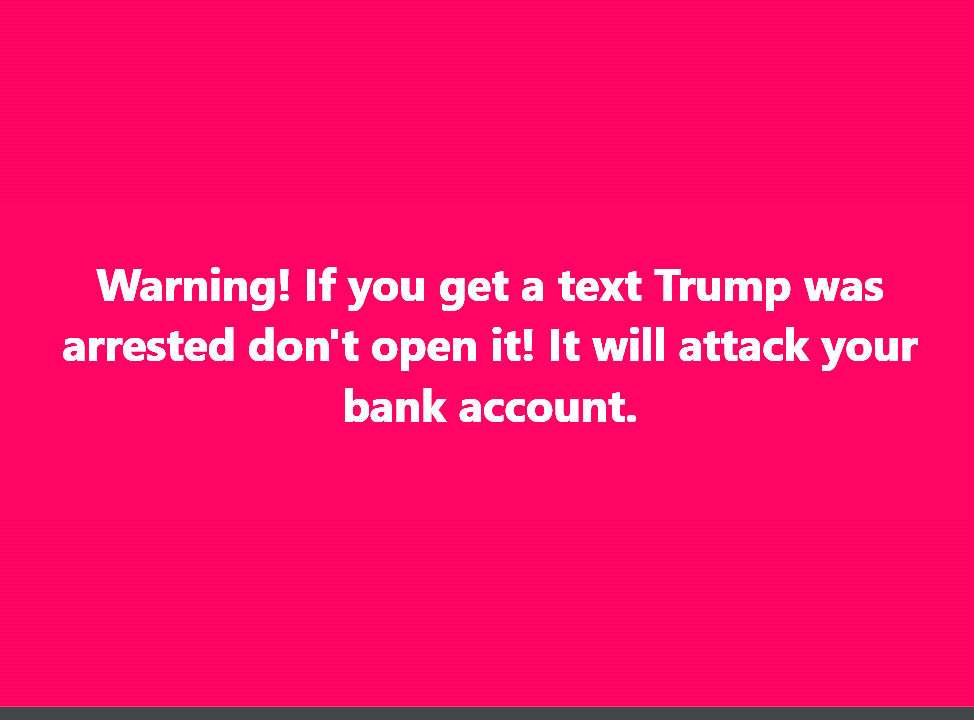
The warning spread rapidly on social media, with users copying and pasting the same message:
“Warning! If you get a text that Trump was arrested don’t open it because it will attack your bank account. Tell all your friends.”
Despite its virality, this warning appears to be completely false.
No Evidence the Threat is Real
There are currently no known screenshots or transcripts of any such “Trump arrested” text message in existence.
Without any evidence that this text was actually sent to anyone, it is highly likely this is a baseless hoax designed to spread fear.
Cybersecurity experts have not identified or verified any text message scams matching this description.
Similar Viral Hoaxes
This “Trump arrested” scam alert bears similarities to other viral hoaxes that have spread on social media in the past.
In October 2016, a false rumor circulated warning users not to click on a “Donald Trump Arrested” social media post, claiming it installed a virus. That rumor was completely unsubstantiated.
Social media scams and hoaxes frequently exploit public interest in politics and current events to drive engagement and shares.
No Technical Explanation
The warning offers no technical explanation of how simply opening a text message could grant access to your bank account.
Legitimate cybersecurity experts note that this hypothetical attack vector makes little sense.
No additional context or details are provided about how the supposed scam operates. This lack of specificity suggests it is fictional.
How to Spot “Trump Arrested” Text Scam Hoaxes
While this particular “Trump arrested” text appears to be fictional, similar viral scams may spread in the future. Here are some tips for spotting false warnings:
- Look for verifiable details – Legitimate warnings explain specifically how a scam works and provide concrete evidence like screenshots. Be skeptical of vague claims with no specifics.
- Investigate the source – Scam warnings that cite unnamed “experts” or “officials” should be verified. Always look for trusted cybersecurity sources.
- Search for other reports – If it were a real widespread scam text, there would be reports and confirmation across news outlets and cybersecurity firms.
- Fact-check before sharing – Don’t spread unverified warnings, even if aimed at helping others. Always double-check the claims.
- Update cautions over time – Make sure to update others if a warning is found to be false after further verification.
Frequently Asked Questions on the “Trump Arrested” Text Scam
1. What exactly is the “Trump arrested” text scam?
The “Trump arrested” text scam is a viral hoax warning people not to open a text message that claims “Trump was arrested.” According to the false warning spreading online, opening this text will allow scammers to attack your bank account. In reality, there is no evidence that such a text exists or poses any real threat.
2. How did this false warning start spreading?
The first reports of the “Trump arrested” text scam date back to late 2024. The exact origin is unknown, but the false warning went viral on social media as users copied a message warning friends not to open the supposed text. With no evidence that the text exists, this appears to be a completely unfounded hoax.
3. Has anyone actually received the scam text message?
No. Despite the viral nature of the warning itself, there are no known screenshots or transcripts of the “Trump arrested” text actually being sent. Without any evidence that someone received this text for real, this scam alert appears fabricated.
4. How can a text message gain access to your bank account?
Legitimate cybersecurity experts say there is no technical explanation for how simply opening a text could allow access to your bank account. Text scams typically rely on users clicking malicious links or providing sensitive personal information. This scam claim does not make sense from a technical standpoint.
5. What are some tips for spotting false warnings like this?
There are a few ways to identify fabricated scam alerts like the “Trump arrested” text:
- Look for concrete evidence like screenshots of the actual text.
- Check whether cybersecurity experts can confirm the threat is real.
- Search for other reports from credible news sources.
- Be skeptical of claims citing unnamed “officials” as sources.
- Fact check before spreading unverified warnings.
6. How can I protect myself from real text message scams?
Although this specific threat is unfounded, here are some tips to avoid actual text and SMS phishing scams:
- Never click questionable links in texts from unknown senders.
- Avoid providing personal info like passwords over text.
- Use mobile security apps to filter potential spam texts.
- Report suspicious texts to your provider’s spam number.
- Set up two-factor authentication on accounts when possible.
7. What should I do if I see this “Trump arrested” scam warning?
If you see friends or family sharing this false warning, let them know politely that there is no evidence this text scam exists. Encourage them to fact-check viral claims before spreading them further to avoid contributing to hoaxes.
The Bottom Line
While President Trump’s indictments have been the subject of speculation, there is currently no evidence that a “Trump arrested” text message poses any real danger to your bank account.
This viral scam warning appears to be a fabricated hoax. Nonetheless, text message scams do occur, so it remains important to stay vigilant against phishing attempts over SMS.
If you receive an unsolicited text, especially one requesting personal information or urging you to click suspicious links, exercise caution before providing any response. Verify the sender and double check any urgent claims before reacting or spreading warnings further.








