

You see an email or text appear in your inbox from FedEx. They claim a package meant for you couldn’t be delivered due to “incomplete address information.” All you need to do is click on the provided link to “verify” your details so FedEx can ensure prompt delivery.
It may sound routine, but don’t let this phishing scam reel you in.
Cybercriminals are deploying fake FedEx emails as bait, hoping recipients will click and provide personal information that can be used for identity theft and financial fraud. Don’t take the bait.
FedEx will never contact you unprompted requesting sensitive information over email. Anything insisting you verify details via links or demanding payment information is an outright scam.
This article will provide an in-depth examination of how the “FedEx Incomplete Address” phishing scam operates, how to identify fraudulent messages, and steps to take if you are targeted by this or similar scams.
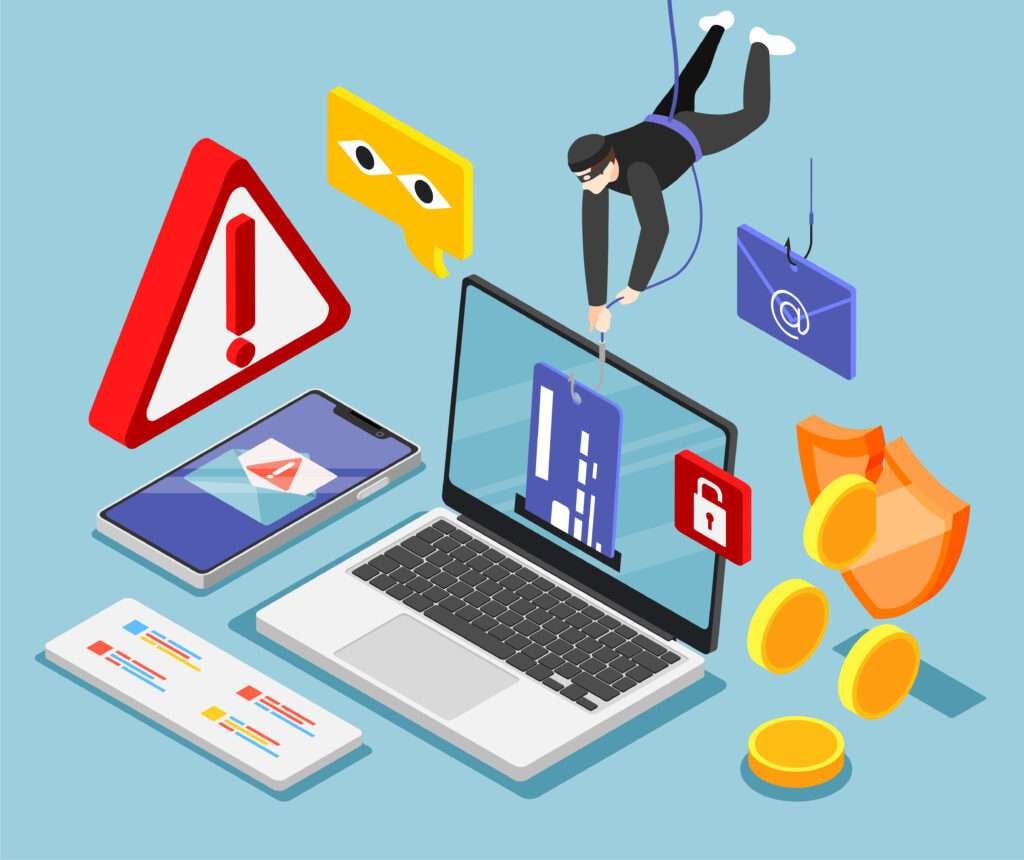
An Overview of the FedEx “Incomplete Address” Scam
The FedEx “Incomplete Address” phishing scam involves an email sent to potential victims informing them a package intended for delivery could not be successfully shipped due to “incomplete address information.” The message will appear to come from FedEx and will include FedEx branding and logos. The email will urge the recipient to click on a link to “update” or “verify” their address information to ensure successful package delivery. However, the link actually directs to a fake website masquerading as a FedEx portal where unsuspecting users are prompted to enter personal details like name, date of birth, contact information, and even credit card numbers.
Once submitted, scammers can steal this sensitive data and use it for identity theft or financial fraud. Meanwhile, victims remain unaware as no package actually exists and their information has been handed right over to criminals.
This type of scam is also known as phishing, a strategy used by scammers to trick email recipients into revealing personal details they can exploit. By posing as a trusted source like a well-known delivery company, phishing emails take advantage of unsuspecting consumer’s desire for convenience and trust in brands we rely on. Always be wary of any unsolicited email asking you to update account information through an embedded link.
How the FedEx “Incomplete Address” Scam Actually Works
While phishing scams may seem obvious to many, cybercriminals have found great success using this strategy by making their messages and fake websites appear authentic. Here is a step-by-step breakdown of how the FedEx incomplete address scam operates:
Step 1: Victims Receive a Phishing Email
Potential victims will receive an unsolicited email sent from an address designed to mimic a real FedEx domain. The message will include FedEx branding, logos, and colors to appear legitimate. The subject line will indicate a problem delivering a package due to incomplete address information.
Common subject lines used for these phishing emails include:
- Urgent: FedEx Delivery Problem Due to Incomplete Address
- FedEx: Delivery Attempted But Incomplete Address Provided
- Action Required: FedEx Package Delivery Failure
- Unable to Deliver FedEx Due to Missing Address Info
The email body reiterates the fake shipping snafu and urgency to update your address immediately for successful delivery. Some examples include:
- “We were unable to deliver your package because the address provided was incomplete. Please update your information to avoid any delays.”
- “There was an error with your shipping details that prevented us from delivering your package. Kindly update your address so we can complete the delivery.”
- “FedEx recently attempted to deliver a package to you but was unable to due to insufficient address information. We apologize for the inconvenience. Please update your info so we can ship your package right away.”
Step 2: Victims Click On a Link to Update Address Info
The email includes a link, button, or website URL victims are instructed to click on or visit in order to update their address information. Common directions include:
- “Click here to update your delivery information and receive your package without delay.”
- “Please visit ______ and fill out your complete shipping address to enable delivery.”
- “Go to our website and update your personal details so we can complete your delivery.”
The link appears to direct to a legitimate FedEx website, but actually sends victims to a fake phishing site controlled by scammers. This site is designed to mimic a real FedEx domain to trick users into entering personal info.
Step 3: Victims Led to Fake FedEx Website
Once victims click the link, they are redirected to a fraudulent website pretending to be an official FedEx site. The page uses FedEx branding, web design, and messaging to fool victims into thinking it’s legitimate.
The site will have a form for users to enter details like full name, contact info, date of birth, and home address under the pretense this is required to “update” account info and “resend” the delivery.
In reality, the site is a scam collecting sensitive intel that will be used or sold by hackers for illegal purposes.
Step 4: Victims Asked to Enter Personal and Payment Information
The fake site asks victims to enter a myriad of personal details including:
- Full name
- Email address
- Physical address
- Phone number
- Date of birth
In some cases, victims may even be asked to submit:
- Credit card number
- Credit card expiration date
- CVV security code
Scammers will claim this financial information is needed to pay a small “redelivery fee” of a few dollars.
In other instances, victims may be sent to another fake website prompting them to login or set up a FedEx account. This is merely a ploy to harvest usernames, passwords, and other info from duped recipients.
Step 5: Scammers Steal Victims’ Information
Once submitted, all personal and financial details entered on the phishing site are harvested by scammers and victims’ identities are now compromised.
Hackers can use stolen credit card data to make fraudulent purchases online or sell the information on the dark web.
Meanwhile, other private details obtained like addresses, birth dates, and contact info can be used by cybercriminals to commit identity theft and sign up for products or services while posing as the victim.
In the end, recipients remain unaware they’ve been scammed as no real FedEx delivery was ever coming in the first place. This allows criminals to capitalize on the stolen data.
What to Do If You’re Targeted by the FedEx Incomplete Address Scam
If you receive an unsolicited email from FedEx or another delivery service alerting you of an incomplete address regarding a package, there are key steps you should take:
1. Delete the Email Immediately
Do not click on any links within the message. Phishing emails can install malware if activated, compromising your computer and network. Delete the message right away.
2. Contact FedEx
If you fear a real scheduled package may be affected, call FedEx directly at 1-800-GoFedEx to inquire. Do not try contacting them via phone numbers, email addresses, or links provided in the phishing email itself.
3. Reset Online Account Passwords
If you did input your FedEx login credentials on a phishing site, immediately change your password to protect your account. Also update passwords on any other online accounts sharing that same password to thwart potential hacking.
4. Monitor Financial Accounts
If credit card information was entered on a phishing site, inform your bank and credit card company immediately. Closely monitor statements for signs of fraudulent charges and report any detected right away.
5. Place Fraud Alert on Credit Reports
Contact one of the three major credit bureaus (Equifax, Experian, TransUnion) to place a fraud alert on your credit file as a precaution against identity theft. This requires creditors to verify your identity when opening new accounts in your name.
6. Consider Credit Freezes
Take more stringent precautions by implementing credit freezes with the major credit bureaus. This restricts access to your credit reports, preventing thieves from opening new lines of credit in your name.
7. File Complaints
Report the phishing scam to the FBI’s Internet Crime Complaint Center (IC3) and to the FTC via their online complaint assistant. Also forward the fraudulent email on to the FedEx email abuse team at abuse@fedex.com.
8. Use Antivirus and Anti-Phishing Tools
On all devices, ensure you have reputable antivirus software installed that is continuously updated. Enable settings to block dangerous websites and phishing content. Avoid opening emails from unknown senders.
Frequently Asked Questions About the FedEx “Incomplete Address” Scam
What is the FedEx “incomplete address” scam?
This is a phishing scam where recipients receive an unsolicited email pretending to be from FedEx claiming a package delivery failed due to an incomplete shipping address. The email contains a link to a fake website that collects personal and financial information from victims that scammers then use for identity theft and financial fraud.
How does the FedEx phishing scam work?
The scam email claims you need to “update” or “verify” your address by clicking on a link that actually directs to a fake website impersonating FedEx. On the phishing site, you’re prompted to enter details like your name, date of birth, contact info, and sometimes credit card data under the guise the info is required to complete delivery. In reality, scammers steal the submitted data.
What are some tips to identify the FedEx phishing scam?
Be wary of unsolicited emails claiming problems with package deliveries. Look for spelling/grammar errors. Verify the sender email is from an official FedEx domain. Do not click on any links. Instead, contact FedEx directly through their official customer service channels to inquire about shipments.
What should I do if I clicked on a link in the phishing email?
If you entered any personal information, immediately change any passwords for the affected accounts. Call your bank if you submitted financial data. Place fraud alerts and consider credit freezes to protect yourself from potential identity theft.
How can I report the FedEx phishing scam?
Forward scam emails to abuse@fedex.com. File a complaint at ftc.gov and ic3.gov. Contact FedEx to make them aware of the scam emails circulating that appear to come from their domain.
How can I protect myself from phishing scams?
Use security software that blocks dangerous sites and phishing links. Avoid opening emails from unknown senders. Be cautious when asked to enter personal data via links or forms in unsolicited messages. Verify legitimacy directly with alleged senders using published contact info.
What are the risks if I fall for a phishing scam?
You risk identity theft if personal information is stolen, which can impact your financial accounts, tax records, medical coverage, and more. Scammers can also commit financial fraud by draining your accounts or opening new lines of credit in your name using stolen financial details.
What should I do if my information gets compromised?
Immediately contact banks, credit bureaus, and companies connected to the breached accounts. Reset all account passwords. Place fraud alerts on your credit files. Consider credit freezes. Continuously monitor financial statements and accounts for any signs of fraudulent activity.
How can I recover from identity theft?
Work with authorities to report crimes and secure accounts opened fraudulently. Provide an identity theft affidavit to creditors. Monitor accounts closely for new suspicious activity. It may take patience and diligence to fully recover and restore your credit and identity.
The Bottom Line – Be Cautious to Avoid Becoming a Victim
The prevalence of email and text phishing scams underscores the importance of remaining vigilant when sharing personal or financial data online. While the FedEx incomplete address scam is just one example of how fraudsters trick trusting consumers, it exemplifies the importance of thinking before you click. Remember that legitimate companies will never solicit sensitive information via unsolicited messages or links. Verify a message’s authenticity directly with the company in question and understand how to identify red flags that signal a phishing attempt. With sound judgment and savvy, you can avoid handing over your information and potentially suffering financial loss or identity theft at the hands of online scammers.
FedEx Never Requests Payment for Redelivery Via Text or Email
It’s important to note that legitimate FedEx practices do not align with the payment requests made in these phishing scams. FedEx will never reach out unsolicited by text message or email to demand payment of a redelivery fee.
If a true shipping error occurs on FedEx’s behalf that prevents an initial delivery attempt, the company will simply schedule another delivery at no cost to the recipient. FedEx will not demand payment to re-attempt delivery via random text messages or emails to consumers.
Additionally, FedEx does not store sensitive credit card or banking information within their databases. So they will never contact you requesting this type of financial data to process surprise redelivery fees.
In summary, any text message or email requesting you to pay unexpected redelivery fees to FedEx or provide credit card details should immediately be recognized as fraudulent. Do not provide the demanded payment information or click on the links within. These messages are scams impersonating FedEx and attempting to steal your money or personal information.
Legitimate delivery issues are handled directly through FedEx customer service channels, not via dubious texts or emails out of the blue. Maintain vigilance for these red flags to protect yourself from falling victim to FedEx phishing scams.








